 v1.3.0
fl_chart
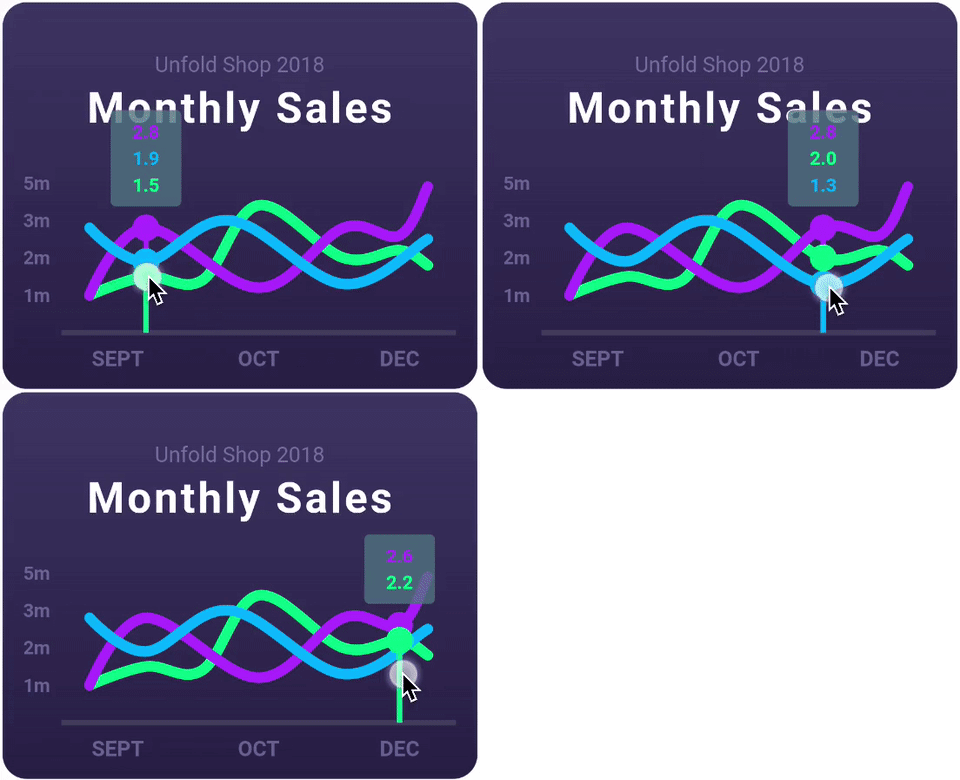
एक उच्चतर रूप से कस्टमाइज़ किया गया Flutter चार्ट लाइब्रेरी जो लाइन चार्ट, बार चार्ट, पाई चार्ट, स्कैटर चार्ट और रेडार चार्ट का समर्थन करता है।
7.2 हज़ारलाइक 22.2 लाख30-दिन डाउनलोड160Pub अंक
AndroidiOSWebmacOSWindowsLinux
Flutter का उपयोग करके प्रतिक्रियाशील प्रशासक पैनल या डैशबोर्ड

यह अंग्रेज़ी मूल स्नैपशॉट है। नवीनतम सामग्री GitHub पर देखें।
I've created a step-by-step video tutorial to guide you through the process of building this responsive admin panel. Watch it on YouTube
Flutter V2.* has officially introduced web support on its stable branch. Today, I'm excited to present a Flutter-based Admin panel, often referred to as a dashboard UI. This Flutter dashboard template, which you can find on GitHub, is a comprehensive solution for your app's backend needs. It comes with a wide array of features including charts, tables, and neatly designed info cards.
This flutter dashboard library is versatile; it's tailored to work seamlessly on the Web, macOS app, tablets, and both Android and iOS phones. The principle 'code once, run everywhere' truly comes to life with this.
Packages we are using:
Fonts


एक उच्चतर रूप से कस्टमाइज़ किया गया Flutter चार्ट लाइब्रेरी जो लाइन चार्ट, बार चार्ट, पाई चार्ट, स्कैटर चार्ट और रेडार चार्ट का समर्थन करता है।
InheritedWidget के चारों ओर एक वрапर, जिससे उन्हें आसानी से उपयोग किया जा सकता है और अधिक पुनः उपयोगी बनाया जा सकता है।
Apple शैली के आइकन पर आधारित Cupertino विजेट्स के लिए डिफ़ॉल्ट आइकन संसाधन
Flutter के लिए एक SVG रेंडरिंग और विजेट लाइब्रेरी, जो स्केलेबल वेक्टर ग्राफिक्स 1.1 फ़ाइलों को चित्रित और प्रदर्शित करने की अनुमति देती है।
fonts.google.com से फॉन्ट का उपयोग करने के लिए एक Flutter पैकेज। HTTP फ़ेचिंग, कैशिंग और संसाधन बंडलिंग का समर्थन करता है।
निर्भरता सूची 6 आइटम
{"sdk":"flutter"}^1.0.8^8.2.0^2.3.0^1.2.0{"sdk":"flutter"}उपयोग के अनुसार छाँटें, गतिविधि की तुलना करें और अपनाने से पहले मूल प्रोजेक्ट की आवश्यकताएँ जाँचें।
“A repository is the most basic element of GitHub.”
GitHub Docs — About repositories ↗