
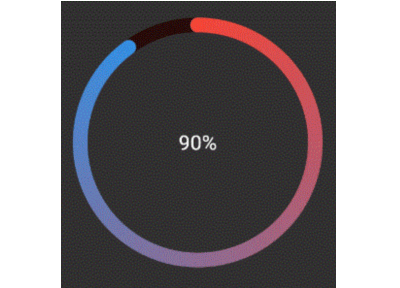
 v0.3.0
activity_ring
Apple Watch शैली के रिंग में प्रगति बार बनाने के लिए Flutter लाइब्रेरी।
31लाइक 1.8 हज़ार30-दिन डाउनलोड140Pub अंक
AndroidiOSWebmacOSWindowsLinux
Apple Watch शैली के रिंग में प्रगति बार बनाने के लिए लाइब्रेरी।
यह अंग्रेज़ी मूल स्नैपशॉट है। नवीनतम सामग्री GitHub पर देखें।

Library to create Progress bars in Apple Watch style rings - Apple Watch Rings
To use, import package:activity_ring/activity_ring.dart.
This library is built with to be extremely customizable with low effort. Please check the API documentation if you get stuck anywhere.
Note: Do not let the auto brighten colors to exceed 3 rings as this will cause a runtime exception.
There are several ways to create rings.
Ring(
  percent: 90,
  color: RingColorScheme(ringColor: Colors.red),
  radius: 80,
  width: 10,
  child: Center(child: Text('90%')),
)
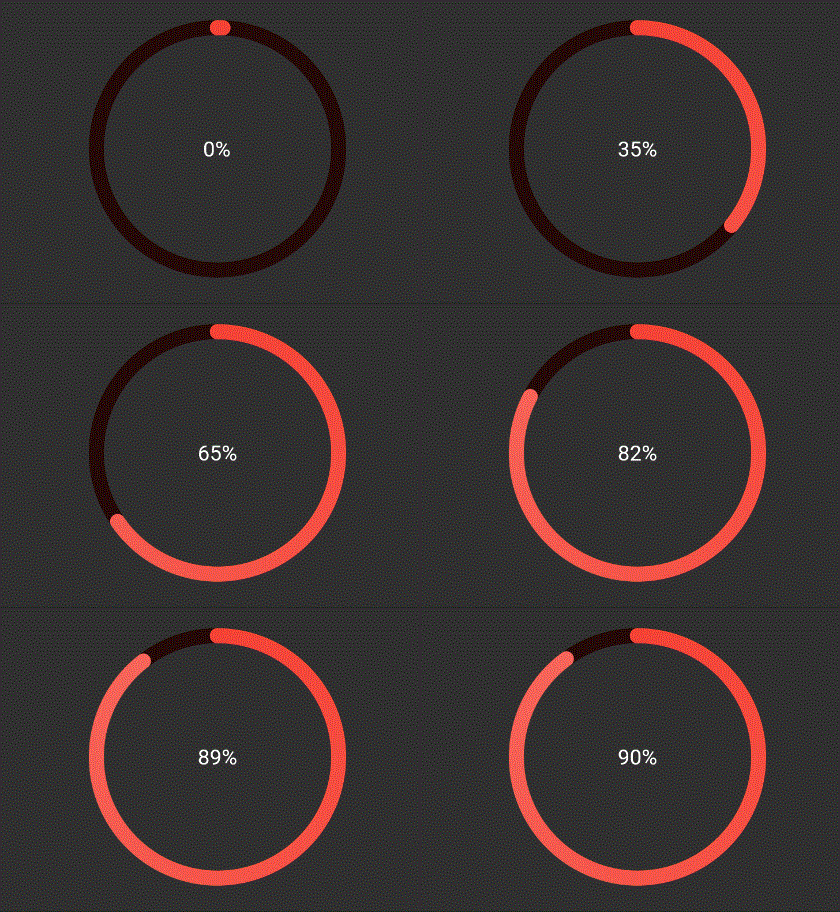
The above ring is automatically painted with gradients. To have a
constant color just pass gradient: false to RingColorScheme.
Ring(
  percent: 90,
  color: RingColorScheme(ringGradient: [Colors.red, Colors.blue]),
  radius: 80,
  width: 10,
  child: Center(child: Text('90%')),
),
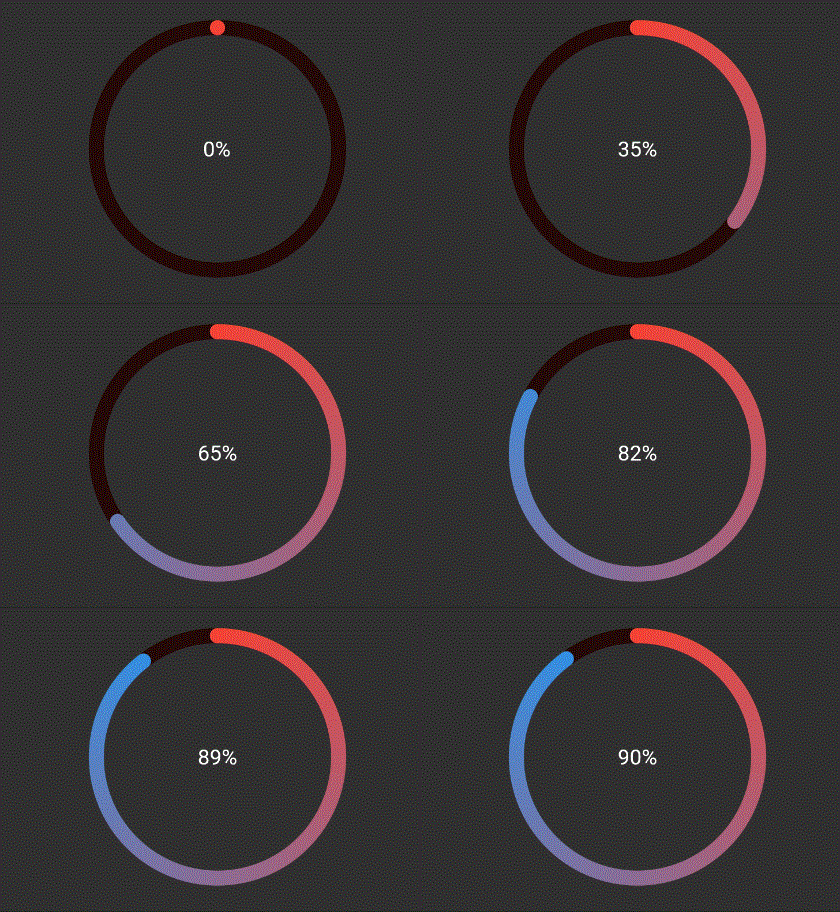
The above ring is automatically painted with gradient from colors given.
Ring(
  percent: 190,
  color: RingColorScheme(ringColors: [Colors.red, Colors.blue]),
  radius: 80,
  width: 10,
  child: Center(child: Text('190%')),
),
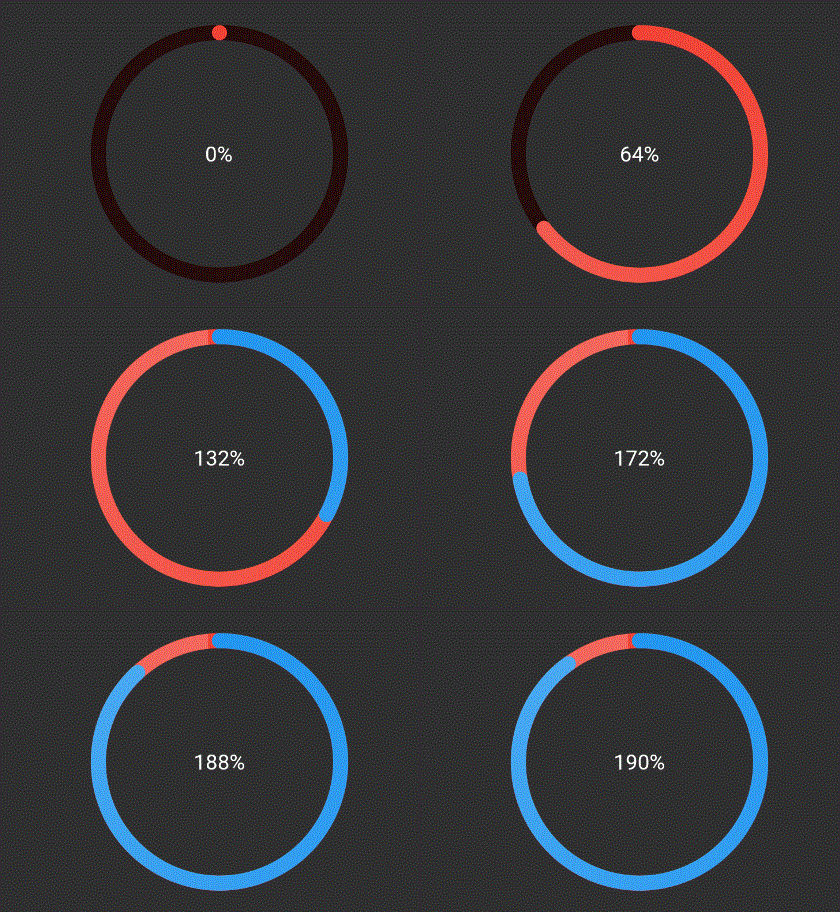
The above ring is automatically painted with gradient from colors given,
where each color in list represents that ring's color. To have a
constant color just pass gradient: false to RingColorScheme.
Ring(
  percent: 190,
  color: RingColorScheme(ringGradients: [[Colors.red, Colors.yellow], [Colors.yellow, Colors.green]]),
  radius: 80,
  width: 10,
  child: Center(child: Text('190%')),
),
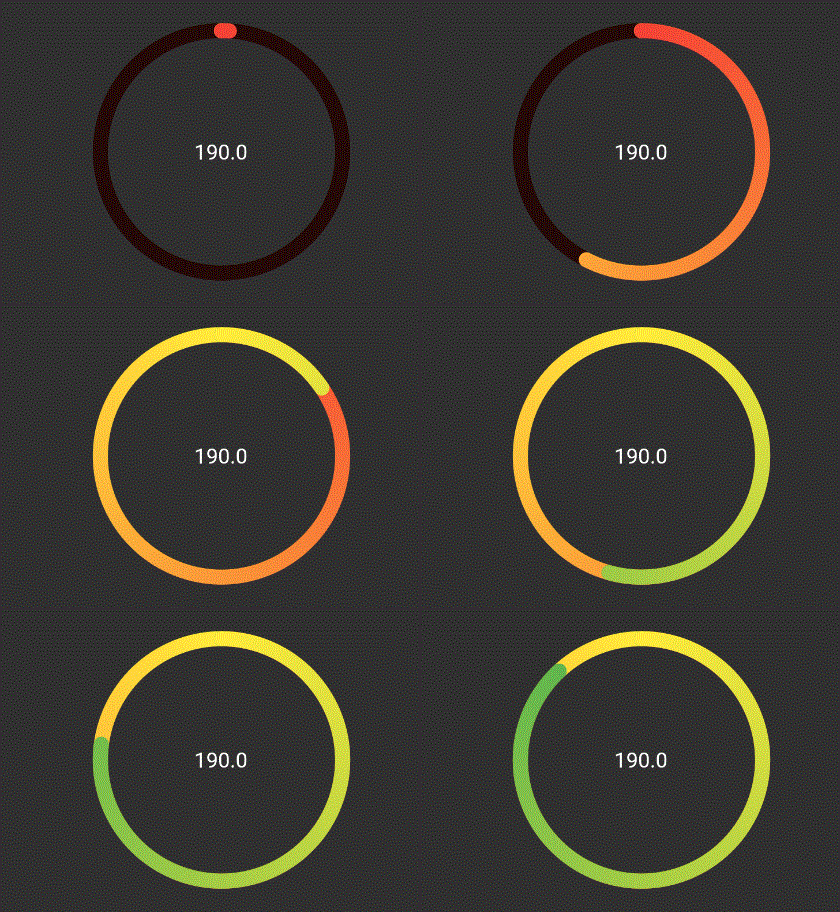
The above ring is automatically painted with gradient from colors given,
where each color in list represents that ring's color. To have a
constant color just pass gradient: false to RingColorScheme.

निर्भरता सूची 2 आइटम
{"sdk":"flutter"}{"sdk":"flutter"}उपयोग के अनुसार छाँटें, गतिविधि की तुलना करें और अपनाने से पहले मूल प्रोजेक्ट की आवश्यकताएँ जाँचें।
“A repository is the most basic element of GitHub.”
GitHub Docs — About repositories ↗