

 v0.5.0
tap_builder
इंटरैक्टिव क्षेत्र बनाने के लिए एक सरल विजेट।
113लाइक 9.1 हज़ार30-दिन डाउनलोड140Pub अंक
AndroidiOSWebmacOSWindowsLinux
इंटरैक्टिव क्षेत्र बनाने के लिए एक सरल विजेट।

यह अंग्रेज़ी मूल स्नैपशॉट है। नवीनतम सामग्री GitHub पर देखें।


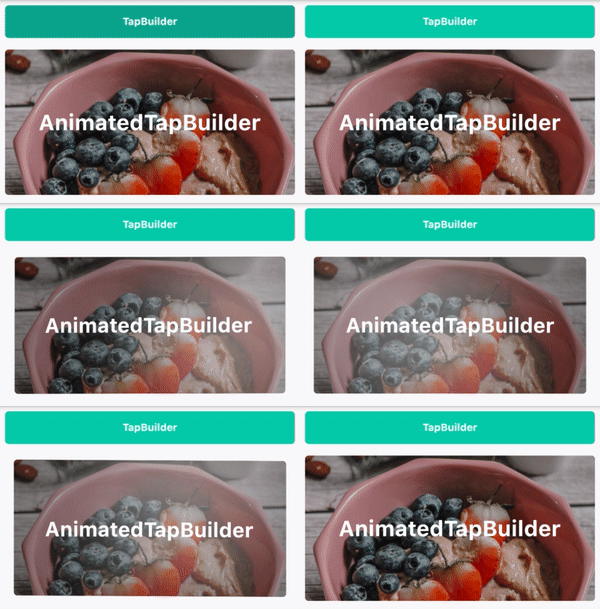
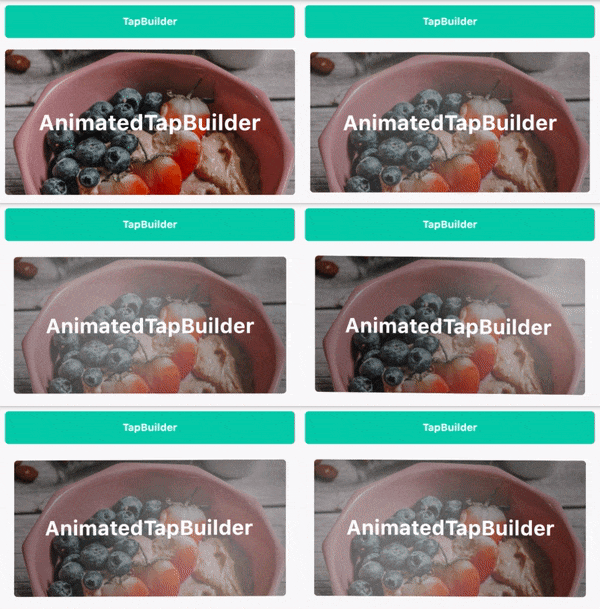
A simple widget for building interactive areas. It is an alternative to the material's Inkwell that allows customizing the visual effects.
 @override
Widget build(BuildContext context) {
    return TapBuilder(
        onTap: () {},
        builder: (context, state, isFocused) => AnimatedContainer(
            padding: EdgeInsets.symmetric(
                vertical: 10,
                horizontal: 20,
            ),
            duration: const Duration(milliseconds: 500),
            decoration: BoxDecoration(
                border: Border.all(
                    color: Colors.white.withOpacity(isFocused ? 0.2 : 0.0),
                    width: 2,
                ),
                color: () {
                    switch (state) {
                        case TapState.disabled:
                            return Colors.grey;
                        case TapState.hover:
                            return Colors.blue;
                        case TapState.inactive:
                            return Colors.amberAccent;
                        case TapState.pressed:
                            return Colors.red;
                    }
                }(),
            ),
            child: Text('Button'),
        ),
    );
}
निर्भरता सूची 3 आइटम
{"sdk":"flutter"}^1.0.0{"sdk":"flutter"}उपयोग के अनुसार छाँटें, गतिविधि की तुलना करें और अपनाने से पहले मूल प्रोजेक्ट की आवश्यकताएँ जाँचें।
“A repository is the most basic element of GitHub.”
GitHub Docs — About repositories ↗