
v0.0.9
dynamic_image_crop
एक फ्लटर पैकेज जो रेखाओं के द्वारा या विभिन्न आकारों में कटौती करके छवि को काटता है।
30लाइक 7730-दिन डाउनलोड150Pub अंक
AndroidiOSmacOSWindowsLinux
एक फ्लटर पैकेज जो रेखाओं को बनाकर या विभिन्न आकारों में कटौती करके छवि को काटता है
यह अंग्रेज़ी मूल स्नैपशॉट है। नवीनतम सामग्री GitHub पर देखें।


A Flutter package to crop images into various shapes.
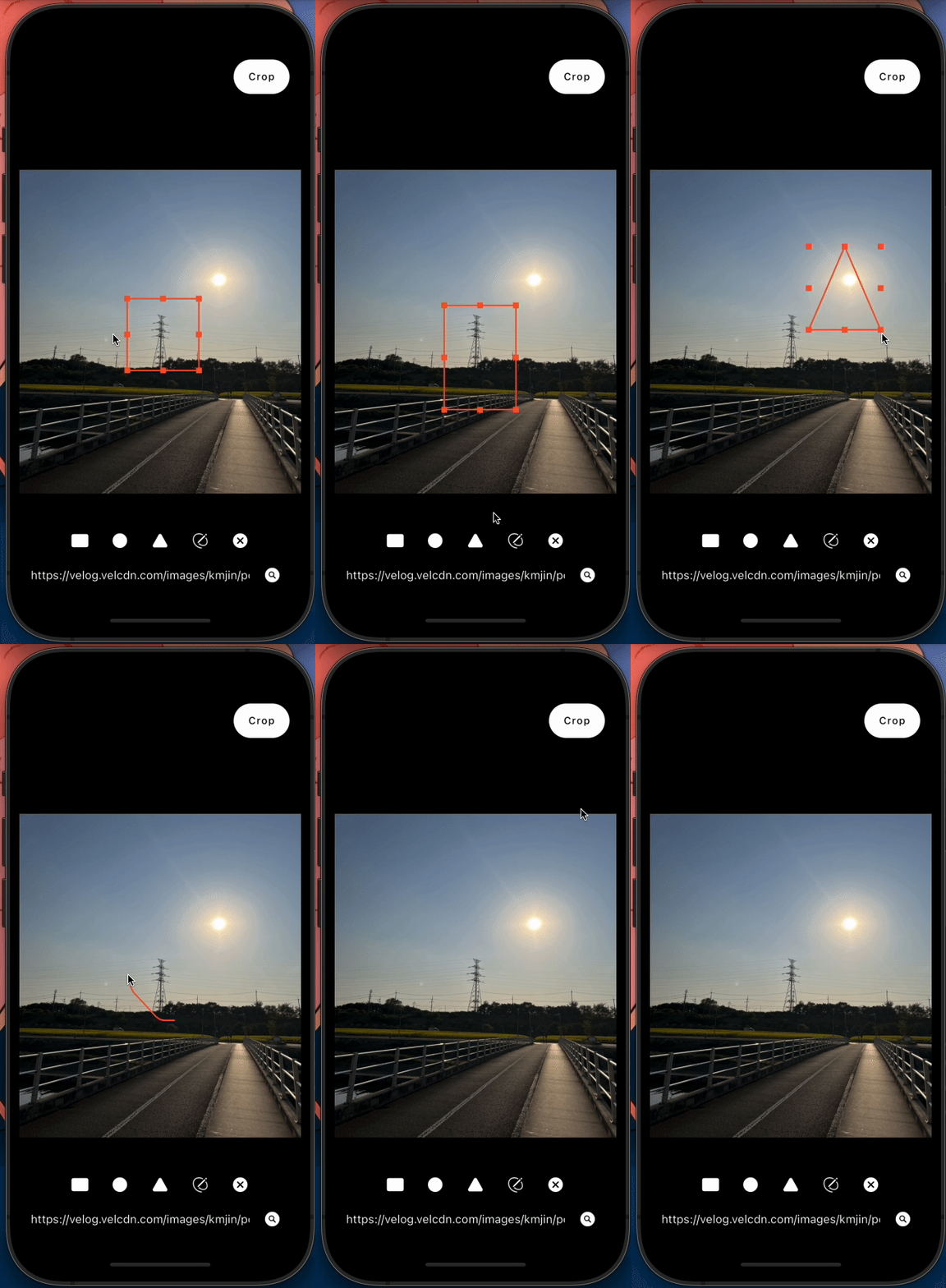
You can test the package by this link: demo_link
dynamic_image_crop supports the following features:
import 'package:dynamic_image_crop/dynamic_image_crop.dart';

final controller = CropController();

DynamicImageCrop(
  controller: controller,
  image: image!,  // Uint8List
  onResult: (image, width, height) {
    // cropped Image (Uint8List), width and height
  },
  cropLineColor: Colors.red, // (Optional)
  cropLineWidth: 1.0, // (Optional)
)

DynamicImageCrop.fromFile(
  imageFile: file,  // File
  controller: controller,
  onResult: (image, width, height) {
    // cropped Image (Uint8List), width and height
  },
)
CropController has the following methods:
void cropImage() {}
void changeType(CropType type) {}
void changeImage(Uint8List image) {}
void clearCropArea() {}
CropType has the following types:
enum CropType {
  rectangle, circle, triangle, drawing, none
}

निर्भरता सूची 3 आइटम
{"sdk":"flutter"}{"sdk":"flutter"}—उपयोग के अनुसार छाँटें, गतिविधि की तुलना करें और अपनाने से पहले मूल प्रोजेक्ट की आवश्यकताएँ जाँचें।
“A repository is the most basic element of GitHub.”
GitHub Docs — About repositories ↗