
 v1.3.0
animated_splash_screen
पूरी तरह से कस्टमाइज़ किए जा सकने वाले तरीके में अपने एनीमेटेड स्प्लैश स्क्रीन को बनाने का सबसे आसान तरीका।
777लाइक 9.9 हज़ार30-दिन डाउनलोड150Pub अंक
AndroidiOSWebmacOSWindowsLinux
पूरी तरह से कस्टमाइज़ किए जा सकने वाले तरीके में अपने एनीमेटेड स्प्लैश स्क्रीन को बनाने का सबसे आसान तरीका।

निर्भरता सूची 4 आइटम
{"sdk":"flutter"}^2.0.9^1.9.0{"sdk":"flutter"}यह अंग्रेज़ी मूल स्नैपशॉट है। नवीनतम सामग्री GitHub पर देखें।
Check it out at Pub.Dev
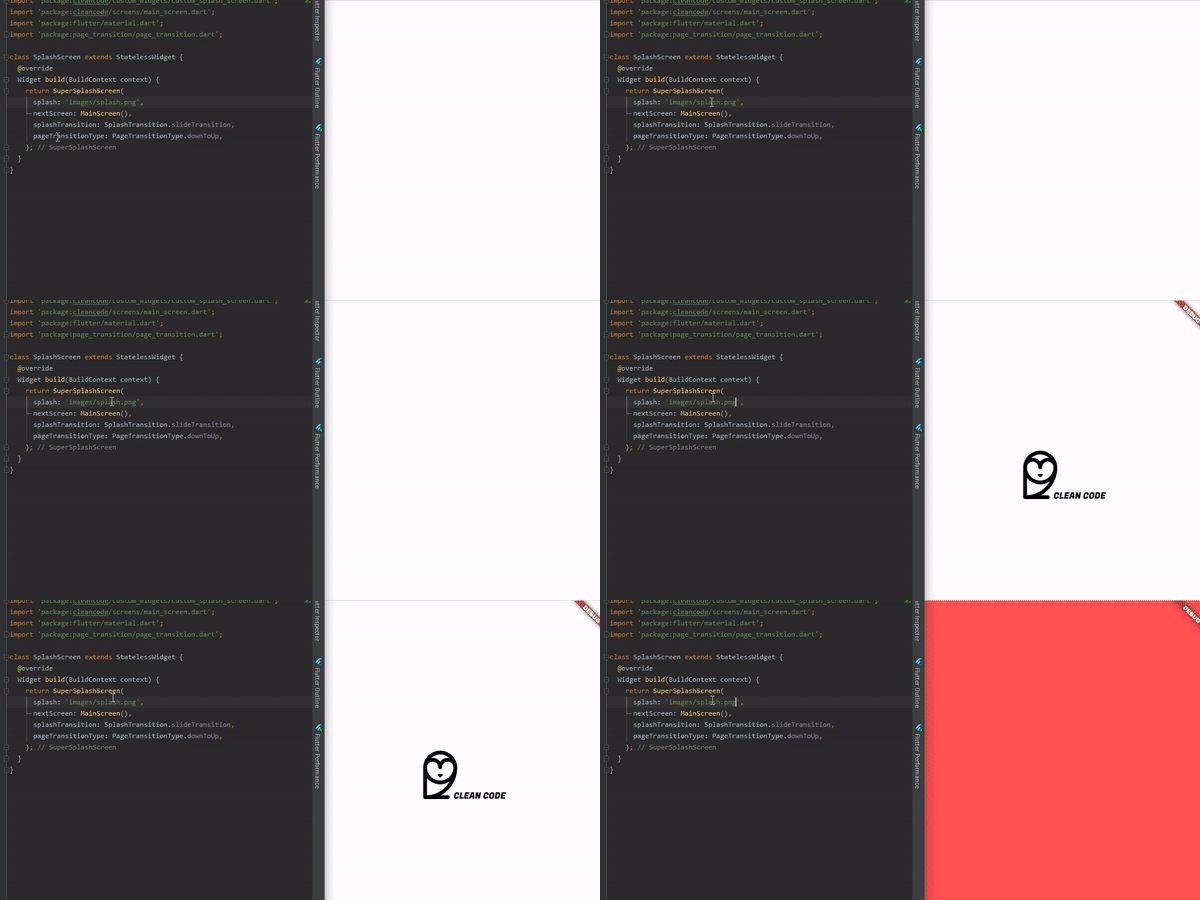
ezgif com-video-to-gif (1)
ezgif com-video-to-gif (4)
ezgif com-video-to-gif (3)
ezgif com-video-to-gif (2)
ezgif com-video-to-gif (5)
I've been maintaining quite many repos these days and burning out slowly. If you could help me cheer up, buying me a cup of coffee will make my life really happy and get much energy out of it.
To use is simple, just do this:
@override
  Widget build(BuildContext context) {
    return AnimatedSplashScreen(
      splash: 'images/splash.png',
      nextScreen: MainScreen(),
      splashTransition: SplashTransition.rotationTransition,
      pageTransitionType: PageTransitionType.scale,
    );
  }
Here, you can pass:
enum SplashTransition {
  slideTransition,
  scaleTransition,
  rotationTransition,
  sizeTransition,
  fadeTransition,
  decoratedBoxTransition
}
enum PageTransitionType {
  fade,
  rightToLeft,
  leftToRight,
  upToDown,
  downToUp,
  scale,
  rotate,
  size,
  rightToLeftWithFade,
  leftToRightWithFade,
}
AnimatedSplashScreen({
    Curve curve = Curves.easeInCirc,
    Future Function() function, // Here you can make something before change of screen
    int duration = 2500,
    @required dynamic splash,
    @required Widget nextScreen,
    Color backgroundColor = Colors.white,
    Animatable customTween,
    bool centered = true,
    SplashTransition splashTransition = SplashTransition.fadeTransition,
    PageTransitionType pageTransitionType = PageTransitionType.downToUp,
 })
Here you can do something that will return your next screen, ex:
AnimatedSplashScreen.withScreenFunction(
  splash: 'images/splash.png',
  screenFunction: () async{
    return MainScreen();
  },
  splashTransition: SplashTransition.rotationTransition,
  pageTransitionType: PageTransitionType.scale,
)