पैकेज, रिपॉज़िटरी और ऐप श्रेणियाँ खोजें

GitHub रिपॉज़िटरीdanger-ahead/simple_chips_input

simple_chips_input

Flutter चिप्स। प्रदर्शन: https://simplechipsinput.vercel.app

simple_chips_input प्रोजेक्ट कवर
स्टार
15
फ़ोर्क
11
अंतिम पुश (UTC)
26 जून 2025
प्रोजेक्ट स्थिति
सक्रिय

मूल README

यह अंग्रेज़ी मूल स्नैपशॉट है। नवीनतम सामग्री GitHub पर देखें।

simple_chips_input

Features 🚀

The working screen captures might be outdated.
Please refer to the demo: https://simplechipsinput.vercel.app
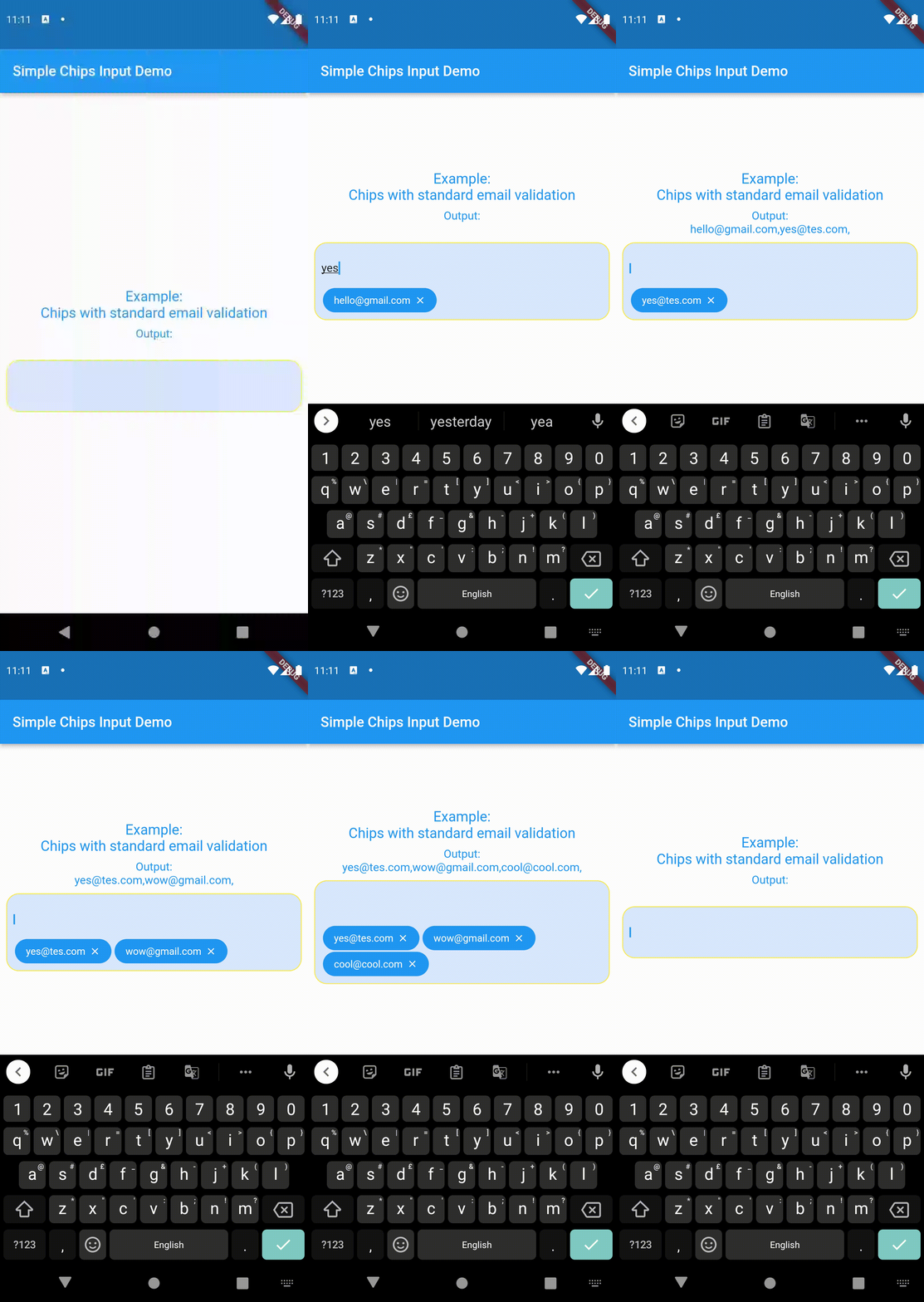
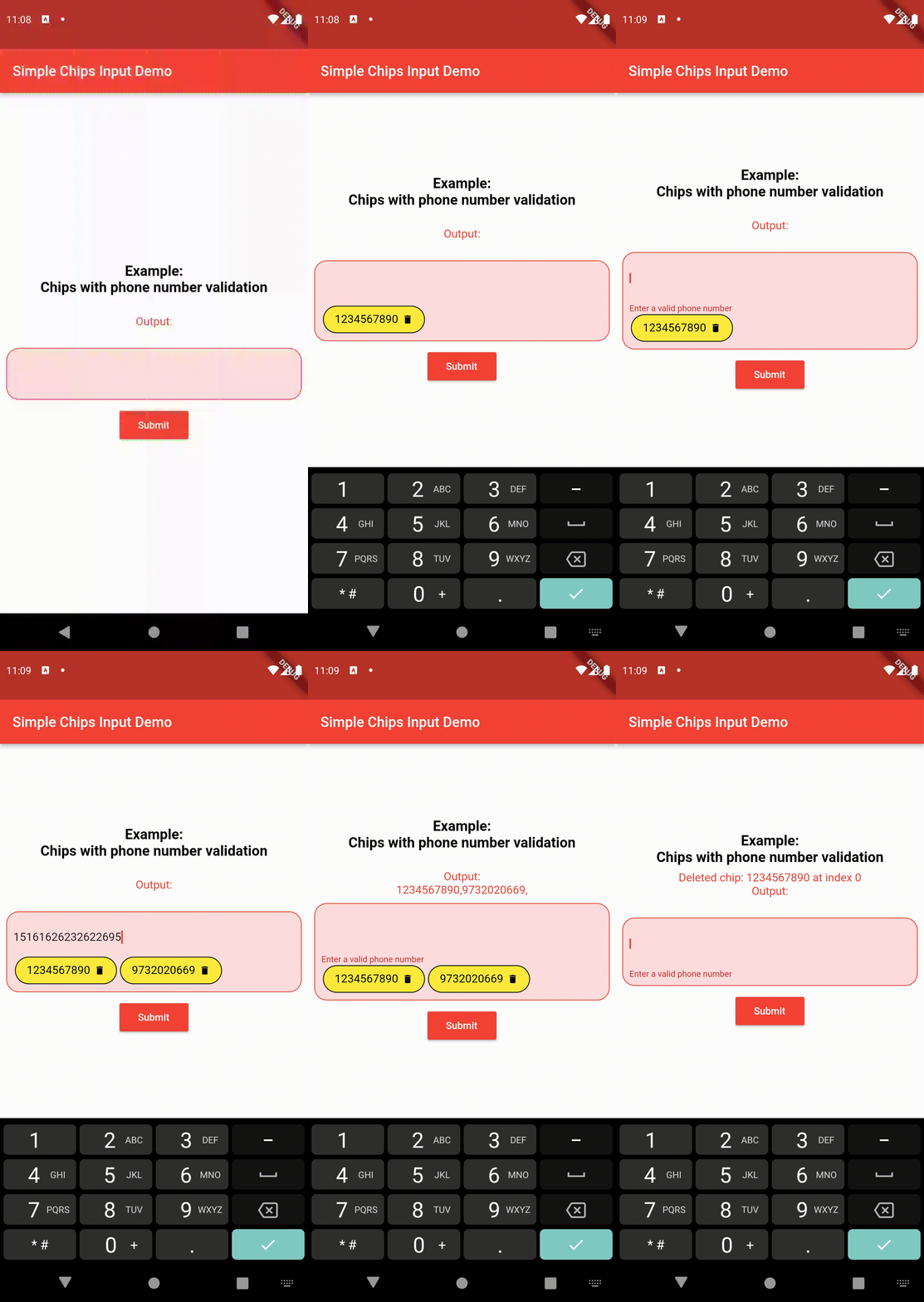
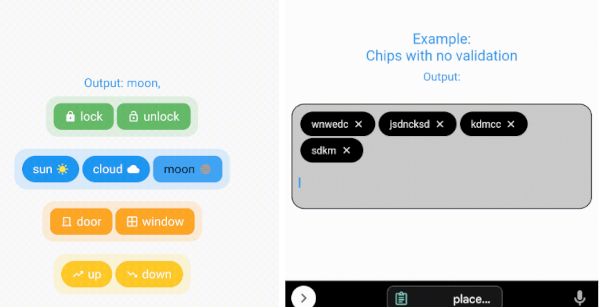
  • Create chips from user's text input and get the value after form submission.
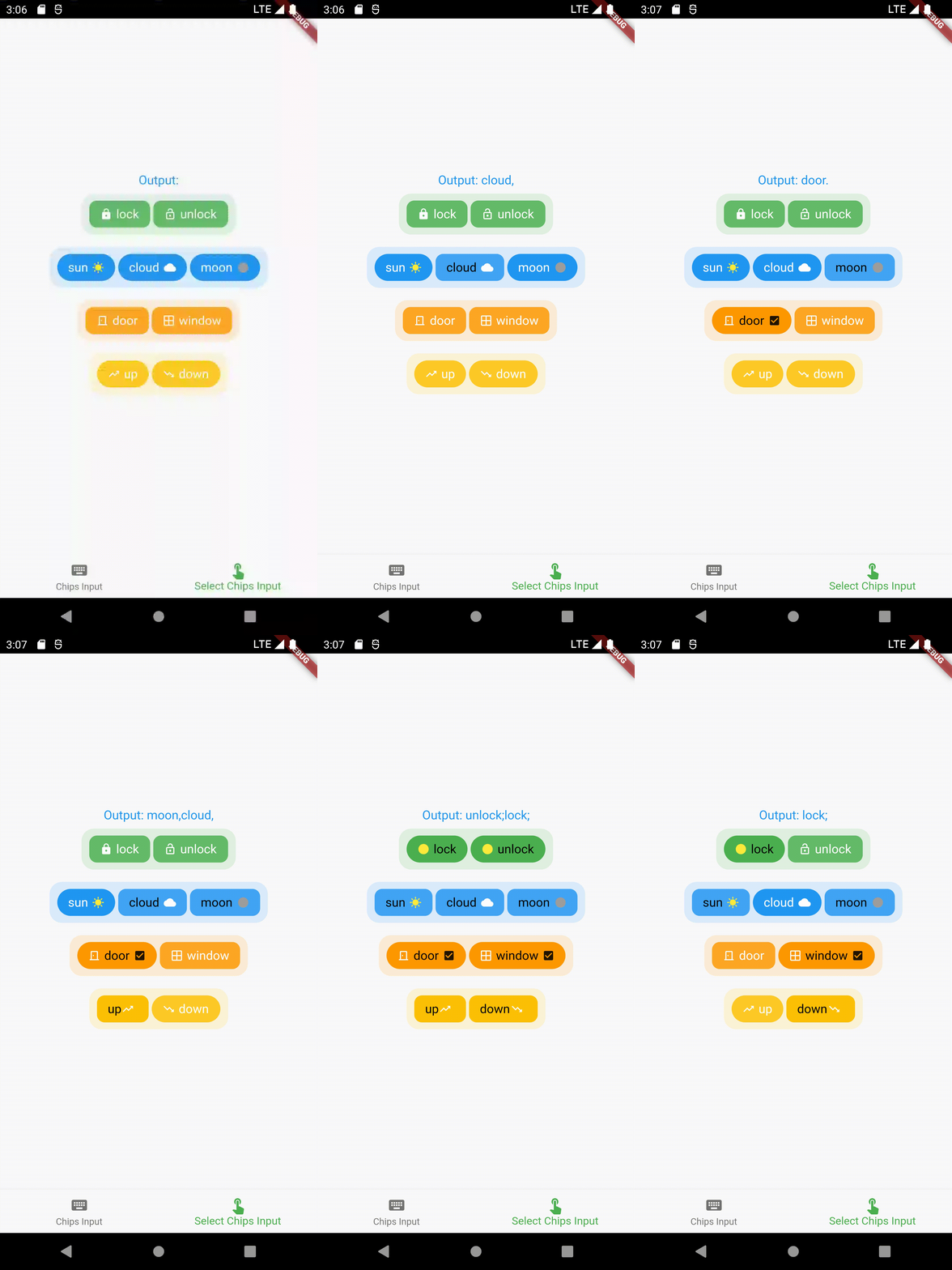
  • Select chips and get the values of the selection.
  • Select only one chip at a time and get the value (acts as a toggle/radio button).
  • Ability to keep some/all/none pre-selected chips (that can be later changed according to user input).
  • Full customisability of the chips - keeping prefix/suffix icons (that can be changed when a particular chip is selected).
  • Full customisability of the chips design - change the background color, border color, text color, etc of the chips (can be two sets of designs - one for selected chips and one for unselected chips).
  • Much more!

Contents 📚

  • Create chips from user's text input and get the value after form submission. Read the API reference for full documentation.
  • Select pre-defined chips to get the value of selected chips. Read the API reference for full documentation.

Importing the package ⬇️

import 'package:simple_chips_input/simple_chips_input.dart';
import 'package:simple_chips_input/select_chips_input.dart';
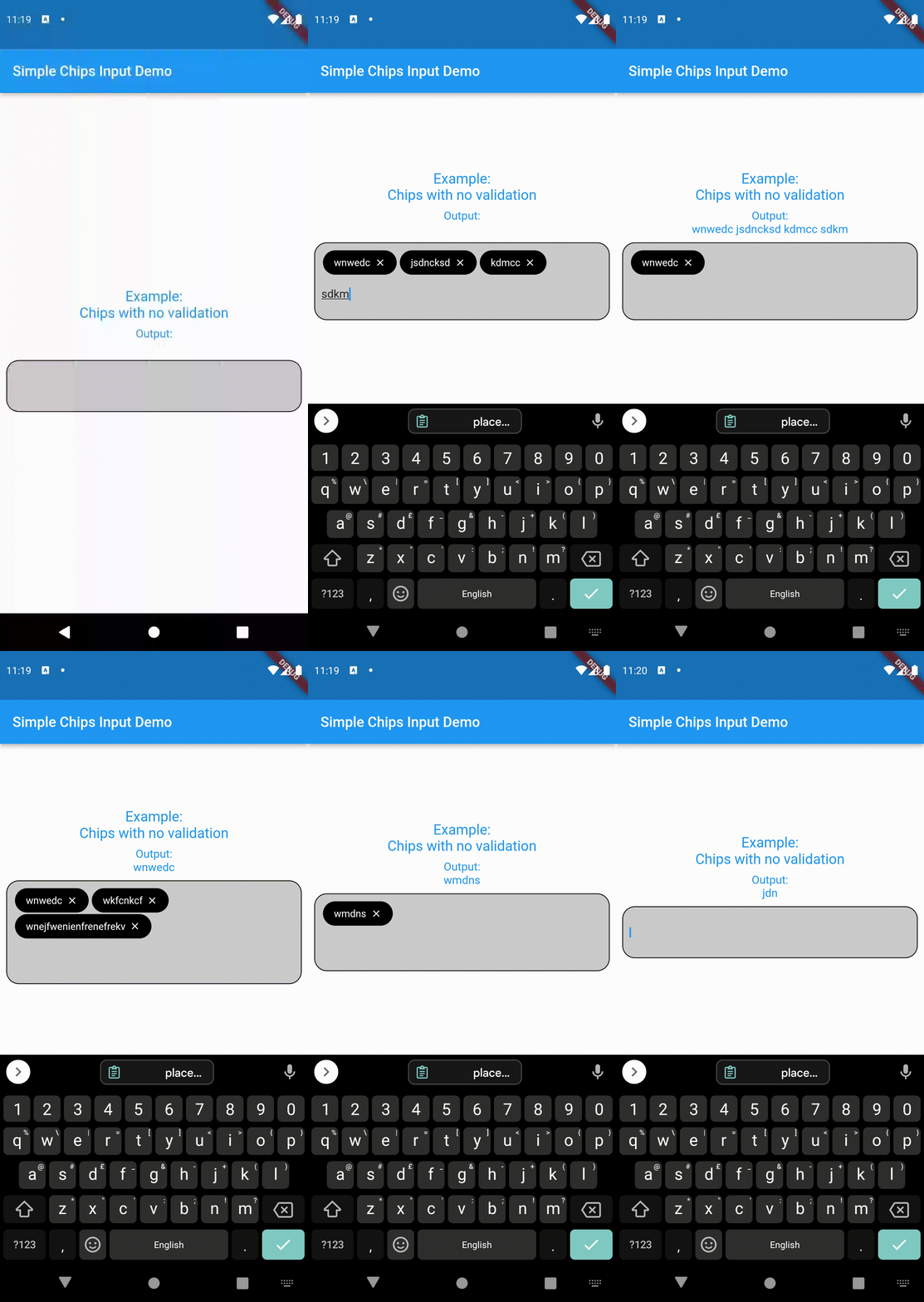
Working ⚙️

For example usage, refer pub.dev example
Author

@danger-ahead

shourya shikhar GitHub avatar
GitHub लेखक

shourya shikhar ↗

भाषाएँDartC++CMakeHTMLCSwiftKotlinObjective-C

श्रेणियाँ

इस रिपॉज़िटरी के पैकेज

उपयोग की गई निर्भरताएँ

निर्भरता सूची 3 आइटम

  • flutter{"sdk":"flutter"}
  • flutter_testडेवलपमेंट{"sdk":"flutter"}
  • flutter_lintsडेवलपमेंट^2.0.0

अपने प्रोजेक्ट के लिए रिपॉज़िटरी कैसे चुनें?

उपयोग के अनुसार छाँटें, गतिविधि की तुलना करें और अपनाने से पहले मूल प्रोजेक्ट की आवश्यकताएँ जाँचें।

  1. नाम, लेखक या विवरण से खोजें और तकनीकी विषय से परिणाम सीमित करें।
  2. स्टार, फ़ोर्क और हाल के पुश की तुलना करें। स्टार रुचि दर्शाते हैं, गुणवत्ता की गारंटी नहीं।
  3. उपयोग से पहले GitHub पर README, लाइसेंस और Issues जाँचें।

स्रोत और रखरखाव

“A repository is the most basic element of GitHub.”

GitHub Docs — About repositories ↗