

 v1.0.1
chart_components
Flutter के लिए दो चार्ट कंपोनेंट। गितहब के एनिमेटेड बार चार्ट और एनिमेटेड कैलेंडर ग्रिड चार्ट पर आधारित। अनेक गुणों को कस्टमाइज़ करने के लिए।
49लाइक 7930-दिन डाउनलोड70Pub अंक
प्लेटफ़ॉर्म डेटा नहीं
Flutter के लिए एनीमेटेड बार चार्ट कंपोनेंट

यह अंग्रेज़ी मूल स्नैपशॉट है। नवीनतम सामग्री GitHub पर देखें।
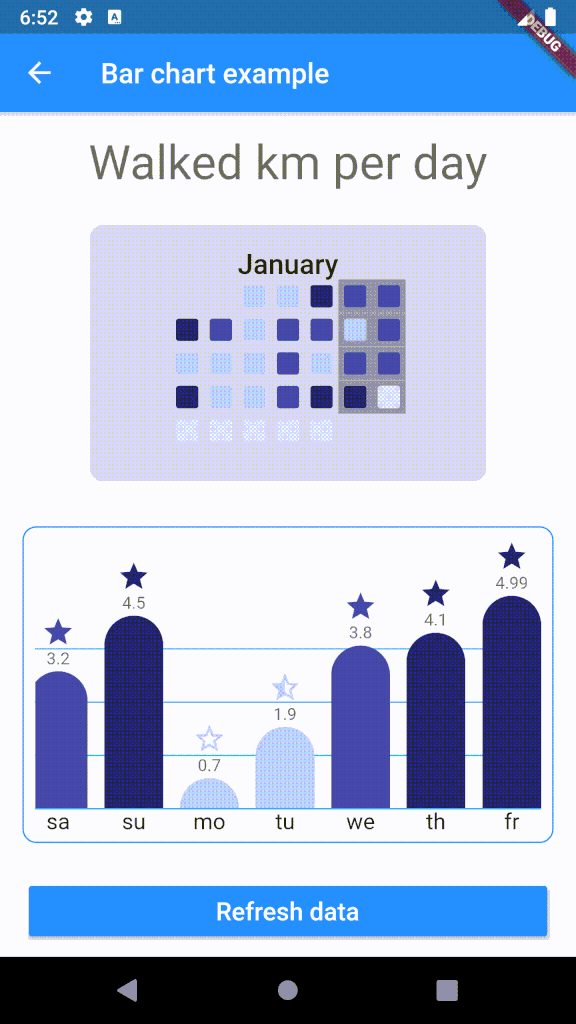
Customizable bar chart for Flutter. The component calculates min and max of data and resizes bars as needed.

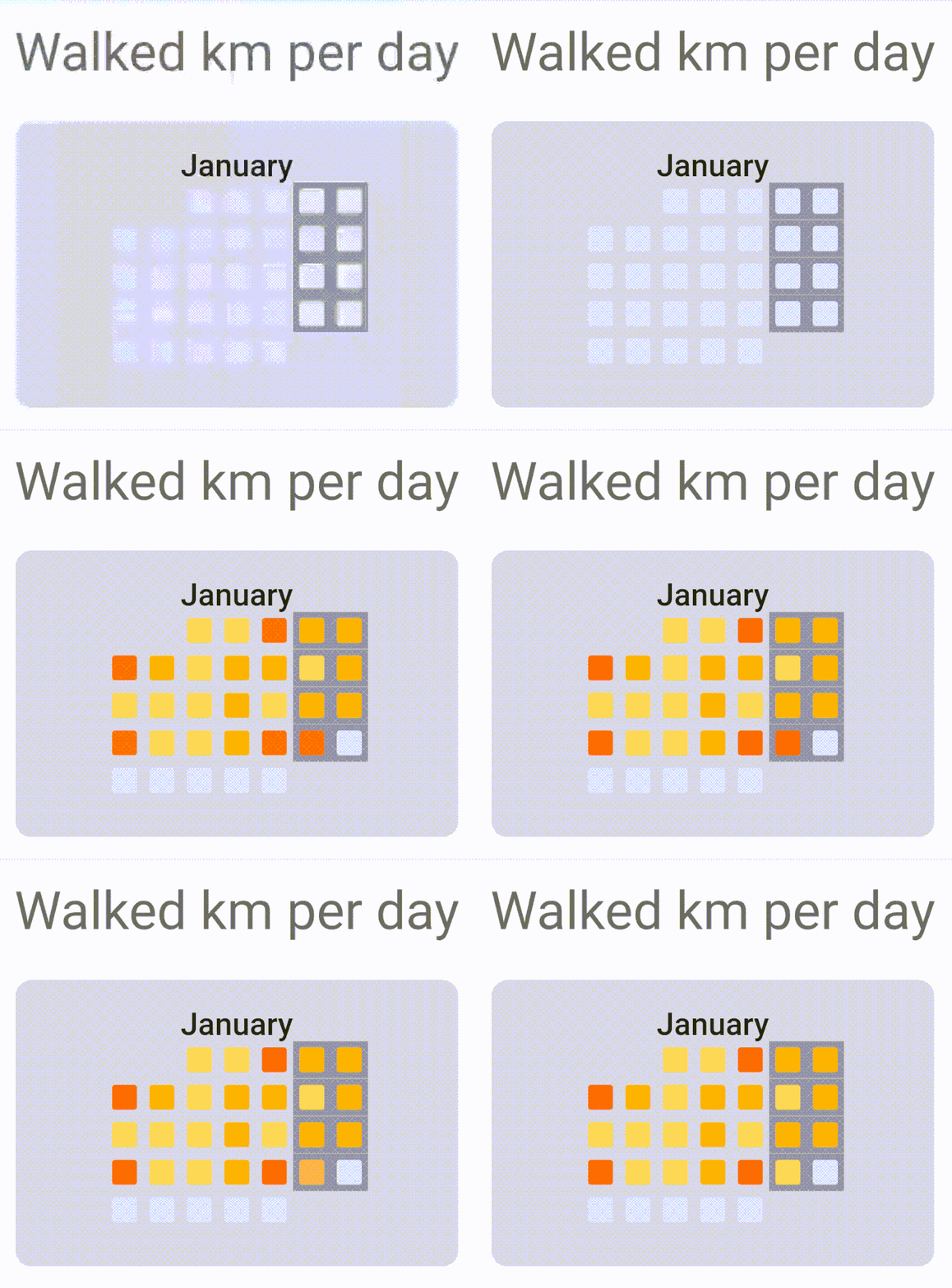
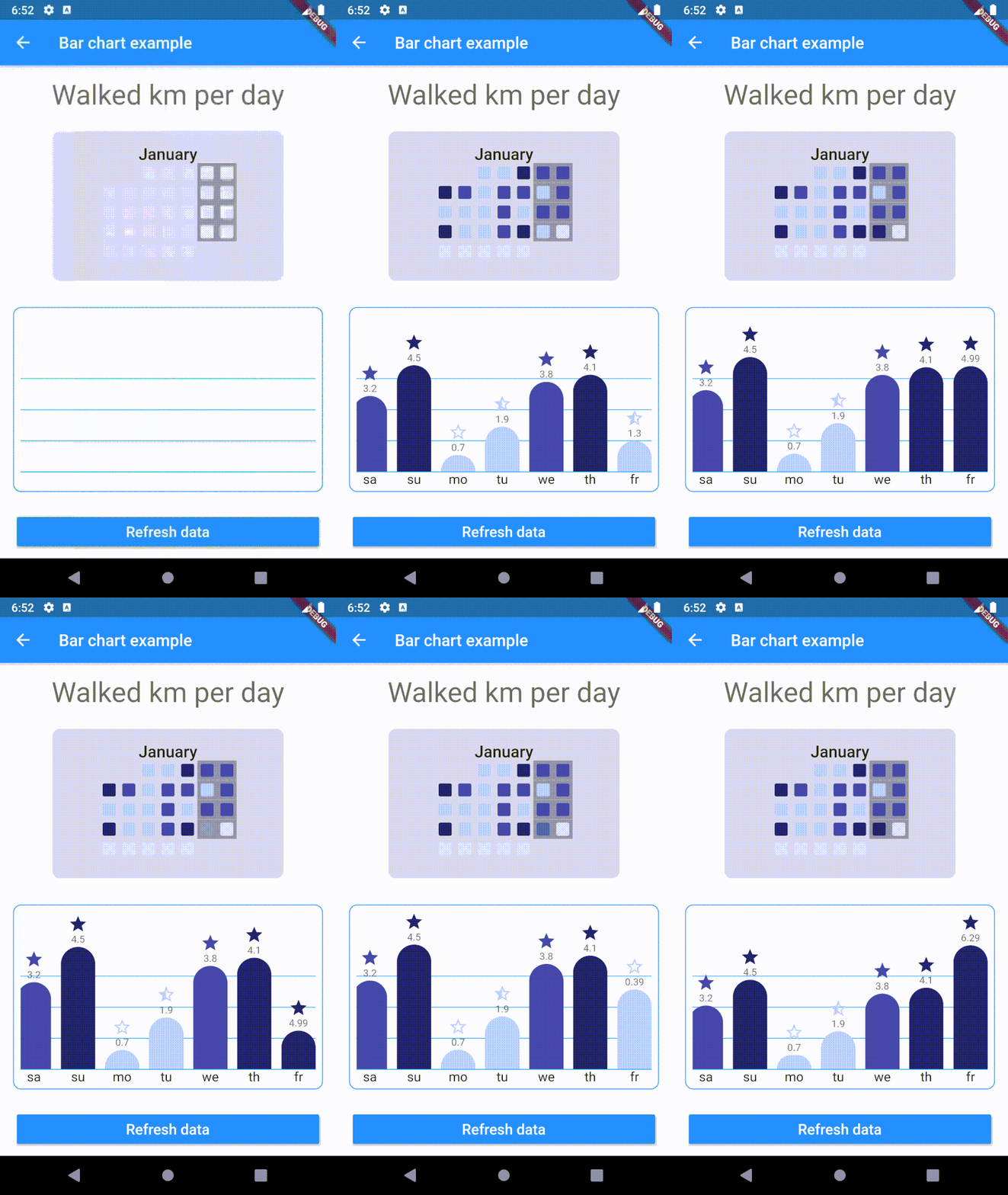
To use plugin, just import package import 'package:chart_components/chart_components.dart';
Check de example directory to access the project that implements the image shown above.
        ........
                    CalendarGrid(
                            year: 2020,
                            month: 1,
                            getColorOfDay: DataRepository.getDayColor,
                            animationDuration: Duration(milliseconds: 1500),
                    ),

        ...........
                    child: BarChart(
                    data: data,
                    labels: labels,
                    dislplayValue: true,
                    reverse: true,
                    getColor: DataRepository.getColor,
                    getIcon: DataRepository.getIcon,
                    barWidth: 42,
                    barSeparation: 12,
                    animationDuration: Duration(milliseconds: 1800),
                    animationCurve: Curves.easeInOutSine,
                    itemRadius: 30,
                    iconHeight: 24,
                    footerHeight: 24,
                    headerValueHeight: 16,
                    roundValuesOnText: false,
                    lineGridColor: Colors.lightBlue,
                    ),
निर्भरता सूची 2 आइटम
{"sdk":"flutter"}{"sdk":"flutter"}उपयोग के अनुसार छाँटें, गतिविधि की तुलना करें और अपनाने से पहले मूल प्रोजेक्ट की आवश्यकताएँ जाँचें।
“A repository is the most basic element of GitHub.”
GitHub Docs — About repositories ↗