
पिनबॉल
Flutter और Firebase के साथ बनाई गई Google I/O 2022 पिनबॉल खेल

- स्टार
- 2.3 हज़ार
- फ़ोर्क
- 273
- अंतिम पुश (UTC)
- 8 जून 2026
- प्रोजेक्ट स्थिति
- आर्काइव
मूल README
यह अंग्रेज़ी मूल स्नैपशॉट है। नवीनतम सामग्री GitHub पर देखें।
I/O Pinball
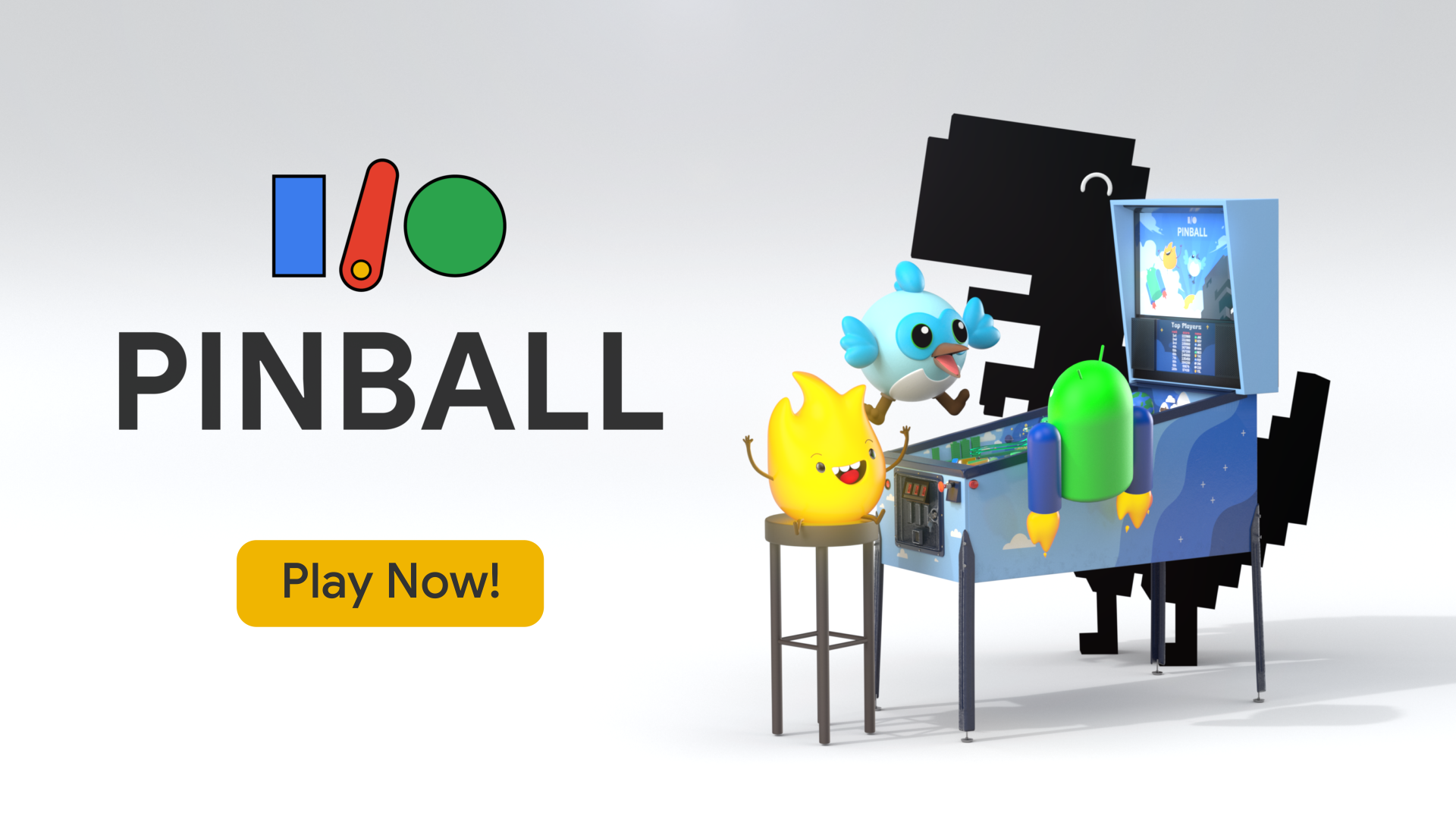


A Pinball game built with Flutter and Firebase for Google I/O 2022.
Try it now and learn about how it's made.
Built by Very Good Ventures in partnership with Google
Created using Very Good CLI 🤖
Getting Started 🚀
Firebase
First, please create a Firebase project for development. After you create your project, remember to activate the following features: - Authentication with the anonymous option - Firestore with the rules in firestore.rules.
Next, use the instructions on Firebase website to set up the flutterfire_cli.
Allow it to override the lib/firebase_options.dart file with your project settings.
Running locally
To run the desired project either use the launch configuration in VSCode/Android Studio or use the following commands:
$ flutter run -d chrome
*I/O Pinball works on Web for desktop and mobile.
Running Tests 🧪
To run all unit and widget tests use the following command:
$ flutter test --coverage --test-randomize-ordering-seed random
To view the generated coverage report you can use lcov.
# Generate Coverage Report
$ genhtml coverage/lcov.info -o coverage/
# Open Coverage Report
$ open coverage/index.html
Working with Translations 🌐
This project relies on flutter_localizations and follows the official internationalization guide for Flutter.
Adding Strings
- To add a new localizable string, open the
app_en.arbfile atlib/l10n/arb/app_en.arb.
{
    "@@locale": "en",
    "counterAppBarTitle": "Counter",
    "@counterAppBarTitle": {
        "description": "Text shown in the AppBar of the Counter Page"
    }
}
- Then add a new key/value and description
{
    "@@locale": "en",
    "counterAppBarTitle": "Counter",
    "@counterAppBarTitle": {
        "description": "Text shown in the AppBar of the Counter Page"
    },
    "helloWorld": "Hello World",
    "@helloWorld": {
        "description": "Hello World Text"
    }
}
- Use the new string
import 'package:pinball/l10n/l10n.dart';

@override
Widget build(BuildContext context) {
  final l10n = context.l10n;
  return Text(l10n.helloWorld);
}
Adding Translations
- For each supported locale, add a new ARB file in
lib/l10n/arb.
├── l10n
│   ├── arb
│   │   ├── app_en.arb
│   │   └── app_es.arb
- Add the translated strings to each
.arbfile:
app_en.arb
{
    "@@locale": "en",
    "counterAppBarTitle": "Counter",
    "@counterAppBarTitle": {
        "description": "Text shown in the AppBar of the Counter Page"
    }
}
app_es.arb
{
    "@@locale": "es",
    "counterAppBarTitle": "Contador",
    "@counterAppBarTitle": {
        "description": "Texto mostrado en la AppBar de la página del contador"
    }
}

Flutter archive ↗
उपयोग की गई निर्भरताएँ
निर्भरता सूची 28 आइटम
- authentication_repository
{"path":"packages/authentication_repository"} - bloc
^8.1.4 - cloud_firestore
^5.0.2 - equatable
^2.0.3 - firebase_auth
^5.1.1 - firebase_core
^3.1.1 - flame
^1.18.0 - flame_bloc
^1.12.0 - flame_forge2d
^0.18.1 - flutter
{"sdk":"flutter"} - flutter_bloc
^8.0.1 - flutter_localizations
{"sdk":"flutter"} - geometry
{"path":"packages/geometry"} - intl
^0.19.0 - leaderboard_repository
{"path":"packages/leaderboard_repository"} - pinball_audio
{"path":"packages/pinball_audio"} - pinball_components
{"path":"packages/pinball_components"} - pinball_flame
{"path":"packages/pinball_flame"} - pinball_theme
{"path":"packages/pinball_theme"} - pinball_ui
{"path":"packages/pinball_ui"} - platform_helper
{"path":"packages/platform_helper"} - share_repository
{"path":"packages/share_repository"} - url_launcher
^6.1.0 - bloc_testडेवलपमेंट
^9.0.2 - flame_testडेवलपमेंट
^1.3.0 - flutter_testडेवलपमेंट
{"sdk":"flutter"} - mocktailडेवलपमेंट
^1.0.4 - very_good_analysisडेवलपमेंट
^6.0.0
अपने प्रोजेक्ट के लिए रिपॉज़िटरी कैसे चुनें?
उपयोग के अनुसार छाँटें, गतिविधि की तुलना करें और अपनाने से पहले मूल प्रोजेक्ट की आवश्यकताएँ जाँचें।
- नाम, लेखक या विवरण से खोजें और तकनीकी विषय से परिणाम सीमित करें।
- स्टार, फ़ोर्क और हाल के पुश की तुलना करें। स्टार रुचि दर्शाते हैं, गुणवत्ता की गारंटी नहीं।
- उपयोग से पहले GitHub पर README, लाइसेंस और Issues जाँचें।
स्रोत और रखरखाव
“A repository is the most basic element of GitHub.”
GitHub Docs — About repositories ↗