
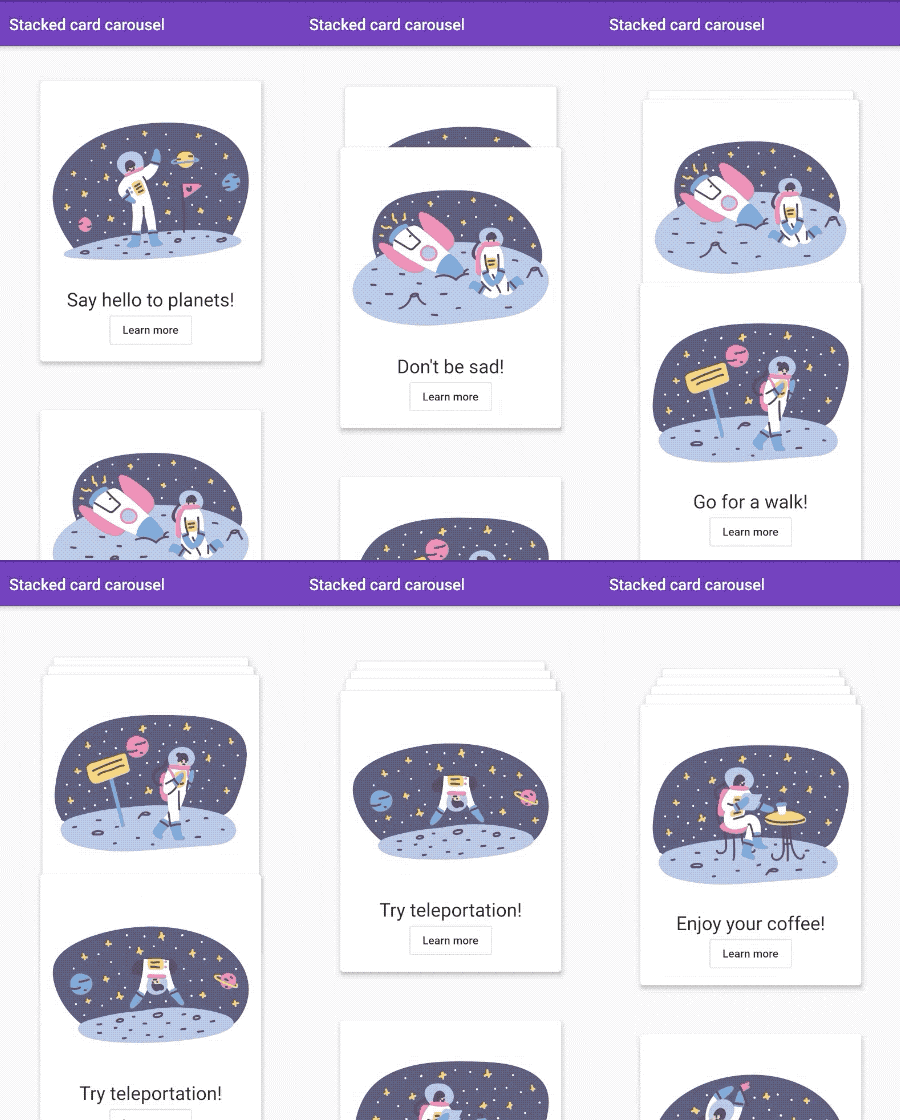
 v0.0.4
stacked_card_carousel
एक विंडो जो लंबवत कैरोसेल के साथ स्टैक्ड कार्ड बनाने के लिए है।
224लाइक 1.6 हज़ार30-दिन डाउनलोड150Pub अंक
AndroidiOSWebmacOSWindowsLinux
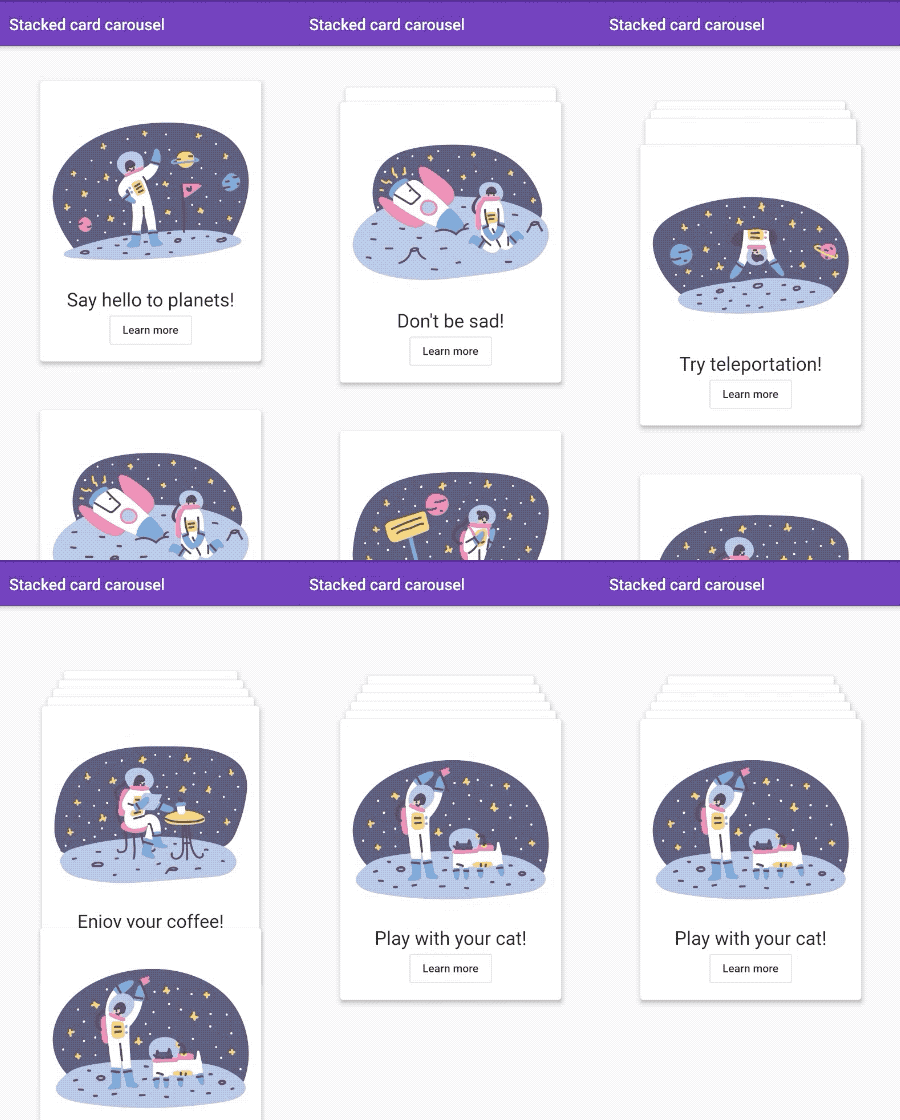
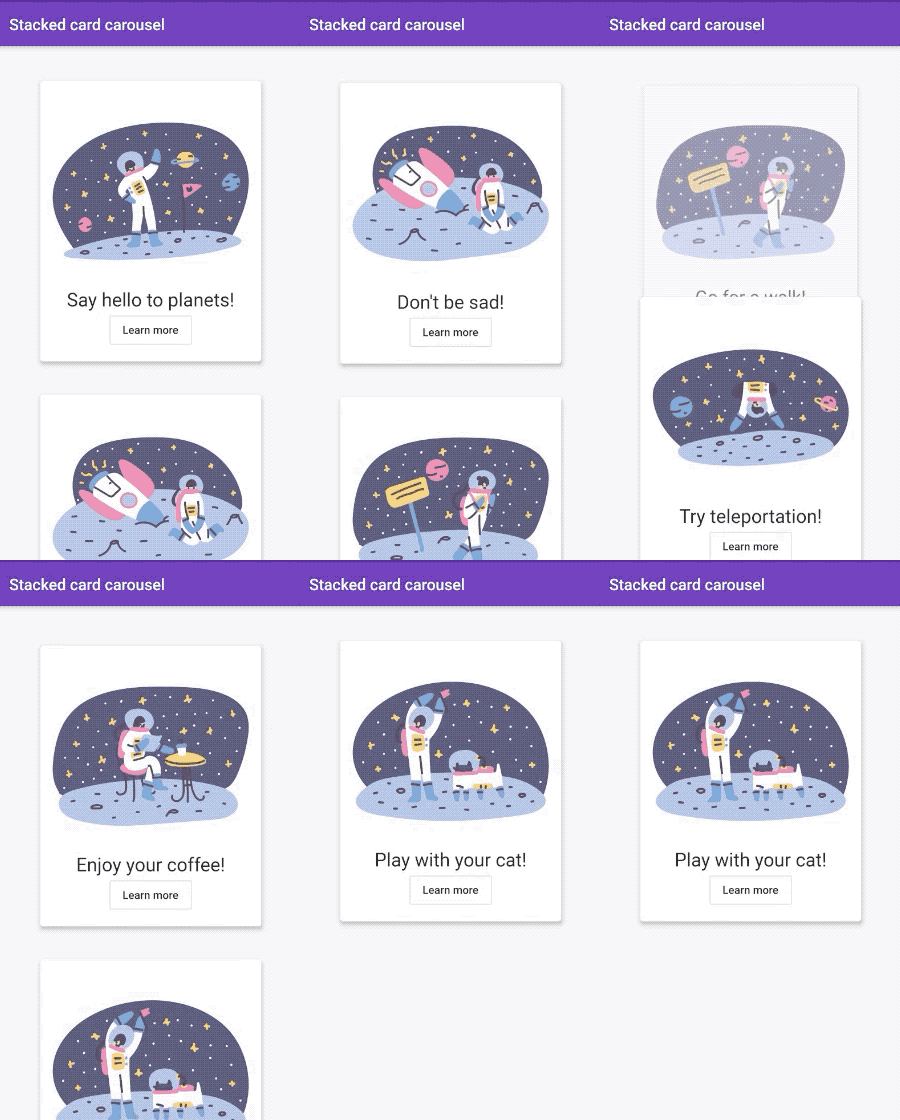
स्टैक्ड कार्ड्स के साथ एनीमेटेड कैरोसल विजेट।
यह अंग्रेज़ी मूल स्नैपशॉट है। नवीनतम सामग्री GitHub पर देखें।
A widget for creating a vertical carousel with stacked cards.
import 'package:stacked_card_carousel/stacked_card_carousel.dart';
StackedCardCarousel widget StackedCardCarousel(
items: cards,
);
| Attribute | Data type | Description | Default |
|---|---|---|---|
| items | List | List of card widgets. | - |
| type | StackedCardCarouselType | A type of cards stack carousel. | cardsStack |
| initialOffset | double | Initial vertical top offset for cards. | 40.0 |
| spaceBetweenItems | double | Vertical space between items. Value start from top of a first item. | 400.0 |
| applyTextScaleFactor | bool | If set to true scales up space and position linearly according to text scale factor. Scaling down is not included. | true |
| pageController | PageController | Use it for your custom page controller. | PageController() |
| onPageChanged | void Function(int pageIndex) | Listen to page index changes. | null |
Grigori Hlopkov - GitHub

निर्भरता सूची 2 आइटम
{"sdk":"flutter"}{"sdk":"flutter"}उपयोग के अनुसार छाँटें, गतिविधि की तुलना करें और अपनाने से पहले मूल प्रोजेक्ट की आवश्यकताएँ जाँचें।
“A repository is the most basic element of GitHub.”
GitHub Docs — About repositories ↗