 v1.5.1
responsive_framework
आसानी से फ्लटर ऐप्स को रिस्पॉन्सिव बनाएं। अलग-अलग स्क्रीन साइज़ के लिए UI को स्वचालित रूप से अनुकूलित करें। रिस्पॉन्सिवनेस को सरल बनाया गया है।
3.4 हज़ारलाइक 1.9 लाख30-दिन डाउनलोड150Pub अंक
AndroidiOSWebmacOSWindowsLinux
DevWidgets एक फ्लटर एप्लिकेशन है जिसमें डेवलपर्स के लिए कई टूल्स जैसे जनरेटर, फॉर्मेटर और कन्वर्टर हैं। यह सीधे DevToys से प्रेरित है।

यह अंग्रेज़ी मूल स्नैपशॉट है। नवीनतम सामग्री GitHub पर देखें।

DevWidgets is a Flutter application with several tools such as generators, formatters and converters for developers.
It's directly inspired by DevToys.
Clicking here you can try it directly from your browser 🌐!


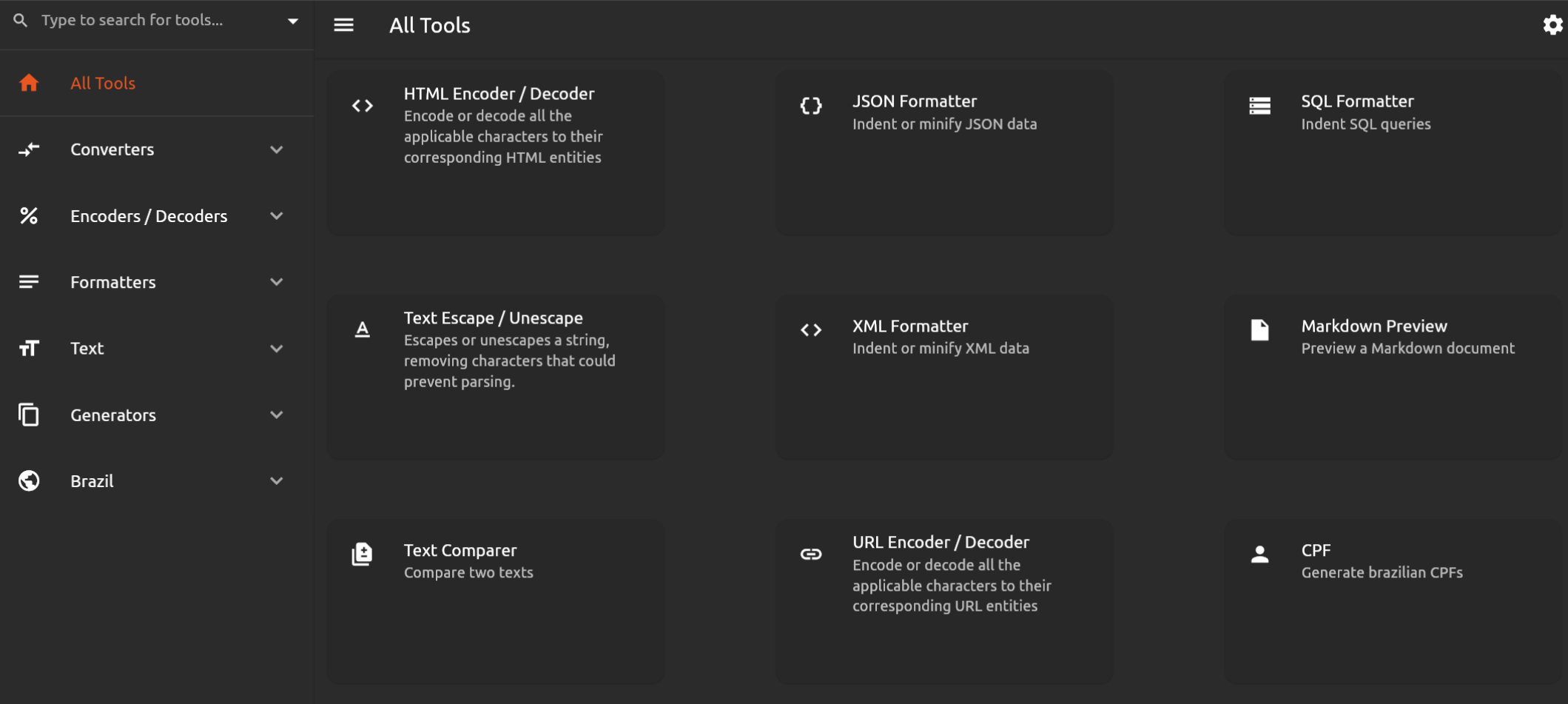
You can download a nightly build for Linux from the latest commit from here.
git clone https://github.com/gumbarros/DevWidgets
flutter pub get
# Windows
flutter build windows --release
# Mac
flutter build macos --release
# Linux
flutter build linux --release
Check CONTRIBUTING.MD.
आसानी से फ्लटर ऐप्स को रिस्पॉन्सिव बनाएं। अलग-अलग स्क्रीन साइज़ के लिए UI को स्वचालित रूप से अनुकूलित करें। रिस्पॉन्सिवनेस को सरल बनाया गया है।
आपके फ्लटर ऐप्स को आसानी से और तेजी से अंतरराष्ट्रीयकृत और स्थानीयकृत करें, यह पैकेज अंतरराष्ट्रीयकरण प्रक्रिया को सरल बनाता है।
HTML को विजेट्स के रूप में रेंडर करने के लिए Flutter पैकेज जो हाइपरलिंक, छवि, ऑडियो, वीडियो, iframe और अन्य टैग समर्थित करता है।
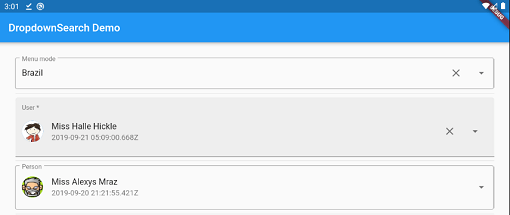
एक सरल, प्रतिक्रियाशील और बहुत कस्टमाइज़ेबल फ्लटर ड्रॉपडाउन जिसमें बहुत सारे फीचर्स (खोज, पॉपअप प्लेटफॉर्म, एसिंक/सिंक,...) हैं और मल्टी मोड के साथ जैसे मेनू, डायलॉग, बॉटमशीट आदि।
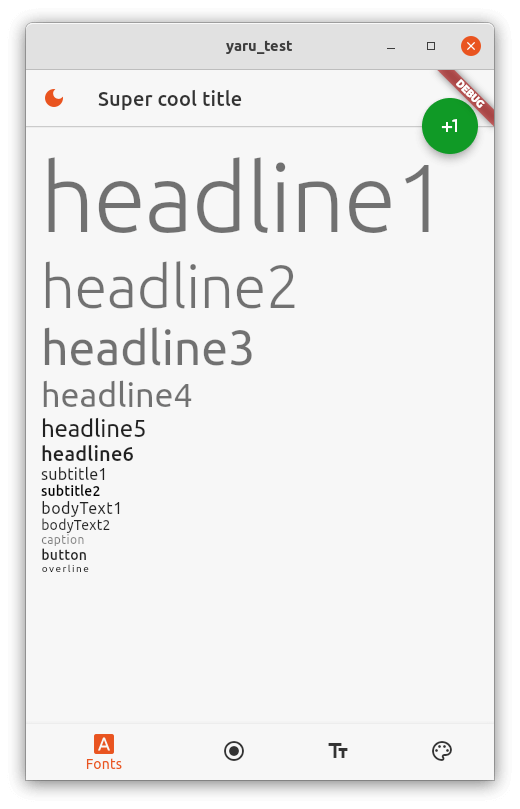
डेस्कटॉप और वेब एप्लिकेशन बनाने के लिए उपयोगी सामान्य Flutter विजेट्स।
Flutter स्क्रीनशॉट पैकेज (रनटाइम)। किसी भी विजेट को एक छवि के रूप में प्राप्त करें।
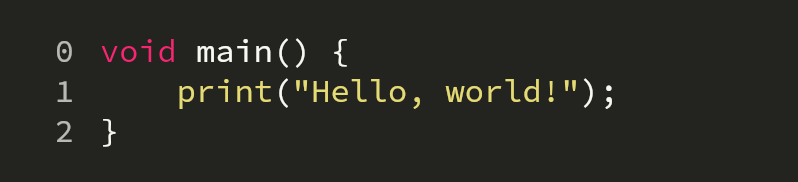
बहुत सारी भाषाओं और थीमों के साथ डार्ट के लिए व्याकरण हाइलाइटिंग।
एक कस्टमाइज़ेबल कोड फील्ड जिसमें सिंटैक्स हाइलाइटिंग, द्विदिशीय स्क्रॉलिंग और कोड मॉडिफायर्स का समर्थन है
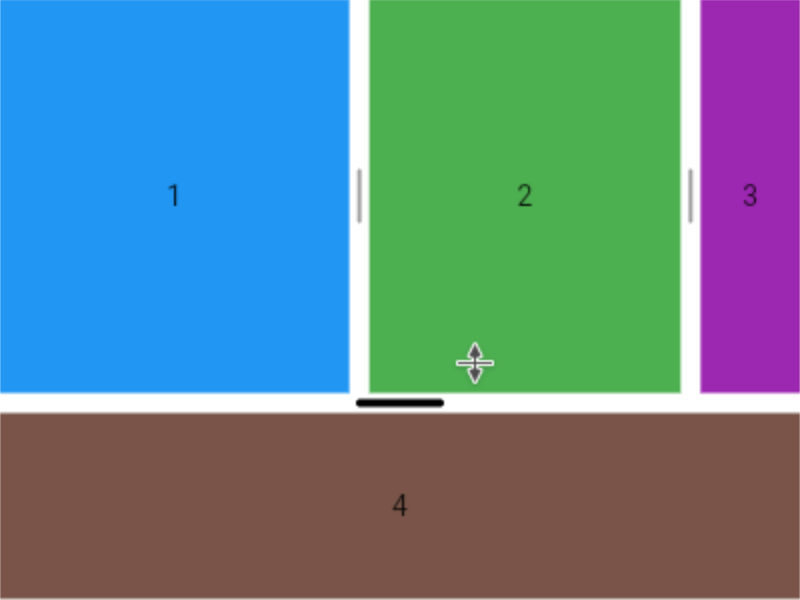
Flutter के लिए क्षैतिज या ऊर्ध्वाधर बहु-विभाजन दृश्य प्रदान करता है।
YAML के लिए एक पार्सर, मानव-मित्रता वाला डेटा सीरियलाइज़ेशन मानक
इनपुट टेक्स्ट के मामले को आवश्यक मामले कन्वेंशन में बदलता है।
यूनिकोड/ग्राफेम क्लस्टर संवेदनशील ऑपरेशन के साथ स्ट्रिंग प्रतिस्थापन।
निर्भरता सूची 38 आइटम
^1.0.0^1.3.0^1.1.0^5.0.6^3.0.3^2.0.1^6.1.1{"sdk":"flutter"}^0.20.4^0.6.12^2.0.2^0.14.11^13.0.1^0.7.0^1.1.0^2.4.9^2.0.0^1.0.1^3.0.1^1.1.0+1^2.1.0^5.0.1^1.8.2^2.0.11^1.0.0^4.1.0^0.2.0^2.1.0^6.1.6^4.2.2^6.1.0^3.1.1^1.2.1^0.1.0^1.1.2{"sdk":"flutter"}^3.0.1^0.13.1उपयोग के अनुसार छाँटें, गतिविधि की तुलना करें और अपनाने से पहले मूल प्रोजेक्ट की आवश्यकताएँ जाँचें।
“A repository is the most basic element of GitHub.”
GitHub Docs — About repositories ↗