

 v3.0.0+1
slidable_button
एक सरल कस्टमाइज़ेबल फ्लटर स्लाइड बटन विजेट।
65लाइक 4630-दिन डाउनलोड160Pub अंक
AndroidiOSWebmacOSWindowsLinux
husainazkas/slidable_button open-source repository details.

यह अंग्रेज़ी मूल स्नैपशॉट है। नवीनतम सामग्री GitHub पर देखें।


A simple flutter plugin for Slidable Button.
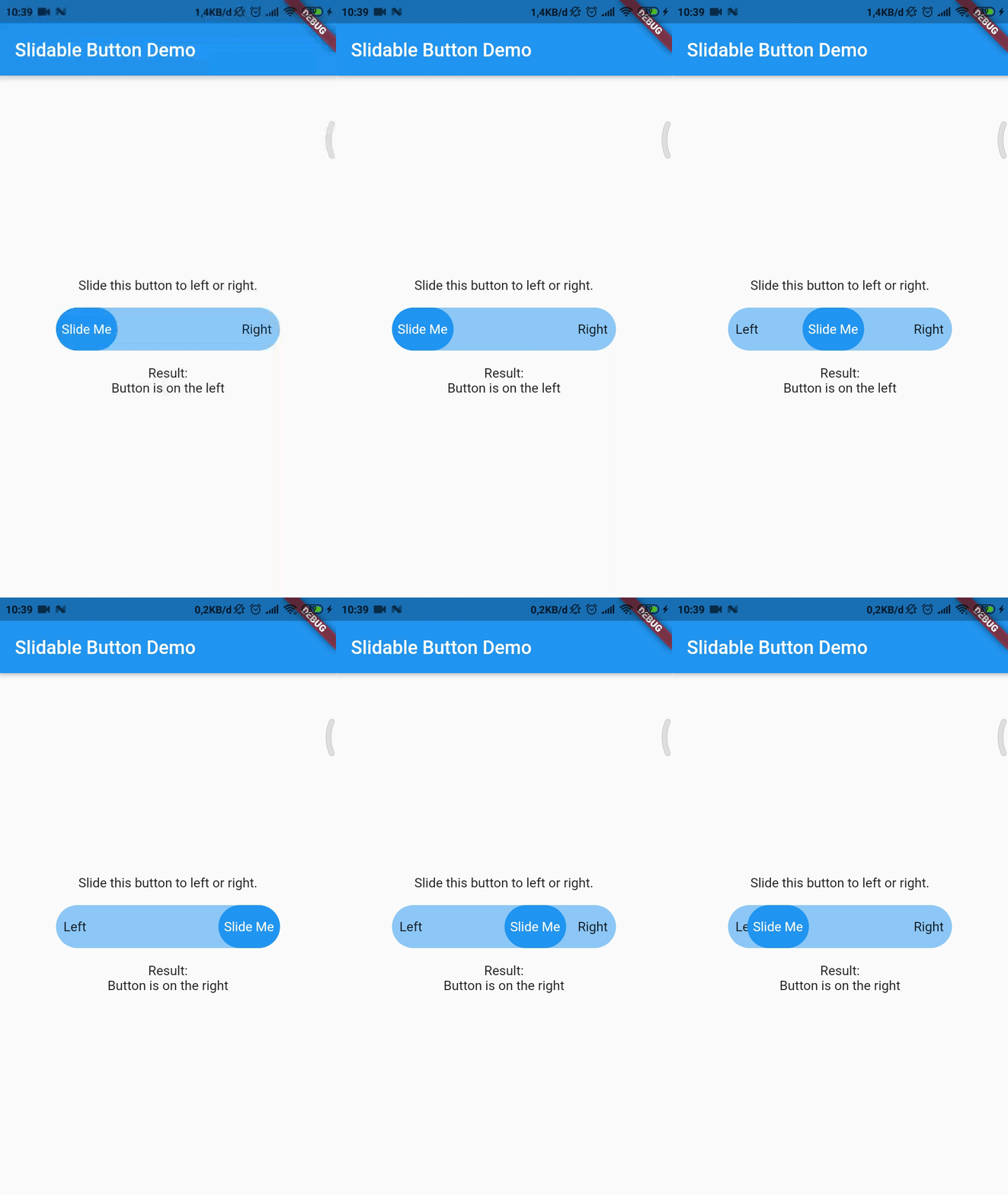
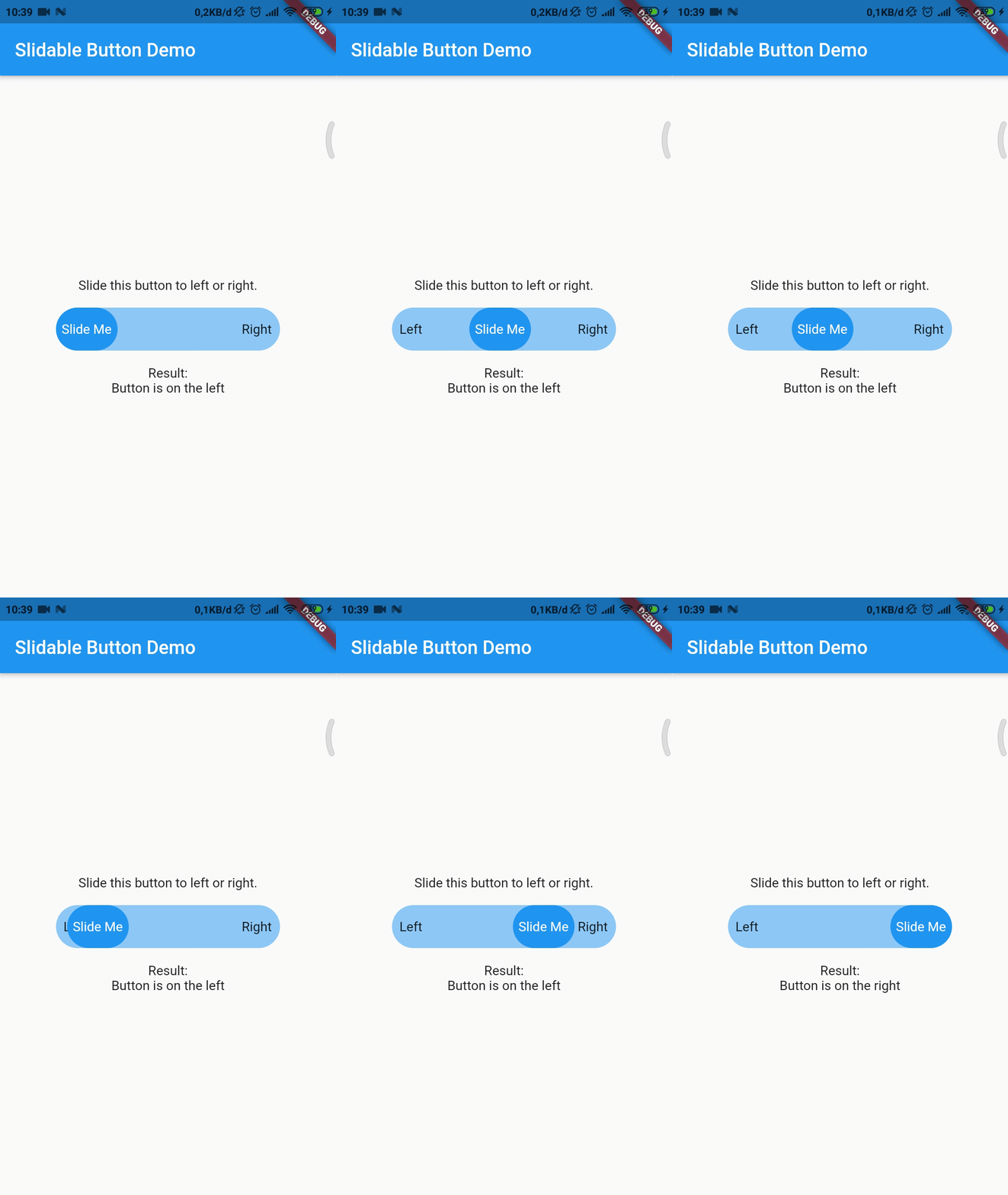
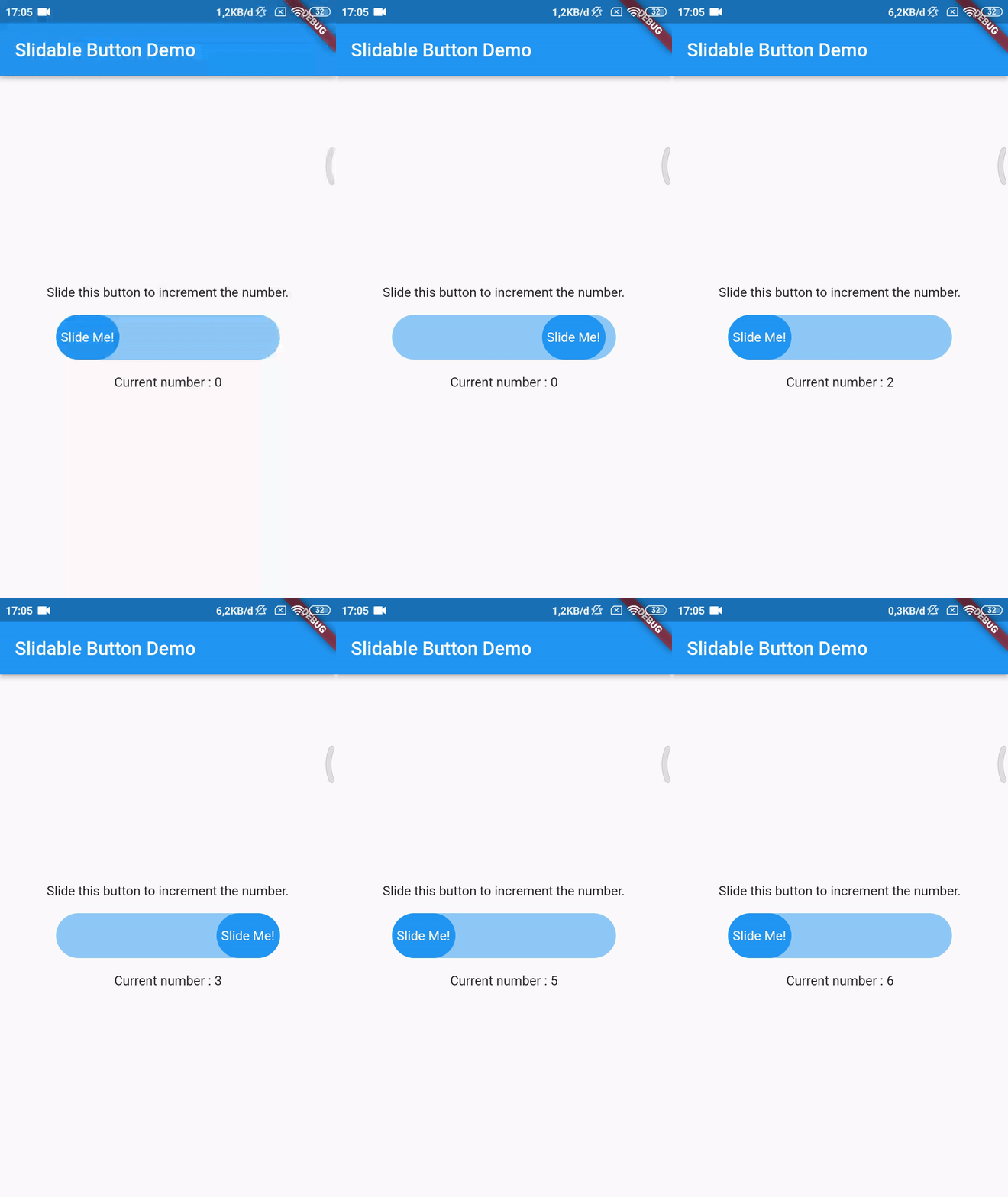
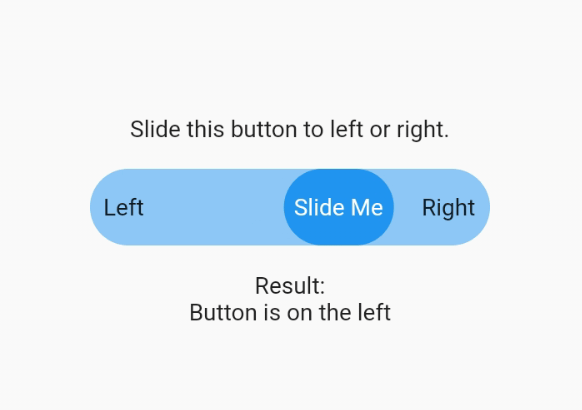
Note : This plugin is cloned and remade from swipe_button.
dependencies:
  slidable_button: ^3.0.0+1
Import this library on your code.
import 'package:slidable_button/slidable_button.dart';
Now you can make your slidable button vertically or horizontally by using one of them widget. For horizontal usage example :
    HorizontalSlidableButton(
      width: MediaQuery.of(context).size.width / 3,
      buttonWidth: 60.0,
      color: Theme.of(context).accentColor.withOpacity(0.5),
      buttonColor: Theme.of(context).primaryColor,
      dismissible: false,
      label: Center(child: Text('Slide Me')),
      child: Padding(
        padding: const EdgeInsets.all(8.0),
        child: Row(
          mainAxisAlignment: MainAxisAlignment.spaceBetween,
          children: [
            Text('Left'),
            Text('Right'),
          ],
        ),
      ),
      onChanged: (position) {
        setState(() {
          if (position == SlidableButtonPosition.end) {
            result = 'Button is on the right';
          } else {
            result = 'Button is on the left';
          }
        });
      },
    ),
Vertical usage example :
    VerticalSlidableButton(
      height: MediaQuery.of(context).size.height / 3,
      buttonHeight: 60.0,
      color: Theme.of(context).accentColor.withOpacity(0.5),
      buttonColor: Theme.of(context).primaryColor,
      dismissible: false,
      label: Center(child: Text('Slide Me')),
      child: Padding(
        padding: const EdgeInsets.all(8.0),
        child: Column(
          mainAxisAlignment: MainAxisAlignment.spaceBetween,
          children: [
            Text('Top'),
            Text('Bottom'),
          ],
        ),
      ),
      onChanged: (position) {
        setState(() {
          if (position == SlidableButtonPosition.end) {
            result = 'Button is on the bottom';
          } else {
            result = 'Button is on the top';
          }
        });
      },
    ),
If you already use this package before v3.x.x you may need to migrate your code to HorizontalSlidableButton or VerticalSlidableButton for specific direction usage because SlidableButton class has been removed start from v3.0.0.
निर्भरता सूची 3 आइटम
{"sdk":"flutter"}^2.0.1{"sdk":"flutter"}उपयोग के अनुसार छाँटें, गतिविधि की तुलना करें और अपनाने से पहले मूल प्रोजेक्ट की आवश्यकताएँ जाँचें।
“A repository is the most basic element of GitHub.”
GitHub Docs — About repositories ↗