
 v5.0.0
in_app_update
आधिकारिक एंड्रॉइड API का उपयोग करके एंड्रॉइड पर ऐप अपडेट सक्षम करें।
1.3 हज़ारलाइक 3.8 लाख30-दिन डाउनलोड160Pub अंक
Android
Flutter प्लगइन: आधिकारिक Android APIs का उपयोग करके Android पर ऐप अपडेट को सक्षम बनाता है।
यह अंग्रेज़ी मूल स्नैपशॉट है। नवीनतम सामग्री GitHub पर देखें।

Maintained by Jonas Bark
Enables In App Updates on Android using the official Android APIs.
https://developer.android.com/guide/app-bundle/in-app-updates
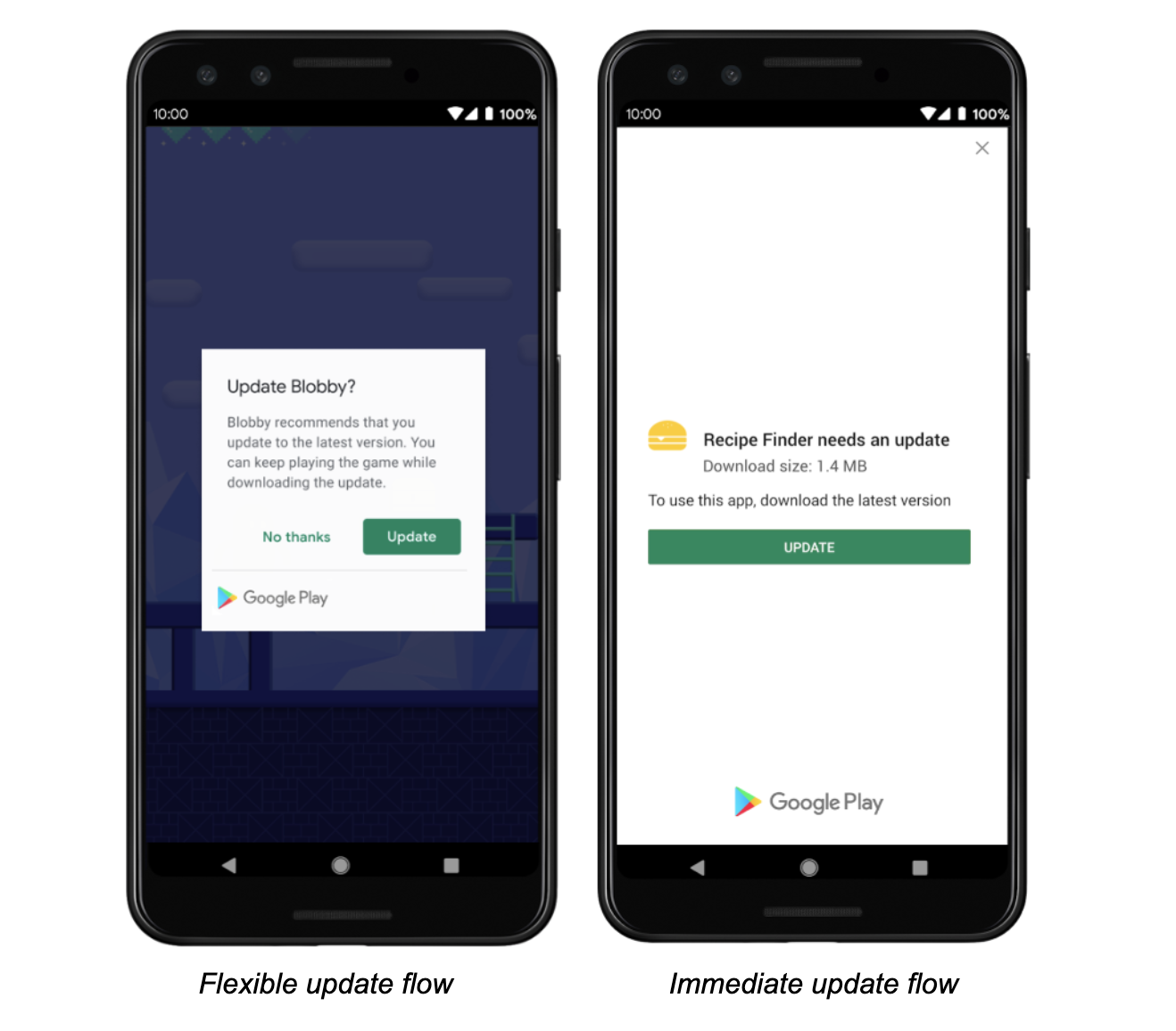
The following methods are exposed:
Future<AppUpdateInfo> checkForUpdate(): Checks if there's an update availableFuture<void> performImmediateUpdate(): Performs an immediate update (full-screen)Future<void> startFlexibleUpdate(): Starts a flexible update (background download)Future<void> completeFlexibleUpdate(): Actually installs an available flexible updatePlease have a look in the example app on how to use it!
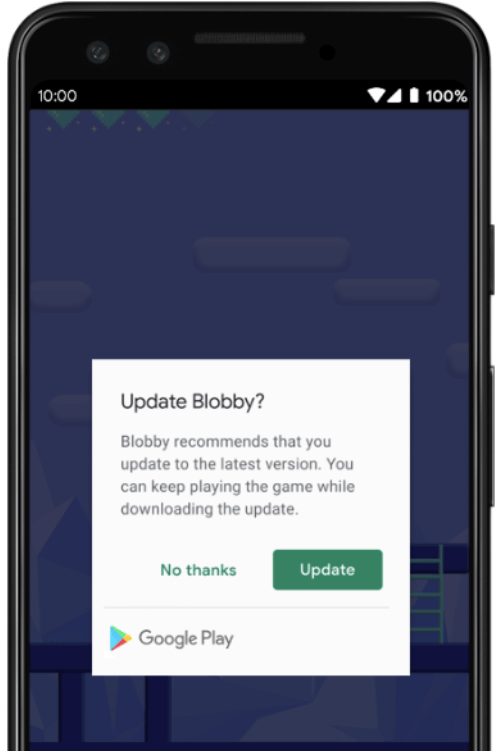
This plugin integrates the official Android APIs to perform in app updated that were released in 2019: https://developer.android.com/guide/app-bundle/in-app-updates
iOS does not offer such a functionality. You might want to look into e.g. https://pub.dev/packages/upgrader. If you call the methods above on a iOS device you'll run into a not-implemented exception.
Be aware that this plugin cannot be tested locally. It must be installed via Google Play to work. Please check the official documentation about In App Updates from Google:
https://developer.android.com/guide/playcore/in-app-updates/test
In App Updates are only available from API Versions >= 21, as mentioned here.

निर्भरता सूची 2 आइटम
{"sdk":"flutter"}{"sdk":"flutter"}उपयोग के अनुसार छाँटें, गतिविधि की तुलना करें और अपनाने से पहले मूल प्रोजेक्ट की आवश्यकताएँ जाँचें।
“A repository is the most basic element of GitHub.”
GitHub Docs — About repositories ↗