
 v1.1.3
pixel_perfect
आपके फ्लटर एप्लिकेशन को 'पिक्सेल परफेक्ट' बनाने में मदद करने वाला डेवलपमेंट टूल
225लाइक 5.3 हज़ार30-दिन डाउनलोड150Pub अंक
AndroidiOSWebmacOSWindowsLinux
अपने डिज़ाइन और वर्तमान Flutter लेआउट की तुलना करें।
यह अंग्रेज़ी मूल स्नैपशॉट है। नवीनतम सामग्री GitHub पर देखें।





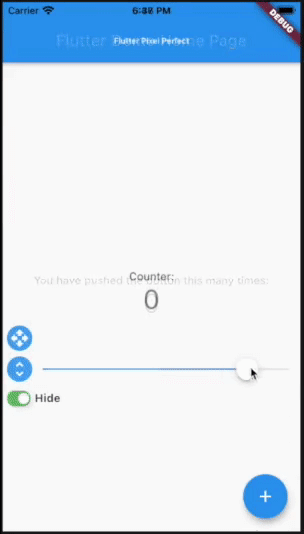
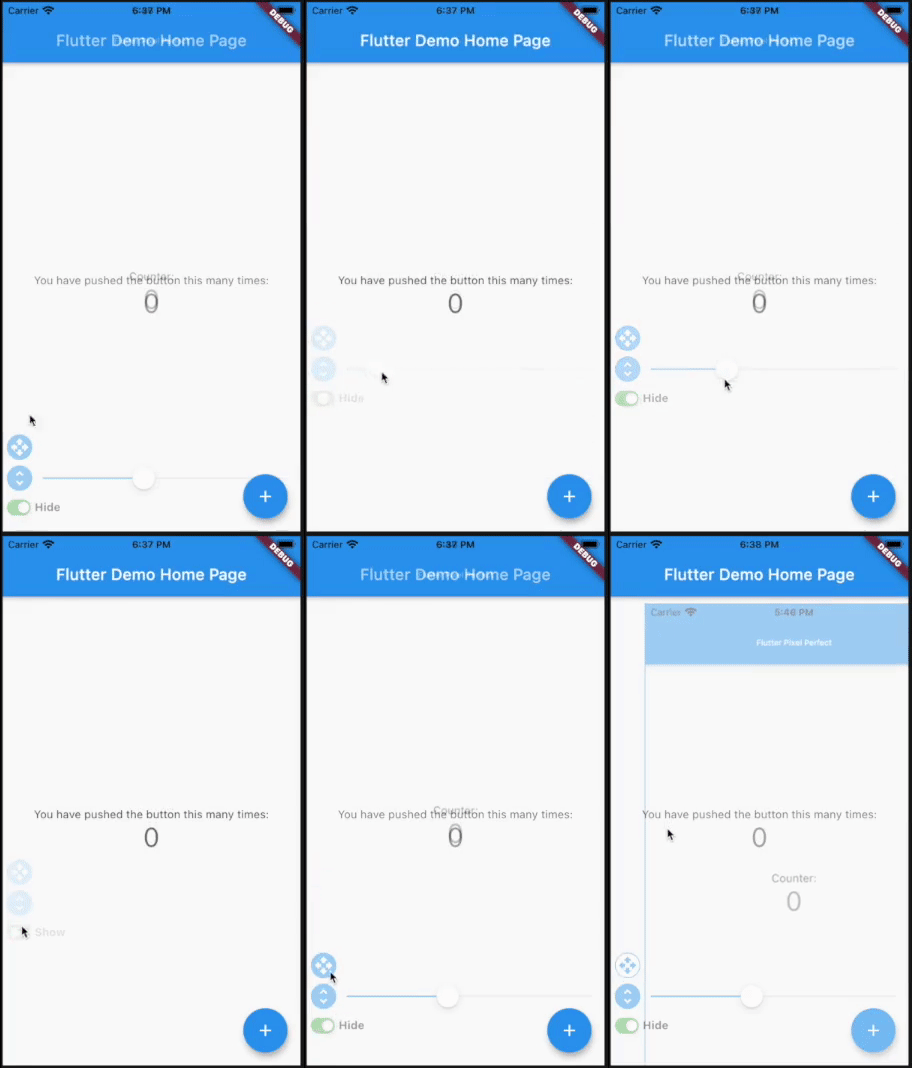
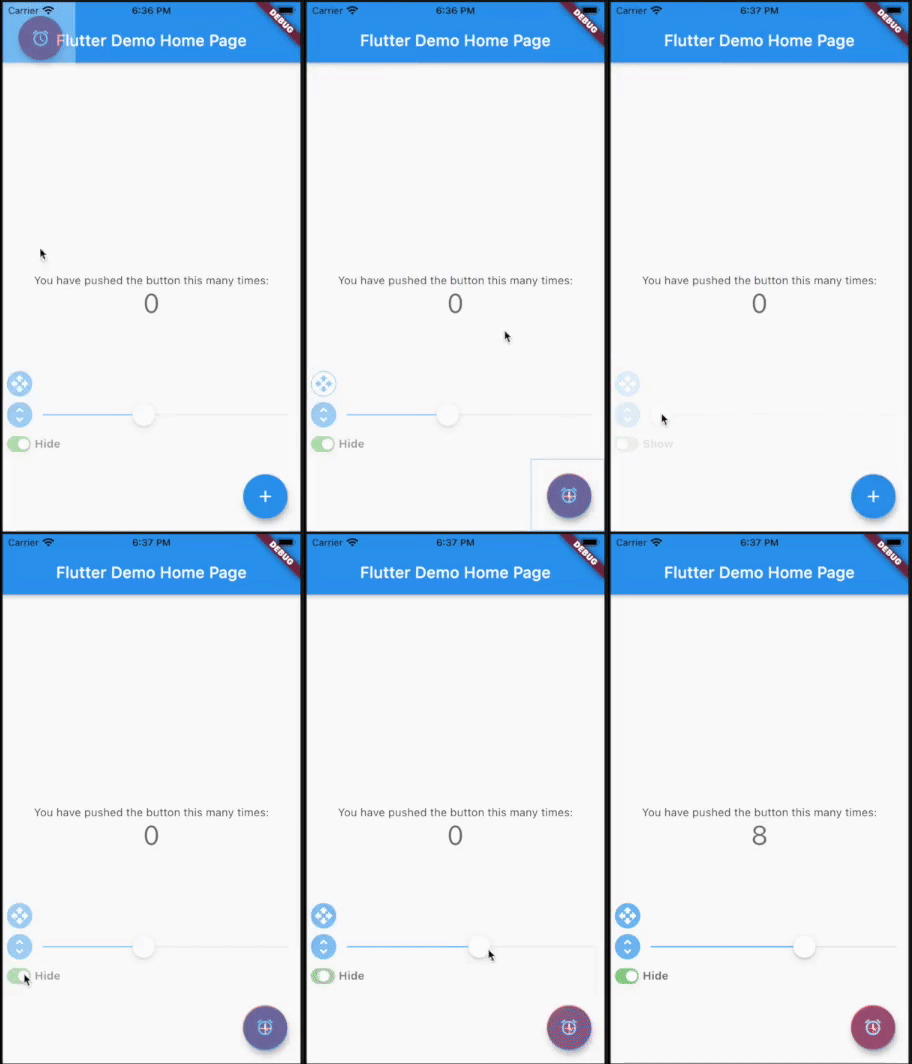
Put a semi-transparent image with the design over the top of the developed layout. It helps you to compare original design and current page.
Add pixel_perfect in your pubspec.yaml dependencies.
dependencies:
 pixel_perfect: any
Simple use
Add assets folder with images to your pubspec.yaml
  uses-material-design: true
  assets:
    - assets/
Import the following package in your dart file
import 'package:pixel_perfect/pixel_perfect.dart';
return PixelPerfect(
  assetPath: 'assets/design.png', // path to your asset image
  scale: 1, // scale value (optional)
  initBottom: 20, //  default bottom distance (optional)
  offset: Offset.zero, // default image offset (optional)
  initOpacity: 0.4, // init opacity value (optional)
  child: Scaffold(
    ..
  )
)
Extended use
return PixelPerfect.extended(
  image: Image.asset( // any image file
    'assets/element.png',
    scale: 2,
  ),
  initBottom: 20, //  default bottom distance (optional)
  offset: Offset.zero, // default image offset (optional)
  initOpacity: 0.4, // init opacity value (optional)
  child: Scaffold(
    ..
  )
)
Video tutorials by Learn App Code
How to Make Pixel Perfect Flutter Apps
How to Make Responsive Flutter Apps, Pixel Perfect

निर्भरता सूची 2 आइटम
{"sdk":"flutter"}{"sdk":"flutter"}उपयोग के अनुसार छाँटें, गतिविधि की तुलना करें और अपनाने से पहले मूल प्रोजेक्ट की आवश्यकताएँ जाँचें।
“A repository is the most basic element of GitHub.”
GitHub Docs — About repositories ↗