

 v2.1.0
flutter_custom_clippers
विभिन्न कस्टम आकृतियों को प्राप्त करने में मदद करने के लिए कस्टम क्लिपर प्रदान करने वाला फ्लटर पैकेज।
786लाइक 17.6 हज़ार30-दिन डाउनलोड145Pub अंक
AndroidiOSWebmacOSWindowsLinux
विभिन्न कस्टम आकृतियों को प्राप्त करने में मदद करने के लिए कस्टम क्लिपर प्रदान करने वाला फ्लटर पैकेज।

यह अंग्रेज़ी मूल स्नैपशॉट है। नवीनतम सामग्री GitHub पर देखें।
Flutter package that provides you custom clippers to help you achieve various custom shapes.

To use this plugin, add flutter_custom_clippers as a dependency in your pubspec.yaml file.
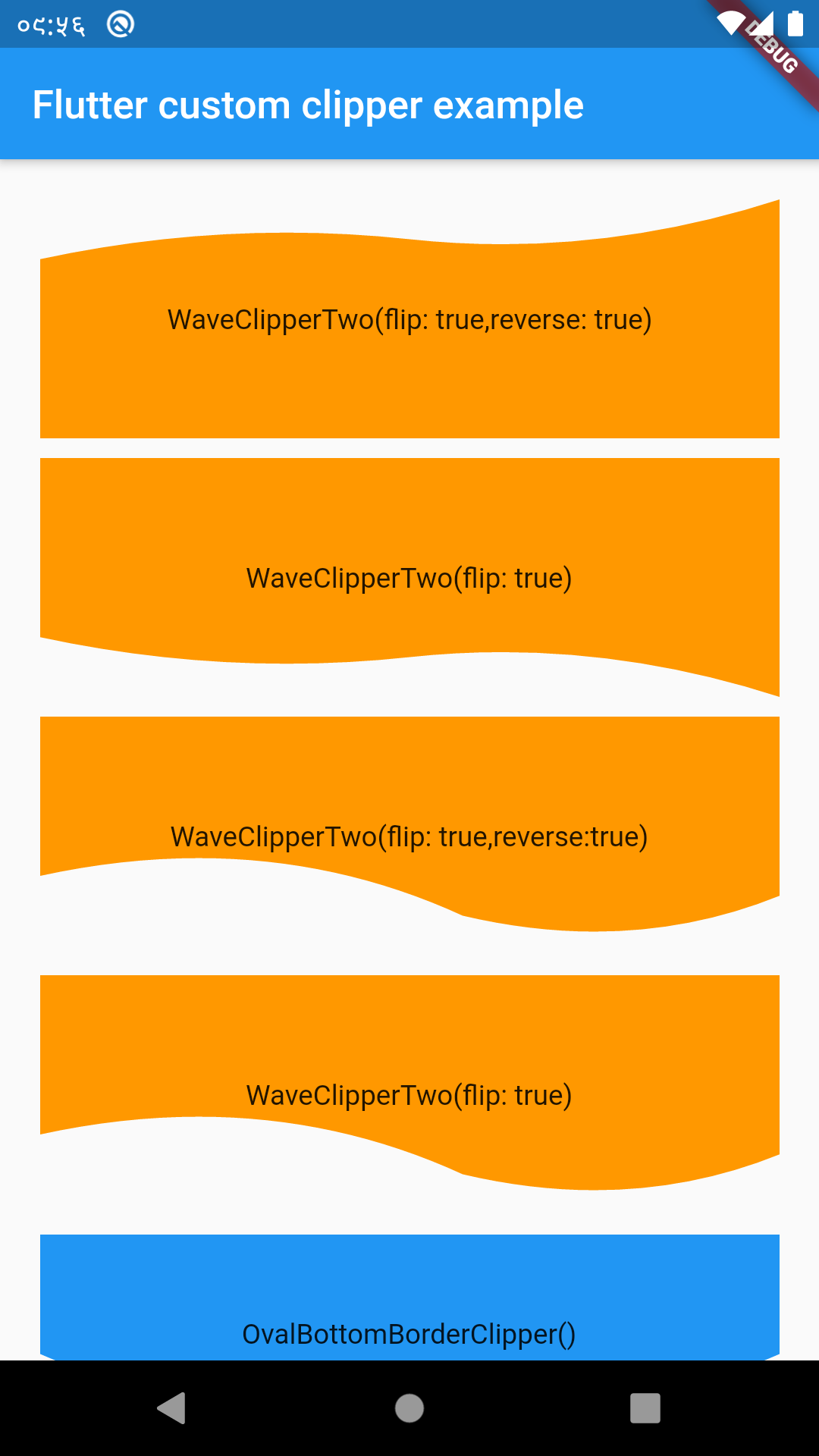
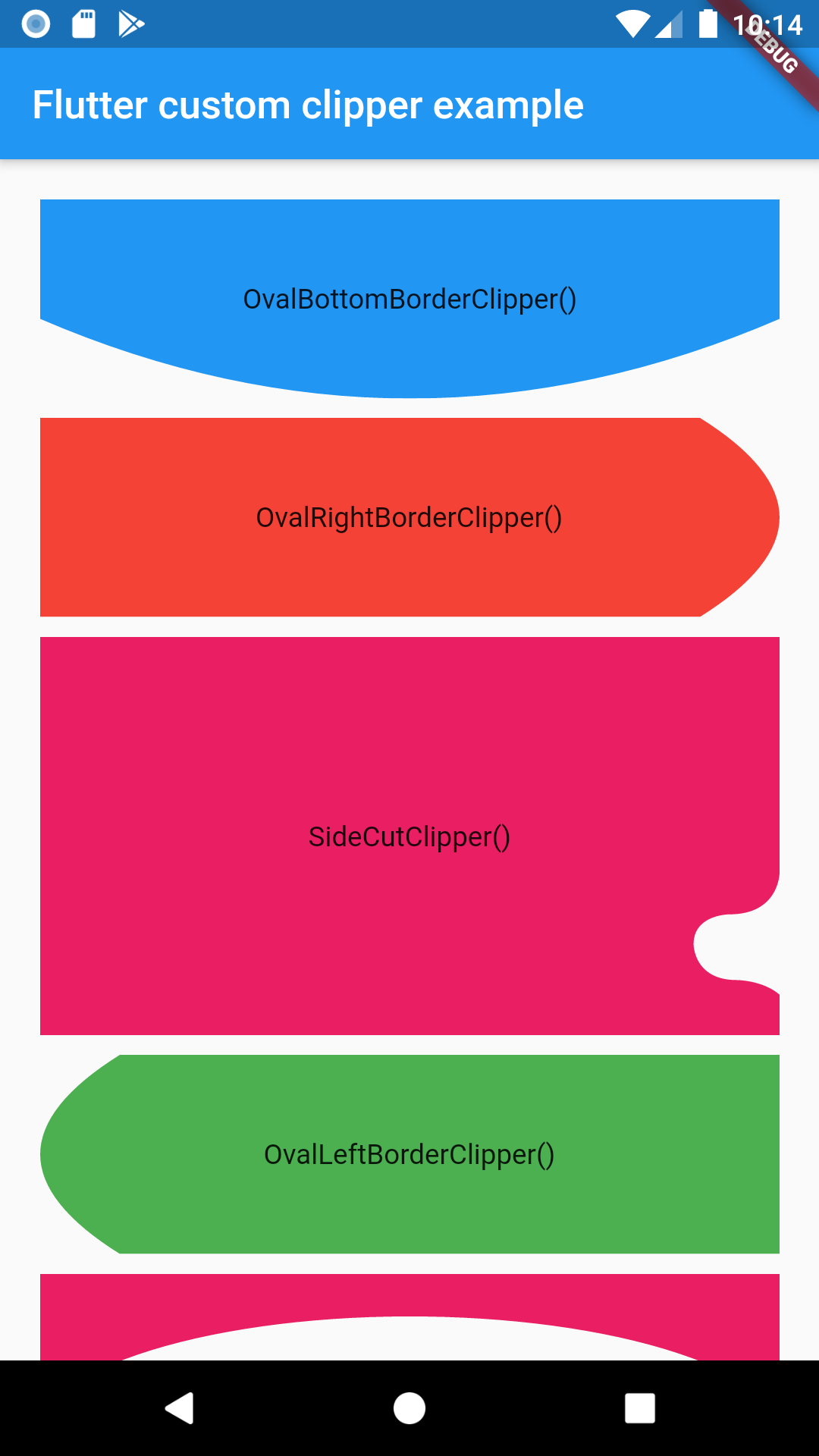
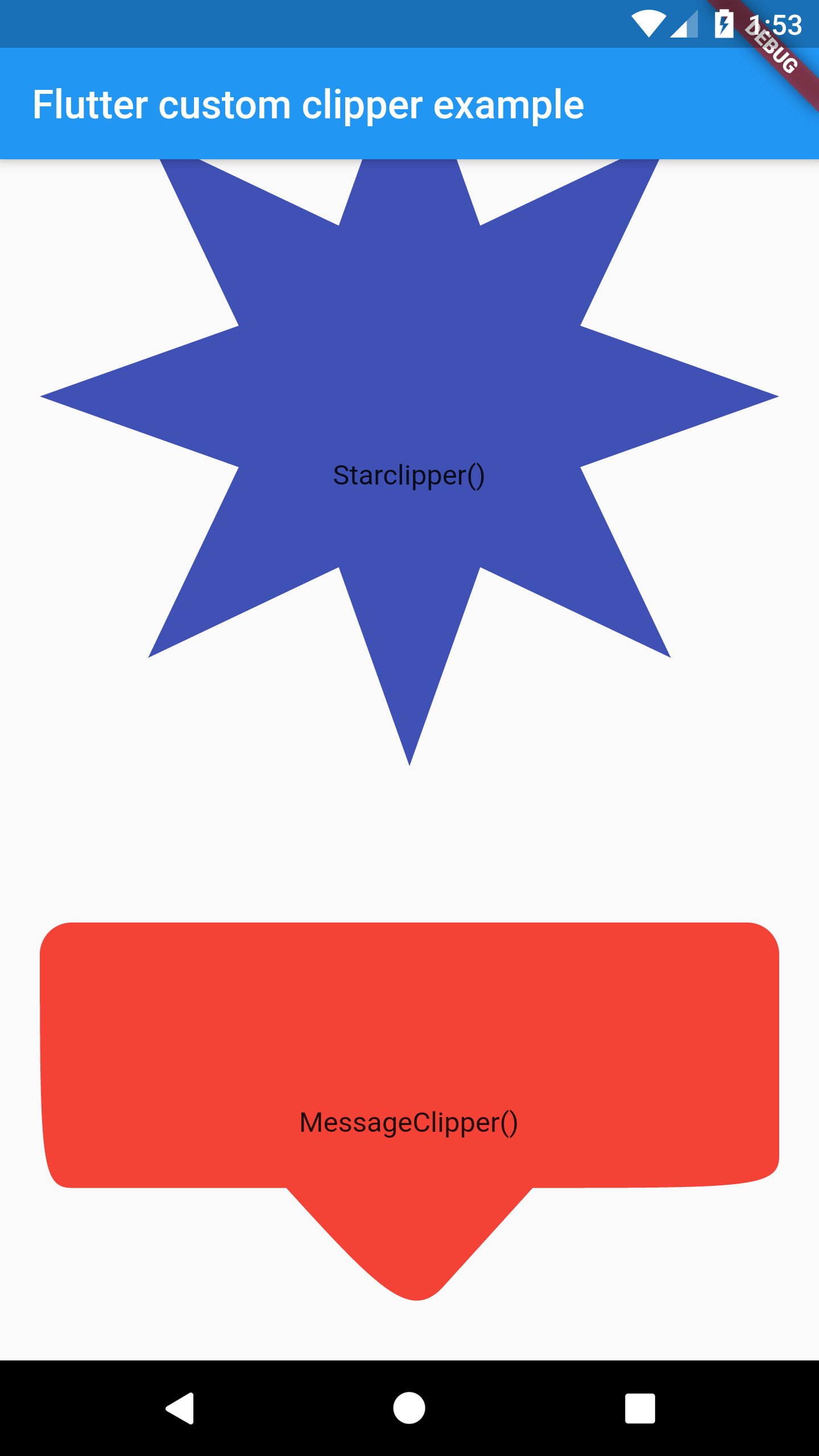
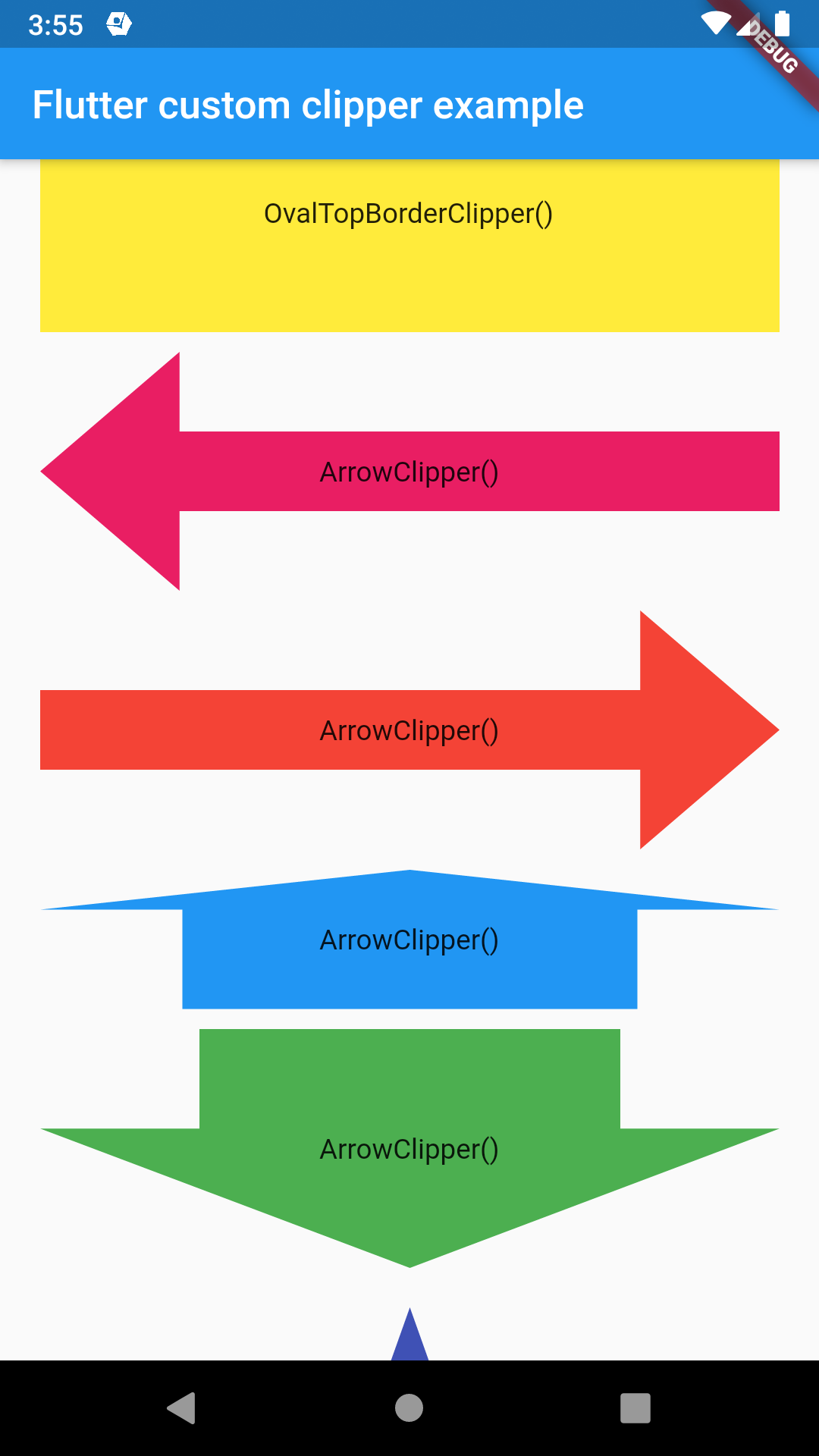
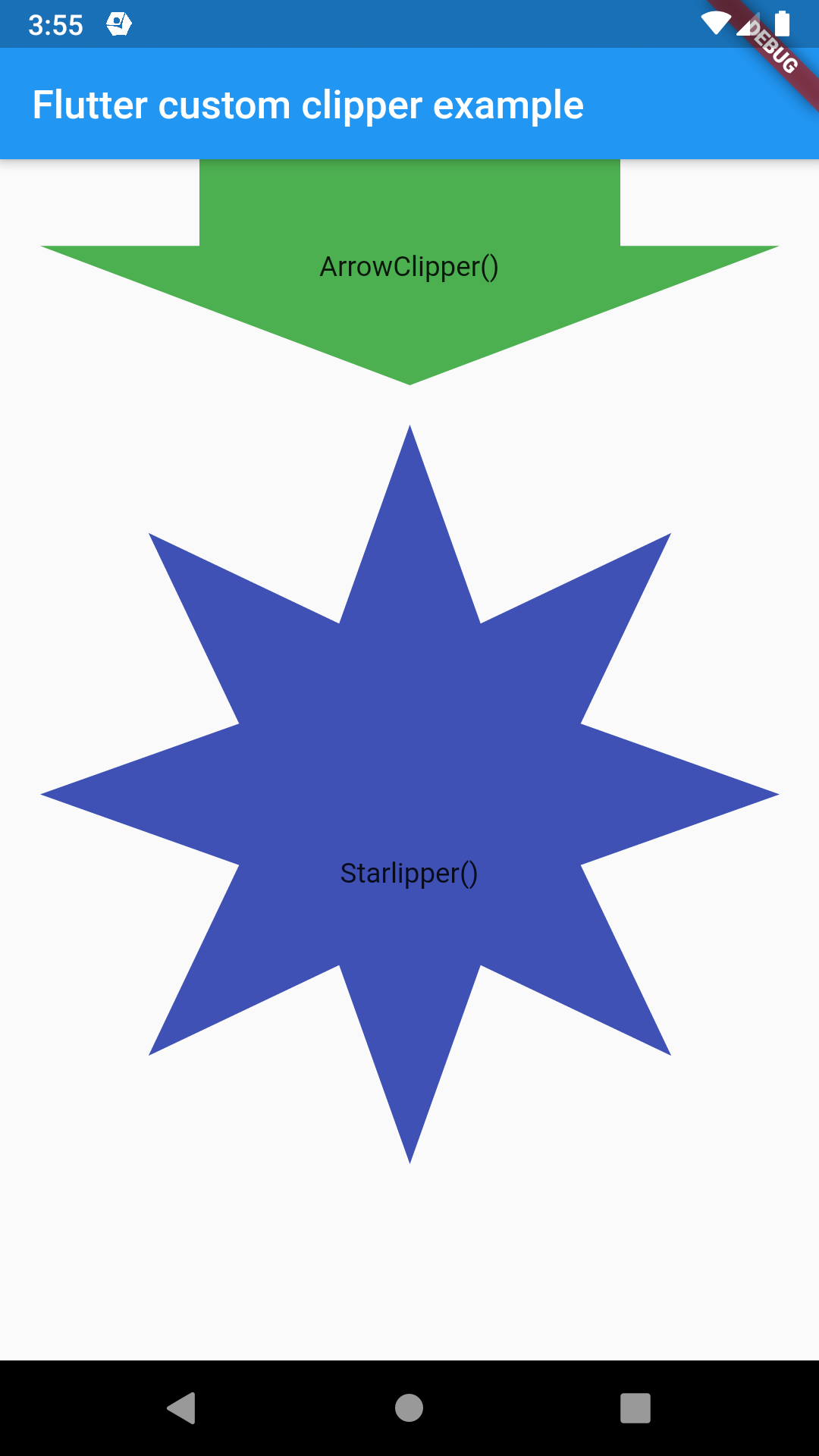
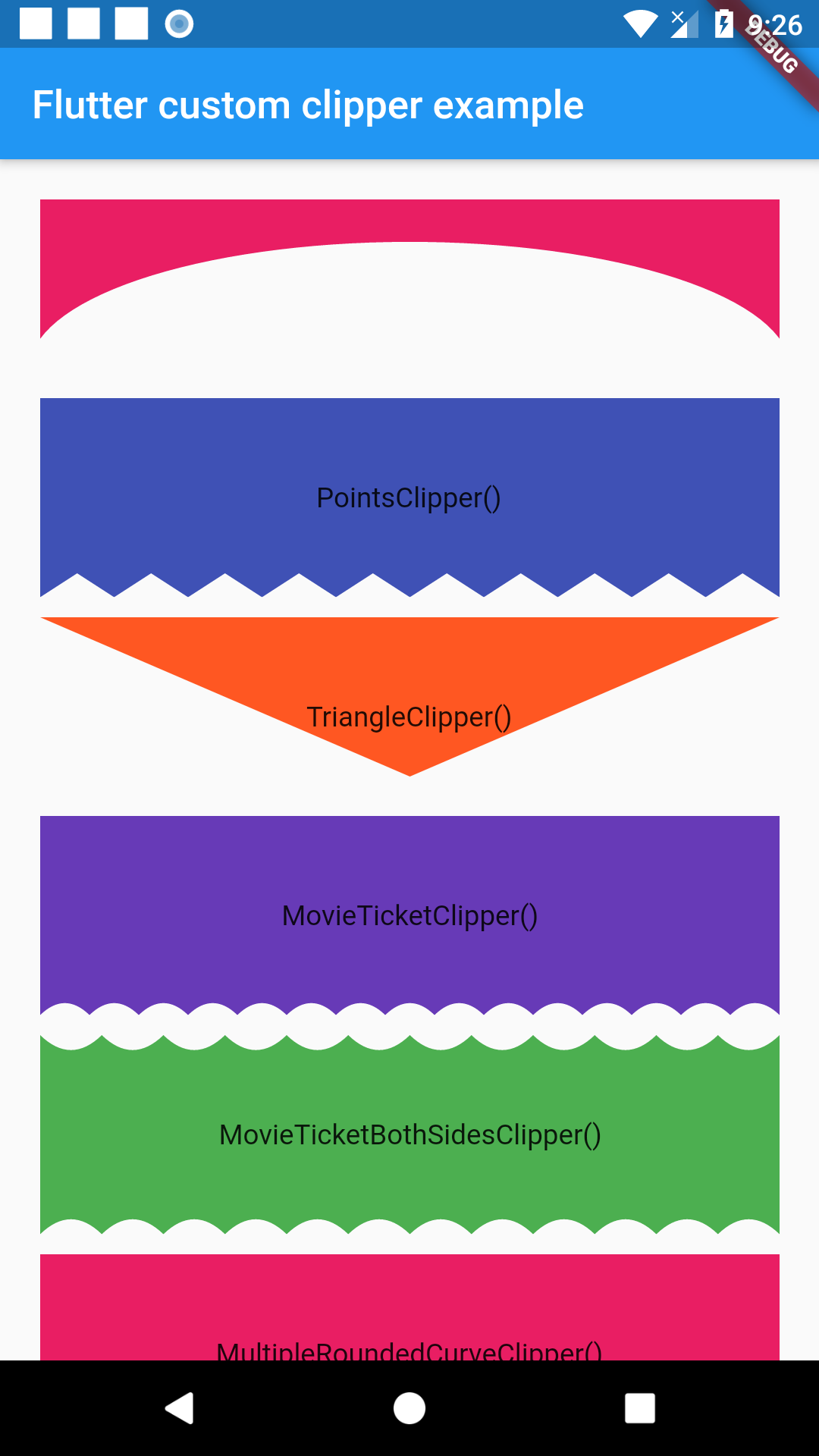
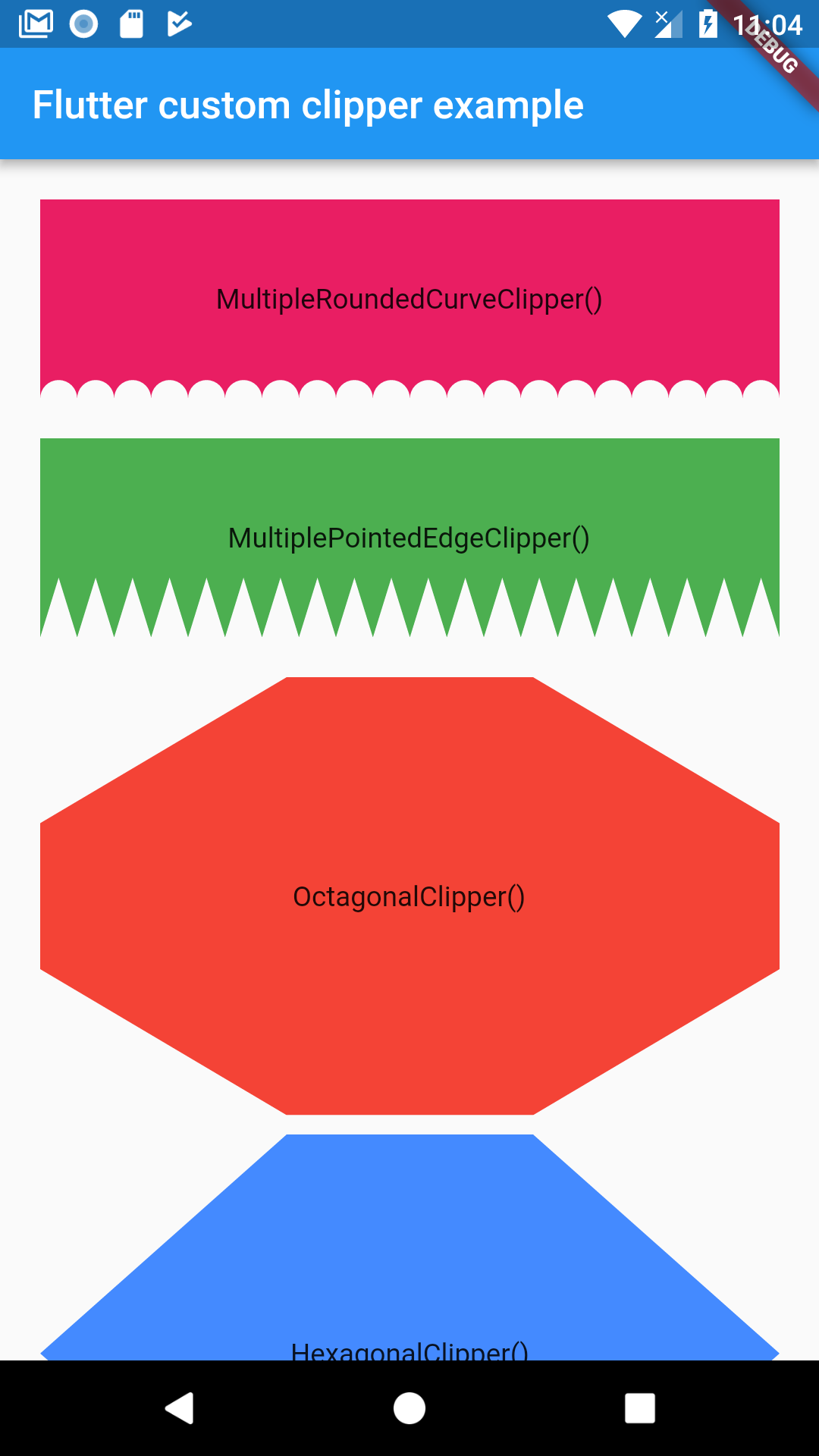
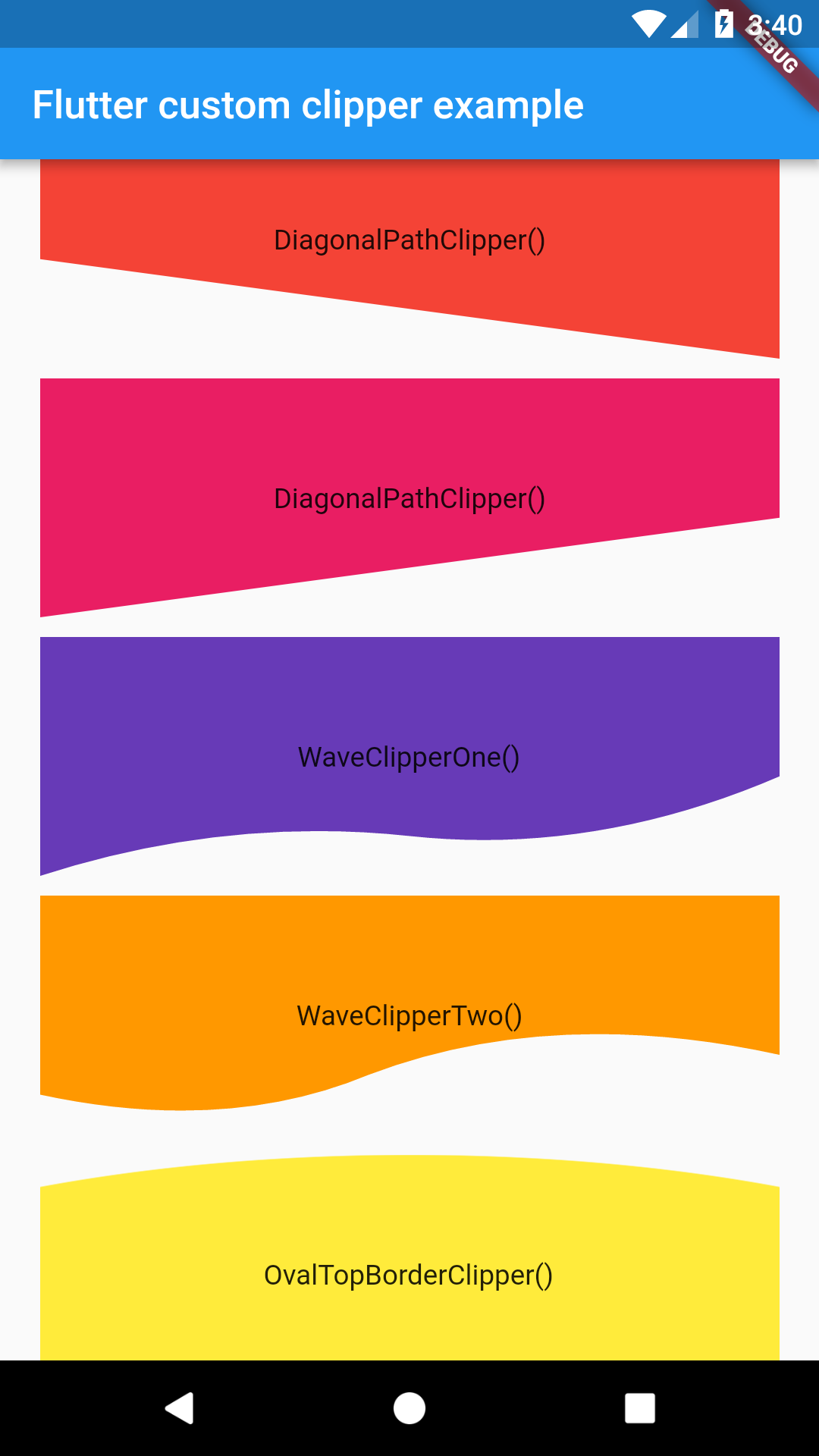
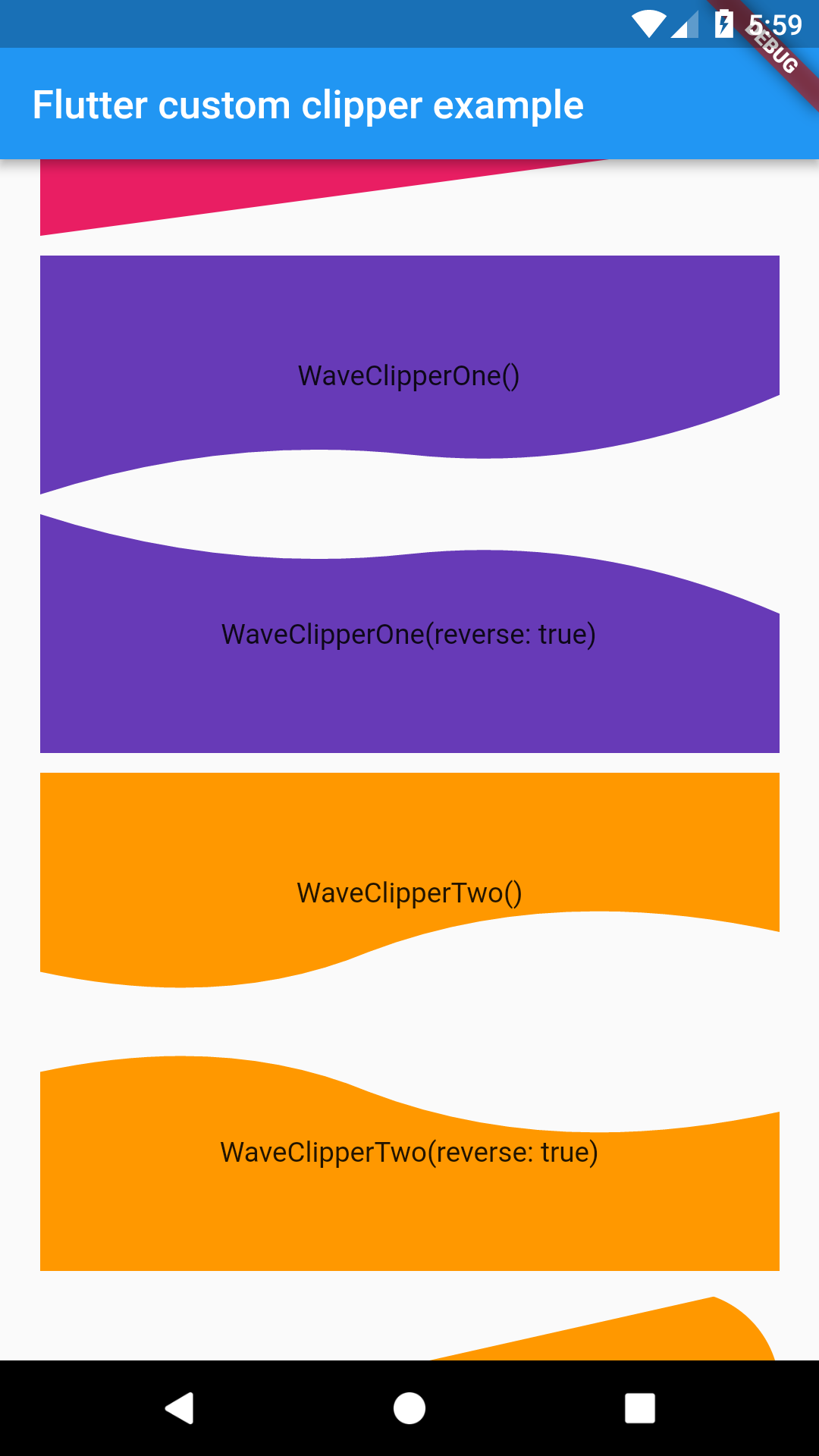
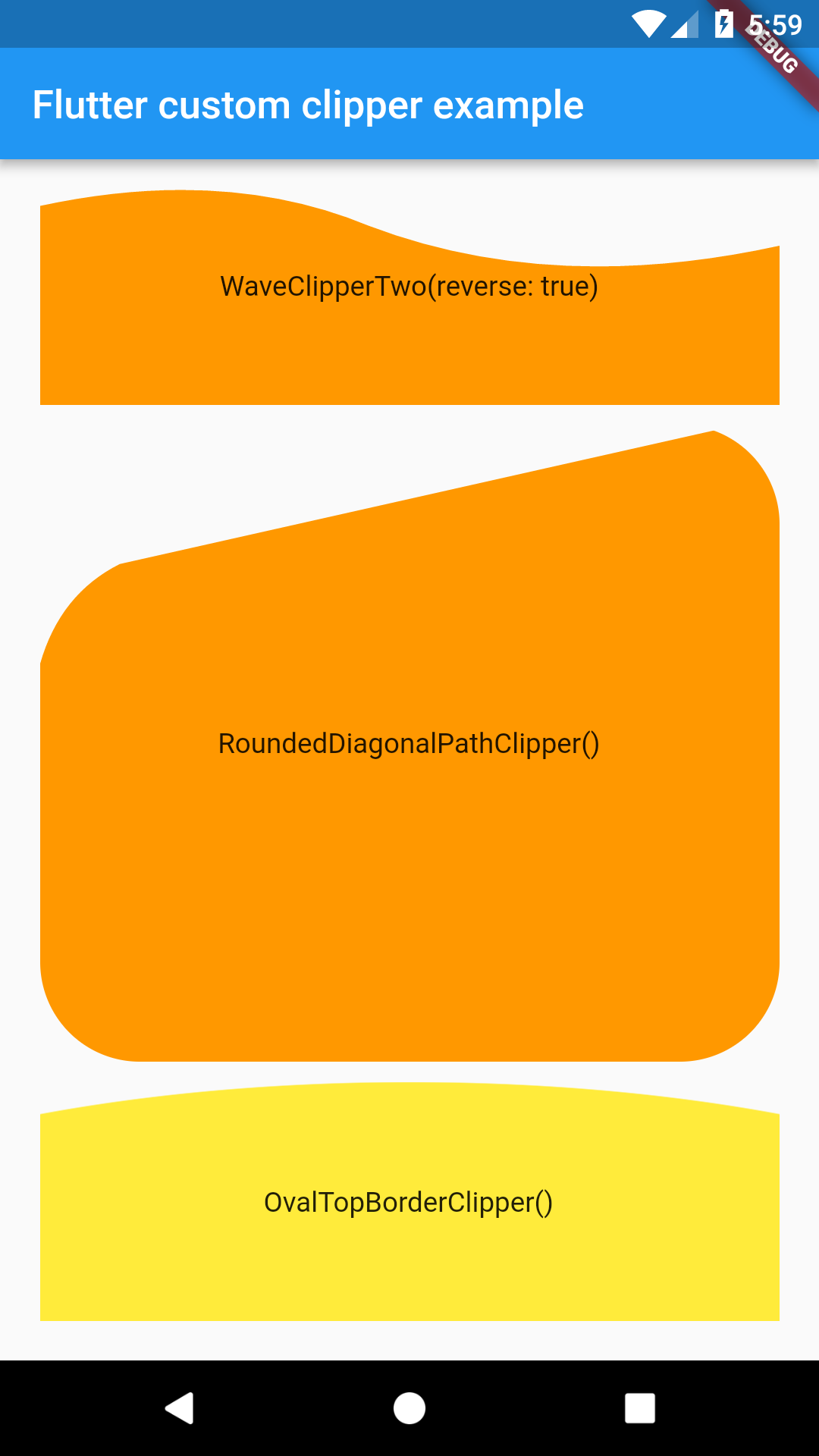
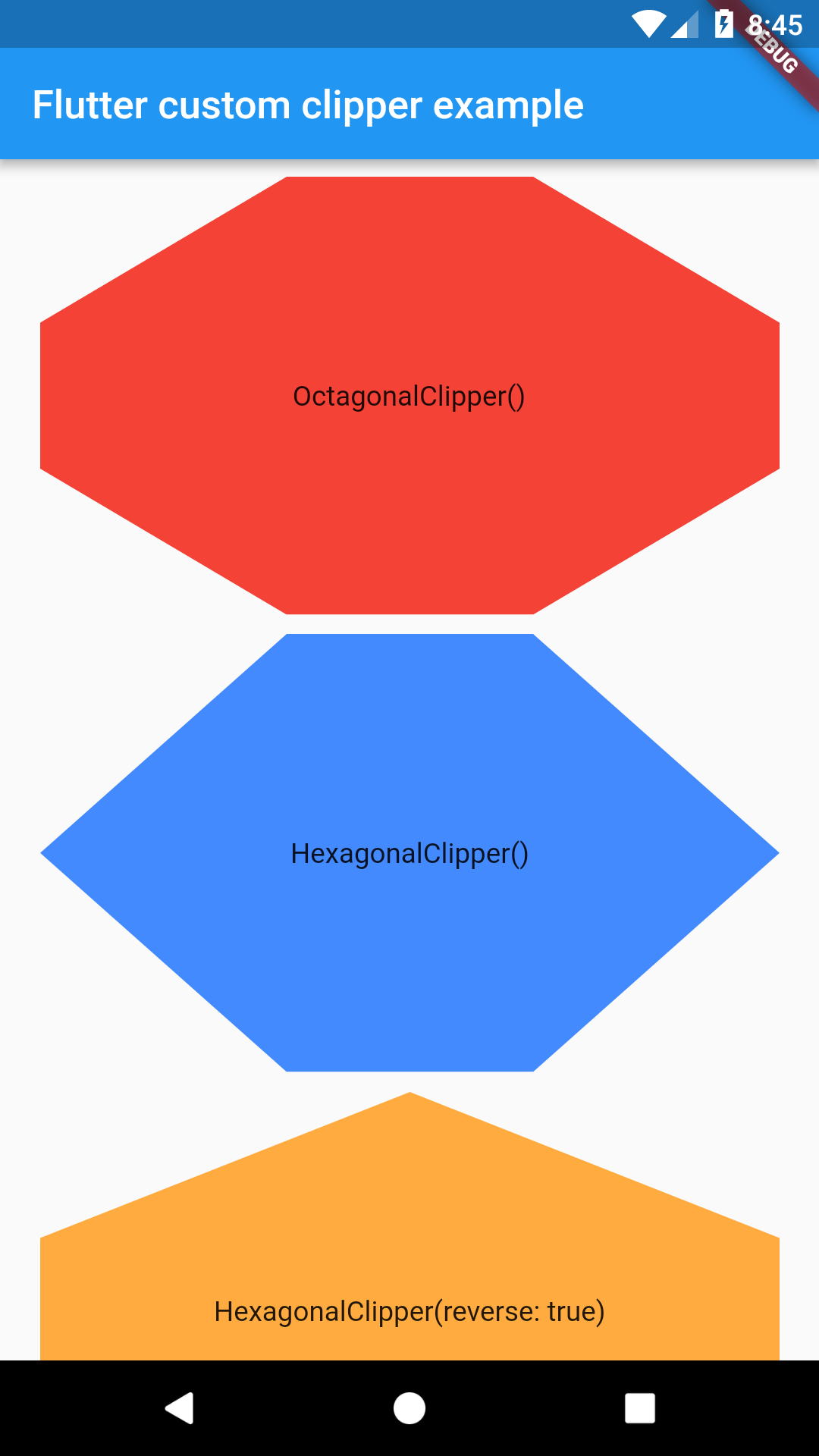
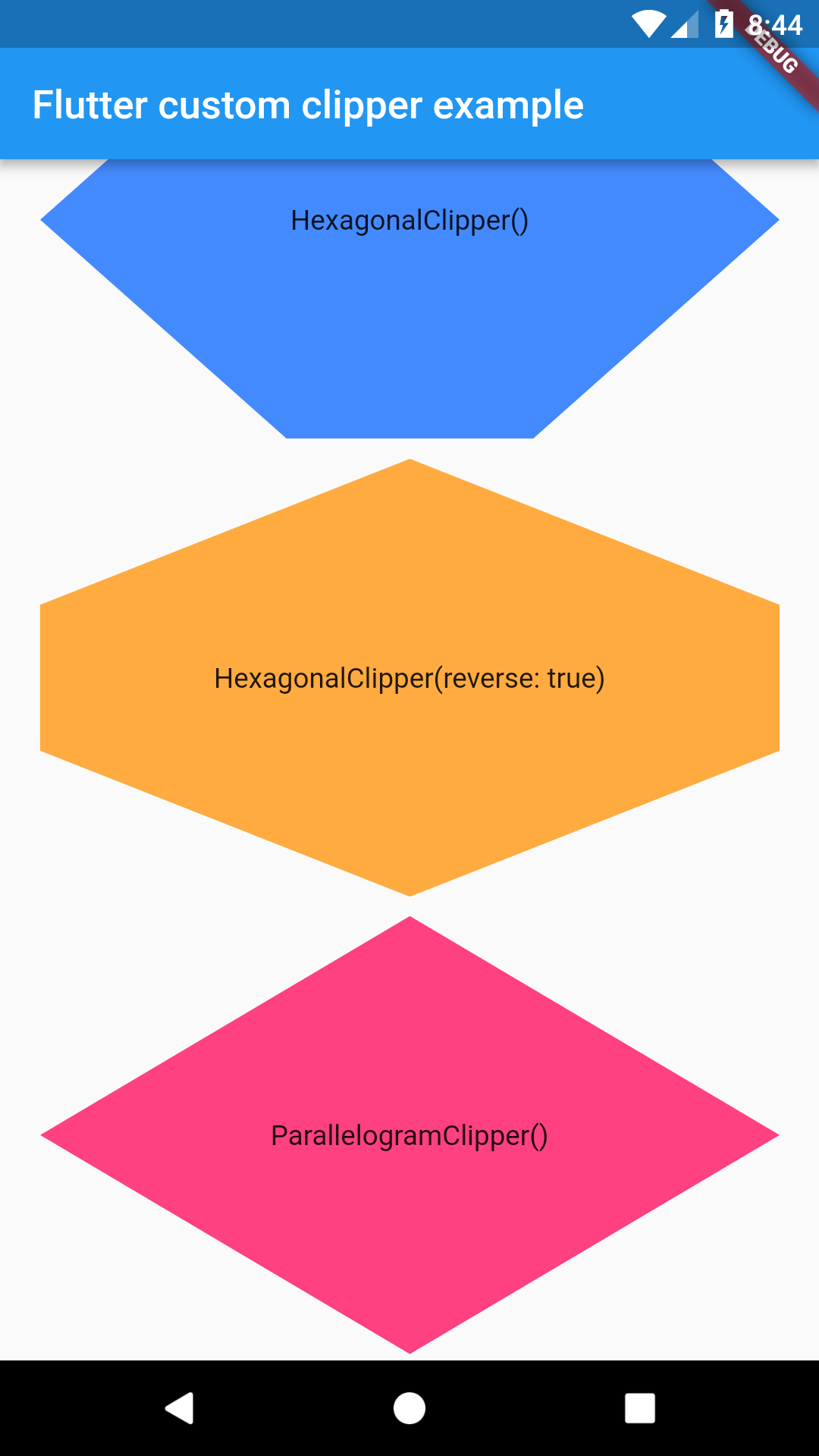
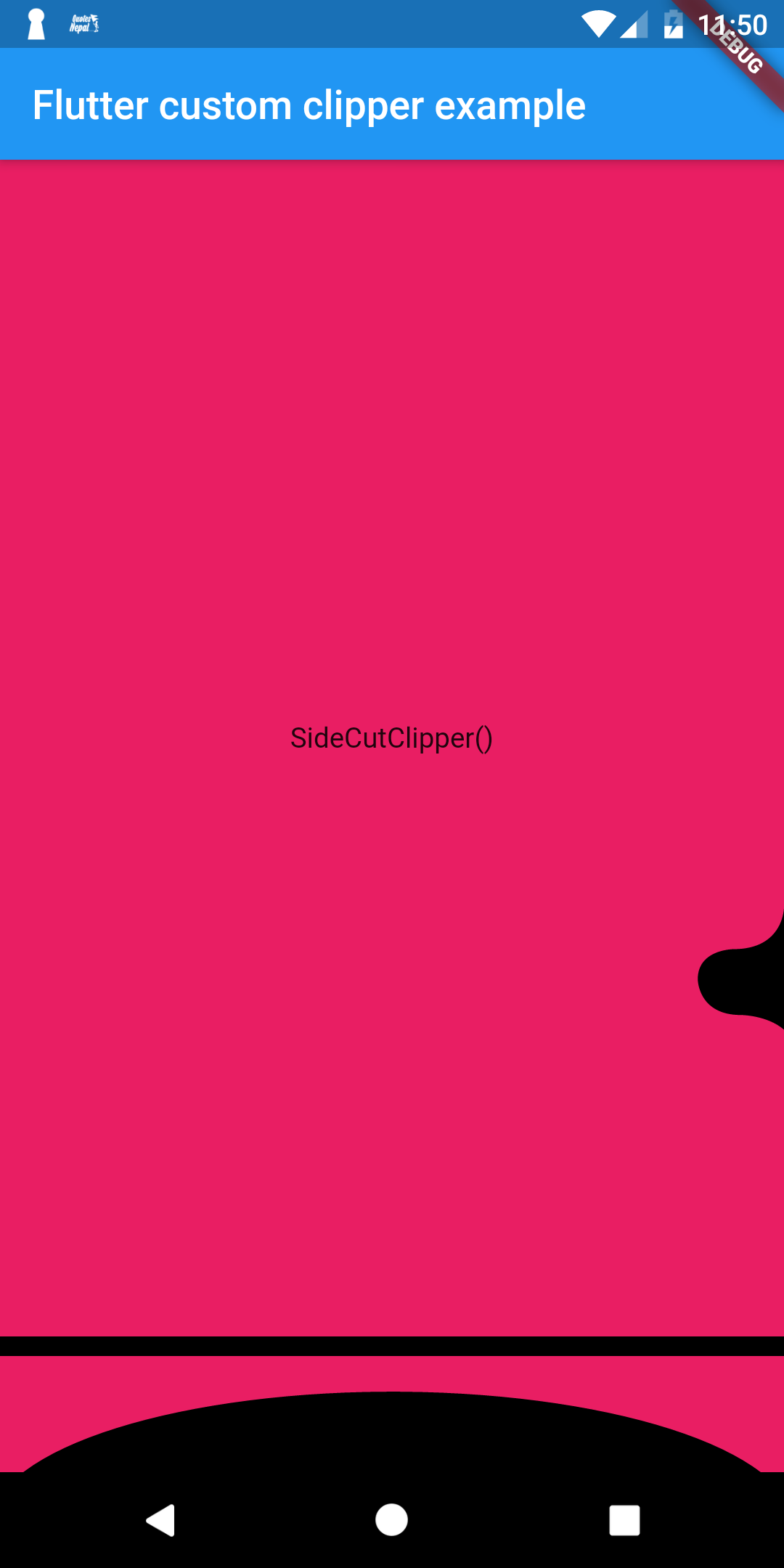

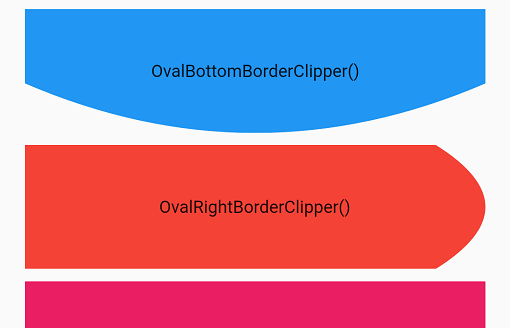
import 'package:flutter/material.dart';
import 'package:flutter_custom_clippers/flutter_custom_clippers.dart';

void main() => runApp(MyApp());

class MyApp extends StatelessWidget {
  @override
  Widget build(BuildContext context) {
    return MaterialApp(
      home: HomeScreen(),
    );
  }
}

class HomeScreen extends StatelessWidget {
  @override
  Widget build(BuildContext context) {
    return Scaffold(
      appBar: AppBar(
        title: Text("Flutter custom clipper example"),
      ),
      body: ListView(
        padding: EdgeInsets.all(20.0),
        children: <Widget>[
           ClipPath(
            clipper: SideCutClipper(),
            child: Container(
              height: 600,
              width: 500  ,
              color: Colors.pink,
              child: Center(child: Text("SideCutClipper()")),
            ),
          ),
          ClipPath(
            clipper: MultipleRoundedCurveClipper(),
            child: Container(
              height: 100,
              color: Colors.pink,
              child: Center(child: Text("MultipleRoundedCurveClipper()")),
            ),
          ),
          SizedBox(height: 20.0,),
          ClipPath(
            clipper: MultiplePointedEdgeClipper(),
            child: Container(
              height: 100,
              color: Colors.green,
              child: Center(child: Text("MultiplePointedEdgeClipper()")),
            ),
          ),
          SizedBox(height: 20.0,),
          ClipPath(
            clipper: OctagonalClipper(),
            child: Container(
              height: 220,
              color: Colors.red,
              child: Center(child: Text("OctagonalClipper()")),
            ),
          ),
          SizedBox(height: 10.0,),
          ClipPath(
            clipper: HexagonalClipper(),
            child: Container(
              height: 220,
              color: Colors.blueAccent,
              child: Center(child: Text("HexagonalClipper()")),
            ),
          ),
          SizedBox(height: 10.0,),
          ClipPath(
            clipper: HexagonalClipper(reverse: true),
            child: Container(
              height: 220,
              color: Colors.orangeAccent,
              child: Center(child: Text("HexagonalClipper(reverse: true)")),
            ),
          ),
          SizedBox(height: 10.0,),
          ClipPath(
            clipper: ParallelogramClipper(),
            child: Container(
              height: 220,
              color: Colors.pinkAccent,
              child: Center(child: Text("ParallelogramClipper()")),
            ),
          ),
          SizedBox(height: 10.0,),
          ClipPath(
            clipper: DiagonalPathClipperOne(),
            child: Container(
              height: 120,
              color: Colors.red,
              child: Center(child: Text("DiagonalPathClipper()")),
            ),
          ),
          SizedBox(height: 10.0,),
          ClipPath(
            clipper: DiagonalPathClipperTwo(),
            child: Container(
              height: 120,
              color: Colors.pink,
              child: Center(child: Text("DiagonalPathClipper()")),
            ),
          ),
          SizedBox(height: 10.0,),
          ClipPath(
            clipper: WaveClipperOne(),
            child: Container(
              height: 120,
              color: Colors.deepPurple,
              child: Center(child: Text("WaveClipperOne()")),
            ),
          ),
          SizedBox(height: 10.0,),
          ClipPath(
            clipper: WaveClipperOne(reverse: true),
            child: Container(
              height: 120,
              color: Colors.deepPurple,
              child: Center(child: Text("WaveClipperOne(reverse: true)")),
            ),
          ),
          SizedBox(height: 10.0,),
          ClipPath(
            clipper: WaveClipperTwo(),
            child: Container(
              height: 120,
              color: Colors.orange,
              child: Center(child: Text("WaveClipperTwo()")),
            ),
          ),
          SizedBox(height: 10.0,),
          ClipPath(
            clipper: WaveClipperTwo(reverse: true),
            child: Container(
              height: 120,
              color: Colors.orange,
              child: Center(child: Text("WaveClipperTwo(reverse: true)")),
            ),
          ),
          SizedBox(height: 10.0,),
          ClipPath(
            clipper: RoundedDiagonalPathClipper(),
            child: Container(
              height: 320,
              decoration: BoxDecoration(
                borderRadius: BorderRadius.all(Radius.circular(50.0)),
                color: Colors.orange,
              ),
              child: Center(child: Text("RoundedDiagonalPathClipper()")),
            ),
          ),
          SizedBox(height: 10.0,),
          ClipOval(
            clipper: OvalTopBorderClipper(),
            child: Container(
              height: 120,
              color: Colors.yellow,
              child: Center(child: Text("OvalTopBorderClipper()")),
            ),
          ),
            SizedBox(
            height: 10,
          ),
          ClipPath(
            clipper: ArrowClipper(70, 80, Edge.BOTTOM),
            child: Container(
              height: 120,
              color: Colors.green,
              child: Center(child: Text("ArrowClipper()")),
            ),
          ),
          SizedBox(
            height: 10,
          ),
          ClipPath(
            clipper: StarClipper(8),
            child: Container(
              height: 450,
              color: Colors.indigo,
              child: Center(child: Text("Starlipper()")),
            ),
          ),
           ClipPath(
            clipper: MessageClipper(borderRadius: 16),
            child: Container(
              height: 200,
              decoration: BoxDecoration(
                borderRadius: BorderRadius.all(Radius.circular(16.0)),
                color: Colors.red,
              ),
              child: Center(child: Text("MessageClipper()")),
            ),
          ),
           SizedBox(height: 20),
          ClipPath(
            clipper: WavyCircleClipper(32),
            child: Container(
              width: 400,
              height: 400,
              color: Colors.purple,
              child: const Center(child: Text("WavyCircleClipper()")),
            ),
          ),
        ],
      ),
    );
  }
}
On latest update few clippers were added from Flutter Clipper Experiments repository.
निर्भरता सूची 1 आइटम
{"sdk":"flutter"}उपयोग के अनुसार छाँटें, गतिविधि की तुलना करें और अपनाने से पहले मूल प्रोजेक्ट की आवश्यकताएँ जाँचें।
“A repository is the most basic element of GitHub.”
GitHub Docs — About repositories ↗