

v2.1.0
rubber
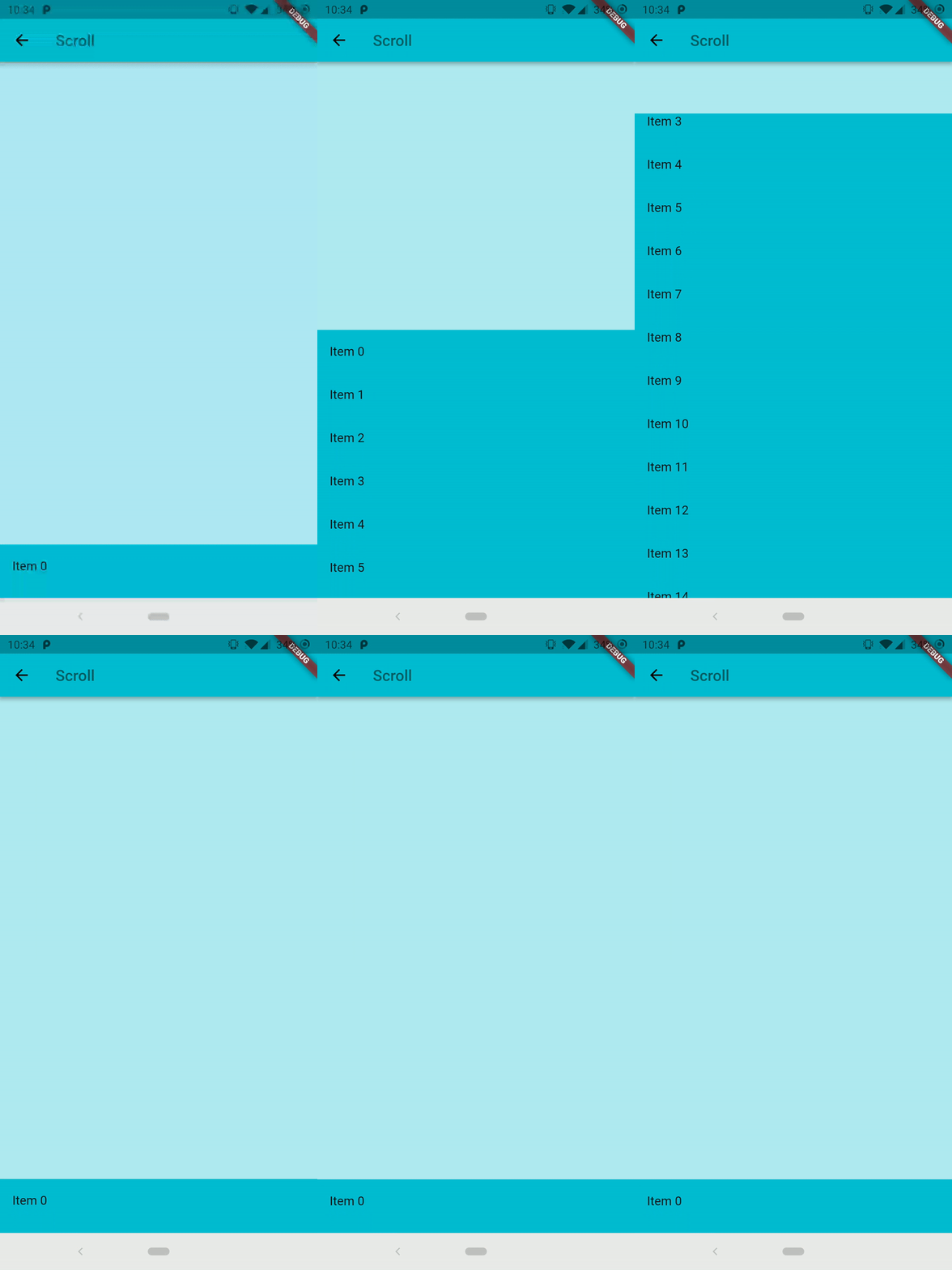
रबड़ एक लचीला बॉटम शीट विजेट है जिसमें कस्टमाइज़ेबल मैटेरियल स्प्रिंग एनीमेशन होता है।
356लाइक 11 हज़ार30-दिन डाउनलोड160Pub अंक
AndroidiOSWebmacOSWindowsLinux
Flutter के लिए एक लचीला सामग्री बॉटम शीट कार्यान्वयन।

यह अंग्रेज़ी मूल स्नैपशॉट है। नवीनतम सामग्री GitHub पर देखें।


An elastic material bottom sheet implementation for Flutter.
Requires Flutter 3.44 or later and Dart 3.12 or later.
This is still an early preview, some behaviors can change or being removed. Every feedback, bug report or feature request is welcome, please send it at the issue tracker
Follow the Quick Start to add it to your project. Is also available the complete example in the repository to preview the library on your device.
Common interaction options can be configured directly on the sheet:
RubberBottomSheet(
  animationController: controller,
  lowerLayer: const MyBackground(),
  upperLayer: const MySheetContent(),
  draggable: true,
  snapThreshold: 0.4,
  minFlingVelocity: 700,
  completeFlingVelocity: 5000,
  scrimColor: Colors.black54,
  onScrimTap: controller.collapse,
);
Use strict bounds when the elastic overscroll effect is not appropriate:
final controller = RubberAnimationController(
  vsync: this,
  duration: const Duration(milliseconds: 250),
  boundsBehavior: RubberAnimationBoundsBehavior.strict,
);
Use controller.addListener(...) to observe the position continuously. Status
listeners report direction and boundary transitions (forward, reverse,
completed, and dismissed). Pixel bounds are automatically recalculated
after size and orientation changes.
 |
 |
निर्भरता सूची 3 आइटम
{"sdk":"flutter"}{"sdk":"flutter"}^6.0.0उपयोग के अनुसार छाँटें, गतिविधि की तुलना करें और अपनाने से पहले मूल प्रोजेक्ट की आवश्यकताएँ जाँचें।
“A repository is the most basic element of GitHub.”
GitHub Docs — About repositories ↗