
 v2.0.0
pull_to_refresh
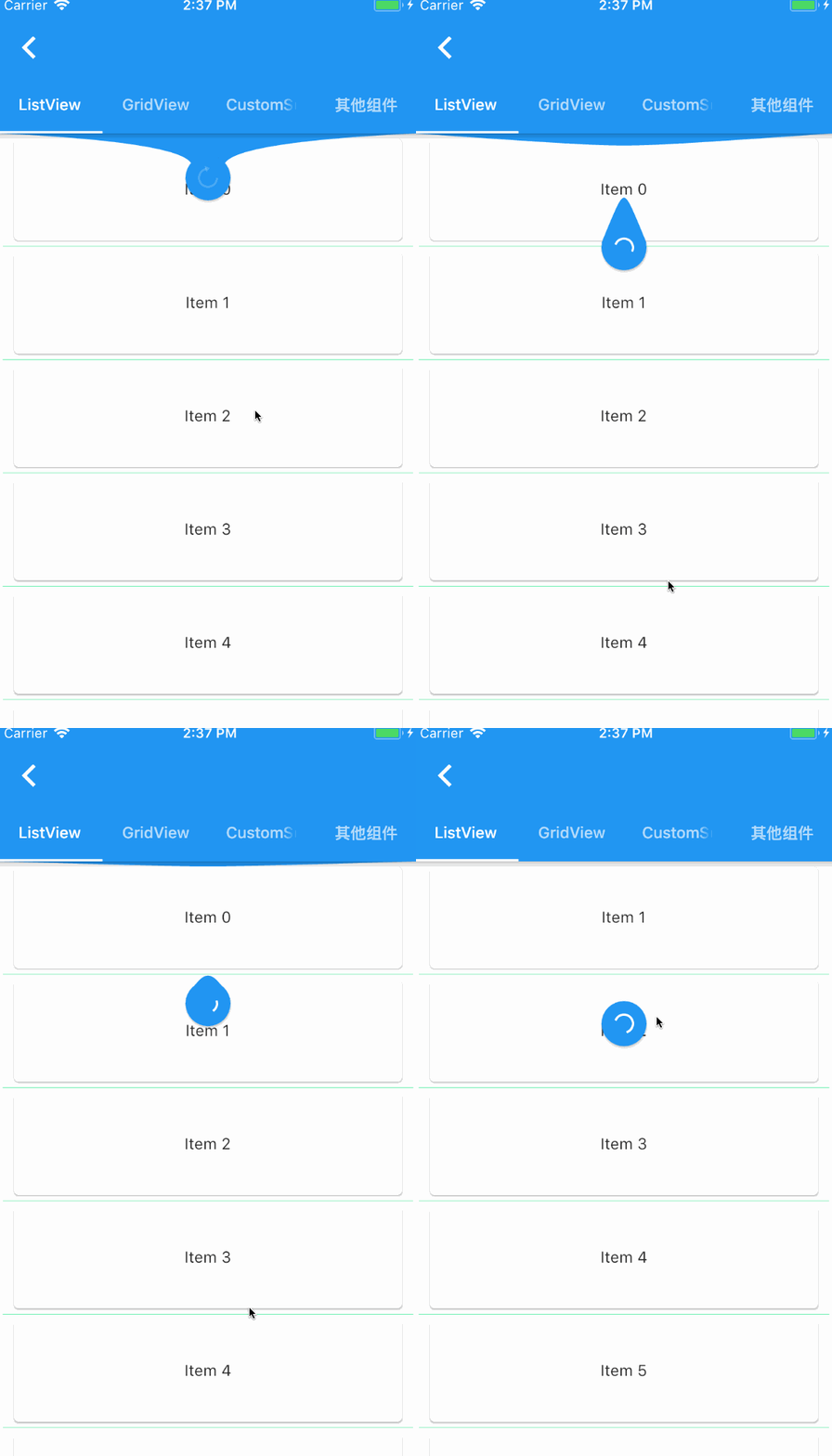
एक विजेट जो Flutter स्क्रॉल कंपोनेंट के ड्रॉप-डाउन रिफ्रेश और पुल अप लोड के लिए प्रदान किया जाता है।
2.8 हज़ारलाइक 1.7 लाख30-दिन डाउनलोड140Pub अंक
AndroidiOSWebmacOSWindowsLinux
Firebase/Firestore और Agora सेवाओं का उपयोग करके फ्लटर में लिखा गया Clubhouse क्लोन।
 v2.0.0
एक विजेट जो Flutter स्क्रॉल कंपोनेंट के ड्रॉप-डाउन रिफ्रेश और पुल अप लोड के लिए प्रदान किया जाता है।
Agora RTC SDK का फ्लटर प्लगइन, आपके ऐप में अगोरा वीडियो कॉलिंग या लाइव वीडियो स्ट्रीमिंग को केवल कुछ पंक्तियों के कोड के साथ सरलता से एकीकृत करने की अनुमति देता है।
 v3.4.1
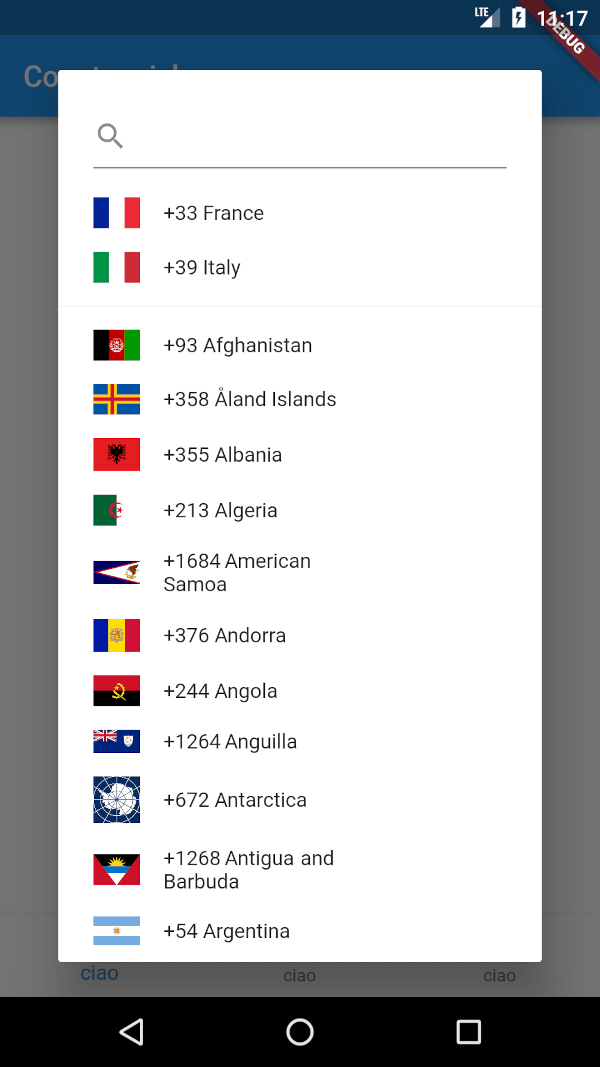
एक फ्लटर पैकेज जो देश कोड सिलेक्टर दिखाने के लिए है। इसके अलावा यह अनुमति देता है कि आप पसंदीदा देशों की सूची का चयन करें, साथ ही एक सरल सर्चबॉक्स का उपयोग करके खोज करें।
निर्भरता सूची 10 आइटम
{"sdk":"flutter"}^1.0.0^3.2.1^5.0.0—^0.4.4^0.12.9^2.0.1^1.6.4{"sdk":"flutter"}यह अंग्रेज़ी मूल स्नैपशॉट है। नवीनतम सामग्री GitHub पर देखें।
Clubhouse clone written in Flutter using Firebase/Firestore and Agora services.
Part 1 - Setup Flutter project and create Clubhouse clone app UI
Part 2 - User login and registration with Firebase
Part 3 - Voice calling functionality with Agora
https://raw.githubusercontent.com/perpetio/clubhouse/HEAD/assets/screenshots/1.gif https://raw.githubusercontent.com/perpetio/clubhouse/HEAD/assets/screenshots/2.gif
agora_rtc_engine: https://pub.dev/packages/agora_rtc_engine
permission_handler: https://pub.dev/packages/permission_handler
firebase_auth: https://pub.dev/packages/firebase_auth
cloud_firestore: https://pub.dev/packages/cloud_firestore
country_code_picker : https://pub.dev/packages/country_code_picker
pull_to_refresh : https://pub.dev/packages/pull_to_refresh
$ git clone https://github.com/perpetio/clubhouse.git
flutter pub get.Create your own Firebase project.
Once your Firebase instance is created, you'll need to enable Phone authentication.
const APP_ID = '';
const Token = '';
const channelName = '';
flutter run or using your IDE's tools.