
gemini_todo_list
एक फ्लटर टास्क लिस्ट ऐप जिसमें जीमीनी API को एकीकृत किया गया है, जिससे उपयोगकर्ता प्राकृतिक भाषा में कार्य सुविधाओं को जोड़ सकते हैं और एक एकीकृत चैट के माध्यम से विश्लेषण प्राप्त कर सकते हैं।

- स्टार
- 11
- फ़ोर्क
- 2
- अंतिम पुश (UTC)
- 17 जून 2024
- प्रोजेक्ट स्थिति
- सक्रिय
मूल README
यह अंग्रेज़ी मूल स्नैपशॉट है। नवीनतम सामग्री GitHub पर देखें।
todo_list
A Flutter To-Do list app that integrates the Gemini API to allow users to add tasks using natural language and gain insights through an integrated chat.
Features
- Login/Logup: User authentication using Firebase Auth
- Board management: Create, update, delete boards, invite other users to boards (using Firestore)
- Task management: Add tasks, update, delete tasks on boards, assign task to board members (using Firestore)
- Notification schedule: Notifications are schedule for task due date using Firebase Cloud Functions, Cloud Task, and Firebase Cloud. Notifications are sent to task assignees on due date and when invited on a board.
- Add tasks using natural language: Create a new task by simple input using natural language
- Gemini chat based insights: Possibility to get insights, recommendations, summaries about tasks through a chat interface
Screenshots
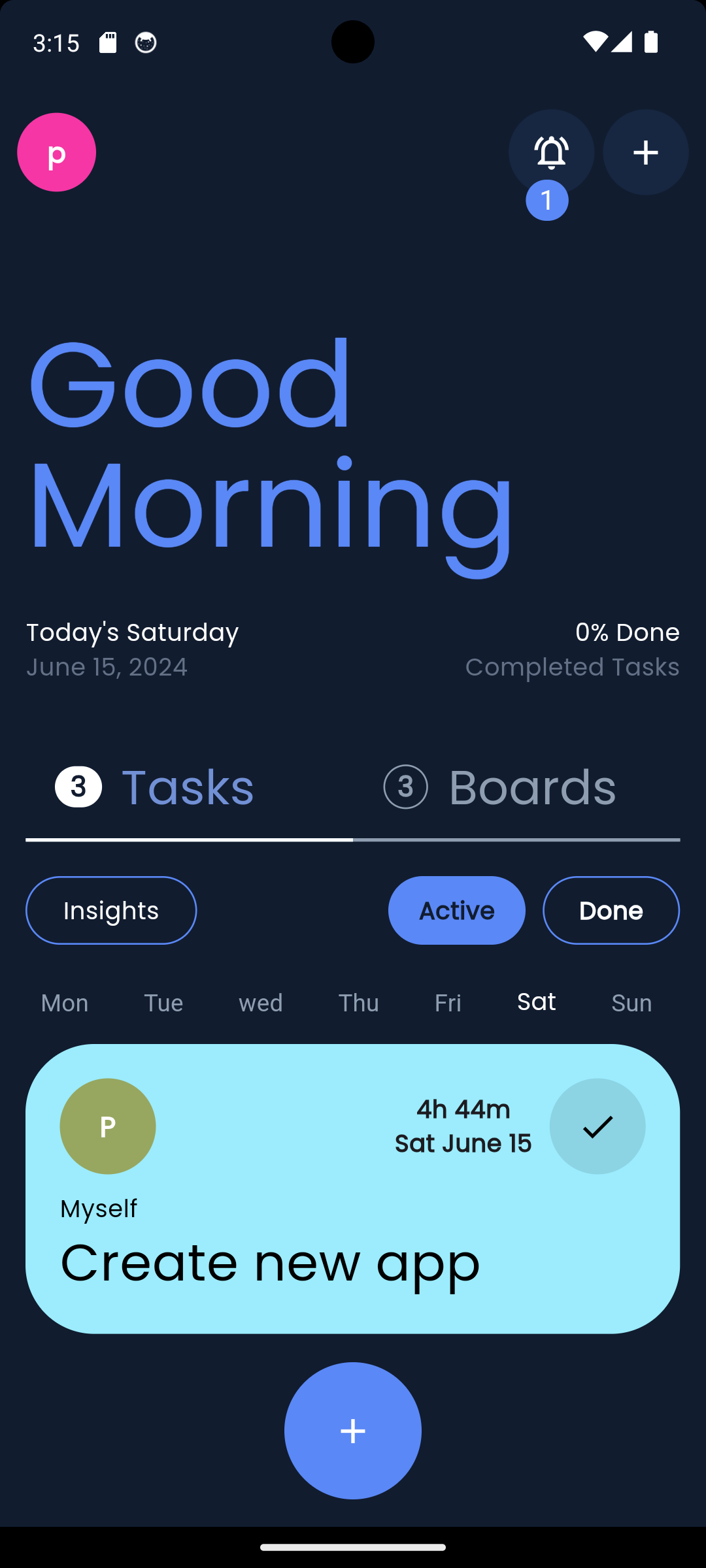
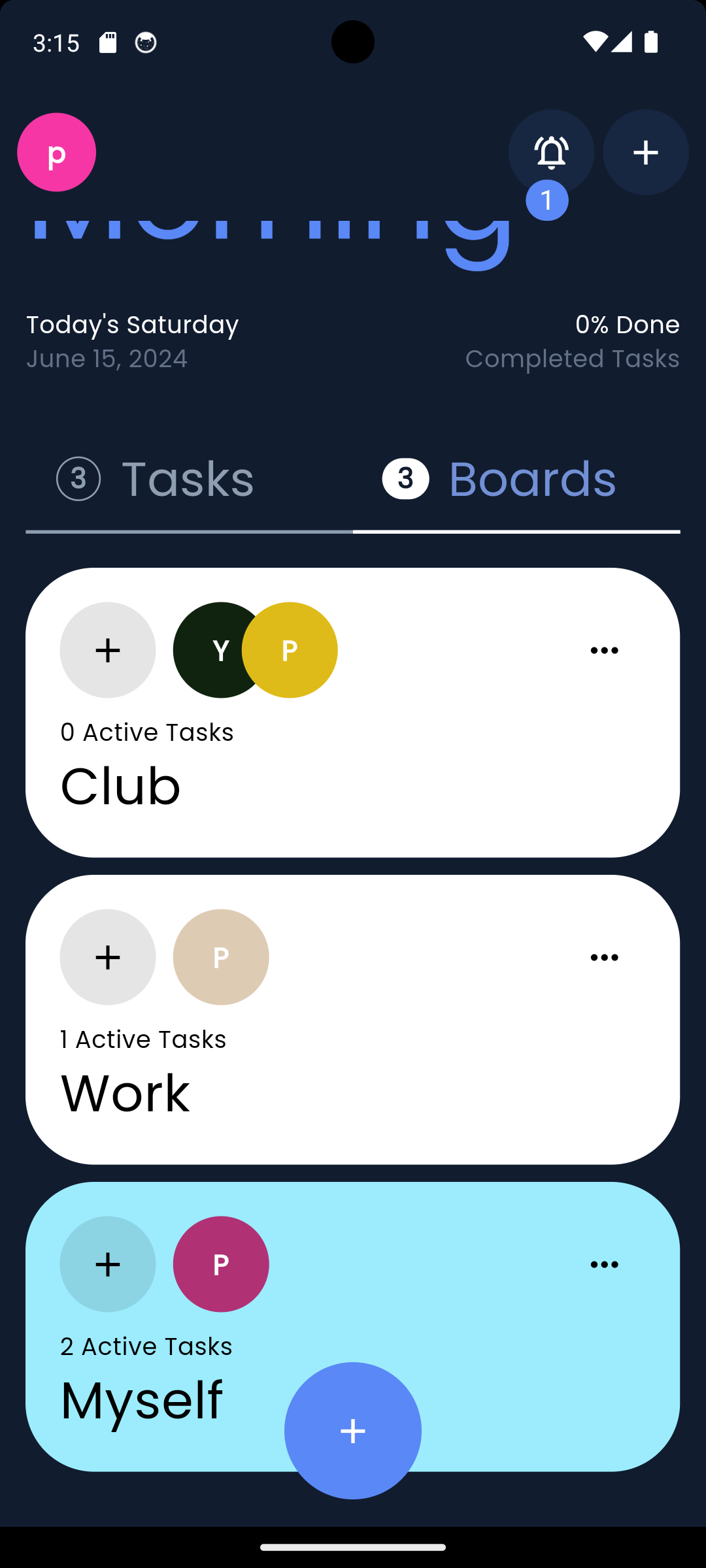
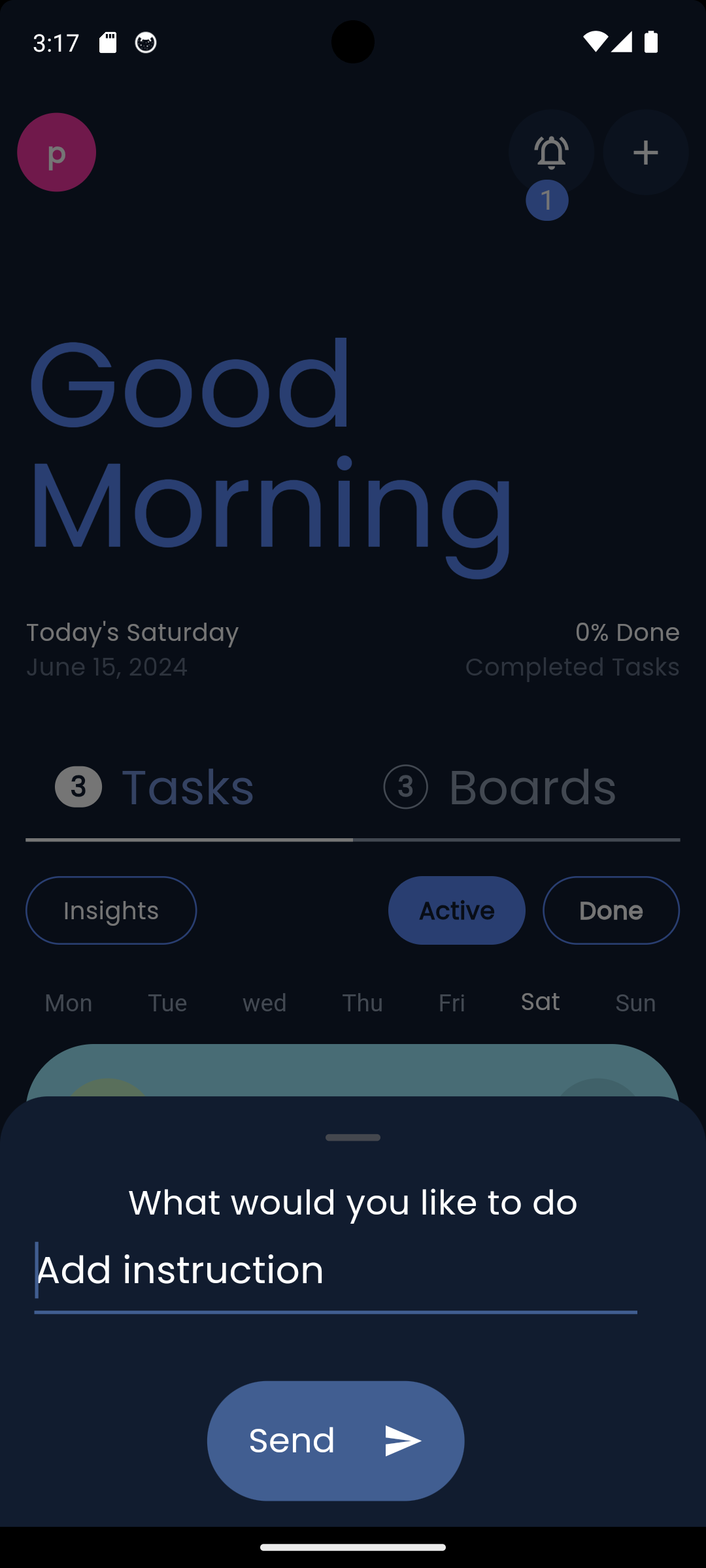
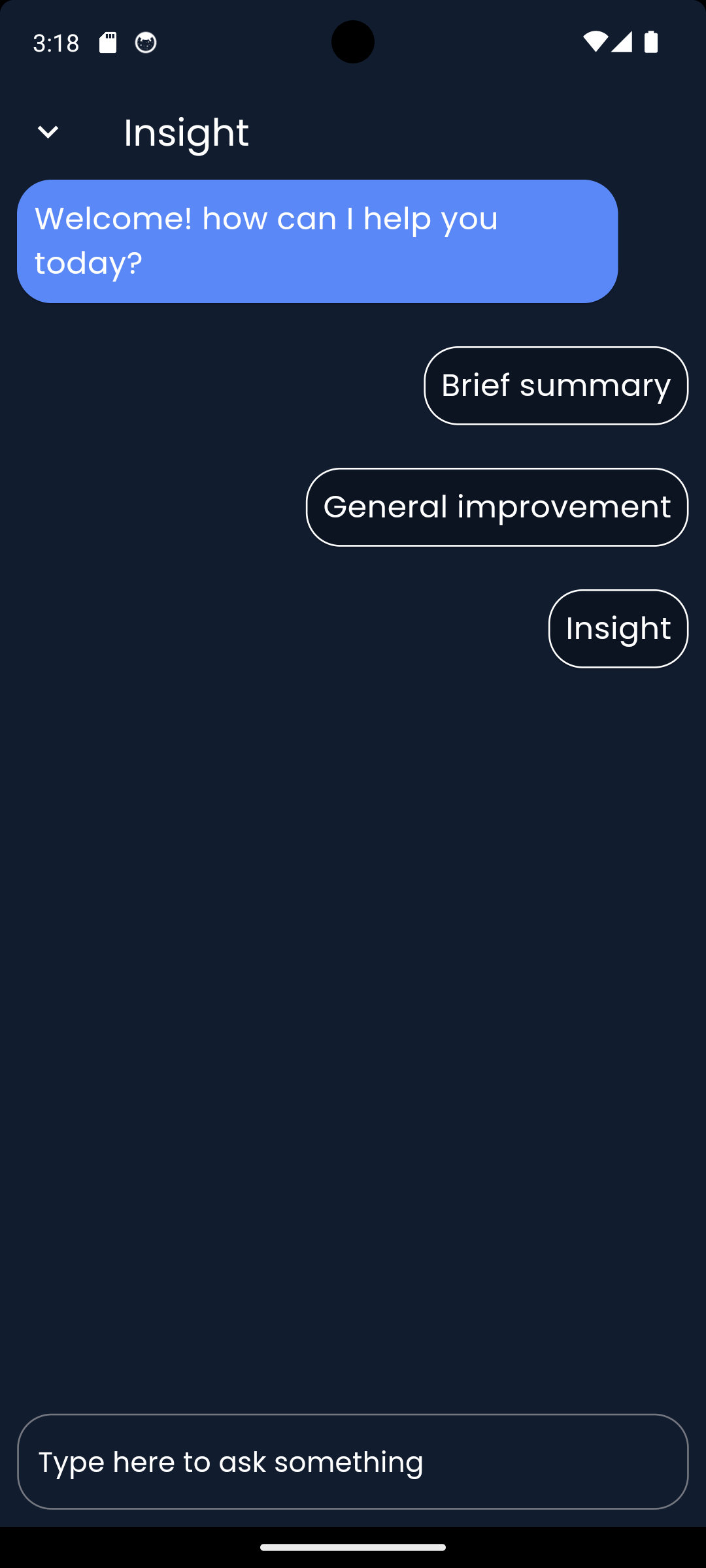
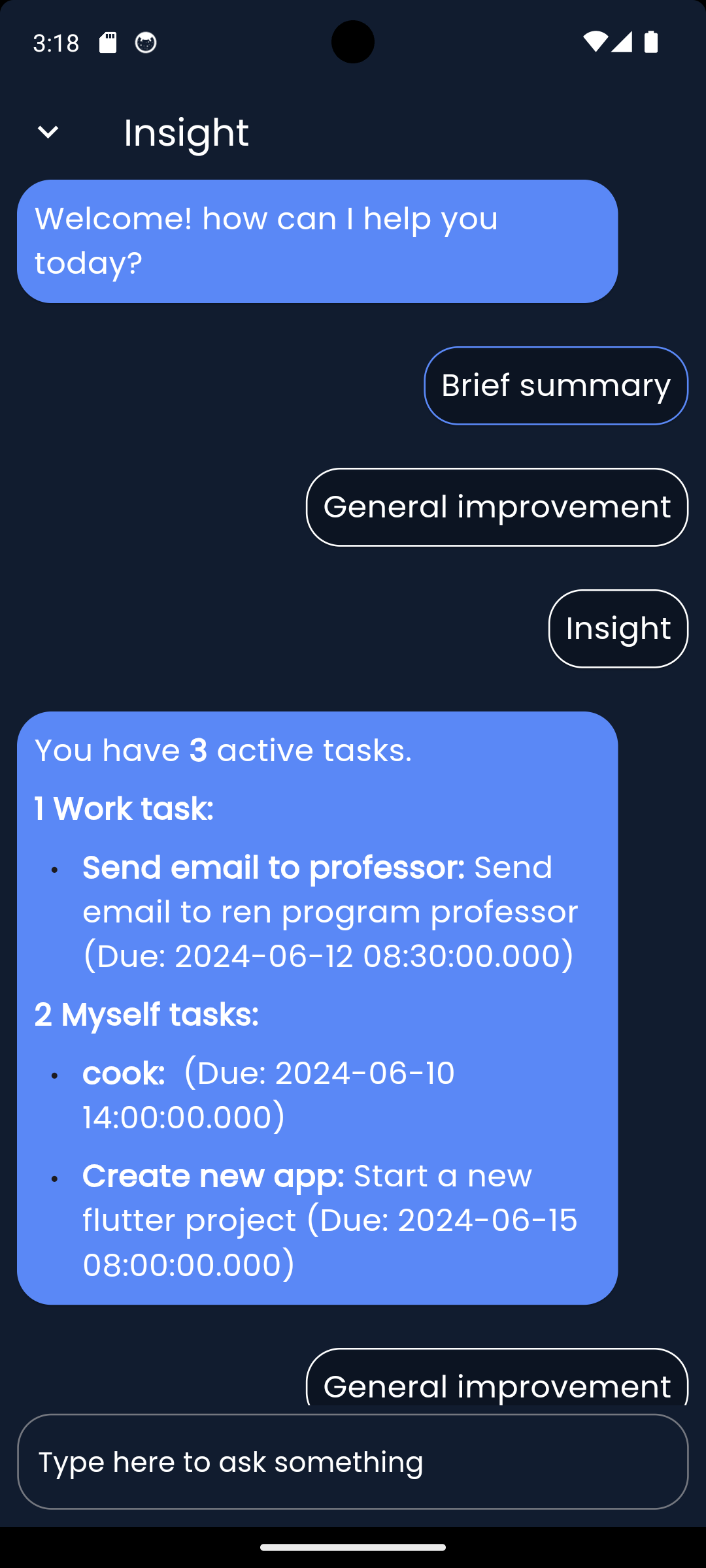
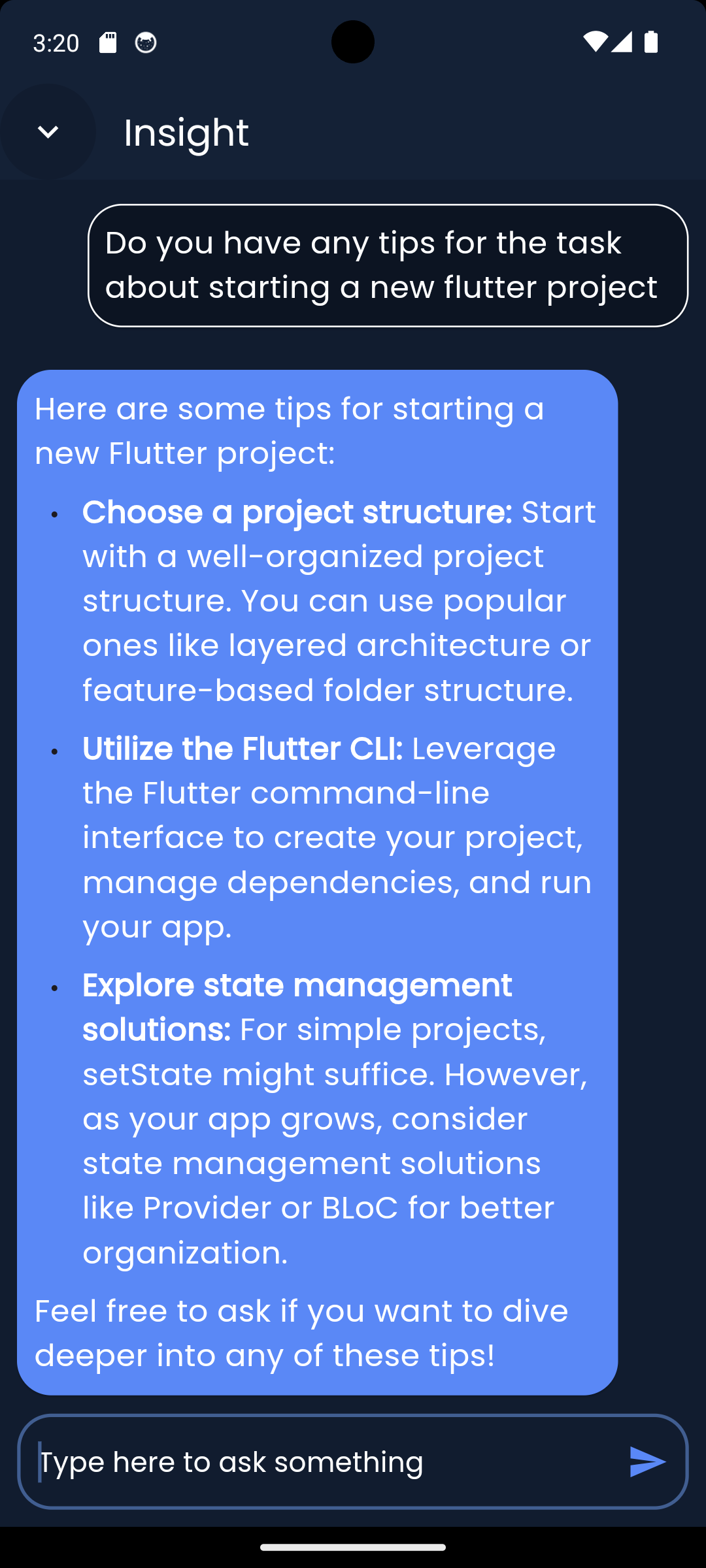

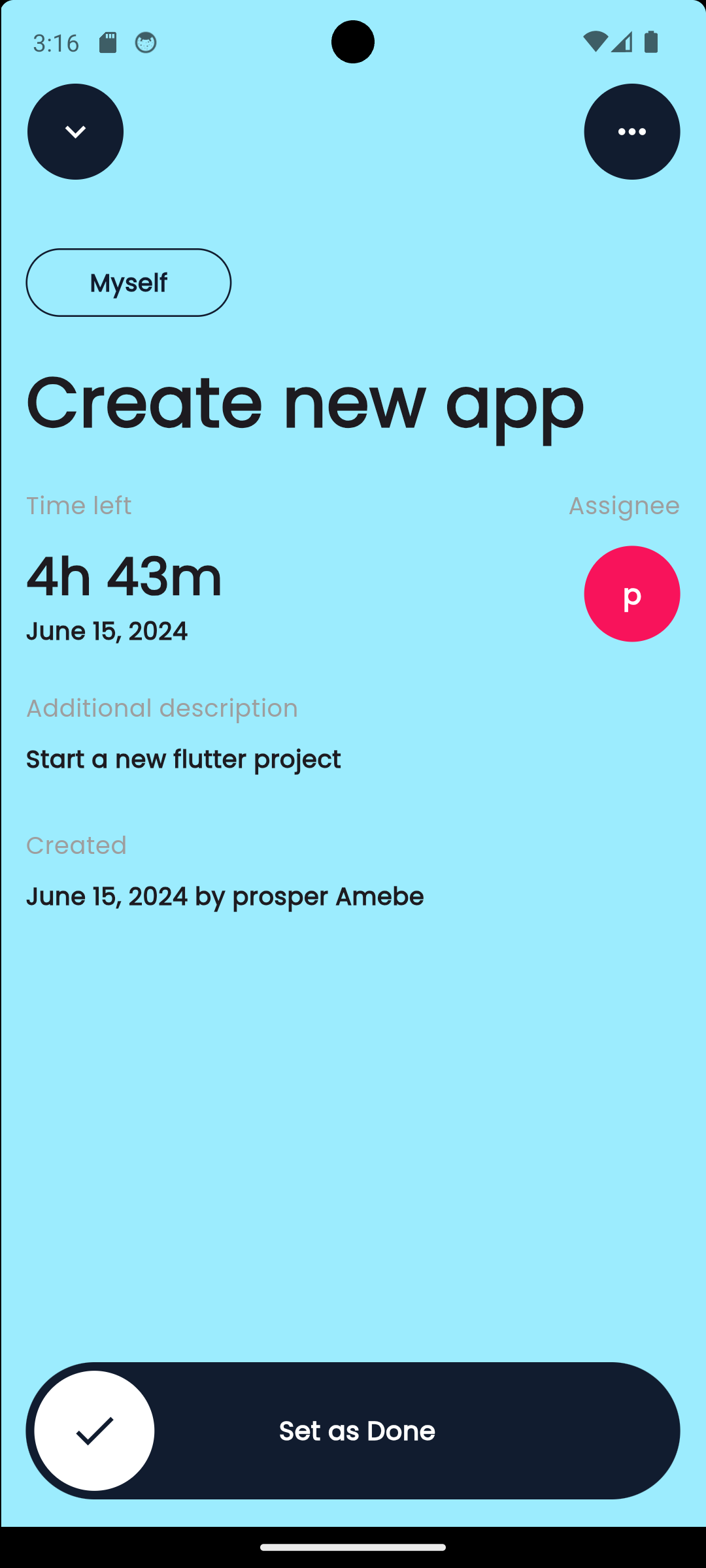
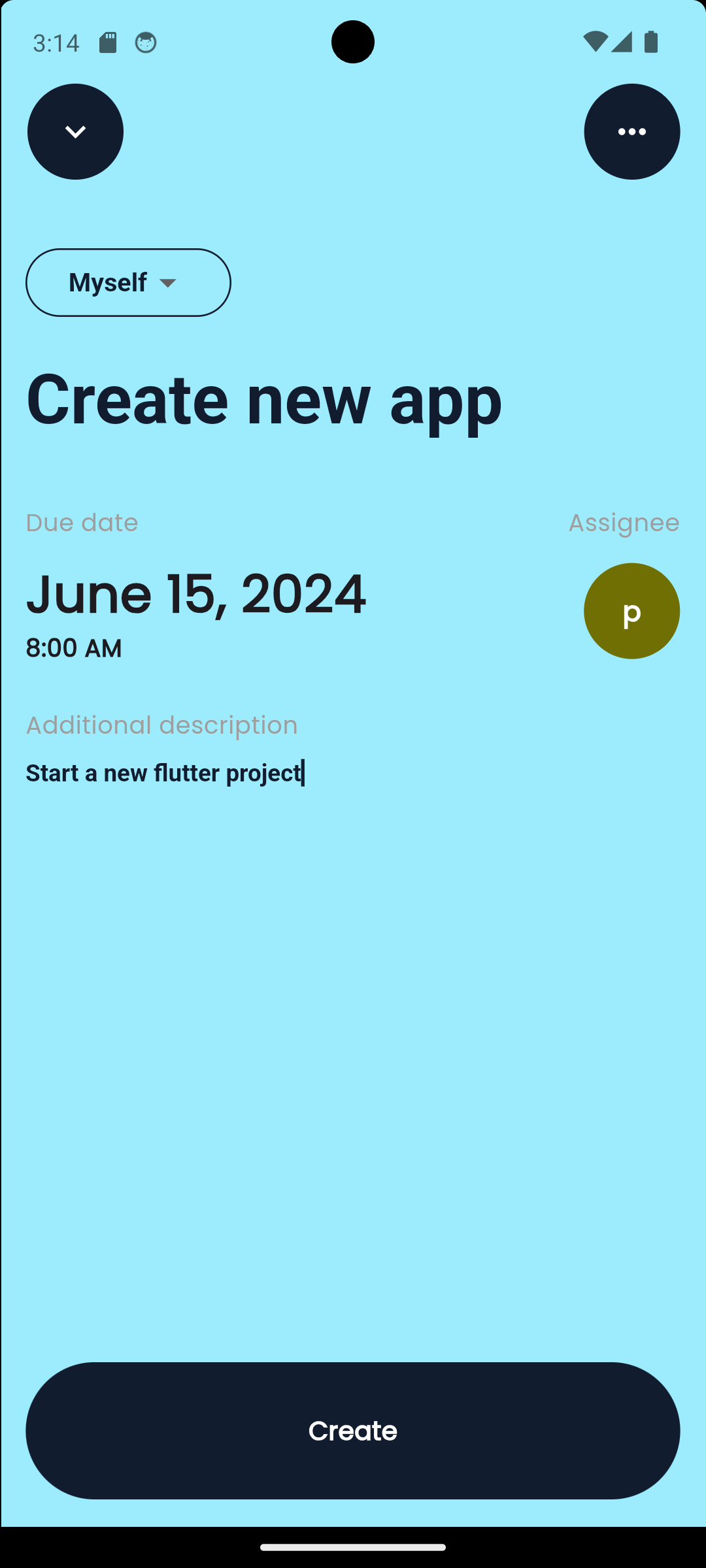
Video
https://github.com/prosmaw/gemini_todo_list/assets/81015893/49bc7efb-6e74-4c60-9bd6-68546b1d1d7e
Note: Quality of the video was reduced to be uploaded here check assets/video for a better quality
Getting Started
Installing
-
Clone the repo on your machine
-
Ensure you have Flutter installed on your system. If not, follow the instructions on the official Flutter website: https://flutter.dev/docs/get-started/install
-
Run
flutter pub getto install the dependecies -
Initialize firebase in the project. Follow instructions here: https://firebase.google.com/docs/flutter/setup?platform=android
-
Activate Firebase auth, Firestore in the firebase project to be able to login, store and get data
-
Create .env file at the root and add your Gemini API keys.
-
Activate Cloud Messaging, Firebase Cloud Function to try notifications
-
Run the application using
flutter runCloud function usage in the project
- Functions are already provided in the
functions/index.js - Run
firebase init functionsand follow instructions to initialize and the cloud function localy in you project. For more instructions: https://firebase.google.com/docs/functions/get-started?gen=2nd - Run
firebase deploy --only functionsto deploy the functions on Google Cloud - Follow instructions here to add cloud Task to your cloud Project (your Firebase project in Google Cloud): https://cloud.google.com/tasks/docs/add-task-queue
- Follow instructions here to add the app.yaml and necessary informations needed to use Cloud Task in the index.js file: https://cloud.google.com/tasks/docs/tutorial-gcf
- Functions are already provided in the
Authors
Contributors names and contact info
Yao Prosper Amebe
@prosperamebe
License
This project is licensed under the [NAME HERE] License - see the LICENSE.md file for details
Acknowledgments
Inspiration, code snippets, etc.

Yao Prosper Amebe ↗
श्रेणियाँ
उपयोग की गई निर्भरताएँ
निर्भरता सूची 18 आइटम
- flutter
{"sdk":"flutter"} - cupertino_icons
^1.0.6 - flutter_svg
^2.0.10+1 - google_fonts
^6.2.1 - intl
^0.19.0 - get
^4.6.6 - firebase_core
^3.1.0 - cloud_firestore
^5.0.1 - firebase_auth
^5.1.0 - skeletonizer
^1.3.0 - firebase_messaging
^15.0.1 - flutter_local_notifications
^17.1.2 - google_generative_ai
^0.4.3 - flutter_dotenv
^5.1.0 - flutter_markdown
^0.7.2 - firebase_ui_auth
^1.15.0 - flutter_testडेवलपमेंट
{"sdk":"flutter"} - flutter_lintsडेवलपमेंट
^3.0.0
अपने प्रोजेक्ट के लिए रिपॉज़िटरी कैसे चुनें?
उपयोग के अनुसार छाँटें, गतिविधि की तुलना करें और अपनाने से पहले मूल प्रोजेक्ट की आवश्यकताएँ जाँचें।
- नाम, लेखक या विवरण से खोजें और तकनीकी विषय से परिणाम सीमित करें।
- स्टार, फ़ोर्क और हाल के पुश की तुलना करें। स्टार रुचि दर्शाते हैं, गुणवत्ता की गारंटी नहीं।
- उपयोग से पहले GitHub पर README, लाइसेंस और Issues जाँचें।
स्रोत और रखरखाव
“A repository is the most basic element of GitHub.”
GitHub Docs — About repositories ↗