

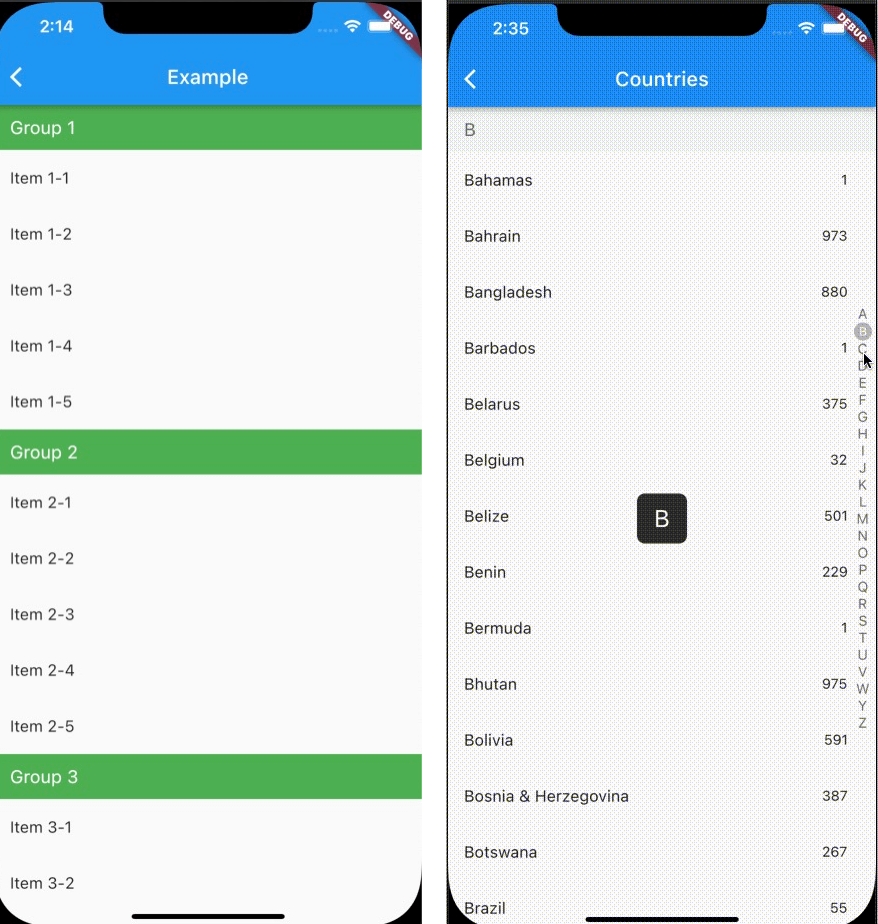
 v2.0.6
section_view
एल्फाबेट और रिफ्रेश के साथ एक खंड सूची दृश्य प्रदान करें, आप अपने नियंत्रण को पूरी तरह से कस्टमाइज़ कर सकते हैं
34लाइक 1.9 हज़ार30-दिन डाउनलोड140Pub अंक
AndroidiOSWebmacOSWindowsLinux
robert-luoqing/section_view open-source repository details.

यह अंग्रेज़ी मूल स्नैपशॉट है। नवीनतम सामग्री GitHub पर देखें।
Notice: 2.0.0 has break changing
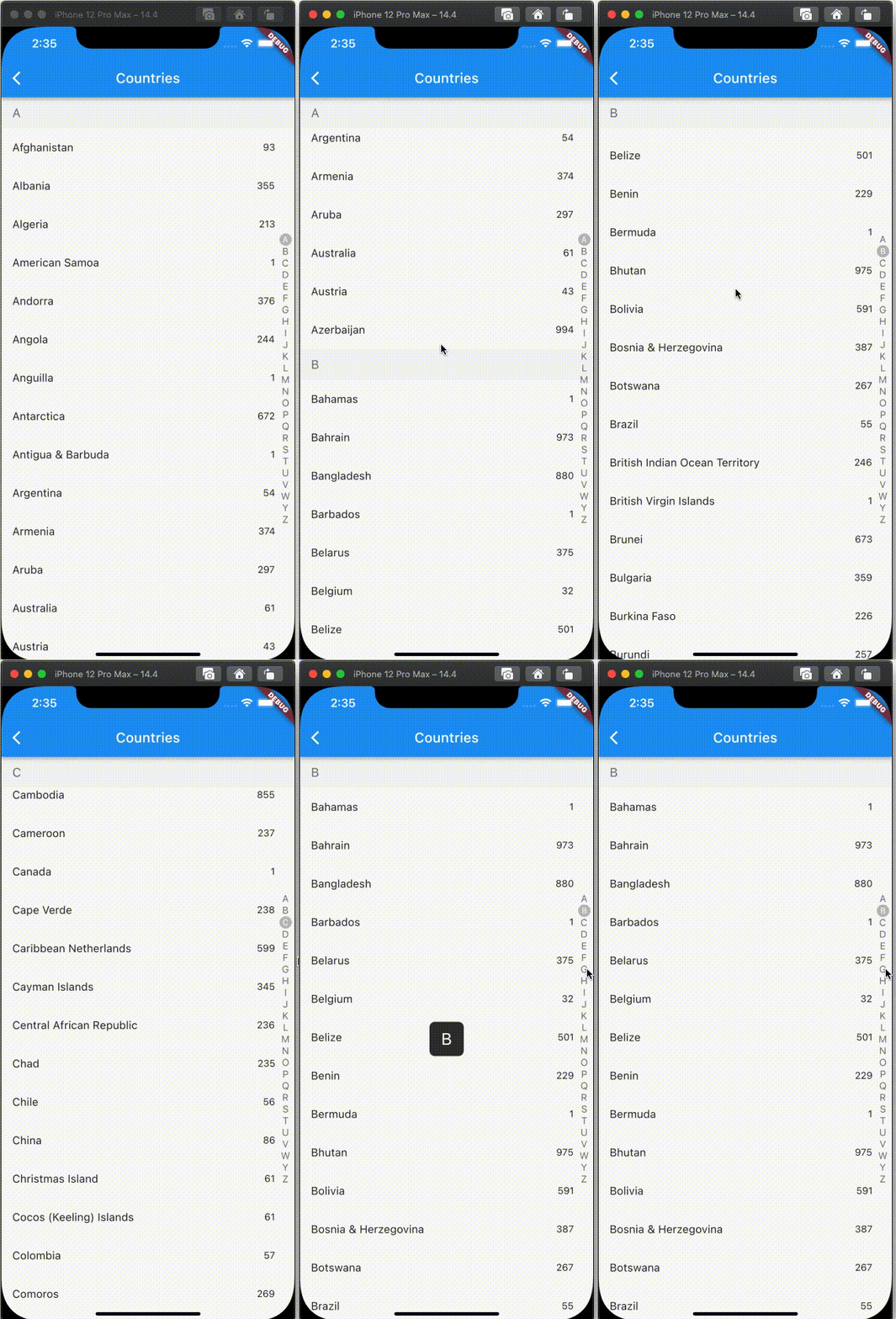
SectionView<AlphabetHeader<CountryModel>, CountryModel>(
  source: _filterCountries,
  onFetchListData: (header) => header.items,
  enableSticky: true,
  alphabetAlign: Alignment.center,
  alphabetInset: const EdgeInsets.all(4.0),
  headerBuilder: getDefaultHeaderBuilder((d) => d.alphabet),
  alphabetBuilder: getDefaultAlphabetBuilder((d) => d.alphabet),
  tipBuilder: getDefaultTipBuilder((d) => d.alphabet),
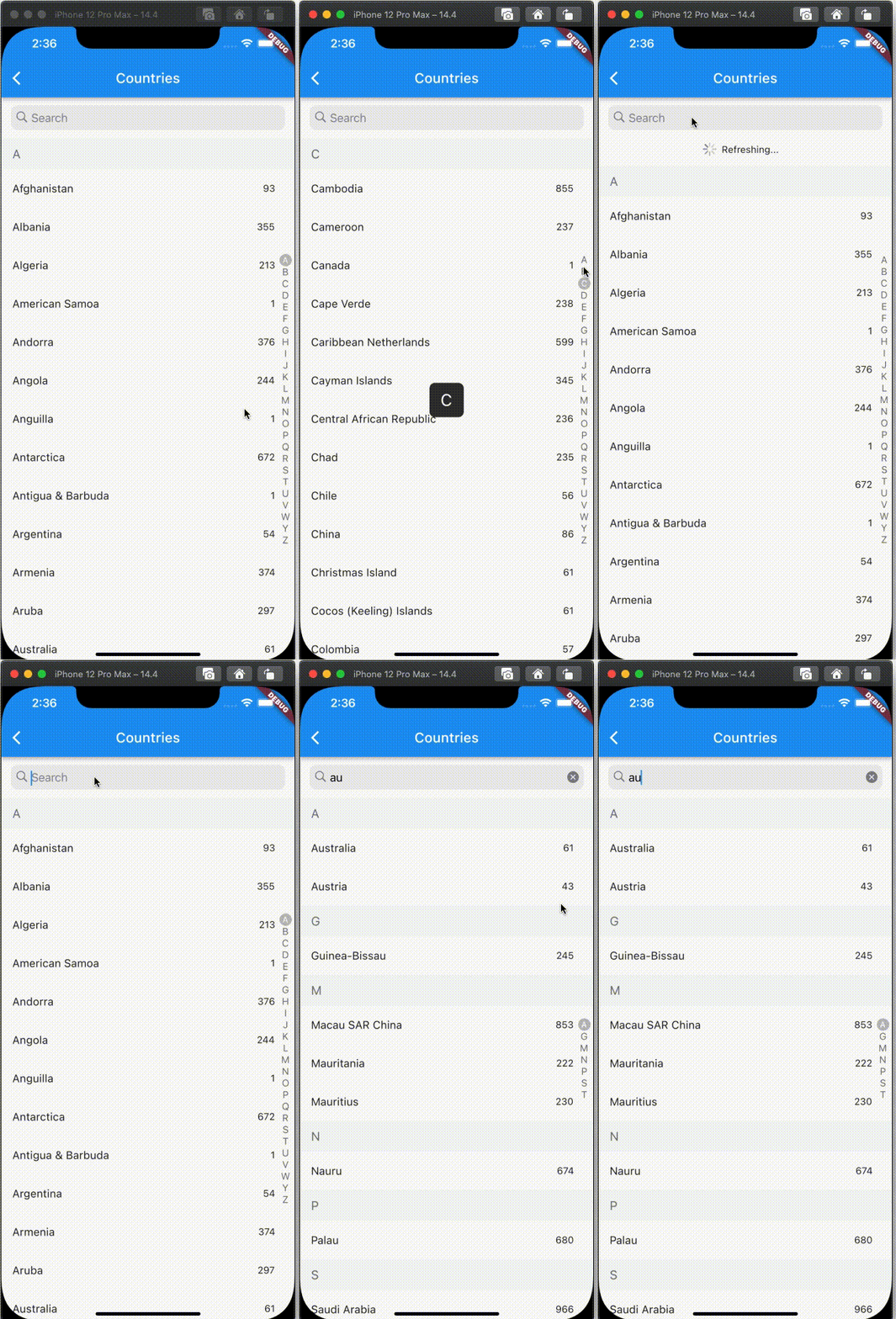
  refreshBuilder: (child) {
    return SmartRefresher(
        enablePullDown: true,
        enablePullUp: false,
        header: const WaterDropHeader(),
        controller: _refreshController,
        onRefresh: _onRefresh,
        child: child);
  },
  itemBuilder:
      (context, itemData, itemIndex, headerData, headerIndex) {
    return Padding(
      padding: const EdgeInsets.only(right: 12.0),
      child: ListTile(
          title: Text(itemData.name),
          trailing: Text(itemData.phoneCode)),
    );
  },
),
 |
 |
 |
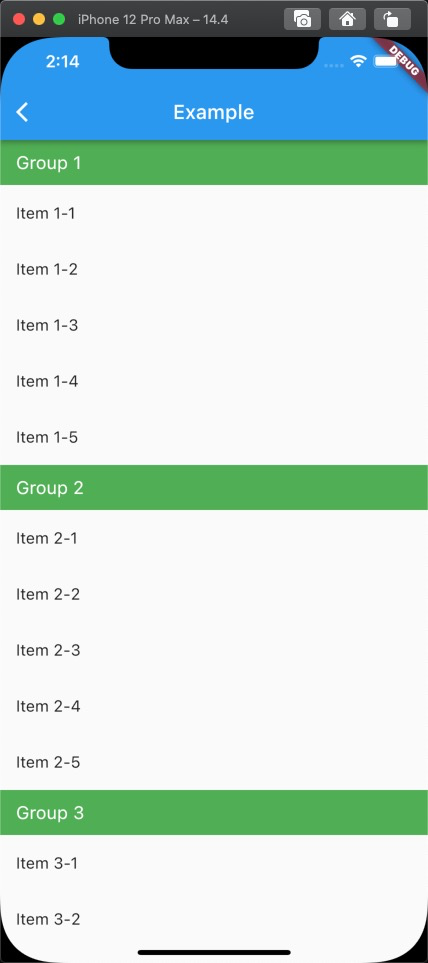
Firstly, you can construct data like
List<GroupModel> data = [
    GroupModel(name: "Group 1", items: [
      ItemModel(name: "Item 1-1"),
      ItemModel(name: "Item 1-2"),
      ItemModel(name: "Item 1-3"),
      ItemModel(name: "Item 1-4"),
      ItemModel(name: "Item 1-5"),
    ]),
    GroupModel(name: "Group 2", items: [
      ItemModel(name: "Item 2-1"),
      ItemModel(name: "Item 2-2"),
      ItemModel(name: "Item 2-3"),
      ItemModel(name: "Item 2-4"),
      ItemModel(name: "Item 2-5"),
    ]),
    GroupModel(name: "Group 3", items: [
      ItemModel(name: "Item 3-1"),
      ItemModel(name: "Item 3-2"),
      ItemModel(name: "Item 3-3"),
      ItemModel(name: "Item 3-4"),
      ItemModel(name: "Item 3-5"),
    ]),
  ];
After that, you can put code into you project like as below
SectionView<GroupModel, ItemModel>(
  source: data,
  onFetchListData: (header) => header.items,
  headerBuilder: getDefaultHeaderBuilder((d) => d.name,
      bkColor: Colors.green,
      style:
          const TextStyle(fontSize: 18, color: Colors.white)),
  itemBuilder:
      (context, itemData, itemIndex, headerData, headerIndex) =>
          ListTile(
            title: Text(itemData.name),
          )),
If you want to custom your UI, please follow /example/lib/fullSectionList.dart
निर्भरता सूची 4 आइटम
{"sdk":"flutter"}^1.1.12{"sdk":"flutter"}^1.0.0उपयोग के अनुसार छाँटें, गतिविधि की तुलना करें और अपनाने से पहले मूल प्रोजेक्ट की आवश्यकताएँ जाँचें।
“A repository is the most basic element of GitHub.”
GitHub Docs — About repositories ↗