

v1.0.1
coordinator_layout
एक लाइब्रेरी में घटते हुए हेडर के व्यवहार को संभालने के लिए विजेट/लेआउट होते हैं
4लाइक 6730-दिन डाउनलोड150Pub अंक
AndroidiOSWebmacOSWindowsLinux
एक लाइब्रेरी में ढलते हुए हेडर व्यवहार को संभालने के लिए विजेट/लेआउट होते हैं

यह अंग्रेज़ी मूल स्नैपशॉट है। नवीनतम सामग्री GitHub पर देखें।

a Library contains widget/layout to handle collapsing header behavior
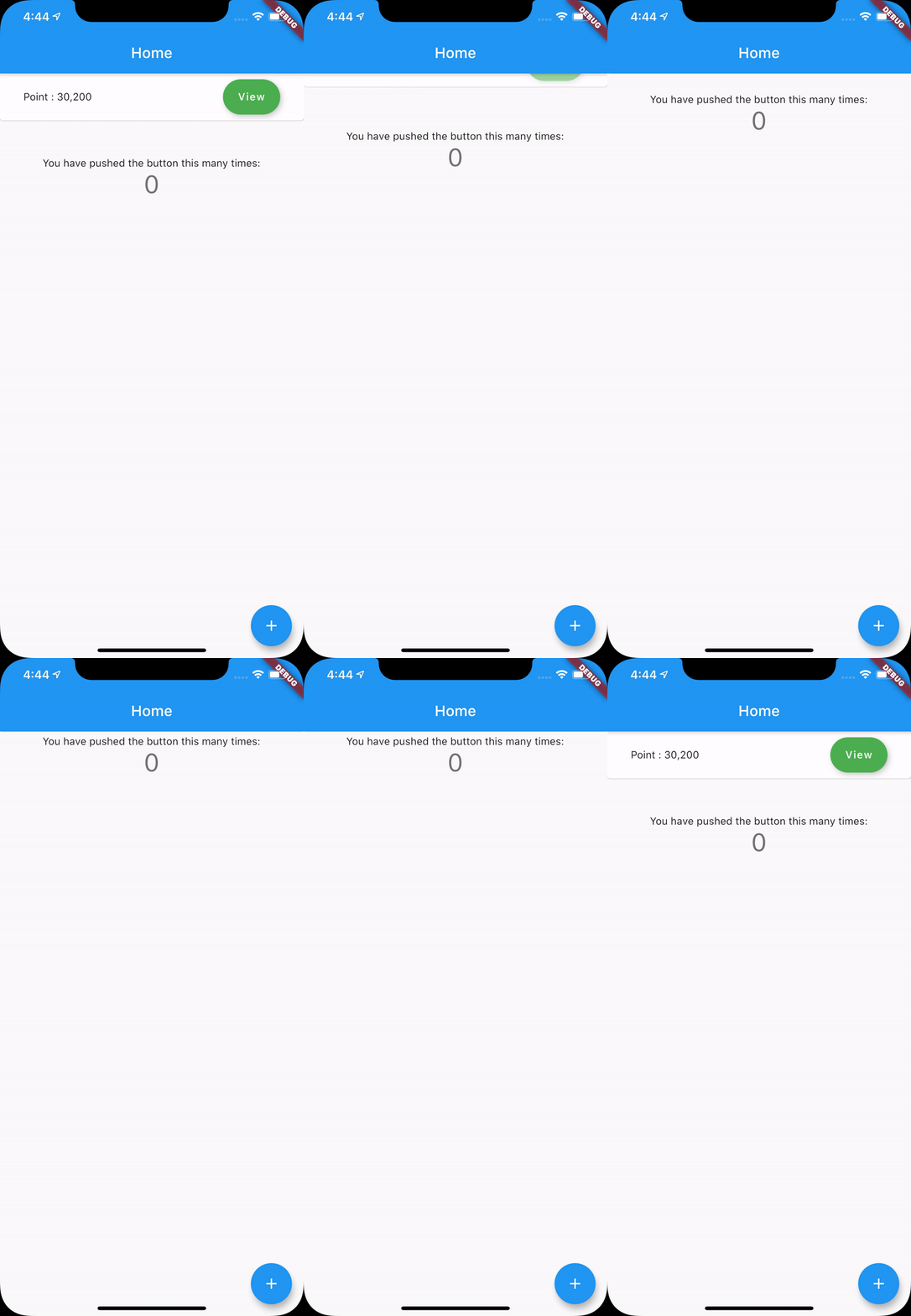
CoordinatorLayout(
    headerMaxHeight: 200,
    headerMinHeight: kToolbarHeight + MediaQuery.of(context).padding.top,
    headers: [
        SliverCollapsingHeader(
            builder: (context, offset, diff) {
                return ...;
            },
        ),
    ],
    body: Container(height: null, child: buildBody(context)),
),
CoordinatorLayout(
    headerMaxHeight: 200,
    headerMinHeight: kToolbarHeight + MediaQuery.of(context).padding.top,
    header:[
        Builder(builder: (context) {
            return SliverOverlapAbsorber(
            handle: NestedScrollView.sliverOverlapAbsorberHandleFor(context),
            sliver: SliverSafeArea(
                top: false,
                sliver: SliverCollapsingHeader(
                builder: (context, offset, diff) {
                    return ...;
                },
                ),
            ),
            );
        }),
    ],
    body: Container(height: null, child: buildBody(context)),
),
निर्भरता सूची 2 आइटम
{"sdk":"flutter"}{"sdk":"flutter"}उपयोग के अनुसार छाँटें, गतिविधि की तुलना करें और अपनाने से पहले मूल प्रोजेक्ट की आवश्यकताएँ जाँचें।
“A repository is the most basic element of GitHub.”
GitHub Docs — About repositories ↗