
v1.1.5
unicorndial
क्षैतिज या ऊर्ध्वाधर फ्लोटिंग बटन सूचियों का उपयोग करके अपना फ्लोटिंग मेनू आसानी से बनाएं
79लाइक 11930-दिन डाउनलोड15Pub अंक
प्लेटफ़ॉर्म डेटा नहीं
स्पीड डायल के साथ फ्लोटिंग एक्शन बटन
यह अंग्रेज़ी मूल स्नैपशॉट है। नवीनतम सामग्री GitHub पर देखें।
Easily create your own floating action button list
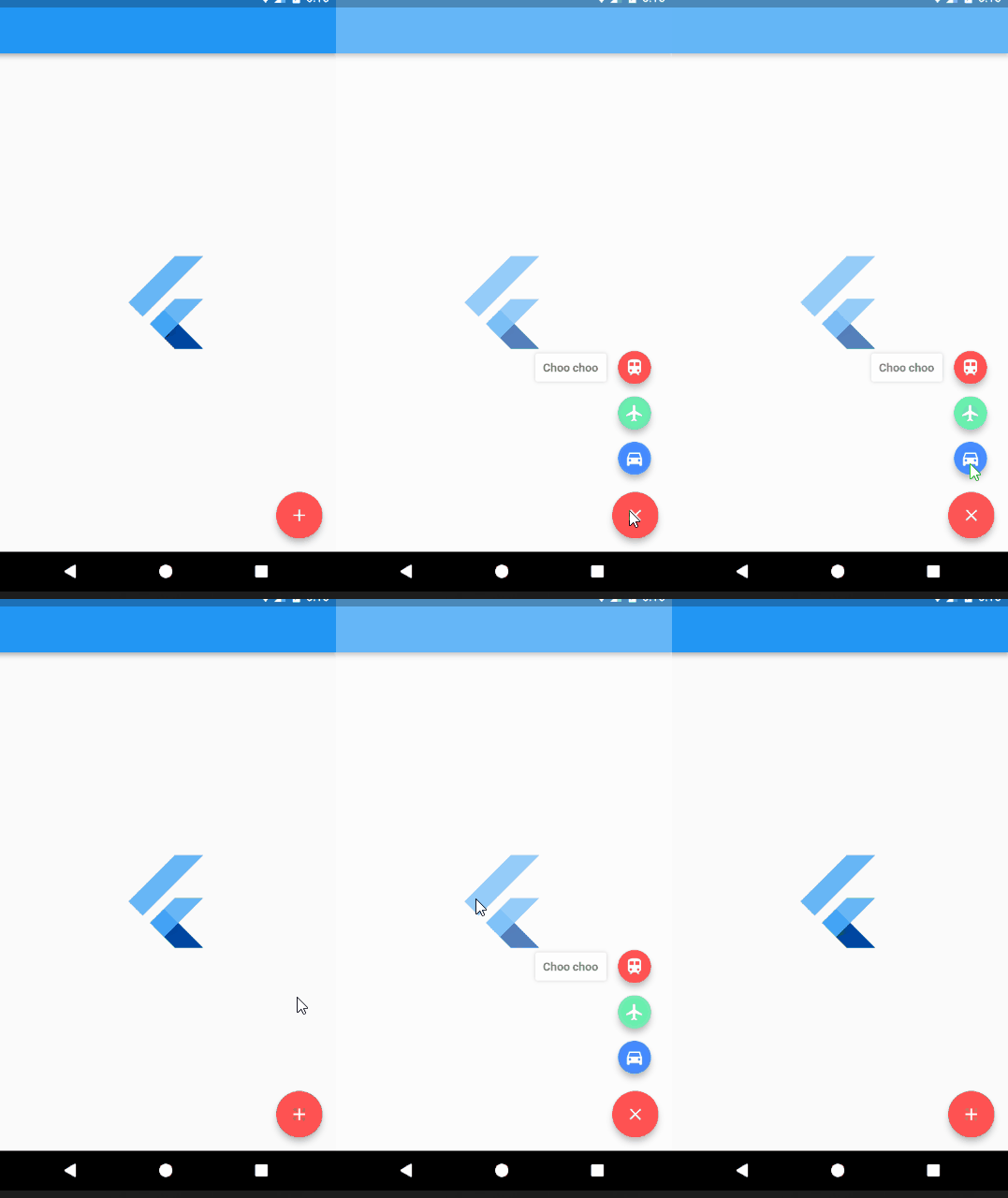
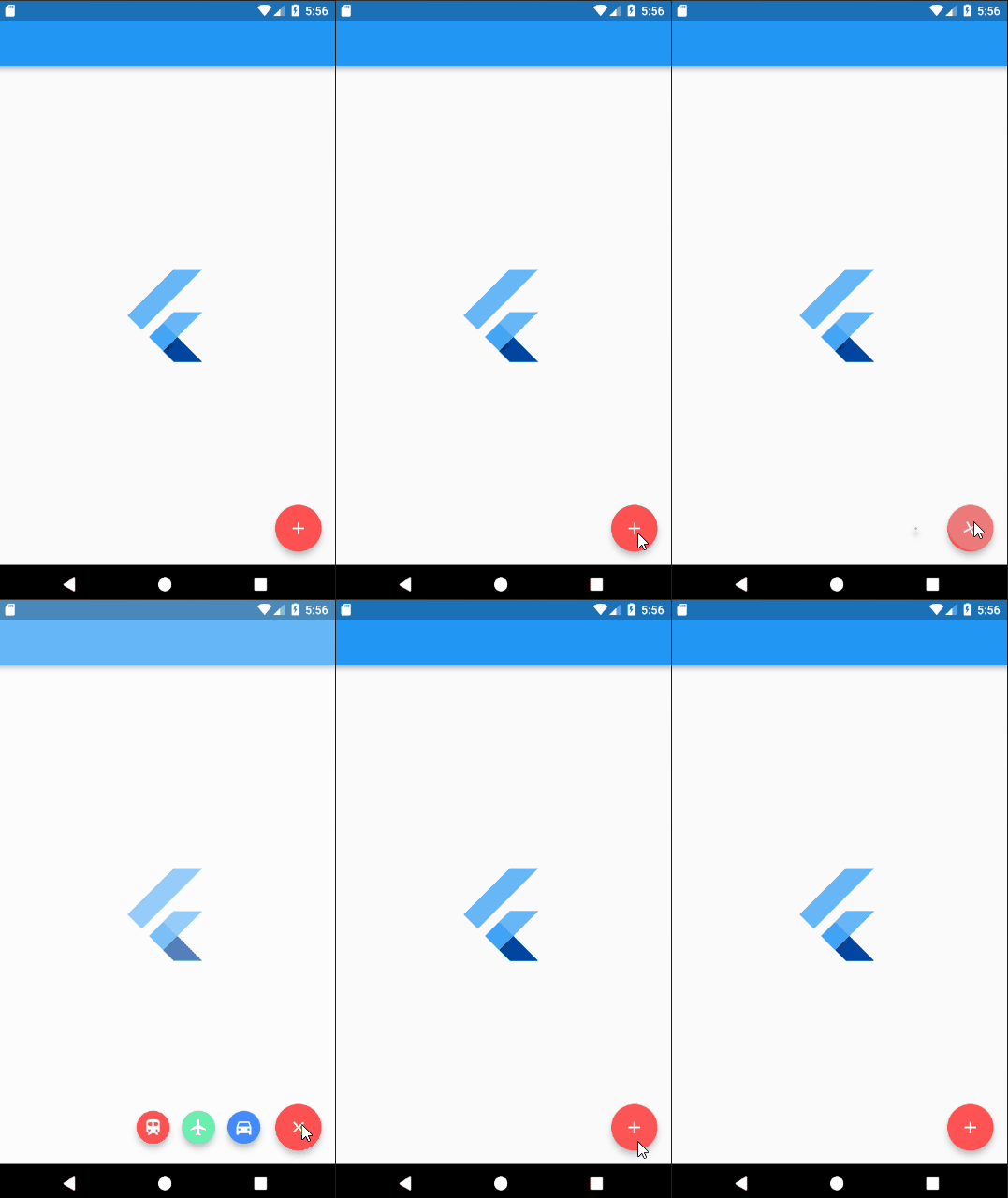
Add UnicornDialer to your pubspec.yaml
unicorndial: "^1.1.5"
UnicornDialer class
int orientation - Vertical or horizontal floating button list
Object parentHeroTag - Main FAB hero tag
Color backgroundColor - Modal background color
Icon parentButton - Starting Icon
Icon finalButtonIcon - Ending Icon (after animation is complete)
bool hasBackground - Background modal is set
Color parentButtonBackground - The main floating button background color
List<UnicornButton> childButtons Floating button list
int animationDuration Rotation and expanding animation duration (in milliseconds)
double childPadding - Right padding on the button label
Function onMainButtonPressed - To be called if set on the UnicornDialer parent widget
bool hasNotch - BottomAppBar support
UnicornButton class
FloatingActionButton currentButton - Floating list button
String labelText
double labelFontSize
Color labelColor
Color labelBackgroundColor
Color labelShadowColor - Label container shadow
bool labelHasShadow
bool hasLabel
Tiago Martins
This project is licensed under the MIT License - see the LICENSE.md file for details

निर्भरता सूची 2 आइटम
{"sdk":"flutter"}{"sdk":"flutter"}उपयोग के अनुसार छाँटें, गतिविधि की तुलना करें और अपनाने से पहले मूल प्रोजेक्ट की आवश्यकताएँ जाँचें।
“A repository is the most basic element of GitHub.”
GitHub Docs — About repositories ↗