


 v4.0.1
badges
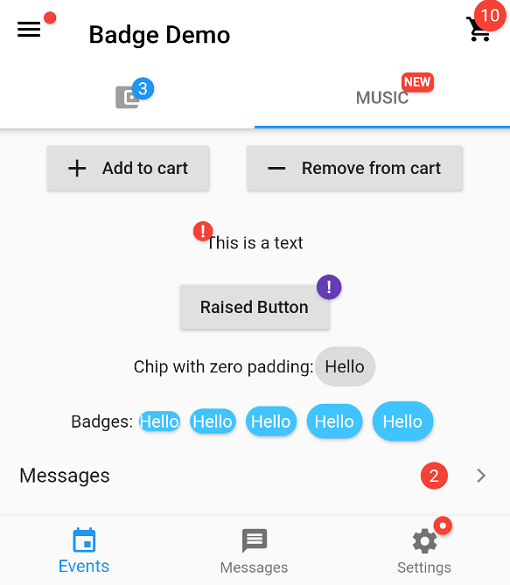
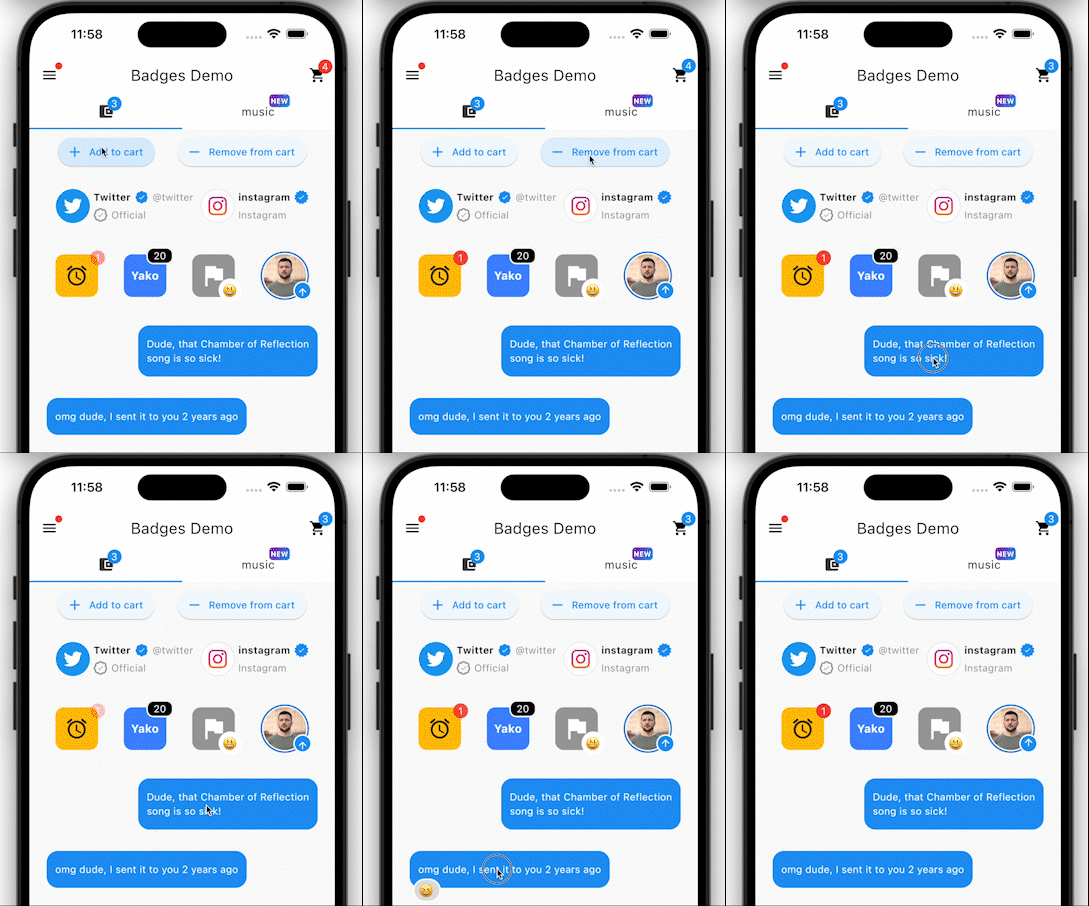
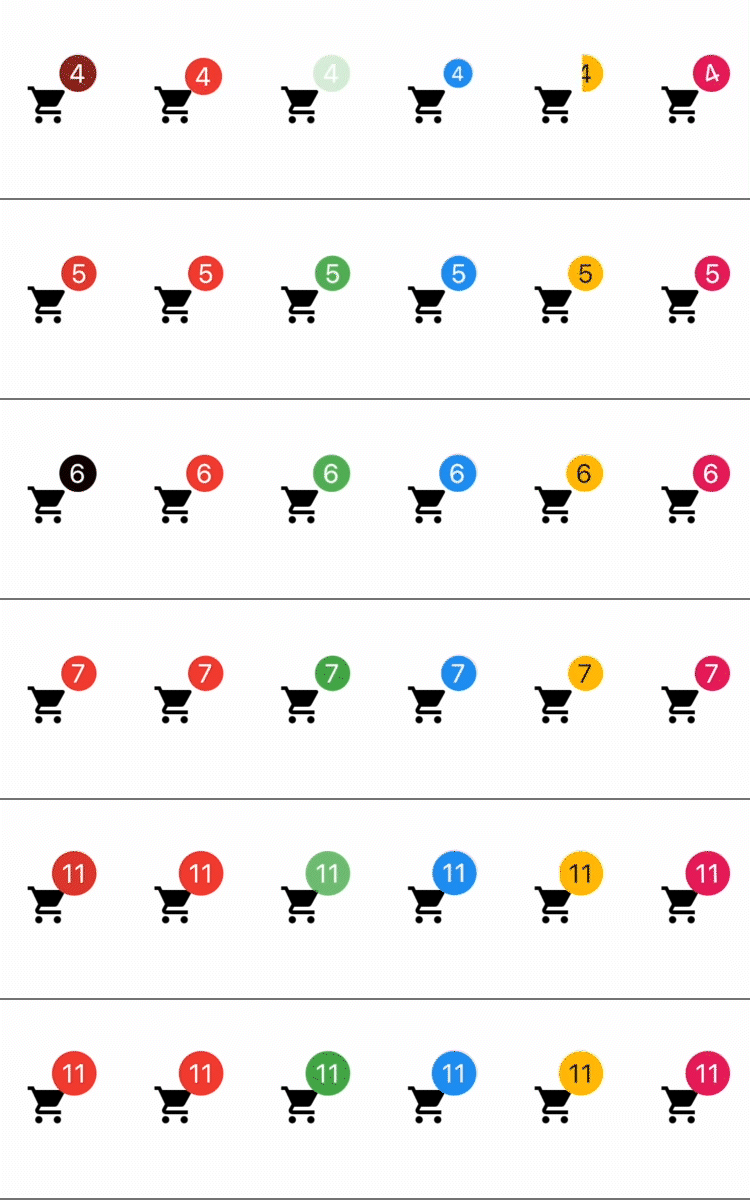
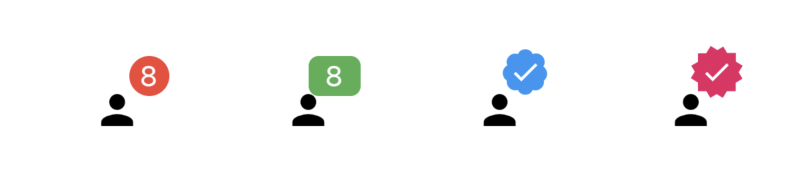
एक बैज बनाने के लिए एक पैकेज। बैज का उपयोग किसी भी विजेट के अतिरिक्त चिह्न के रूप में किया जा सकता है, उदाहरण के लिए शॉपिंग कार्ट में आइटम की संख्या दिखाएं।
3.8 हज़ारलाइक 4.2 लाख30-दिन डाउनलोड160Pub अंक
AndroidiOSWebmacOSWindowsLinux
बैज बनाने के लिए एक फ्लटर पैकेज।

यह अंग्रेज़ी मूल स्नैपशॉट है। नवीनतम सामग्री GitHub पर देखें।






In your pubspec.yaml
dependencies:
  badges: ^3.2.0
Attention! In Flutter 3.7 the Badge widget was introduced in the Material library, so to escape the ambiguous imports you need to import the package like this:
Option 1: namespace prefix
import 'package:badges/badges.dart' as badges;
and then use the "badges.Badge" widget instead of the "Badge" widget. The same for all the classes from this package.
Option 2: hide Flutter's Material Badge widget
import 'package:badges/badges.dart';
import 'package:flutter/material.dart' hide Badge;
    badges.Badge(
      badgeContent: Text('3'),
      child: Icon(Icons.settings),
    )
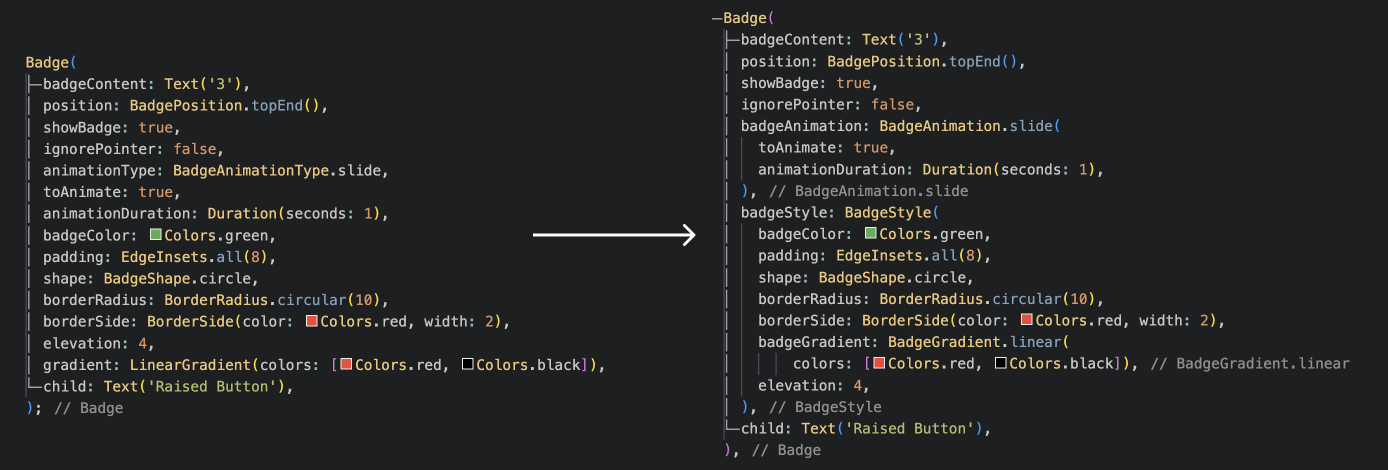
    badges.Badge(
      position: badges.BadgePosition.topEnd(top: -10, end: -12),
      showBadge: true,
      ignorePointer: false,
      onTap: () {},
      badgeContent:
          Icon(Icons.check, color: Colors.white, size: 10),
      badgeAnimation: badges.BadgeAnimation.rotation(
        animationDuration: Duration(seconds: 1),
        colorChangeAnimationDuration: Duration(seconds: 1),
        loopAnimation: false,
        curve: Curves.fastOutSlowIn,
        colorChangeAnimationCurve: Curves.easeInCubic,
      ),
      badgeStyle: badges.BadgeStyle(
        shape: badges.BadgeShape.square,
        badgeColor: Colors.blue,
        padding: EdgeInsets.all(5),
        borderRadius: BorderRadius.circular(4),
        borderSide: BorderSide(color: Colors.white, width: 2),
        borderGradient: badges.BadgeGradient.linear(
            colors: [Colors.red, Colors.black]),
        badgeGradient: badges.BadgeGradient.linear(
            colors: [Colors.blue, Colors.yellow],
            begin: Alignment.topCenter,
            end: Alignment.bottomCenter,
        ),
        elevation: 0,
      ),
      child: Text('Badge'),
    ),
and more to come!
निर्भरता सूची 3 आइटम
{"sdk":"flutter"}{"sdk":"flutter"}^6.0.0उपयोग के अनुसार छाँटें, गतिविधि की तुलना करें और अपनाने से पहले मूल प्रोजेक्ट की आवश्यकताएँ जाँचें।
“A repository is the most basic element of GitHub.”
GitHub Docs — About repositories ↗