 v4.9.0
alan_voice
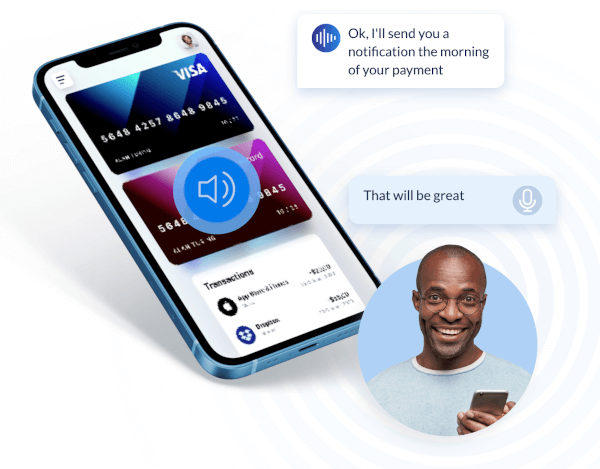
Flutter向けのAlan AI音声アシスタントSDK。アプリに音声アシスタントまたはチャットボットを追加します。
118いいね 59730日間ダウンロード125Pub ポイント
AndroidiOS
AI Radio は、AIアシスタントを備えたラジオアプリです。音楽の再生や停止、カテゴリごとのラジオ曲の検索を音声コマンドで操作できます。AIアシスタントのコマンドはAlan AIを使用して作成されています。ラジオ曲とカテゴリは、ラジオAPIのリンクから入力されます。このアプリはFlutterで開発されており、Alan AIのAPIが使用されています。

以下は英語原文のスナップショットです。最新版は GitHub をご覧ください。

AI Radio is an radio application with an AI assistant where you can command your application play song stop the song. search the radio song by categories by commands. AI assistant commands are made with the use of Alan AI. and Radio song and category are inputed from an Radio api links. This application is coded in flutter and Alan AI like API's are used.
APP is under developement
You can download the apk from the release Ai Radio App
You can even play it online on web : web link web link may not work properly due to radio station links HTTP and HTTPS mixed content error
For flutter Installation.
a. Open the visual studio code with administrator access (due to some linking issue)
On the visual studeio icon > right click on the icon > select > run as administrator
b. Install the packages, to install the packages run the command in the terminal :
flutter pub get
c. Change the alan ai key in the code in folder, you can get the api key from the Alan Ai Official website, and add the API key in the file,
 Folder Location : lib > pages > home_pages.dart

 Code change : In setupAlan function change the ALAN AI API KEy
d. Copy and paste the file codes from the below scripts in the alan ai scripts : (File links : AI_DATA , AI_RADIO)
 After creating project in alan ai > click on add scrip > Name the script as AI_DATA > copy the script from the AI_DATA file > amd paste it over there

 Same for the AI_RADIO file
e. To run the flutter application select an emulator or connect your mobile with the you laptop/pc with usb :
If you are going with your mobile phone enable usb debugging in developer option.
f. Now Run the flutter application. To run the flutter application run command : 🎉
Flutter run
g. Congratulation you are all set and got to go. 🤹
If the Ai does not work try deleting the chache data and closing the application and rerunning it again the problem will be fixed.
If you encounter any issues or bugs while using our website, please do not hesitate to write it in the discussion in releases. It is helping me learn and develop.
Have Fun.😉
依存関係一覧 7 件
^1.0.2{"sdk":"flutter"}^1.1.1^3.6.0^3.5.0^2.0.1{"sdk":"flutter"}用途で絞り込み、開発状況を比較し、採用前に元のリポジトリで要件を確認しましょう。
“A repository is the most basic element of GitHub.”
GitHub Docs — About repositories ↗