
探検-Flutter-FireStore
これは Firebase の Cloud FireStore データベースと Google Map を使用した Flutter アプリです。このアプリは、最高のパフォーマンスで美しい UI を実装できる様子を示しています。

- スター
- 190
- フォーク
- 44
- 最終プッシュ(UTC)
- 2019/10/18
- プロジェクト状態
- 公開中
元の README
以下は英語原文のスナップショットです。最新版は GitHub をご覧ください。
Explore - Flutter/FireStore/Google-Map by Akash Divya
This is a Flutter App with Firebase's Cloud FireStore Database and Google Map. This app represents that Customizable Beautiful UI can be implemented with the Best Performance possible.
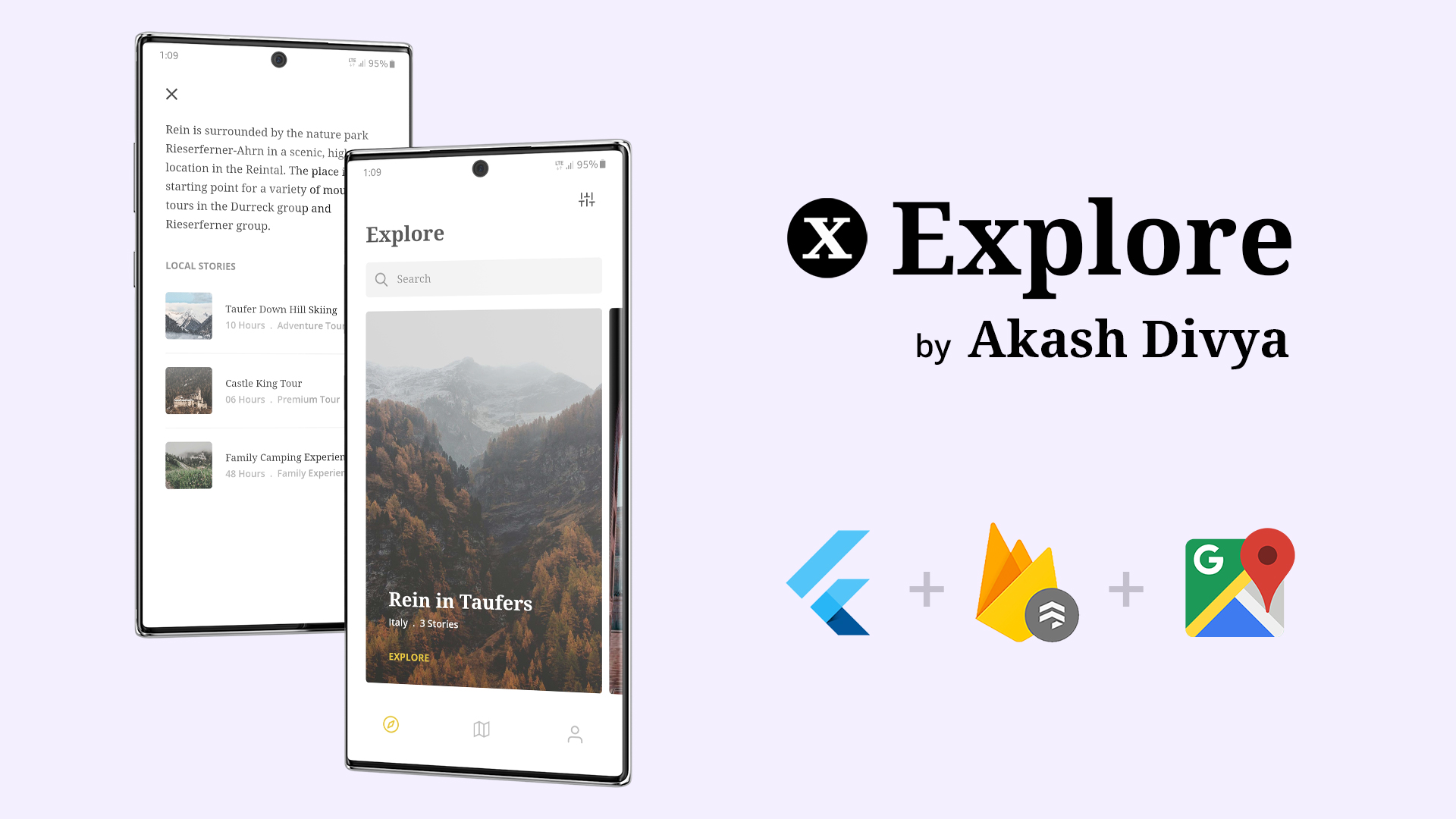
Things implemented in this App
This was my first Flutter App. My intentions were to implement as many things as I can so that I can learn those things. This App contains the implementation of the followings:
- Firebase's Cloud FireStore
- Firebase's Cloud Storage
- Custom Firebase Text by Text Search
- Official Google Map
- BLoC Pattern/Architecture
- StreamBuilder
- StreamSubscription
- Dynamic Theme
- Internet Connectivity Status
- Customizing Status Bar & Navigation Tab
- PageView
- Custom Icon & Splash Screen
- Various Material Components
How to get this Repo and run it on your System
I kept the code as original as possible with prober Commented Guides for anyone to understand and implement. Still you need to follow these steps.
-
First get Flutter and all necessary SDK/Plugins installed. Full guide here Flutter: Get Started
-
Now create a new Flutter App, named as 'exploreapp' with AndroidX Compatibility.
flutter create --androidx exploreapp -
Now download this Repo
-
Extract the Repo into your newly created exploreapp and replace the required files.
-
Now go to Firebase and start a new project. Follow these guidelines here and paste the file google-services.json from there into your project. (We are doing this just for Android Platform)
'yourDirectory'\exploreapp\android\app
-
Now Populate your FireStore Database like examples below:


-
Now go to Google API and Enable Maps SDK for Android and get thi API Key.
-
Paste this API Key in the pecific area where I mentioned "Your Map API Key here" in AndroidManifest.xml file which can be found in _'yourDirectory'\exploreapp\android\app\src\main_ like written below:
<application> ... <meta-data android:name="com.google.android.geo.API_KEY" android:value="Your Map API Key here"/> -
Now you can Finally run VS-Code or Android Studio whichever you prefer and get the flutter packages and just run the App.
Download the APK
Check the apk files included in this Repo. Install them on your device to test it.
App Demonstration Video
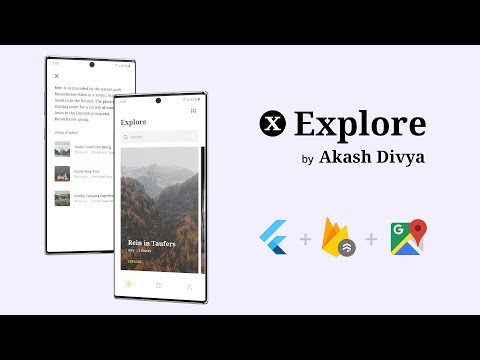
Local Assets & Json Data Variant
If you are wondering how you can do it with local assets and json data you can visit this Repo
About Me
I'm a veteran Designer/Animator with 10+ years of experience. I always hated the excuses Developers gave me when they fail to implement my Design. One day, when I found about Flutter I said no more & started learning it. This is my first App which I developed, and the design i took from dribbble Link and I also designed the parts which were not there.
My Links
Email: akash.apd@gmail.com
Now go out there and do what you Love.

Akash Divya ↗
カテゴリー
ランキング
プロジェクトに合うリポジトリを選ぶには?
用途で絞り込み、開発状況を比較し、採用前に元のリポジトリで要件を確認しましょう。
- 名前・作者・説明で検索し、技術トピックで絞り込みます。
- スター、フォーク、最近のプッシュを比較します。スターは関心の目安であり、品質の保証ではありません。
- 利用前に GitHub で README、ライセンス、Issues を確認します。
情報源と管理
“A repository is the most basic element of GitHub.”
GitHub Docs — About repositories ↗