
flutter_animated_counter
#FlutterCounterChallenge2020 からのアニメーションカウンターのコレクション

- スター
- 16
- フォーク
- 2
- 最終プッシュ(UTC)
- 2021/04/14
- プロジェクト状態
- 公開中
元の README
以下は英語原文のスナップショットです。最新版は GitHub をご覧ください。
animated_counter
A collection of animated counters sourced during the FlutterCounterChallenge2020.
| Block | Circle Wave | Creatures |
|---|---|---|
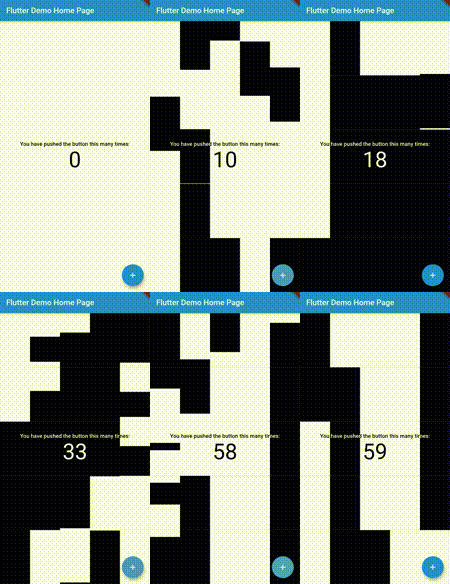 |
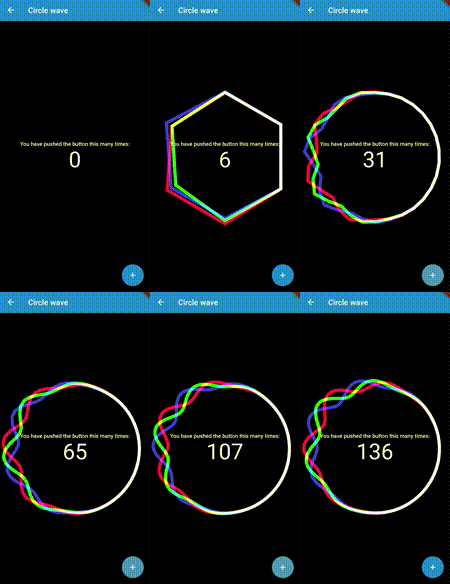 |
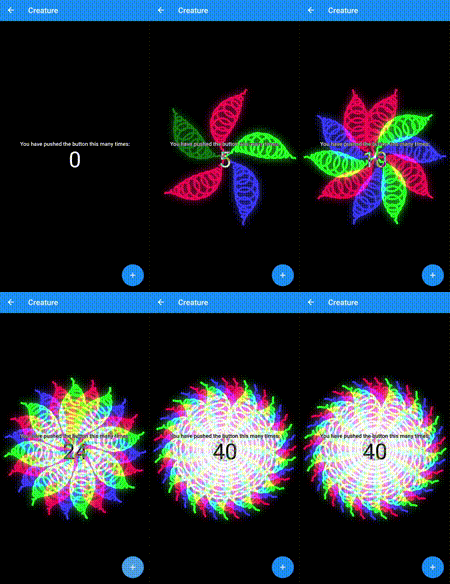 |
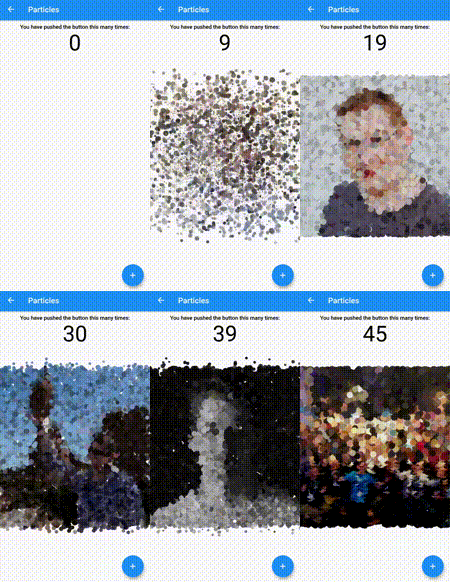
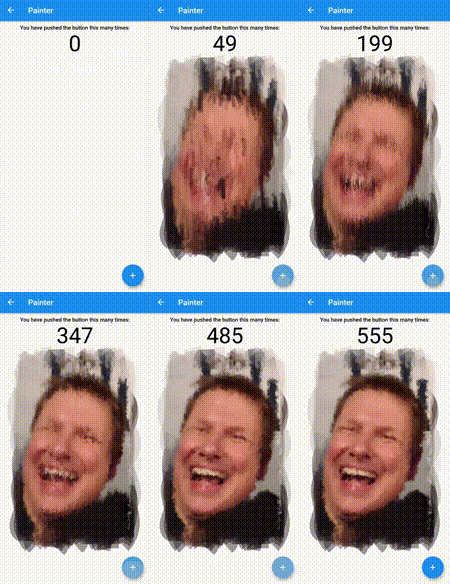
| Image Bubble | Particles | Portrait |
|---|---|---|
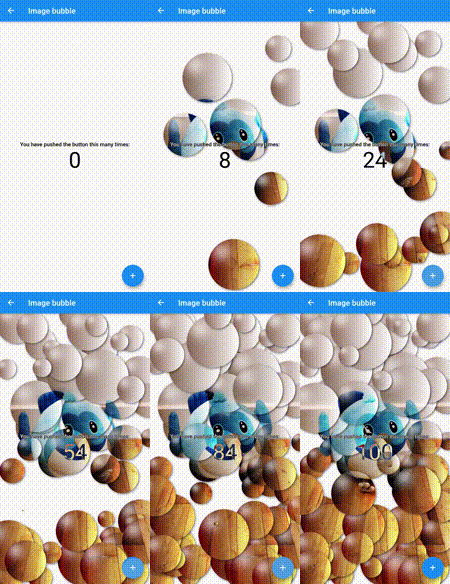 |
 |
 |
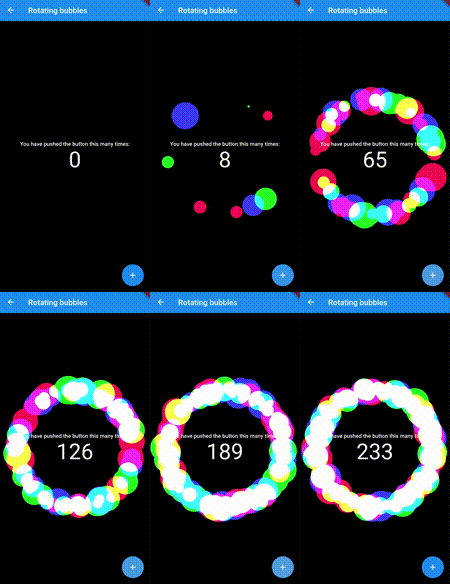
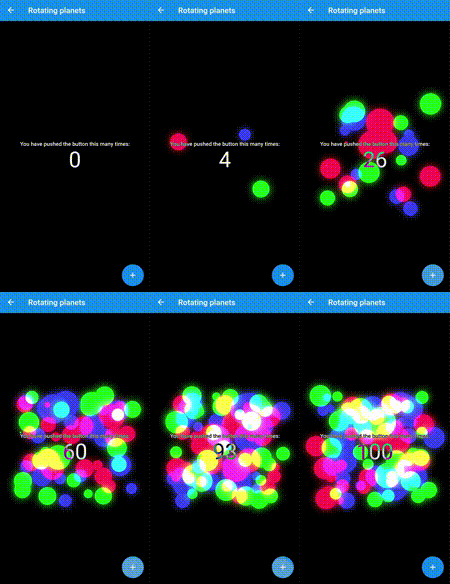
| Rotating Bubbles | Rotating Planets | Volcano |
|---|---|---|
 |
 |
 |
| Wave | Pixel | Disks |
|---|---|---|
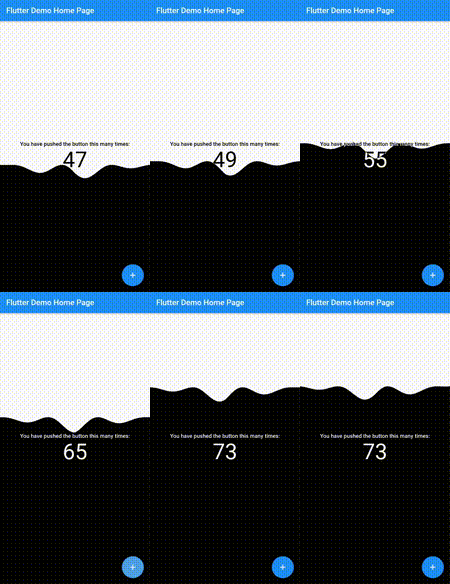 |
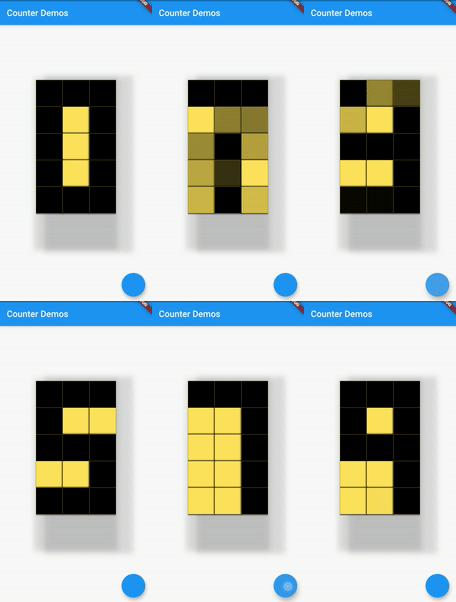 |
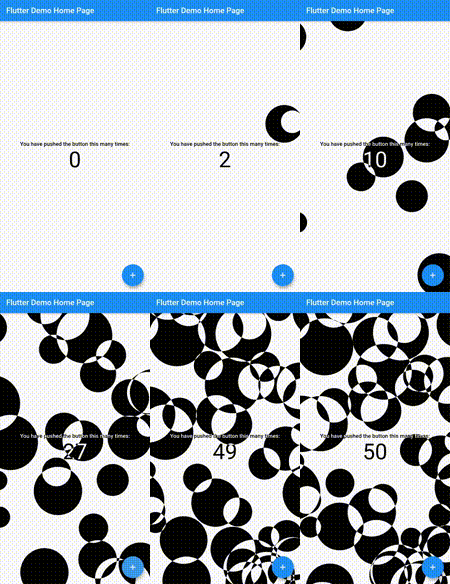 |
Features
- Beautiful Smooth Animations
- Ability to increment, decrement and get current counter value.
- One stop destination for FlutterCounterChallenge2020 widgets.
- Completely open source.
- Added support for Null-Safety
Supported platforms
- Flutter Android
- Flutter iOS
- Flutter web
- Flutter desktop
Live preview
http://ryuukenshi.github.io/animated_counter
Note: This page is built with flutter-web, hence the animations may not be smooth. For a better user experience, please run the example app on a mobile device.
Installation
Add animated_counter: 1.0.0 to your pubspec.yaml dependencies. And import it:
import 'package:collapsible_sidebar/collapsible_sidebar.dart';
How to use
First create the object of the Animated Counter you wish to use. Then use its build() method to build it. Finally use the incrementCounter(), decrementCounter() and getCounter() methods to control the widget animations.
Create the object of the animated counter you like
  BlocksCounter block = BlocksCounter(initialCounter: 0);
  DisksCounter disk = DisksCounter(initialCounter: 0);
  WaveCounter wave = WaveCounter(initialCounter: 0);
  CircleWaveCounter circle;
  RotatingBubblesCounter bub = RotatingBubblesCounter(initialCounter: 0, initialColors: [Colors.red, Colors.green, Colors.blue]);
  RotatingPlanetsCounter plan = RotatingPlanetsCounter(initialCounter: 0, initialColors: [Colors.red, Colors.green, Colors.blue]);
  CreatureCounter cre;
  ImageBubbleCounter imgbub = ImageBubbleCounter(initialCounter: 0, image: 'assets/dash.jpg');
  PortraitCounter por = PortraitCounter(initialCounter: 0, image: 'assets/mattis.jpeg');
  ParticlesCounter part;
  VolcanoCounter vol = VolcanoCounter(initialCounter: 0, enableSky: true);
  PixelCounter pix = PixelCounter(initialCounter: 0);

  @override
    void initState() {
      circle = CircleWaveCounter(vsync: this, initialCounter: 0, initialColors: [Colors.red, Colors.green, Colors.blue]);
      cre = CreatureCounter(vsync: this, initialCounter: 0, initialColors: [Colors.red, Colors.green, Colors.blue]);
      part = ParticlesCounter(initialCounter: 0, images: ['image1.jpg', 'image2.jpg', 'image3.jpg', 'image4.jpg', 'image5.jpg']);
      super.initState();
    }
CircleWaveCounter() and CreatureCounter() require a vsync hence the parent class needs to extend TickerProviderStateMixin to use these counters.
Use it in widget tree using build() method. Control it using the incrementCounter(), decrementCounter() and getCounter() methods.
@override
  Widget build(BuildContext context) {
    return Scaffold(
      body: PageView(
        children: [
          block.build(context),
          disk.build(context),
          wave.build(context),
          circle.build(context),
          bub.build(context),
          plan.build(context),
          cre.build(context),
          imgbub.build(context),
          por.build(context),
          part.build(context),
          vol.build(context),
          pix.build(context),
        ],
      ),
      floatingActionButton: FloatingActionButton(
        onPressed: (){
          setState(() {
            block.incrementCounter();
            disk.incrementCounter();
            wave.incrementCounter();
            circle.incrementCounter();
            bub.incrementCounter();
            plan.incrementCounter();
            cre.incrementCounter();
            imgbub.incrementCounter();
            por.incrementCounter();
            part.incrementCounter();
            vol.incrementCounter();
            pix.incrementCounter();
          });
        },
      ),
    );
  }
License
Apache 2.0
Credits
This package was made possible with code open-sourced by these awesome devs:
- Romain Rastel 🌟🌟🌟
- Mahmoud Ashour 🌟

Arjun Sinha ↗
カテゴリー
使用している依存関係
依存関係一覧 3 件
- flutter
{"sdk":"flutter"} - vector_math
^2.0.8 - flutter_test開発用
{"sdk":"flutter"}
プロジェクトに合うリポジトリを選ぶには?
用途で絞り込み、開発状況を比較し、採用前に元のリポジトリで要件を確認しましょう。
- 名前・作者・説明で検索し、技術トピックで絞り込みます。
- スター、フォーク、最近のプッシュを比較します。スターは関心の目安であり、品質の保証ではありません。
- 利用前に GitHub で README、ライセンス、Issues を確認します。
情報源と管理
“A repository is the most basic element of GitHub.”
GitHub Docs — About repositories ↗