v3.0.0
screenshot
Flutter スクリーンショットパッケージ(実行時)。任意のウィジェットを画像としてキャプチャします。
1560いいね 60.4万30日間ダウンロード140Pub ポイント
AndroidiOSWebmacOSWindowsLinux
ロイヤルティカードを保存するためのAndroidアプリ、完全にオープンソースで無料、Googleやサードパーティサービスなし。今すぐ試してみましょう!📱

以下は英語原文のスナップショットです。最新版は GitHub をご覧ください。
Lightweight digital wallet to securely scan, store, and manage loyalty cards offline.


More info here


OR

[!NOTE] F-Droid releases might not be in sync with those from GitHub.
Currently, the app uses these permissions (+ why are they needed) :


Contact me for more info :). If your phone does not have issues with the app, you can add your device into the Tests file.
git clone the repository,cd cardabase-app into it,flutter pub get to download the dependencies,flutter build apk in Terminal (you can add --split-per-abi if you want to get multiple versions).[!NOTE] Signing of the app is ON. You need a singature key and a key.properties in the /cardabase-app/android folder or else the build will fail. You can change THIS LINE to debug to sign it with a debug key.
Used versions:
Note: Java and Gradle versions must be compatible with each other. See this Compatibility Matrix.
You may need to:
android/gradle.properties, add a line org.gradle.java.home="C:\\path\\to\\the\\jdk", where you have to specify your path, (<- in case of multiple/no versions or JAVA_HOME environment variable not specified)android\gradle\wrapper\gradle-wrapper.properties, last line "distributionUrl" (change the "X.X" or "X.X.X" number). (<- in case of different Gradle installation)


Flutter スクリーンショットパッケージ(実行時)。任意のウィジェットを画像としてキャプチャします。
Hive Community Edition - Hive v2 の精神的継続
Hive の拡張機能。Flutter アプリで Hive を使いやすくします。
Hive用の拡張機能。任意のクラスを保存するためのTypeAdapterを自動生成します。
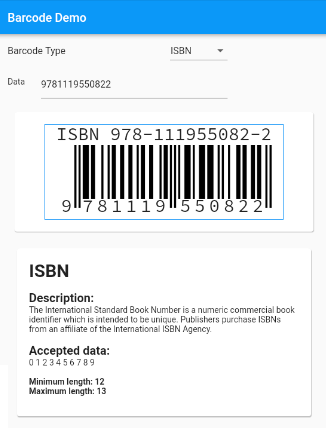
標準バーコードをサポートするFlutter用のバーコード生成ウィジェット。
アプリケーションのライフサイクルリセットを実装した画面明るさ制御用プラグイン
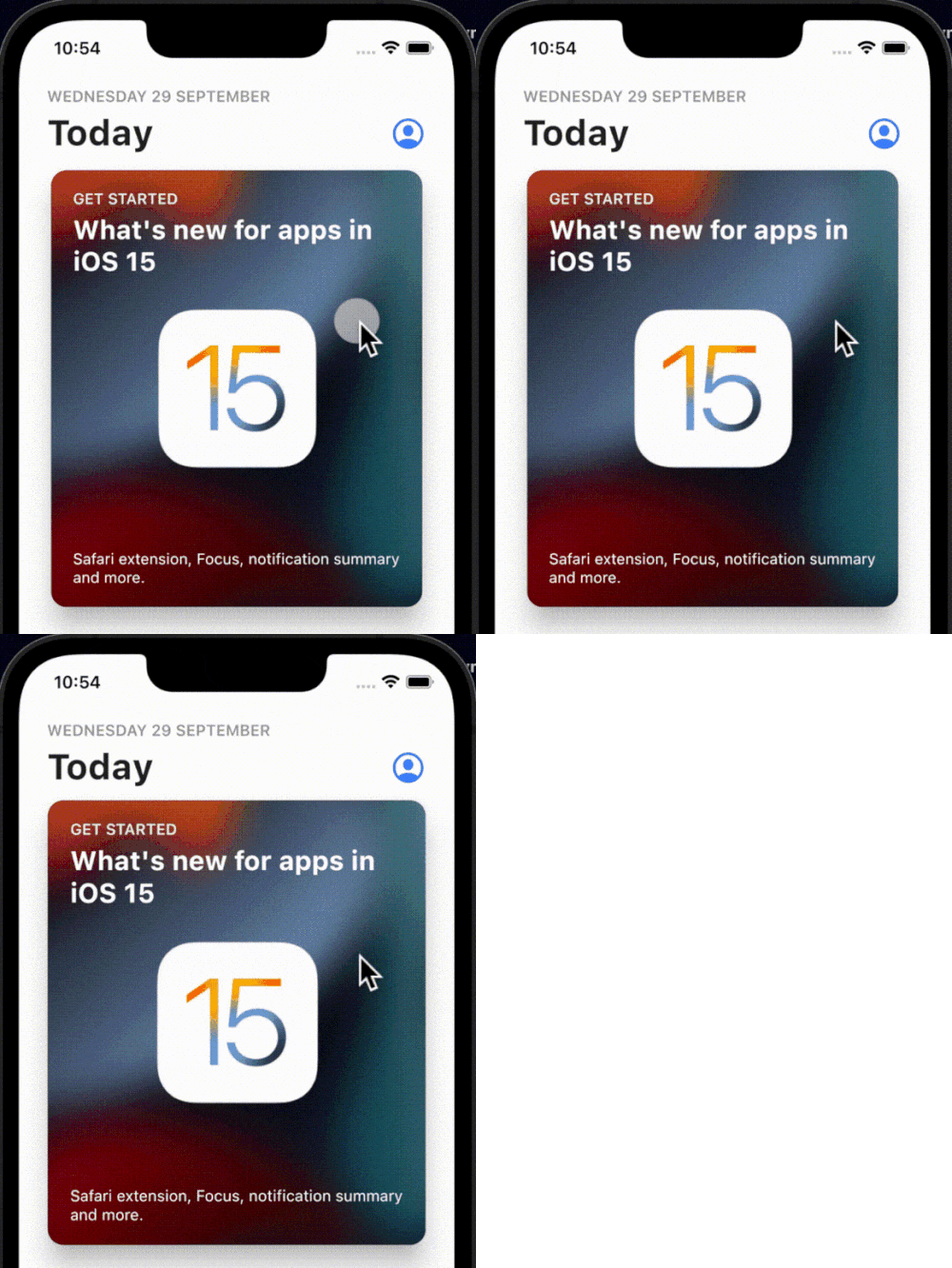
タップ時に発生するシンプルでインタラクティブかつカスタマイズ可能なバウンスアニメーションで、任意のウィジェットにラップできます。
Dartで実装された、複数フォーマットの1次元/2次元バーコード画像処理ライブラリです。これはAndroidライブラリのポートです。
ハプティックフィードバック用のFlutterプラグインです。iOSの標準的なハプティクスを利用していますが、Androidでも同じハプティックパターンをエミュレートすることで、プラットフォーム間で一貫した体験を実現することを目指しています。
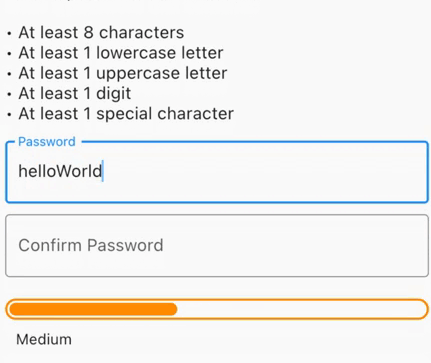
セキュアなパスワードを生成し、漏洩したパスワードを確認し、強度の視覚フィードバックを得るか、最小パスワード強度が必要なフォーム検証を行います。
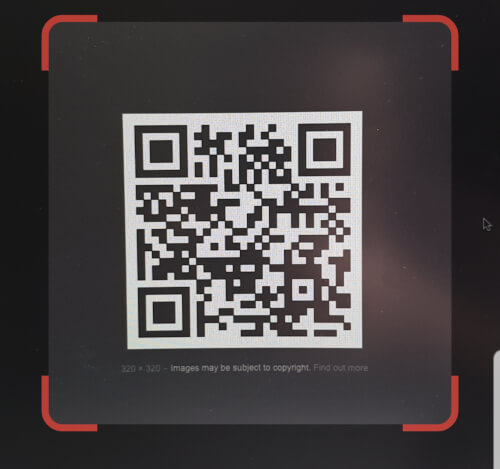
Flutter内に埋め込めるQRコードスキャナー。Androidではzxing、iOSではAVFoundationを使用しています。
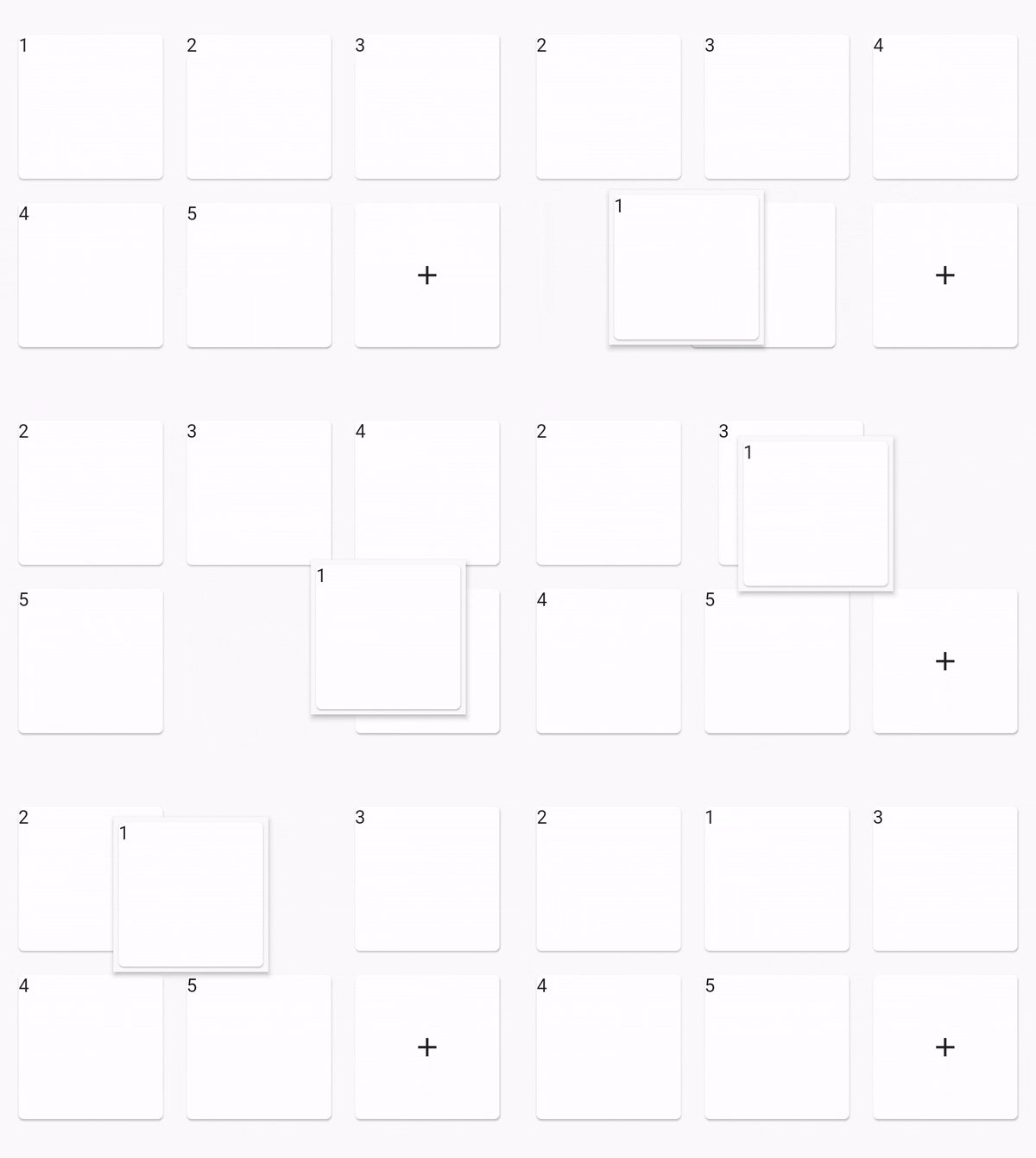
再配置可能なグリッドビュー
依存関係一覧 43 件
^4.0.9^2.0.4^0.12.0+1^1.0.2^2.1.0^12.0.0-beta.7{"sdk":"flutter"}^1.2.0^1.1.0^0.14.4^4.0.3>=9.0.0 <10.0.0^0.6.4+3>=2.19.3 <3.0.0>=2.3.4 <3.0.0^1.4.0^4.9.1^1.2.2^2.3.0^1.0.0^10.1.0^1.3.2>=1.9.1 <2.0.9^2.1.6^12.0.3^2.1.2^1.1.0^1.8.1^2.2.8^2.1.11^3.0.0^6.3.2>=4.0.0 <5.0.0^0.2.4^2.4.6^2.2.0{"sdk":"flutter"}{"sdk":"flutter"}^1.11.1^6.0.0^1.0.0^2.1.3^2.1.8用途で絞り込み、開発状況を比較し、採用前に元のリポジトリで要件を確認しましょう。
“A repository is the most basic element of GitHub.”
GitHub Docs — About repositories ↗