
v0.12.1
camera
カメラを制御するためのFlutterプラグインです。カメラ映像のプレビュー、画像および動画の撮影、そして画像バッファをDartにストリーミングする機能をサポートしています。
2600いいね 68.3万30日間ダウンロード160Pub ポイント
AndroidiOSWeb
クロスプラットフォーム同期対応のオフラインパスワードマネージャー

カメラを制御するためのFlutterプラグインです。カメラ映像のプレビュー、画像および動画の撮影、そして画像バッファをDartにストリーミングする機能をサポートしています。
 v1.2.6
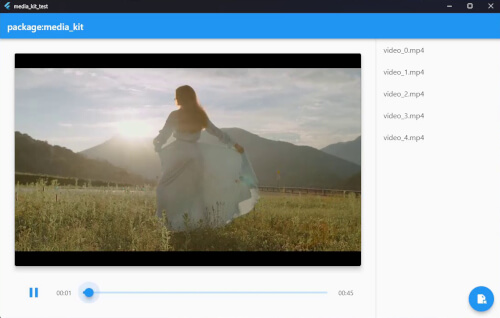
Flutter および Dart 向けのクロスプラットフォーム動画プレイヤーとオーディオプレイヤー。高性能で安定し、機能豊富かつモジュール式です。
パッケージ: media_kit における動画再生のネイティブ実装。
FFI を使用して Dart から直接一般的な Windows API を呼び出します。
 v4.1.0
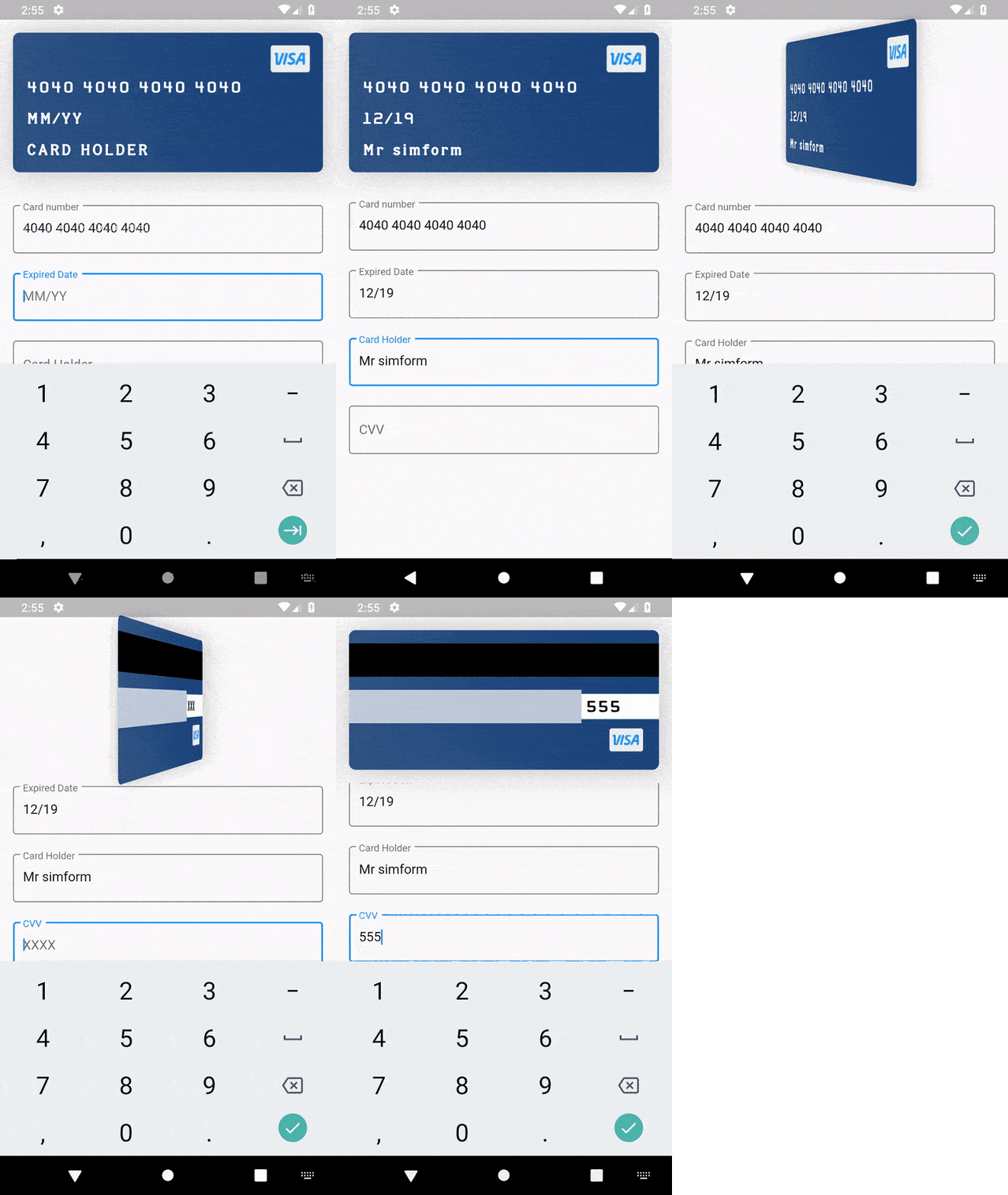
カード情報の入力に対応し、カードの裏返しや浮遊アニメーションを備えたクレジットカードウィジェットパッケージ。
文字列、日付、X509、PKCS、暗号化などに関する一般的なユーティリティクラス。
PointyCastle をベースとした双方向暗号化のための高レベルAPIセット。
 v3.1.0
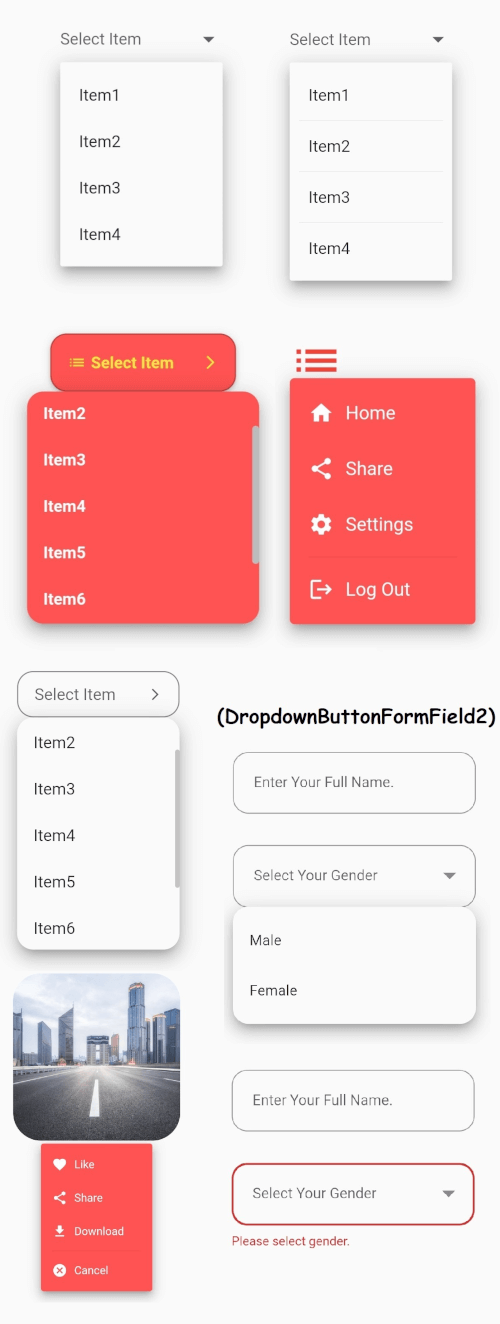
安定したドロップダウンメニューを備えたFlutterのコアドロップダウンボタンウィジェットと、ご要望に応じてカスタマイズ可能なその他のオプション。
pdfrx は PDFium を基盤に構築された豊富で高速な PDF ビューアーおよび操作プラグインです。Android、iOS、Windows、macOS、Linux、Web での PDF の表示、編集、結合をサポートしています。
 v2.0.3
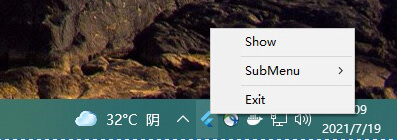
system_tray は、Flutter デスクトップアプリと組み合わせて、トレイを簡単にカスタマイズできるようにします。
日、週、範囲、月の日付ピッカー用のFlutterパッケージ。
 v4.5.4
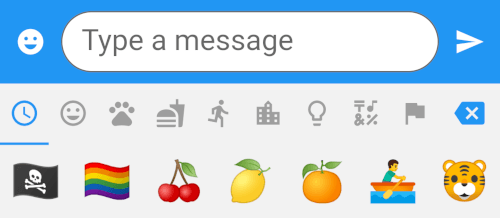
8つのカテゴリに分類された1500以上の絵文字を備えた、Emojiピッカーのウィジェットを提供するFlutterパッケージです。
{"sdk":"flutter"}^1.0.2^3.0.0+5^3.0.1^5.0.1^4.8.0^2.0.9^3.0.2^4.0.0^10.3.10^0.17.3^2.1.2^3.3.1{"git":{"url":"https://github.com/SimformSolutionsPvtLtd/flutter_credit_card","ref":"7a754b0a44cd75d0689a3adfd778205da9c69f95"}}^0.4.3^3.0.0^1.0.3^0.11.3^0.21.0^6.0.20^1.0.2^0.2.3any{"sdk":"flutter"}^2.1.0^2.1.2^1.1.1^5.0.2^3.3.0^3.3.0{"git":{"url":"https://github.com/GlitterWare/dargon2.git","path":"dargon2","ref":"83c67239018b488512d9a553a93cf99d34ab2546"}}^1.1.1^1.0.0+1^1.0.2^0.2.2{"git":{"url":"https://github.com/authpass/kdbx.dart.git","ref":"90830e11bb0a6f177229a0644c559fbf2b088b03"}}^2.3.9^4.4.0^1.0.0^4.0.9^1.1.10+1^1.2.4^1.0.7^5.5.1^5.7.0{"git":{"url":"https://github.com/GlitterWare/chewie_media_kit","ref":"1720bb4c07aee96c1de3ad6753184265b91aaea7"}}^0.5.1^2.0.3^3.6.0^1.0.94^1.0.4^3.1.0{"sdk":"flutter"}2.13.16.13.0—^0.14.41.5.0^6.0.0^4.3.0以下は英語原文のスナップショットです。最新版は GitHub をご覧ください。
Passy is an offline password manager with cross-platfrom synchronization. 🔒
Github Latest Release F-Droid Latest Release Flathub Latest Release AUR Latest Release
Passy-<version>-Windows-Installer.exe;To update Passy, simply repeat same steps with a newer version.
Passy can be removed by running its uninstaller from Programs and Features in the Control Panel. Your data will remain in C:\Users\<username>\Documents\Passy.
Passy-<version>-Windows-Portable.zip.passy.exe inside the extracted folder to launch the app.For instructions on how to easily set up Passy using Ubuntu/Debian software app or Snap command-line, see https://github.com/GlitterWare/Passy/blob/dev/SNAP-STORE.md.
It's most comfortable to run AppImages with the AppImageLauncher installed. It automatically integrates AppImages and their .desktop files into your program launcher for best user experience.
You can run a Passy AppImage release as follows:
Passy-<version>-Linux-AppImage.zip..AppImage file to desired installation location..AppImage as a program.You can run a Passy bundle release as follows:
Passy-<version>-Linux-Bundle.zip.passy inside the extracted folder to launch the app.Backup & Restore.C:\Users\<username>\Documents.Passy, you can make a copy of it elsewhere to backup all accounts if you wish./home/<username>/Documents.Passy, you can make a copy of it elsewhere to backup all accounts if you wish.Passy is open-source, feel free to make modifications to it and build it yourself. We're always very glad to see people exploring our projects. 👥
flutter build [subcommand] to build passy for your system. Passy can be built to windows, linux, apk and aab.If you are building for Linux, getting started is easy:
libayatana-appindicator3-dev meson wget libasound2-dev.sudo apt install -y libayatana-appindicator3-dev meson wget libasound2-dev
./run script, which will automatically compile and inject all Passy dependencies into the script environment before running Flutter.build_linux.sh script../run, build_linux.sh or build_all.sh scripts, you do not need to install any extra packages, as they provide full hermetic builds of libmpv, as required by the media_kit plugin.Otherwise, you will need to install the libmpv-dev package.
On Ubuntu/Debian Linux, you can install it using apt:
sudo apt install -y libmpv-dev
At that point, you can run flutter build linux directly to build Passy for Linux.
Keep in mind that it is recommended that you remove the libmpv-dev package later if you decide to use the provided build scripts to compile Passy.
Build options are specified with --dart-define=<option name>=<option value> (without angle brackets) after the build command.
Available options:
UPDATES_POPUP_ENABLED - Default is true, if set to false, the update popup will never show up on the login screen.