
v1.5.0
floor
Flutter アプリケーション向けの型安全でリアクティブかつ軽量な SQLite 抽象。このライブラリは実行時依存です。
1000いいね 3.3万30日間ダウンロード110Pub ポイント
プラットフォーム情報なし
OSC(オープンサウンドコントロール)コマンドを使用してBeyondソフトウェアとシームレスに統合する

Flutter アプリケーション向けの型安全でリアクティブかつ軽量な SQLite 抽象。このライブラリは実行時依存です。
 v2.1.0
Flutter用のシンプルなアニメーションロードボタンウィジェットの実装
 v3.2.0
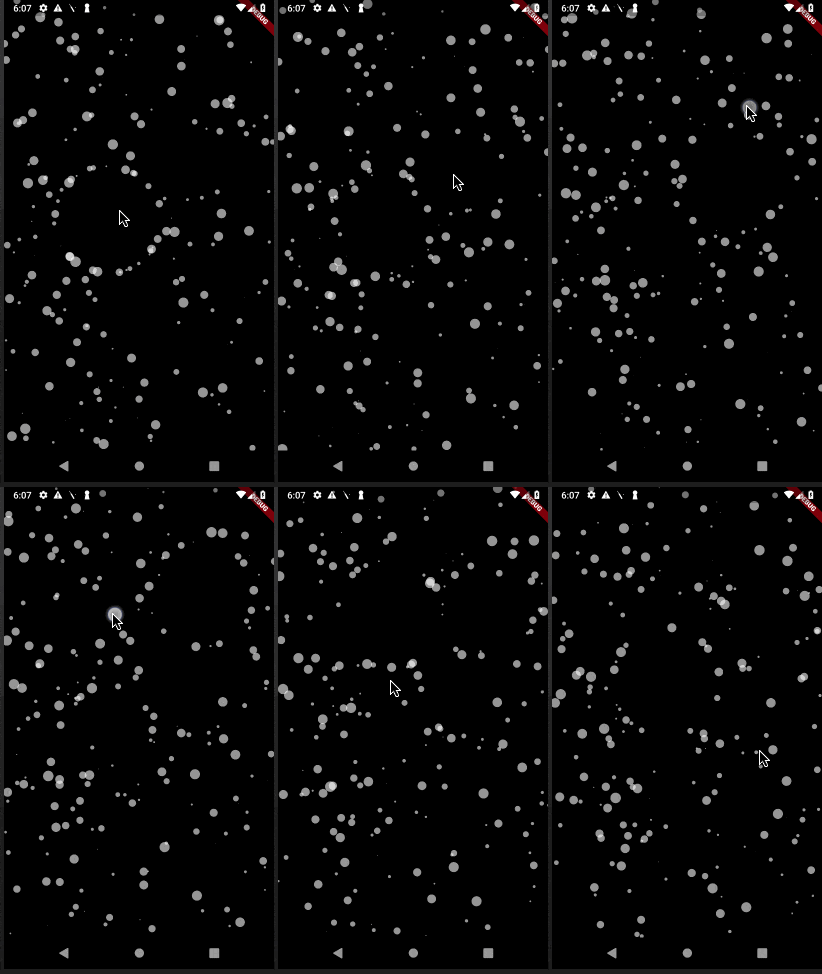
パーティクルアニメーション用のFlutterパッケージです。アニメーション速度、画面内のパーティクル数、パーティクルの寸法や形状、接続線など、さまざまな要素を制御できます。
 v2.0.3
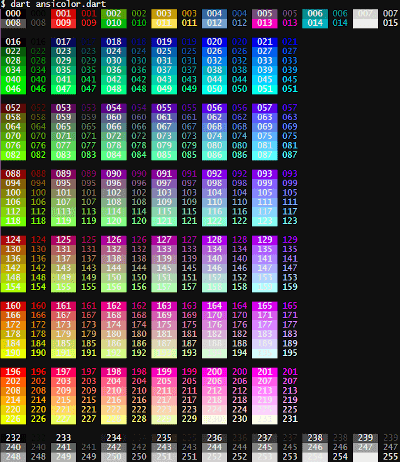
ターミナルログに色を加えたいですか?`ansicolor` は xterm-256 カラー対応ライブラリで、テキストの前面および背面の色を変更できます。
 v2.0.4
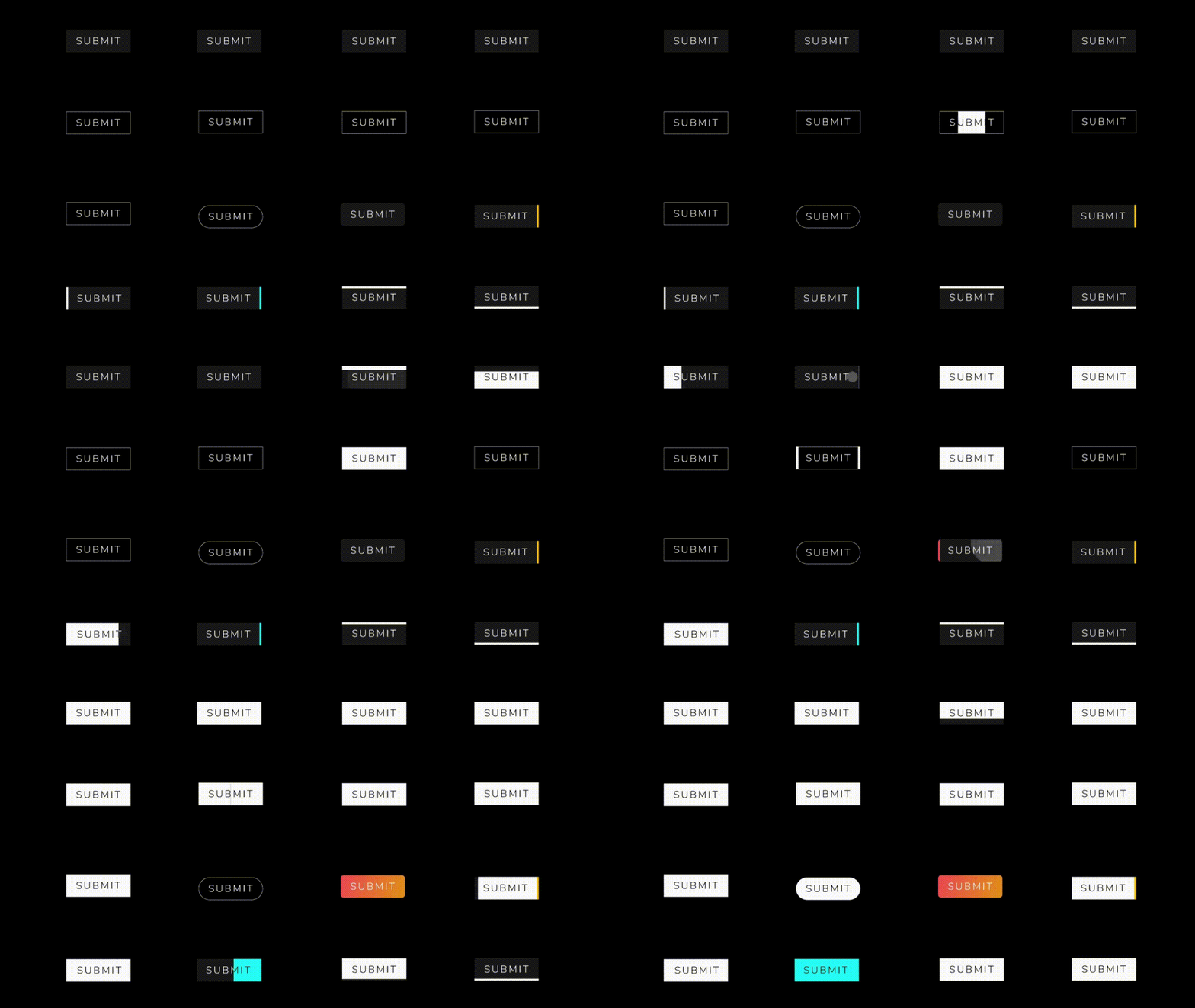
クールで美しいボタンアニメーションのコレクションを含むFlutterパッケージプロジェクトです。
依存関係一覧 18 件
{"sdk":"flutter"}^1.0.2^7.2.0^1.0.0^3.0.0^6.1.0^0.1.4^2.0.2^2.0.3^2.1.0^2.0.5^1.4.2—^2.0.0{"sdk":"flutter"}^2.1.5^1.4.2^2.0.0以下は英語原文のスナップショットです。最新版は GitHub をご覧ください。
Introduction:
This Flutter project is designed to seamlessly integrate with Beyond software using OSC (Open Sound Control) commands. OSC is a protocol for communication among computers, sound synthesizers, and other multimedia devices. The primary goal of this project is to leverage OSC commands to establish reliable and efficient communication with Beyond software, enhancing the capabilities of the Flutter application.
Key Features:
OSC Integration with Beyond Software:
BLoC Architecture:
Floor for Local Database:
GetIt for Service Location:
Tech Stack:
OSC (Open Sound Control) Working:
OSC is a protocol that enables communication between devices by sending messages in a simple, human-readable format. In the context of this Flutter project:
Sending OSC Messages:
/color 255 0 0 (sets color to red).Receiving OSC Messages:
/coordinates 100 50 (updates the application's display).How to Run:
flutter pub get to fetch the project dependencies.flutter run to launch the application on an emulator or connected device.Screens:
https://github.com/Saumya-28/Laser_Slides_Flutter/assets/98171392/e21e0cde-853b-4e32-8358-84b61b7c9727 https://github.com/Saumya-28/Laser_Slides_Flutter/assets/98171392/dd1798a4-4cdb-41d5-8962-bbc3efe327f6 https://github.com/Saumya-28/Laser_Slides_Flutter/assets/98171392/15f82f6d-8b4b-4a18-80db-c7979c260f6f https://github.com/Saumya-28/Laser_Slides_Flutter/assets/98171392/8582942d-e7fa-464a-a609-6992cee166b0
https://github.com/Saumya-28/Laser_Slides_Flutter/assets/98171392/fe2f8b34-8c3c-40c2-bab3-a0eaa113a1e8 https://github.com/Saumya-28/Laser_Slides_Flutter/assets/98171392/61c9002b-2864-46a1-abd0-ffc5f1937a8c https://github.com/Saumya-28/Laser_Slides_Flutter/assets/98171392/a7e7dc9b-a5c3-4134-be8a-aed62deb1c87 https://github.com/Saumya-28/Laser_Slides_Flutter/assets/98171392/c42d2b1c-da6a-42ad-b3ab-a5280c6e1752