

v8.2.2
network_info_plus
ネットワークの情報を(例:Wi-Fiの詳細)検出するためのFlutterプラグイン。
796いいね 37.9万30日間ダウンロード150Pub ポイント
AndroidiOSWebmacOSWindowsLinux
テキストまたは音声からテキストへのプロンプトとAPIの選択を使用して、ユーザーが画像を生成できるようにします

以下は英語原文のスナップショットです。最新版は GitHub をご覧ください。
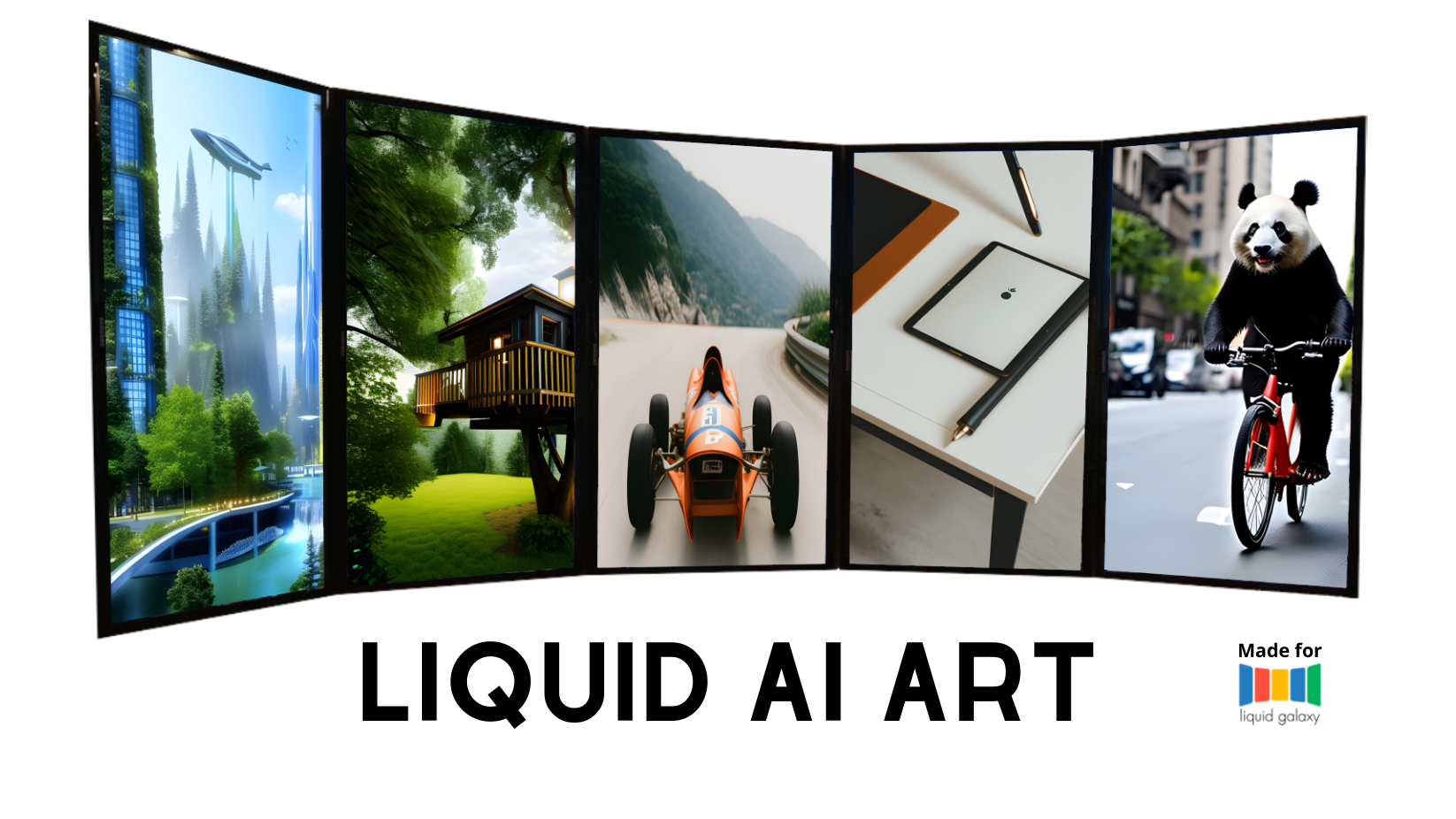
The LiquidArt AI is a mobile application developed in Flutter that allows users to generate images using a text or an audio to text prompt and a selection of APIs:
The application uses a Dart server to connect to the Liquid Galaxy system to display the images on the screens. The project also includes a new local machine for the LG project that has a GPU and the ability to create AI art based on stable diffusion.
docker --version
v24.0.2, if this is not the case use the following link for tips on how to install it:
How To Install Docker on Ubuntugit clone https://github.com/MurilonND/stable-diffusion-webui-docker.git
sudo docker compose --profile download up --build
sudo docker compose --profile auto up --build
ifconfig
Once the screens are open, you can open the app on the Connection Page and connect with the galaxy, once that is done, and the API Key is configurated you can go to the drawer and chose one to run (The Stable Diffusion is the local Docker, will take a good amout of time depending on the machine). Once you have your image, save it and go to the Gallery page, ther you can select it and open it on Liquid Galaxy (Small images and images genereted with API that dont suport the Liquid Galaxy format will get distorted or get low resolutions)
This software is under the MIT License
Copyright 2023 Murilo Nogueira Duarte
ネットワークの情報を(例:Wi-Fiの詳細)検出するためのFlutterプラグイン。
コンポジションと簡単な再利用を促進するWebサーバーミドルウェアのモデルです。
URLパラメータ、ネストされたルーター、およびソースアノテーションから生成されたルーターをサポートする、shelf Webフレームワーク用の便利なリクエストルーターです。
デバイス固有の音声からテキストへの認識機能を提供するFlutterプラグインです。
Flutter スクリーンショットパッケージ(実行時)。任意のウィジェットを画像としてキャプチャします。
完全にDartで書かれたSSHおよびSFTPクライアントで、機能が豊富かつ使いやすいことを目指しています。
依存関係一覧 19 件
{"sdk":"flutter"}^6.2.0^1.0.2^0.13.6^8.1.3^2.0.5^2.8.2^2.1.2^1.4.1^3.0.1^10.2.0^6.0.2^2.0.15^1.3.0^1.1.4^6.1.1^8.2.2{"sdk":"flutter"}^2.0.0用途で絞り込み、開発状況を比較し、採用前に元のリポジトリで要件を確認しましょう。
“A repository is the most basic element of GitHub.”
GitHub Docs — About repositories ↗