 v0.4.0
flutter_bluetooth_serial
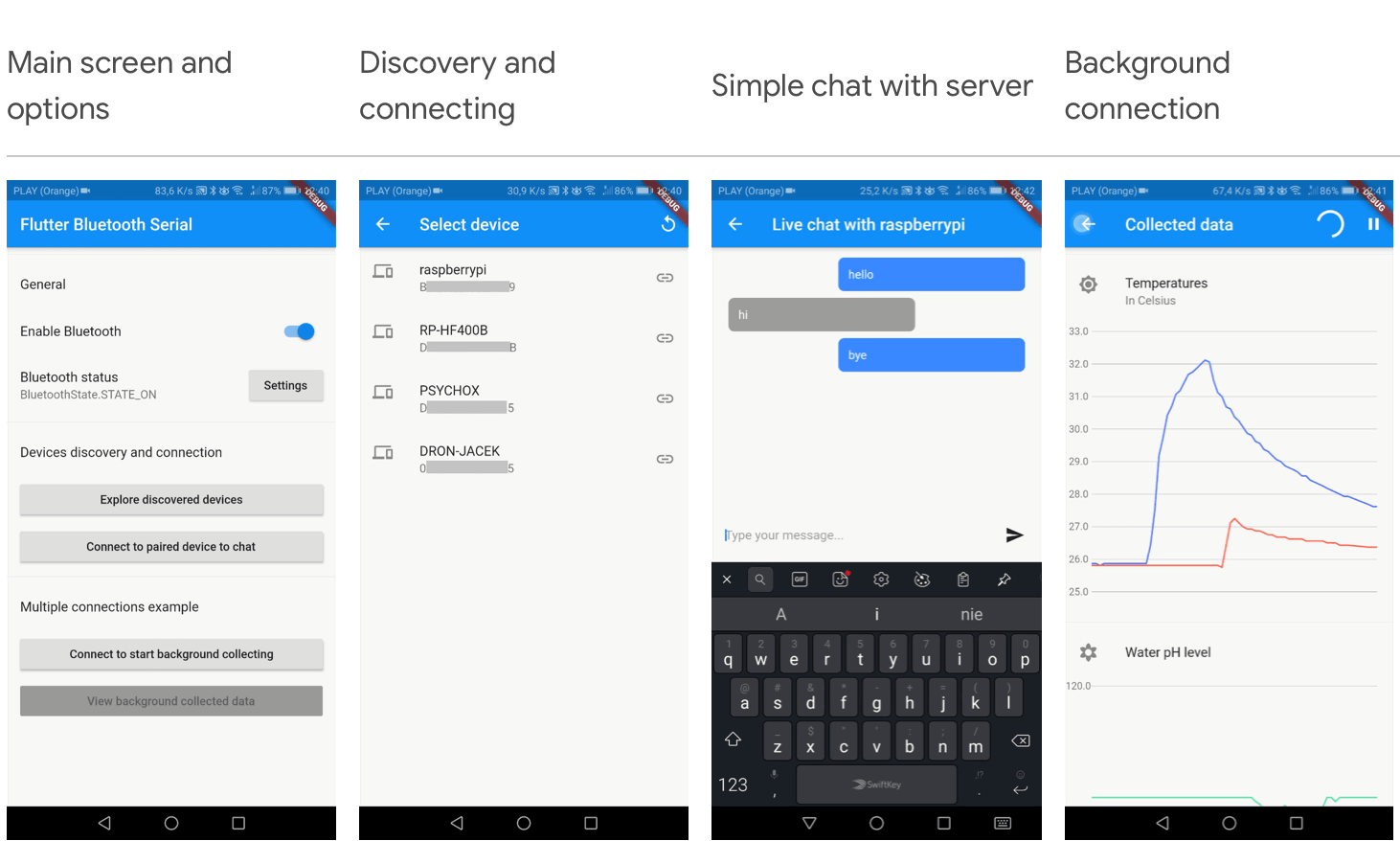
基本的なFlutter Bluetoothシリアルライブラリ
377いいね 1.1万30日間ダウンロード130Pub ポイント
Android
このプロジェクトは、モバイルアプリを通じてLiquid Galaxy装置上で地球を周回する人工衛星の軌道を表現し、Arduino制御のポインタも提供します。

以下は英語原文のスナップショットです。最新版は GitHub をご覧ください。


This project represents the orbit of a satellite orbiting earth on an Arduino-controlled pointer and a Liquid Galaxy rig through a mobile application. This project was developed within the Google Summer of Code 2023 program.
The application offers a unique way to visualize satellite orbits using the Liquid Galaxy rig (Google Earth) and a real-world Arduino-controlled pointer. It also provides insights into satellites' movements and access to vital satellite information seamlessly within the app.
Take a look at the app on the Google Play Store.
Read this documentation to know how to set up Flutter.
Then, clone the project:
$ git clone https://github.com/savitore/STEAM-Celestial-Satellite-tracker-in-real-time.git
$ cd STEAM-Celestial-Satellite-tracker-in-real-time
With the project cloned, open a terminal and navigate to the project root directory. First you need to install the packages by running:
flutter pub get
After successfully installing all the packages. You can run flutter doctor to check out the connected devices and if all the environment is correct.
flutter doctor
With everything ready to go, it is time to run the project.
❗ You must have a mobile device connected or an android emulator running in order to run the app.
$ flutter run --no-sound-null-safety
Once done, the APK file may be found into the /build/app/outputs/flutter-apk/ directory, named app-release.apk.
You can find the documentation for setting up the Arduino-controlled pointer by clicking here.
Please note that the Arduino-controlled pointer is compatible only with Android devices that are running versions up to Android 11.
If you have followed all the steps up to this point, your app should be running.
With the app open, click on the gear icon (⚙️) on the home page's top-right corner. When clicked, it will take you to the Settings page. On that page, select the LG Connection option.
To establish a connection with your Liquid Galaxy, enter the Liquid Galaxy host name, password, IP address, SSH connection port (change it only if the system's default SSH port 22 was changed), and the number of screens.
After completing the necessary steps, click on the Connect button. If the connection is successfully established, you will see a "Connected" label highlighted in green.
If the connection is successful, you are now all set to enjoy the app. Start exploring a variety of satellites and their related information.
You're welcome to report any issues, bugs, or feature requests through our issue tracker. Kindly provide detailed and clear descriptions.
If you're interested in contributing to this project, feel free to submit a pull request.
This app was made possible with the help of mentor Otávio J. França Oliveira, organization admin Andreu Ibáñez Perales, and testers from Liquid Galaxy LAB: Mohamed Zazou, Navdeep Singh, and Imad Laichi.
Special thanks to Michell Algarra, the author of the SatNOGS project, and Sayed Nowroz, whose Arduino-controlled pointer served as inspiration.
This software is licensed under the MIT license.
基本的なFlutter Bluetoothシリアルライブラリ
完全にDartで書かれたSSHおよびSFTPクライアントで、機能が豊富かつ使いやすいことを目指しています。
Pretty Dio Logger は、ネットワーク呼び出しを美しく、読みやすい形式でログに記録するための Dio インターセプターです。
Flutterコンパス。方位角は0〜360の間で変化し、0が北を示します。
Flutter Iconsとして利用可能なシンプルなアイコンパック。人気ブランド向けに1500以上の無料SVGアイコンを提供します。
ISO国コードからフラッグアイコンを表示するためのFlutterパッケージ。
依存関係一覧 23 件
{"sdk":"flutter"}^1.0.2^8.1.2^4.0.2^1.1.0^5.3.2^1.3.1^0.18.1^6.1.12^3.0.0^0.1.0^2.2.0^7.6.02.0.15^0.4.0^0.14.0^2.8.2^7.10.0^10.0.0^0.7.0^2.1.0{"sdk":"flutter"}^2.0.0用途で絞り込み、開発状況を比較し、採用前に元のリポジトリで要件を確認しましょう。
“A repository is the most basic element of GitHub.”
GitHub Docs — About repositories ↗