
 v4.1.3
bot_toast
Flutterのトーストライブラリで、非常に使いやすく、機能豊富です。
1000いいね 37.5万30日間ダウンロード160Pub ポイント
AndroidiOSWebmacOSWindowsLinux
非常に使いやすいFlutterポップアップライブラリ。トースト、ローディングなども含まれます。

{"sdk":"flutter"}{"sdk":"flutter"}以下は英語原文のスナップショットです。最新版は GitHub をご覧ください。
A really easy to use flutter toast library!
In the true sense of Toast, you can call it whenever you need it, without any restrictions!
Feature-rich, support for displaying notifications, text, loading, attachments, etc. Toast
Support for popping up various custom Toasts, or you can pop up any Widget as long as it meets the requirements of the flutter code.
API is simple and easy to use
Pure flutter implementation
Supports global configuration
Online demo (Web effects may be biased, the actual effect is subject to the mobile phone)
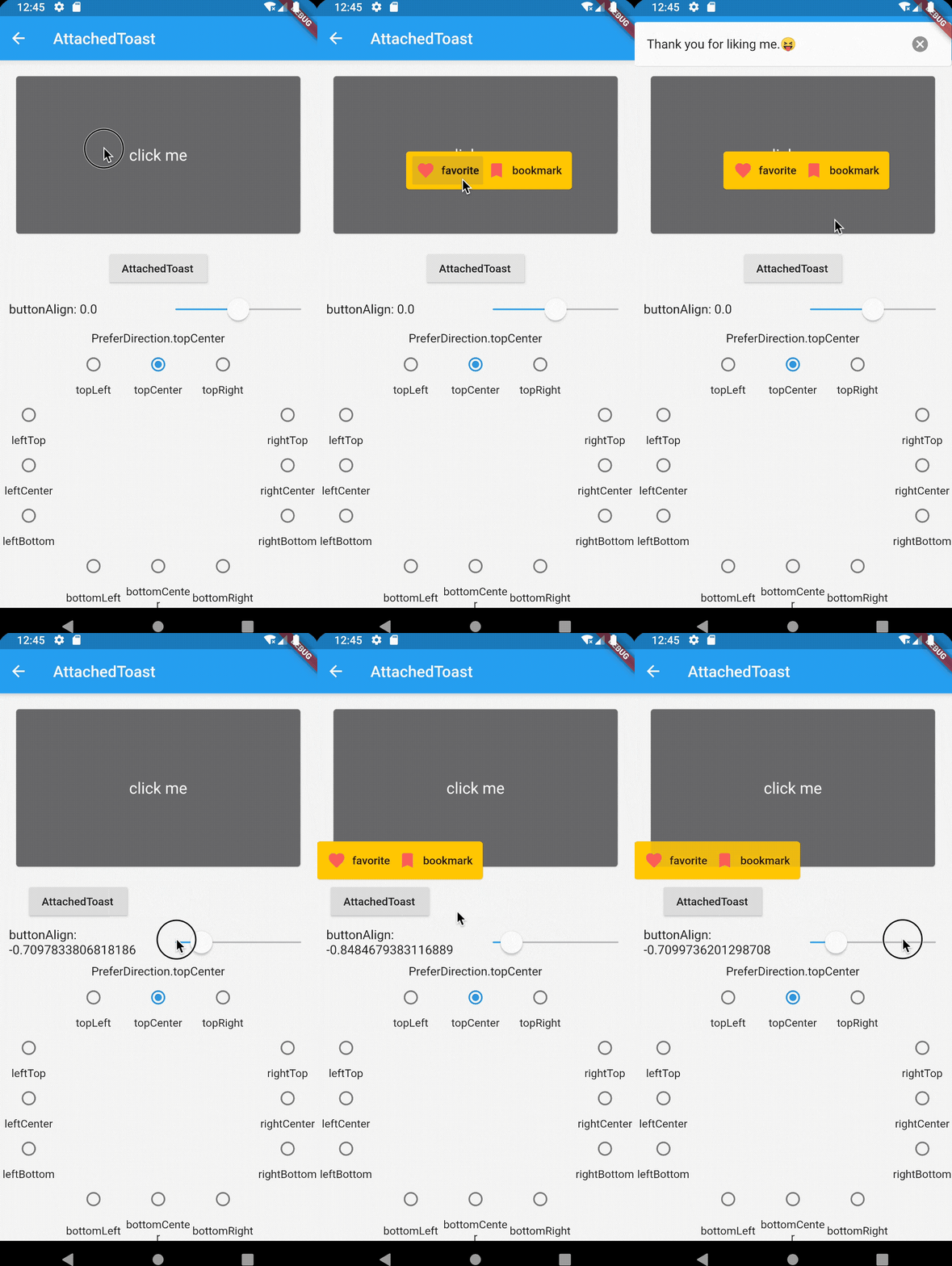
| Notification | Attached | CustomAnimation |
|---|---|---|
| Notification | Attached | CustomAnimation |
| Loading | Text | CustomWidget |
|---|---|---|
| Loading | Text | CustomWidget |
dependencies:
   bot_toast: ^4.1.0 #null safety
import 'package:bot_toast/bot_toast.dart';
MaterialApp(
      title: 'BotToast Demo',
      builder: BotToastInit(), //1. call BotToastInit
      navigatorObservers: [BotToastNavigatorObserver()], //2. registered route observer
      home: XxxxPage(),
  )
or
//Warning: Don't arbitrarily adjust the position of calling the BotToastInit function
final botToastBuilder = BotToastInit();  //1. call BotToastInit
MaterialApp(
      title: 'BotToast Demo',
      builder: (context, child) {
        child = myBuilder(context,child);  //do something
        child = botToastBuilder(context,child);
        return child;
      },
      navigatorObservers: [BotToastNavigatorObserver()], //2. registered route observer
      home: XxxxPage(),
  )
var cancel = BotToast.showText(text:"xxxx");  //popup a text toast;
...
cancel();  //close
var cancel = BotToast.showSimpleNotification(title: "init"); // popup a notification toast;
...
cancel();  //close
var cancel = BotToast.showLoading(); //popup a loading toast
...
cancel();  //close
//popup a attachments toast
var cancel = BotToast.showAttachedWidget(
    attachedBuilder: (_) => Card(
          child: Padding(
            padding: const EdgeInsets.all(8.0),
            child: Icon(
              Icons.favorite,
              color: Colors.redAccent,
            ),
          ),
        ),
    duration: Duration(seconds: 2),
    target: Offset(520, 520));
...
cancel();  //close
//custom api
var cancel = BotToast.showCustomNotification(...)
var cancel = BotToast.showCustomText(...)
var cancel = BotToast.showCustomLoading(...)
var cancel = BotToast.showAnimationWidget(...)
...
cancel();  //close
/// For example: Globally change the animation duration for standard notifications to 1 second.
BotToast.defaultOption.notification.animationDuration = const Duration(seconds: 1);

/// For more default options, refer to the following configurations:
/// [BotToast.defaultOption.simpleNotification] corresponds to the default values of [showSimpleNotification].
/// [BotToast.defaultOption.notification] corresponds to the default values of [showNotification].
/// [BotToast.defaultOption.customNotification] corresponds to the default values of [showCustomNotification].
/// [BotToast.defaultOption.text] corresponds to the default values of [showText].
/// [BotToast.defaultOption.customText] corresponds to the default values of [showCustomText].
/// [BotToast.defaultOption.loading] corresponds to the default values of [showLoading].
/// [BotToast.defaultOption.customLoading] corresponds to the default values of [showCustomLoading].
/// [BotToast.defaultOption.attached] corresponds to the default values of [showAttachedWidget].
/// [BotToast.defaultOption.animation] corresponds to the default values of [showAnimationWidget].
/// [BotToast.defaultOption.enhanced] corresponds to the default values of [showEnhancedWidget].
Reimplemented the underlying initialization logic, the code is simpler and more general, and no longer depends on Navigator
Modify the initialization method
change:
//2.x.x version initialization method
BotToastInit(
  child:MaterialApp(
      title: 'BotToast Demo',
      navigatorObservers: [BotToastNavigatorObserver()],
      home: XxxxPage(),
  )
);
to:
//3.x.x version initialization method
MaterialApp(
      title: 'BotToast Demo',
      builder: BotToastInit(),
      navigatorObservers: [BotToastNavigatorObserver()],
      home: XxxxPage(),
  )