

 v1.0.0
stroke_text
テキストウィジェットにストローク(ボーダー)スタイルを適用するためのシンプルなFlutterプラグイン
41いいね 229030日間ダウンロード130Pub ポイント
AndroidiOSWebmacOSWindowsLinux
テキストウィジェットにストローク(ボーダー)スタイルを追加するためのシンプルなFlutterパッケージ

以下は英語原文のスナップショットです。最新版は GitHub をご覧ください。
A simple flutter package to add stroke (border) style to a text widget
pubspec.yaml file:dependencies:
stroke_text: any
$ pub get
color.dart file in your appimport 'package:stroke_text/stroke_text.dart';
default text widget
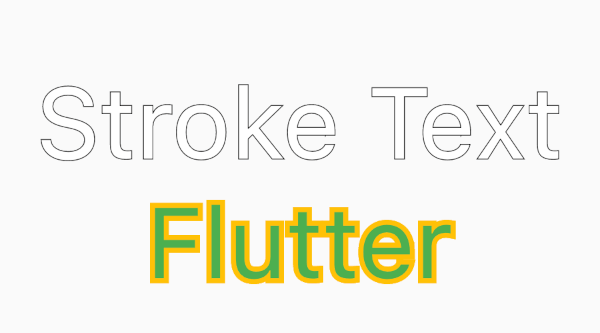
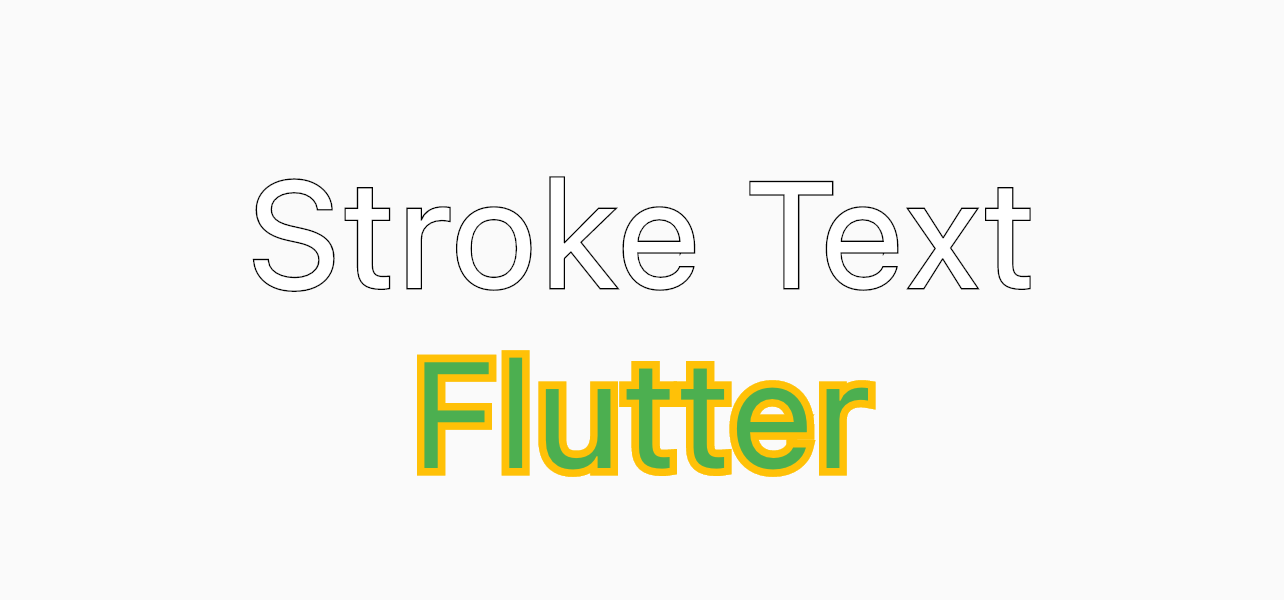
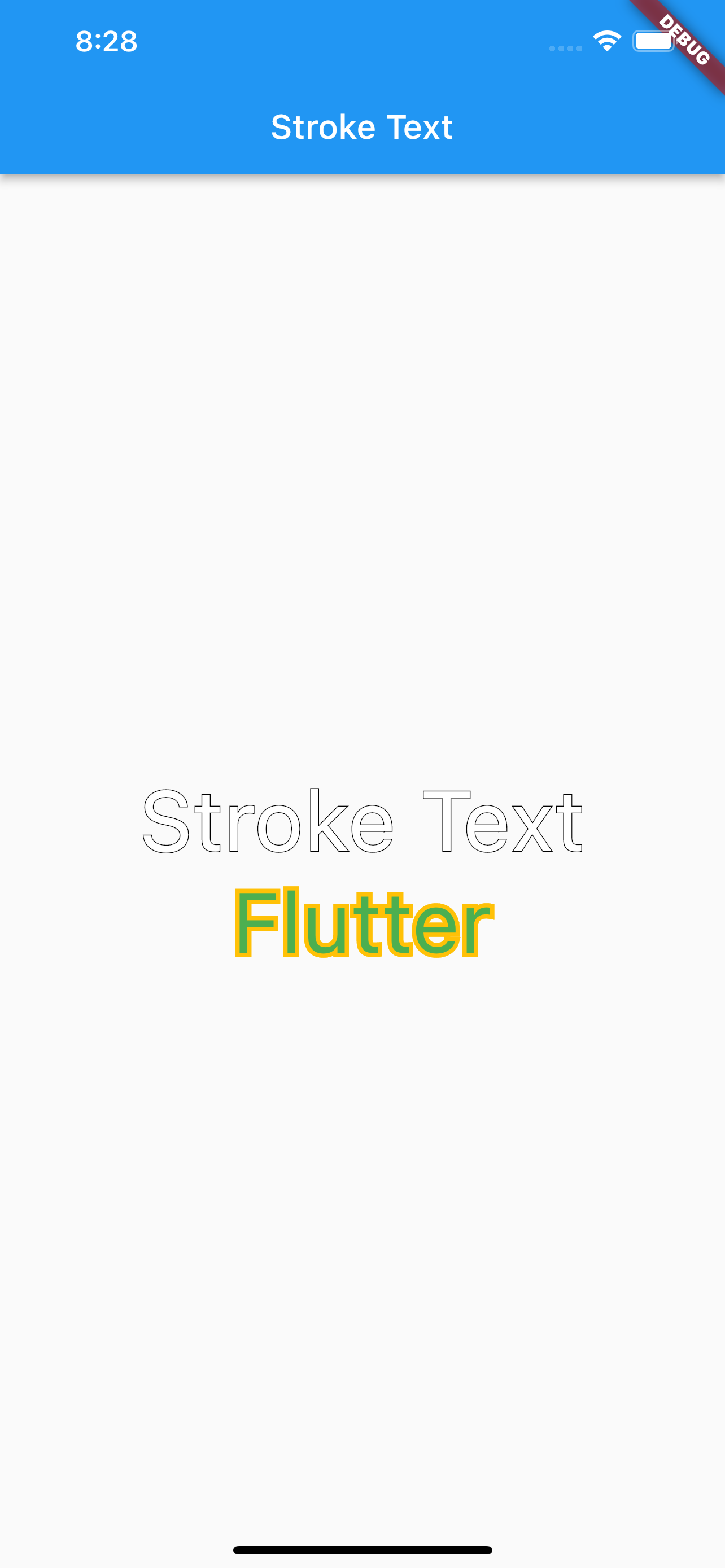
StrokeText(text: "Stroke Text",)
custom text style
StrokeText(
  text: "Stroke Text",
  textStyle: TextStyle(
    fontSize: 50
  ),
),

StrokeText(
  text: "Flutter",
  textStyle: TextStyle(
    fontSize: 50,
    color: Colors.green
  ),
  strokeColor: Colors.amber,
  strokeWidth: 5,
),
依存関係一覧 3 件
{"sdk":"flutter"}{"sdk":"flutter"}^1.0.0用途で絞り込み、開発状況を比較し、採用前に元のリポジトリで要件を確認しましょう。
“A repository is the most basic element of GitHub.”
GitHub Docs — About repositories ↗