
 v5.5.2
material_table_view
多数のデータテーブルユースケースに対応する包括的で機能豊富かつ直感的なUI/UXウィジェットソリューションであり、任意のFlutterアプリに簡単に統合できます。
254いいね 1.3万30日間ダウンロード150Pub ポイント
AndroidiOSWebmacOSWindowsLinux
多数のデータテーブルユースケースに対応する包括的で機能豊富かつ直感的なUI/UXウィジェットソリューション。どのFlutterアプリにも簡単に統合可能。
以下は英語原文のスナップショットです。最新版は GitHub をご覧ください。


Comprehensive, feature-rich and intuitive UI/UX widget solution for many data table use cases that is easy to integrate into any Flutter app.
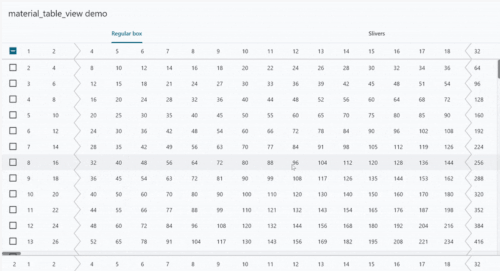
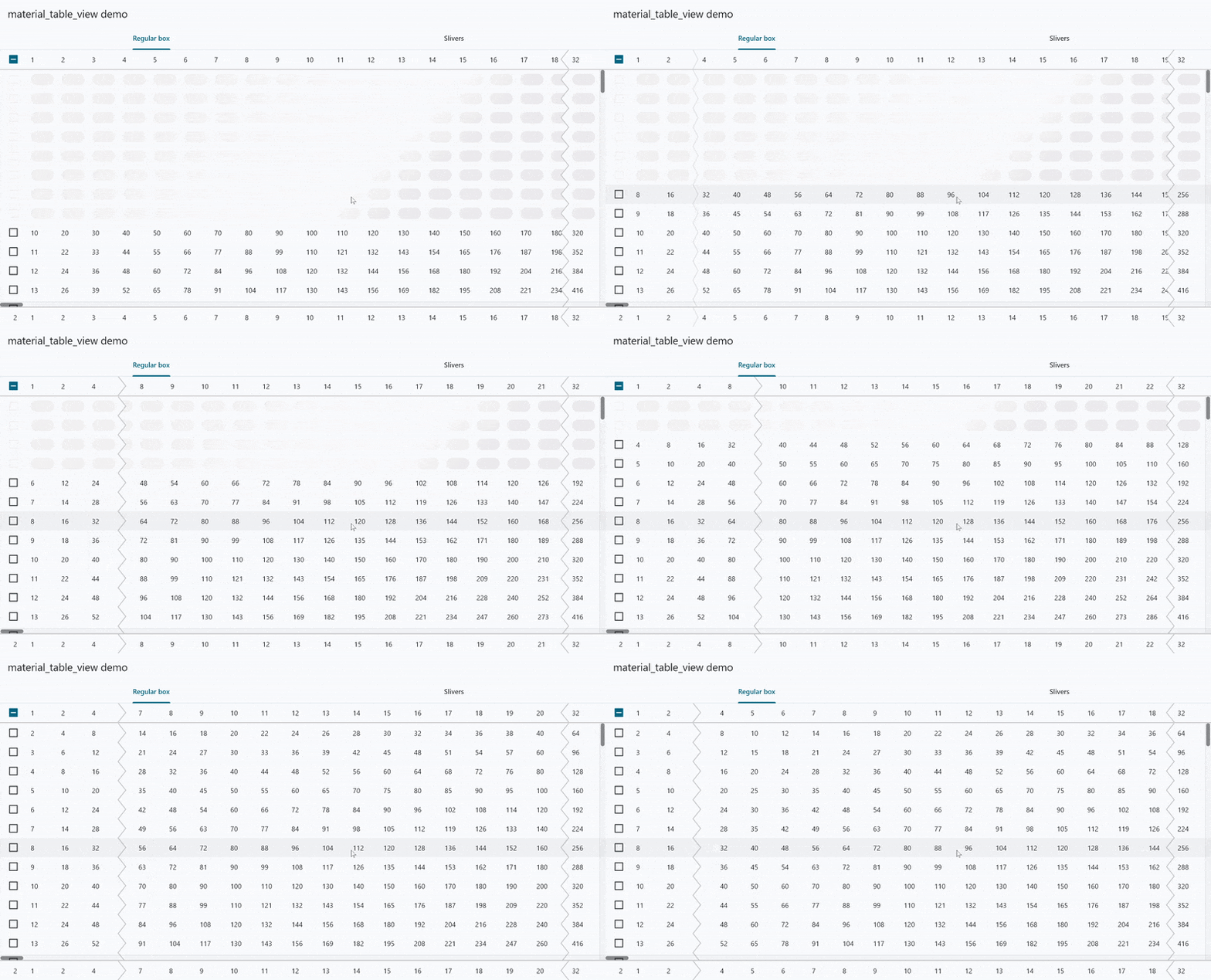 |
 |
 |
 |
The source code for the demo app is included in the package example and is available here.
Demo app compiled as an Android app is available on the Google Play.
Demo app compiled as a web app is hosted here.
ExpandableTableRow widget that animates row expansion and shrinking.sticky column property, which causes frozen columns
to scroll off of the edge but come back upon scrolling
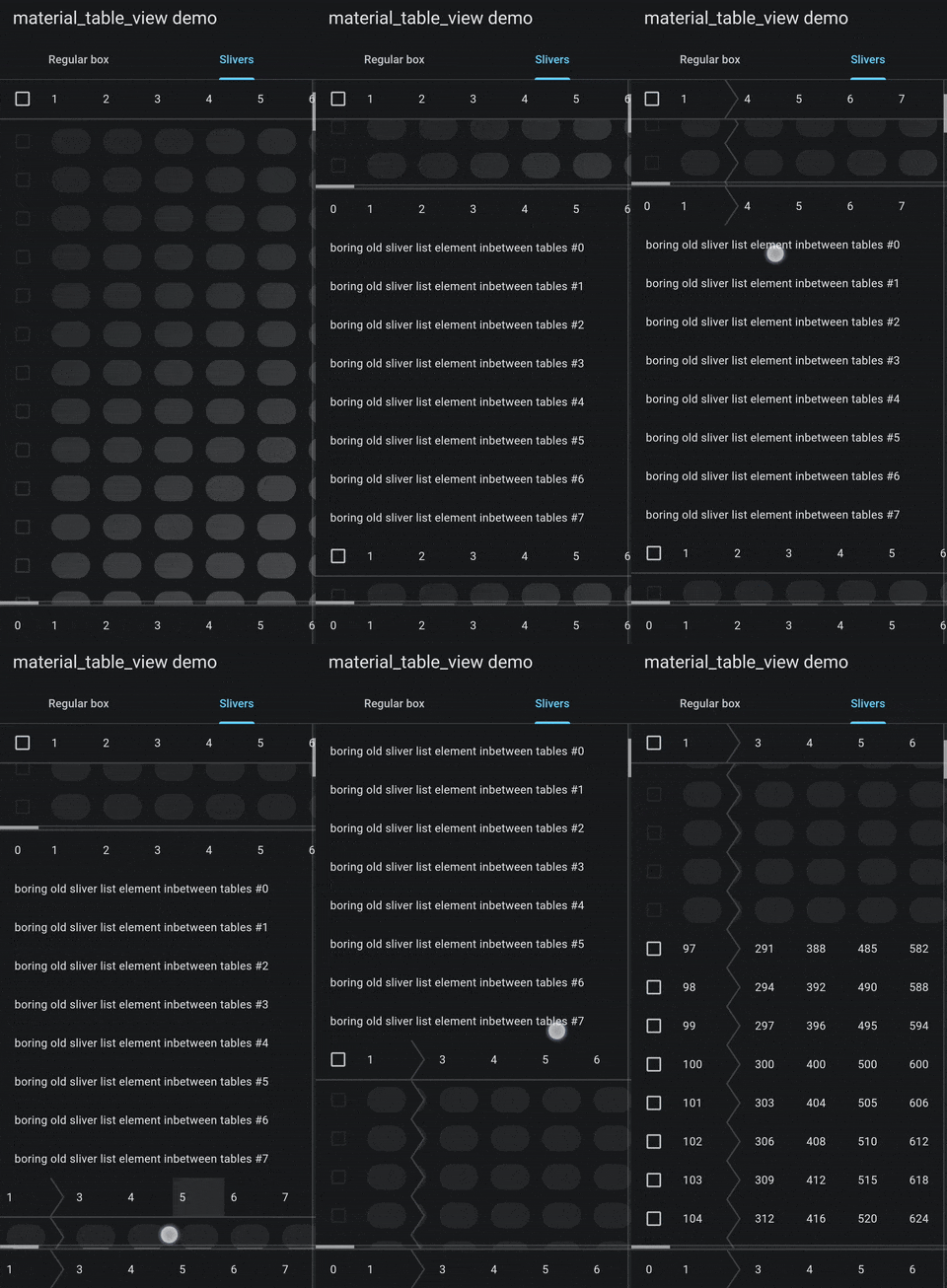
in the other direction to conserve the horizontal space when it's limited.SliverTableView - sliver variant of a table view which can be used
in a CustomScrollView alongside other slivers (including other instances
of the SliverTableView) to be scrolled vertically by a single view.
It features sticky header and footer, and the same capabilities as a regular TableView.TableColumnControlHandlesPopupRoute - a route that displays a custom popup
as well as column control handles over a TableView or a SliverTableView
that allow user to resize and reorder the columns.TableView.builder(
columns: [
const TableColumn(
width: 56.0,
freezePriority: 100,
),
for (var i = 1; i < 100; i++)
const TableColumn(width: 64),
],
rowCount: 1048576,
rowHeight: 56.0, // optional, but highly recommended
rowBuilder: (context, row, contentBuilder) {
if (noDataYetFor(row)) {
return null; // to use a placeholder
}
// When [freezePriority] or [placeholderShade] are used, some widgets may not be used here.
// For more information see the paragraph below.
// To set the background color the row can be wrapped in a [ColoredBox].
return Material(
type: MaterialType.transparency, // only this type may be used to wrap the entire row
child: InkWell(
onTap: () => print('Row $row clicked'),
child: contentBuilder(
context,
(context, column) => Text('$column'), // build a cell widget, any widget can be used here
),
),
);
},
// specify other parameters for other features
),
Whenever at least one column gets frozen or placeholder shading is being used, the table starts using custom composition to paint itself for optimization purposes. In this case, restrictions described below start to apply.
Some widgets can not be used to wrap row widget built in
a rowBuilder and placeholderBuilder functions.
Any widget that may need to utilize compositing will either cause
an exception or will not work as expected.
This includes widgets like RepaintBoundary, Opacity, ShaderMask,
clipping widgets and more.
Material widget may only be used with
a specified type of MaterialType.transparency, which is the only
type not requiring compositing.
To set the background color ColoredBox can be used instead.
Column, Row and Flex widgets will throw a runtime exception upon
painting when their children are overflowing their bounds,
because they'll try to clip their children in case of overflow.
For some of these, special alternatives are provided by the package that will work for that purpose (and that purpose only):
TableRowOpacity - an alternative for Opacity widget;TableRowFadeTransition - an alternative for FadeTransition widget;tableRowDefaultAnimatedSwitcherTransitionBuilder function - an alternative
for the AnimatedSwitcher.defaultTransitionBuilder function
which can be used as a transitionBuilder for the AnimatedSwitcher in that context
as a default one will not work.If any alternative you need is not available, feel free to use GitHub Discussions to search for an existing idea or to create a new one.
Drawing on top of cells in the row widget might not work as expected.
These limitations do not apply to cell widgets built by a cellBuilder closure.
Feel free to use GitHub Discussions if you want:
If you encounter any bugs, feel free to use GitHub Issue Tracker to search for an existing issue or to open up a new one.
If you have something to contribute to the package, feel free to send out a GitHub Pull Request.
All the source code is open and distributed under the MIT license.

依存関係一覧 4 件
{"sdk":"flutter"}^1.0.0{"sdk":"flutter"}^5.0.0用途で絞り込み、開発状況を比較し、採用前に元のリポジトリで要件を確認しましょう。
“A repository is the most basic element of GitHub.”
GitHub Docs — About repositories ↗