

v0.14.0
qr_code_dart_scan
Dartデコーダーを使用して、iOSおよびAndroidの両方で動作するQRコードスキャナー。
67いいね 1.2万30日間ダウンロード120Pub ポイント
AndroidiOS
Dartデコーダーを使用して、iOSおよびAndroidの両方で動作するQRコードスキャナー。

以下は英語原文のスナップショットです。最新版は GitHub をご覧ください。

A QR code scanner that works on both iOS and Android using dart decoder.
| Scanning normal Qr code | Scanning invert Qr code |
|---|---|
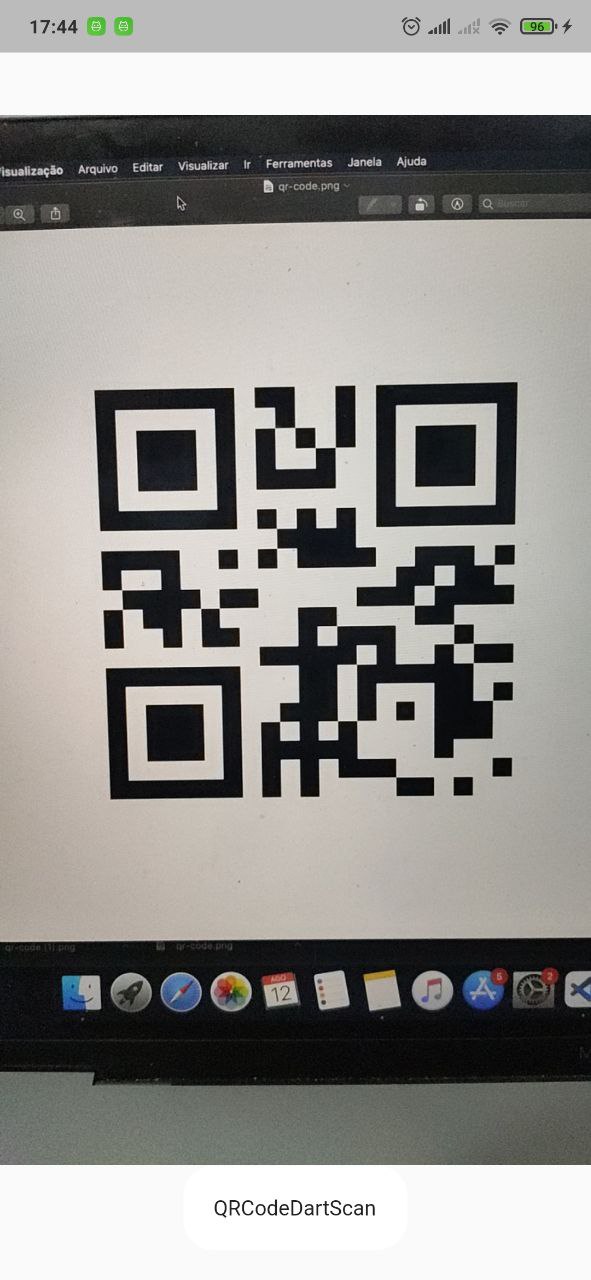 |
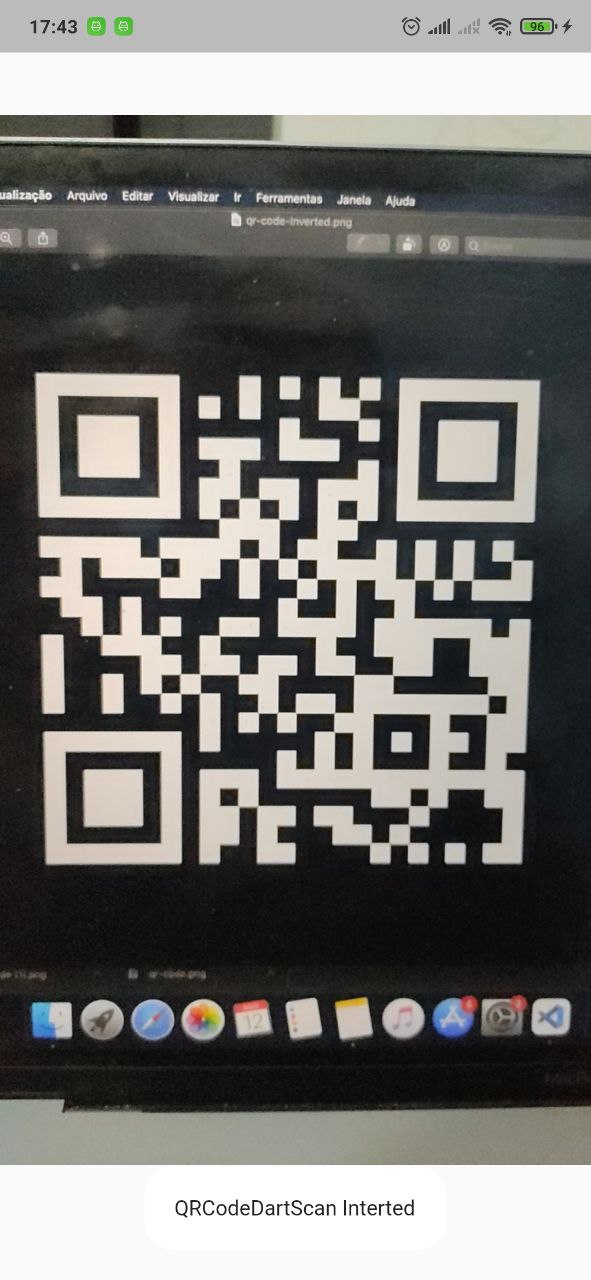 |
This package is limited per camera pluggin support.
| Platform | Scan live | Scan take picture |
|---|---|---|
| Android | :white_check_mark: | :white_check_mark: |
| IOS | :white_check_mark: | :white_check_mark: |
| WEB | :white_check_mark: | |
| Windows | ||
| MacOS | ||
| Linux |
First, add qr_code_dart_scan as a dependency in your pubspec.yaml file.
iOS 10.0 of higher is needed to use the camera plugin. If compiling for any version lower than 10.0 make sure to check the iOS version before using the camera plugin. For example, using the device_info plugin.
Add two rows to the ios/Runner/Info.plist:
Privacy - Camera Usage Description and a usage description.Privacy - Microphone Usage Description and a usage description.Or in text format add the key:
<key>NSCameraUsageDescription</key>
<string>Can I use the camera please?</string>
<key>NSMicrophoneUsageDescription</key>
<string>Can I use the mic please?</string>
Change the minimum Android sdk version to 21 (or higher) in your android/app/build.gradle file.
minSdkVersion 21
It's important to note that the MediaRecorder class is not working properly on emulators, as stated in the documentation: https://developer.android.com/reference/android/media/MediaRecorder. Specifically, when recording a video with sound enabled and trying to play it back, the duration won't be correct and you will only see the first frame.
dependency_overrides:
  camera_android_camerax: 0.6.14
    return Scaffold(
      body: QRCodeDartScanView(
        onCameraError: (String error) {
          debugPrint('Error: $error');
        },
        // cropRect: CropRect(left: 0, top: 0, width: 100, height: 100), // You can crop the image to improve accuracy by specifying a rectangle region. ( default = null)
        // imageDecodeOrientation: ImageDecodeOrientation.original, // you can force how the image orientation will be decoded (default = original)
        typeScan: TypeScan.live, // if TypeScan.takePicture will try decode when click to take a picture(default TypeScan.live)
        // intervalScan: const Duration(seconds:1)
        // onResultInterceptor: (old,new){
        //  do any rule to controll onCapture.
        // }
        // takePictureButtonBuilder: (context,controller,isLoading){ // if typeScan == TypeScan.takePicture you can customize the button.
        //    if(loading) return CircularProgressIndicator();
        //    return ElevatedButton(
        //       onPressed:controller.takePictureAndDecode,
        //       child:Text('Take a picture'),
        //    );
        // }
        // resolutionPreset: = QrCodeDartScanResolutionPreset.high,
        // formats: [ // You can restrict specific formats.
        //  BarcodeFormat.qrCode,
        //  BarcodeFormat.aztec,
        //  BarcodeFormat.dataMatrix,
        //  BarcodeFormat.pdf417,
        //  BarcodeFormat.code39,
        //  BarcodeFormat.code93,
        //  BarcodeFormat.code128,
        //  BarcodeFormat.ean8,
        //  BarcodeFormat.ean13,
        // ],
        // croppingStrategy: CroppingStrategy.cropCenterSquare(
        //   squareSizeFactor: 0.7,
        // ),
        onCapture: (ScanResult result) {
          // do anything with result
          // result.text      -> String
          // result.format    -> BarcodeFormat
          // result.corners   -> List<Point<double>>, in camera preview
          //                     coordinates. Use `result.corners.toOffsets`
          //                     to paint them.
          // result.rawBytes  -> Uint8List?
          // result.timestamp -> DateTime
        },
      ),
    );
ATTENTION
Always use this package in portrait mode.
There is a bug in the camera plugin that sometimes the image is rotated 90 degrees, to avoid this problem, you can use the imageDecodeOrientation parameter to force the image to be decoded in the correct orientation.
For example, if you are reading an ITF code, you can force the image to be decoded in landscape orientation.
imageDecodeOrientation: ImageDecodeOrientation.landscape,
if you want to force the image to be decoded in portrait orientation, you can use the following code:
imageDecodeOrientation: ImageDecodeOrientation.portrait,
The decoder process is done in dart code. So, in flutter debug mode, you will not have a good performance. But in release mode, the performance is very better.
依存関係一覧 9 件
{"sdk":"flutter"}^0.12.0+2^4.5.1^2.13.1^0.7.0^2.0.5^0.3.0{"sdk":"flutter"}^2.0.0用途で絞り込み、開発状況を比較し、採用前に元のリポジトリで要件を確認しましょう。
“A repository is the most basic element of GitHub.”
GitHub Docs — About repositories ↗