

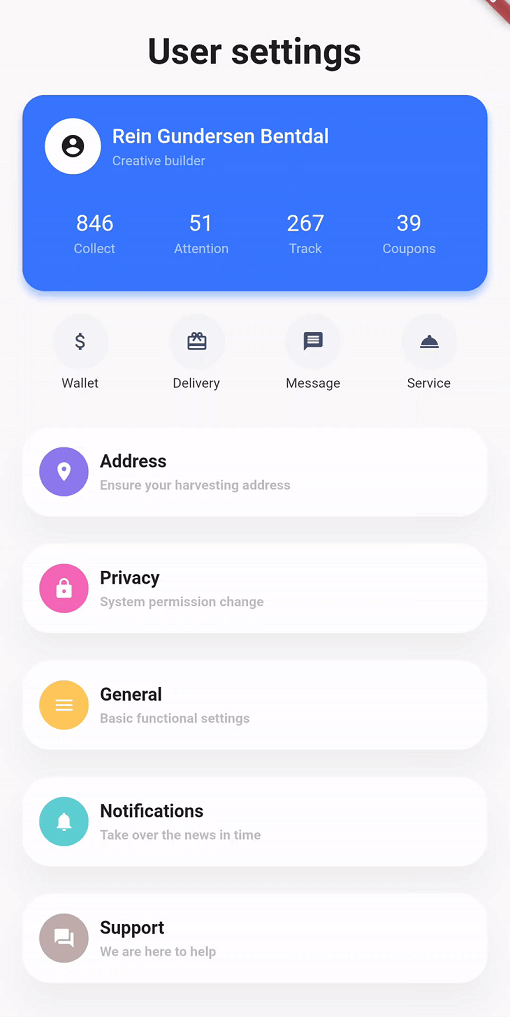
 v0.4.1
styled_widget
メソッドを使用してウィジェットを定義することで、ウィジェットツリー構造を簡素化します。CSS および SwiftUI のインスピレーションから得ています
925いいね 2万30日間ダウンロード130Pub ポイント
AndroidiOSWebmacOSWindowsLinux
Flutterにおけるウィジェットスタイルの簡素化。

以下は英語原文のスナップショットです。最新版は GitHub をご覧ください。
Simplifying your widget tree structure by defining widgets using methods.



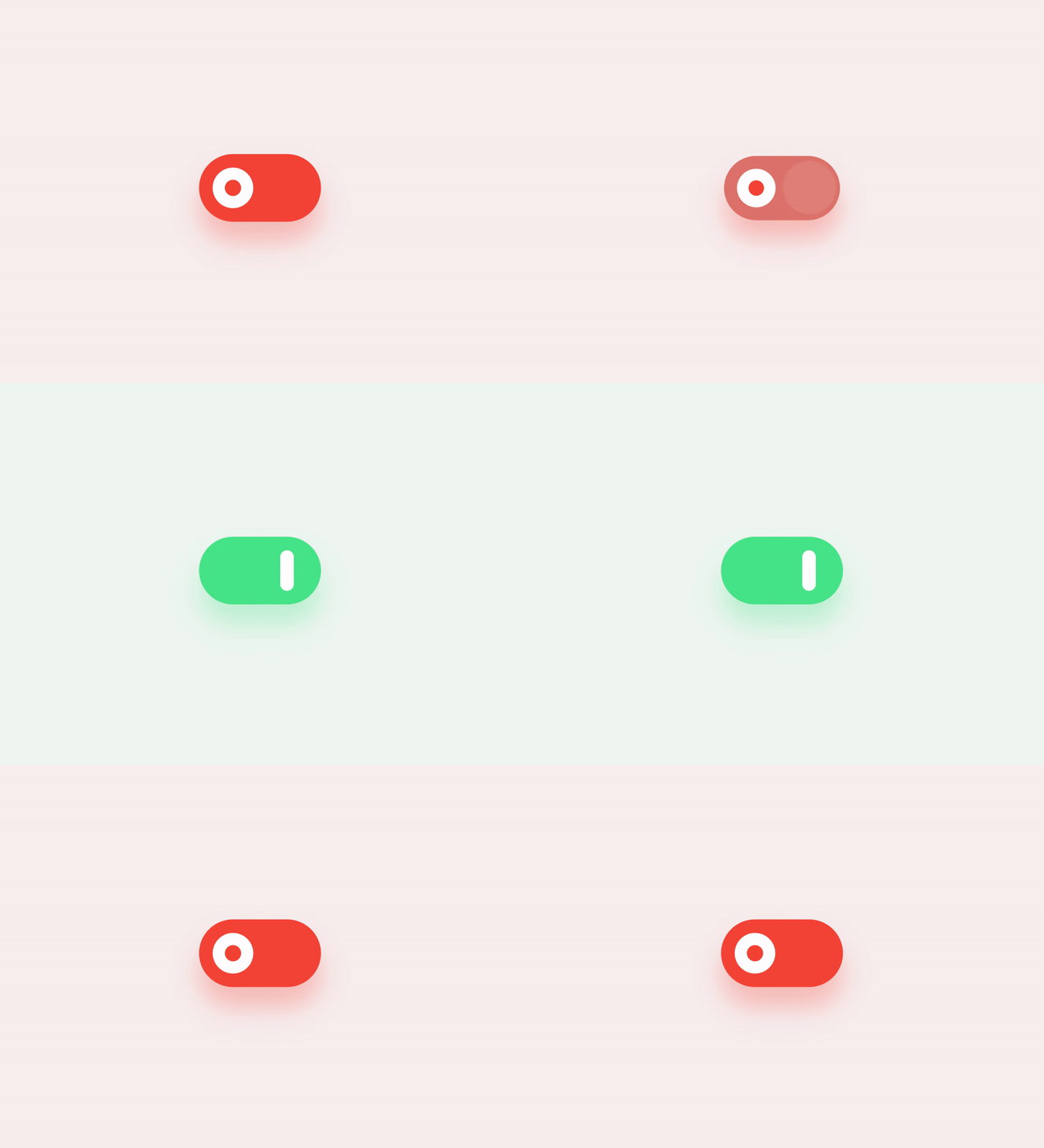
Thanks to the introduction of extension methods in Dart 2.7.0, styled_widget makes it possible to build widget tree`s more readable and efficient.
styled_widget is build as a tool to enhance your Flutter development experience and to seamlessly integrate with your codebase.
| Design, Code | Design, Code | Design, Code |
|---|---|---|
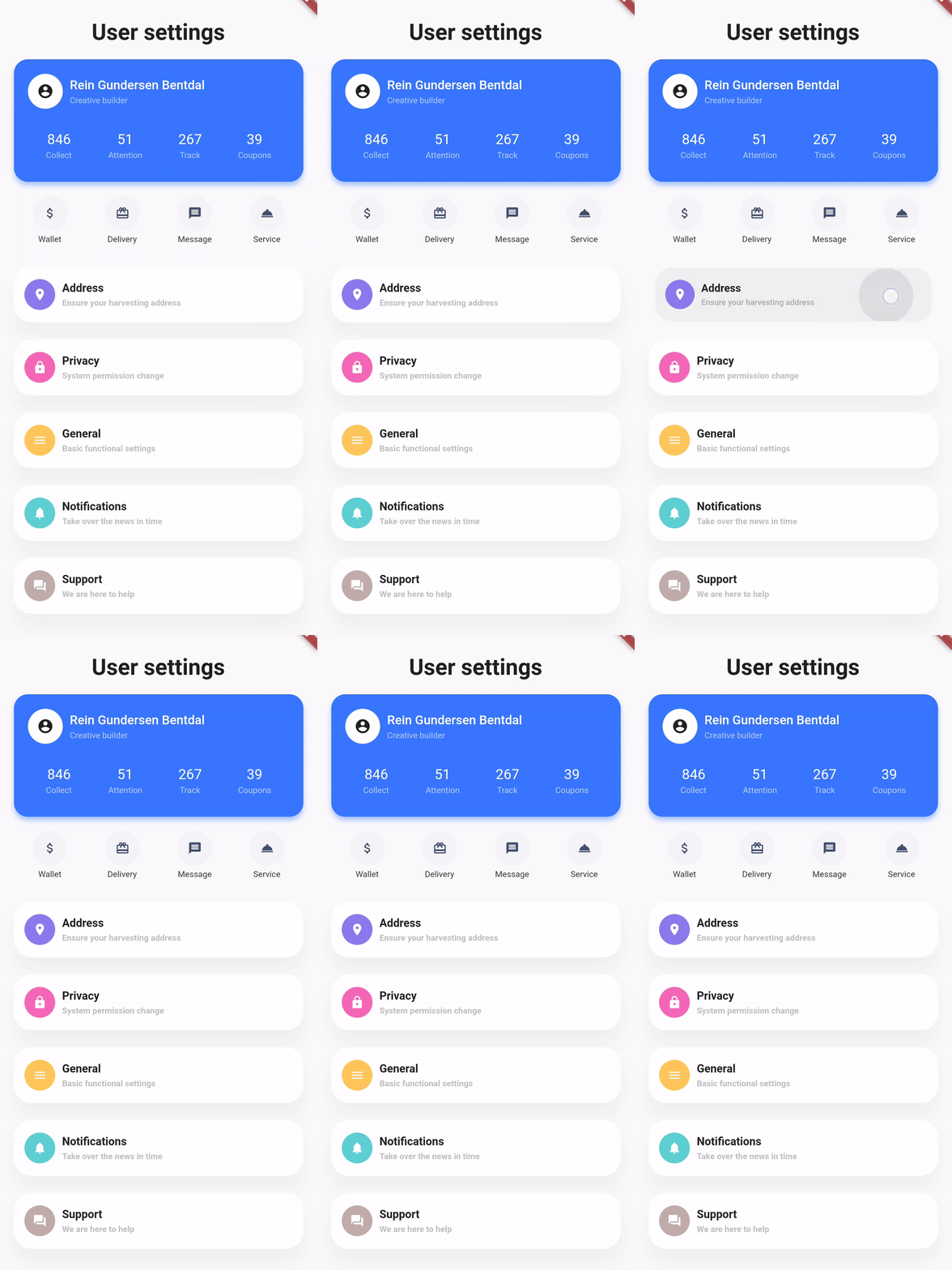 |
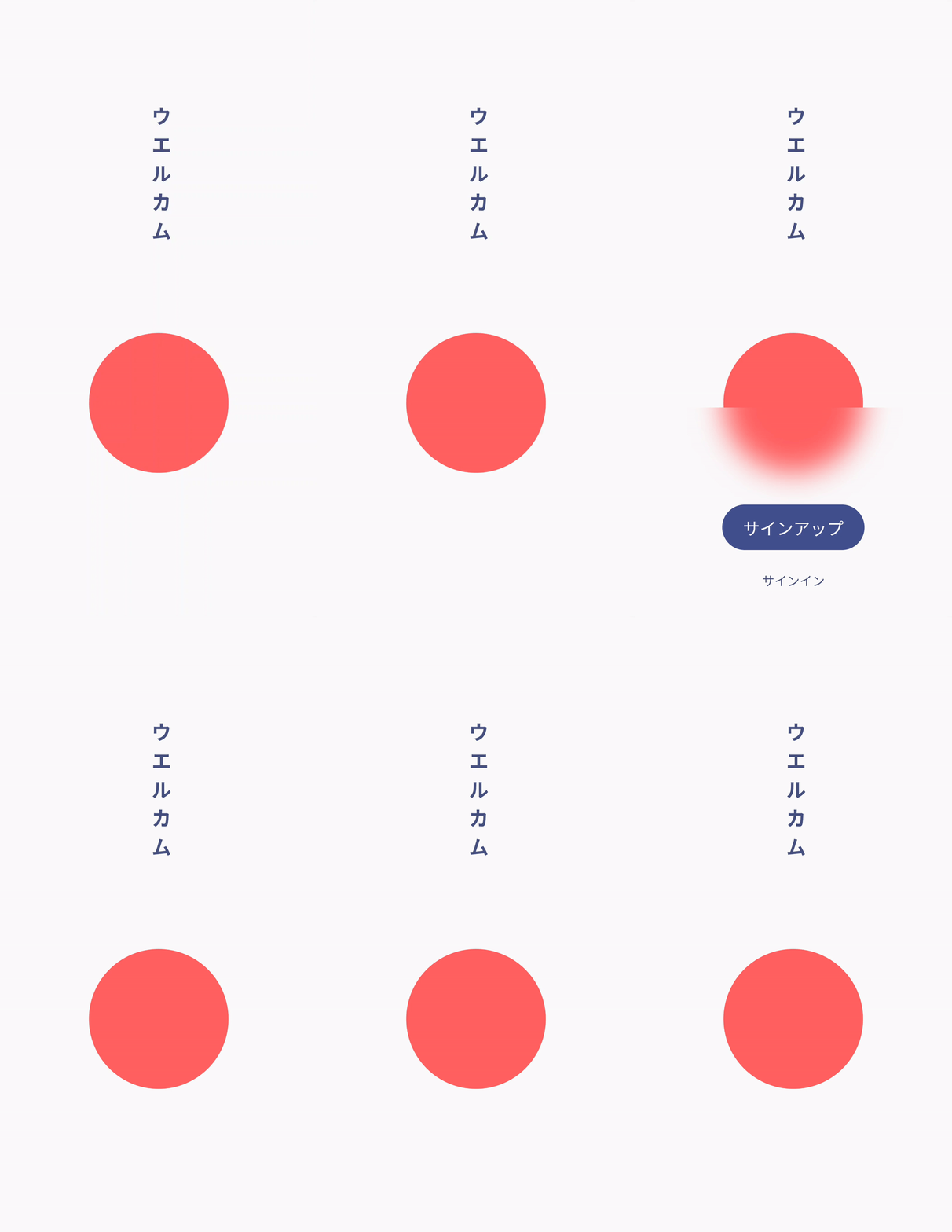 |
 |
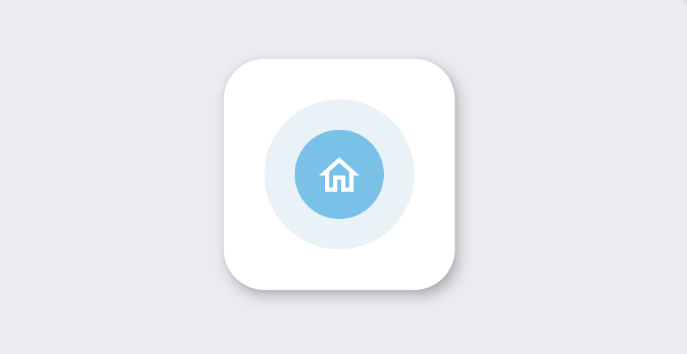
styled_widget has a bottom up approach to building widget`s. This means you start with the inner most element and layer widget`s on top. The following example is structured as follows:
Icon -> blue circle -> light blue circle -> card -> background
Icon(OMIcons.home, color: Colors.white)
  .padding(all: 10)
  .decorated(color: Color(0xff7AC1E7), shape: BoxShape.circle)
  .padding(all: 15)
  .decorated(color: Color(0xffE8F2F7), shape: BoxShape.circle)
  .padding(all: 20)
  .card(
    elevation: 10,
    shape: RoundedRectangleBorder(
      borderRadius: BorderRadius.circular(20),
    ),
  )
  .alignment(Alignment.center)
  .backgroundColor(Color(0xffEBECF1));
DecoratedBox(
  decoration: BoxDecoration(
    color: Color(0xffEBECF1),
  ),
  child: Align(
    alignment: Alignment.center,
    child: Card(
      elevation: 10,
      shape: RoundedRectangleBorder(
        borderRadius: BorderRadius.circular(20),
      ),
      child: Padding(
        padding: EdgeInsets.all(20),
        child: DecoratedBox(
          decoration: BoxDecoration(
            color: Color(0xffE8F2F7),
            shape: BoxShape.circle,
          ),
          child: Padding(
            padding: EdgeInsets.all(15),
            child: DecoratedBox(
              decoration: BoxDecoration(
                color: Color(0xff7AC1E7),
                shape: BoxShape.circle,
              ),
              child: Padding(
                padding: EdgeInsets.all(10),
                child: Icon(
                  OMIcons.home,
                  color: Colors.white,
                ),
              ),
            ),
          ),
        ),
      ),
    ),
  ),
);
See the documentation at styled_widget/wiki for more information about using styled_widget!
Quicklinks
依存関係一覧 3 件
{"sdk":"flutter"}{"sdk":"flutter"}^2.0.0用途で絞り込み、開発状況を比較し、採用前に元のリポジトリで要件を確認しましょう。
“A repository is the most basic element of GitHub.”
GitHub Docs — About repositories ↗