

 v2.0.0
fluid_dialog
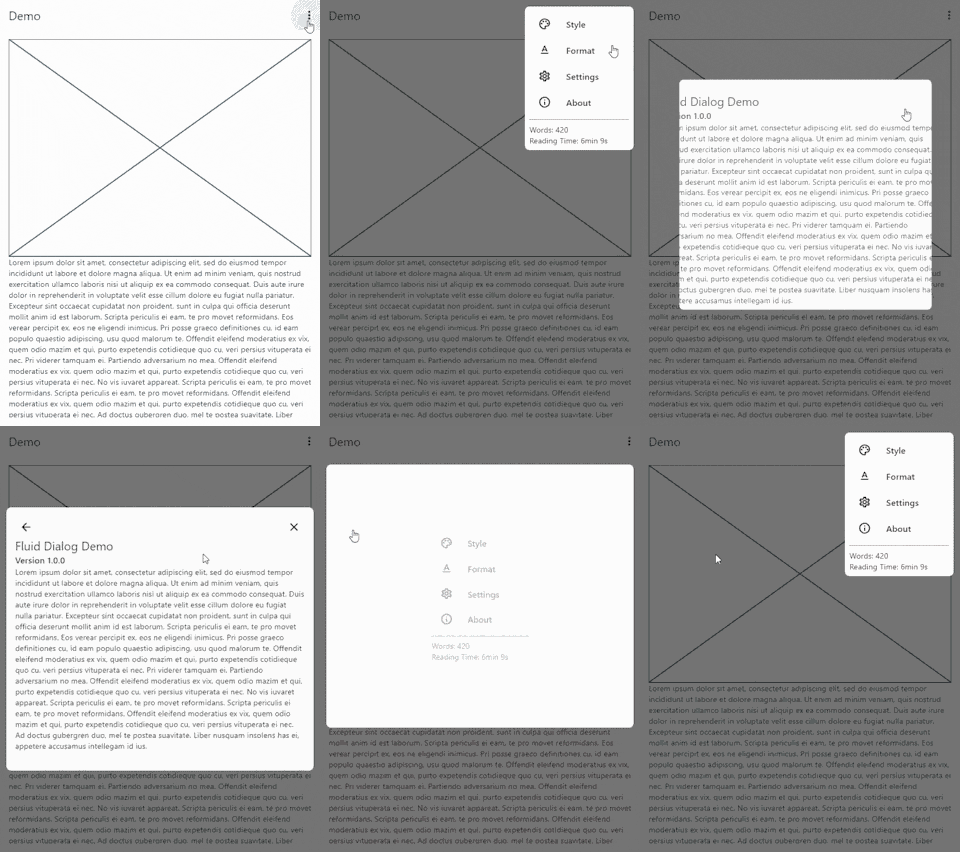
複数のコンテンツ間を切り替えられ、サイズと配置を動的にアニメーションするダイアログ。
204いいね 30630日間ダウンロード160Pub ポイント
AndroidiOSWebmacOSWindowsLinux
変形可能なダイアログ用のFlutterパッケージ。

以下は英語原文のスナップショットです。最新版は GitHub をご覧ください。


A dialog that can switch between multiple contents and animates size and alignment dynamically.
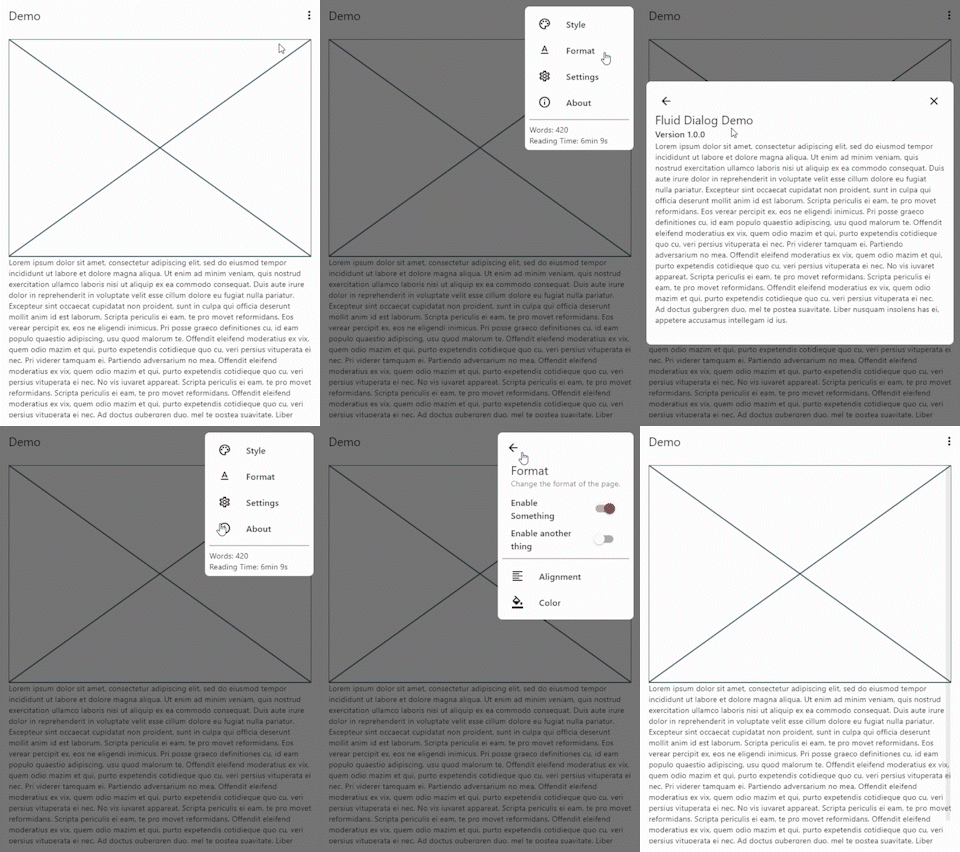
To show a FluidDialog you typically use Flutter's showDialog function. You can also use your implementation to show the dialog.
Here's an example:
showDialog(
 context: context,
 builder: (context) => FluidDialog(
  // Set the first page of the dialog.
  rootPage: FluidDialogPage(
    alignment: Alignment.bottomLeft, //Aligns the dialog to the bottom left.
    builder: (context) => const TestDialog(), // This can be any widget.
  ),
 ),
);
To navigate in the dialog, use the DialogNavigator. It works similarly to the flutter navigator.
This only works for widgets in the FluidDialog
TextButton(
  onPressed: () => DialogNavigator.of(context).push(
    FluidDialogPage(
      builder: (context) => const SecondDialogPage(),
    ),
  ),
  child: const Text('Go to next page'),
),
依存関係一覧 3 件
{"sdk":"flutter"}{"sdk":"flutter"}^5.0.0+1用途で絞り込み、開発状況を比較し、採用前に元のリポジトリで要件を確認しましょう。
“A repository is the most basic element of GitHub.”
GitHub Docs — About repositories ↗