
clean_architecture_digital_marketplace
Bloc、Firebase、Stripe を使用して、Flutter でクリーンアーキテクチャを採用したECアプリを開発する。

- スター
- 117
- フォーク
- 17
- 最終プッシュ(UTC)
- 2025/10/19
- プロジェクト状態
- 公開中
元の README
以下は英語原文のスナップショットです。最新版は GitHub をご覧ください。
Clean Architecture Flutter E-Commerce App
Project Setup
Before you run the project, make sure to follow the steps below to properly set up the environment, generate necessary files, and run the tests.
1. Setup the .env file
You need to set up the .env file in the root directory of the project with your environment-specific variables.
Example:
Create a .env file in the root directory and include the following keys (replace with your values):
STRIPE_TEST_PUBLISHABLE_KEY=your_publishable_key
STRIPE_TEST_SECRET_KEY=your_secret_key
2. Generate Required Files
Run the following command to generate the necessary files (e.g., mocks, code related to the environment variables):
dart run build_runner build
3. (Optional) Configure Firebase Service Account for Push Notifications
If you wish to enable push notifications, you need to configure the 'firebaseServiceAccountJson' used in the project.
All setup instructions are included directly in the file:
core/constants/firebase_values.dart
Make sure to follow the comments inside that file to generate and insert your Firebase service account values correctly.
Features
User View
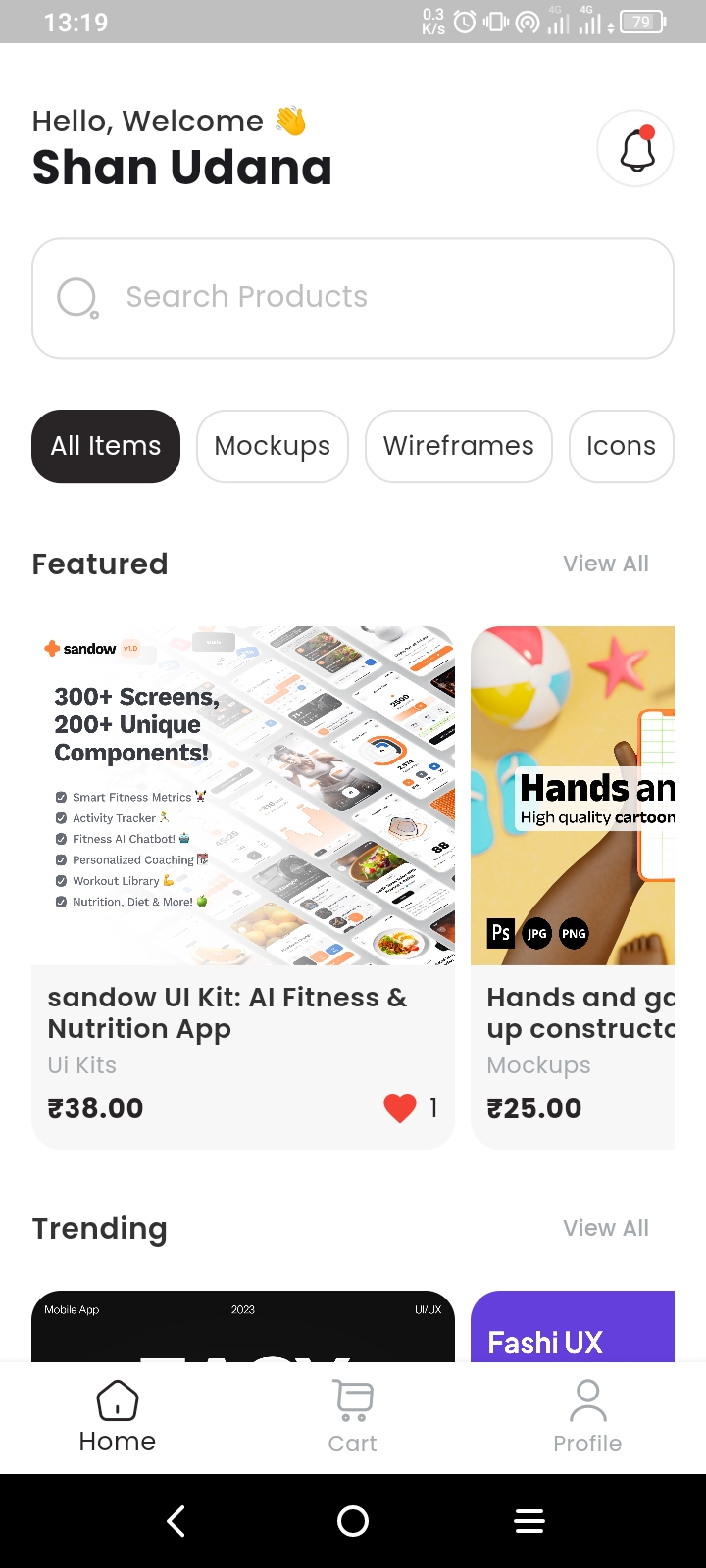
- View Products
- Search Products
- Add Products to Cart
- Purchase Products
- Add to Favorites
- View Purchase History
- Download Purchased Products
- View Notifications
- Change Theme
- Change Language
Admin View
- Access Admin Dashboard
- Manage Products
- Manage Categories
- Manage Users
- Manage Notifications
- Change Theme
- Change Language
Screenshots
Auth View
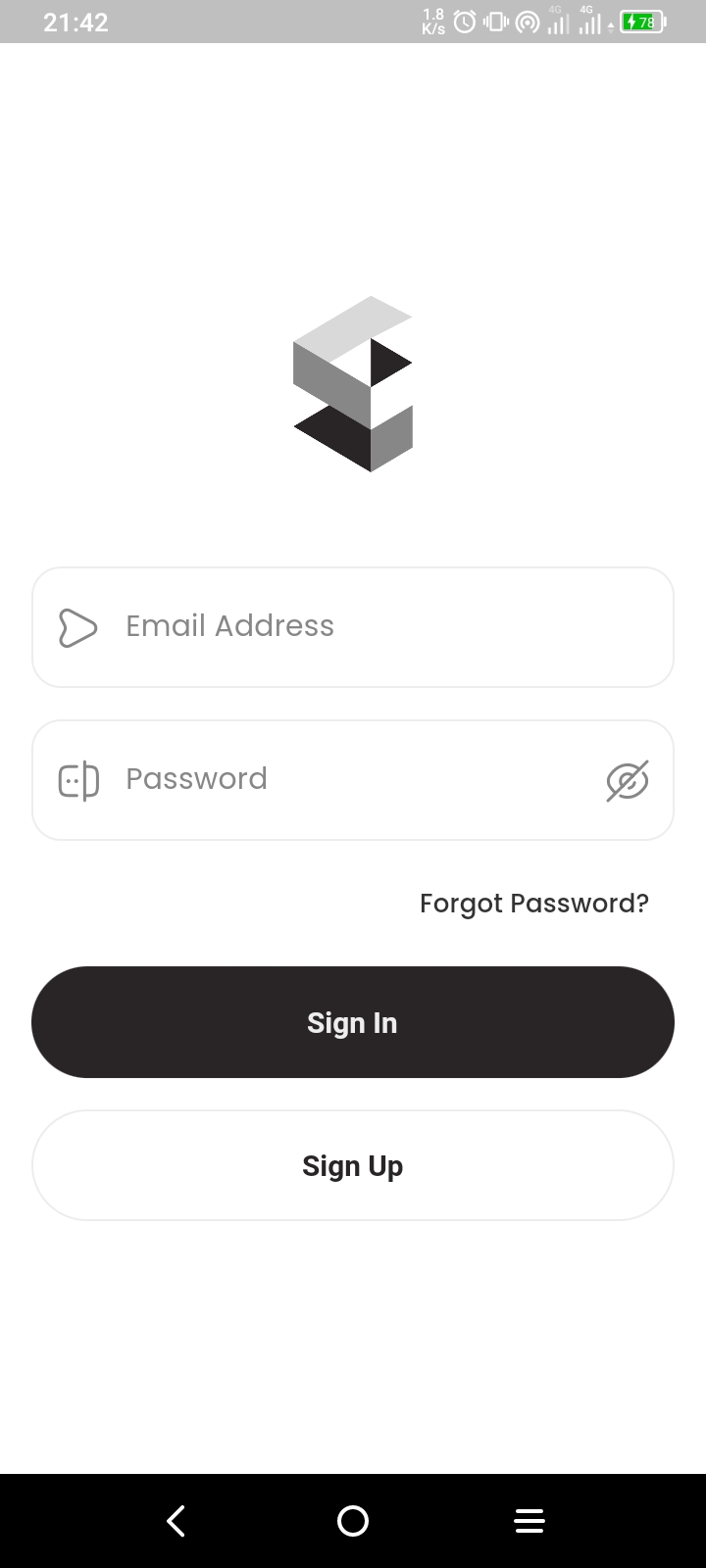
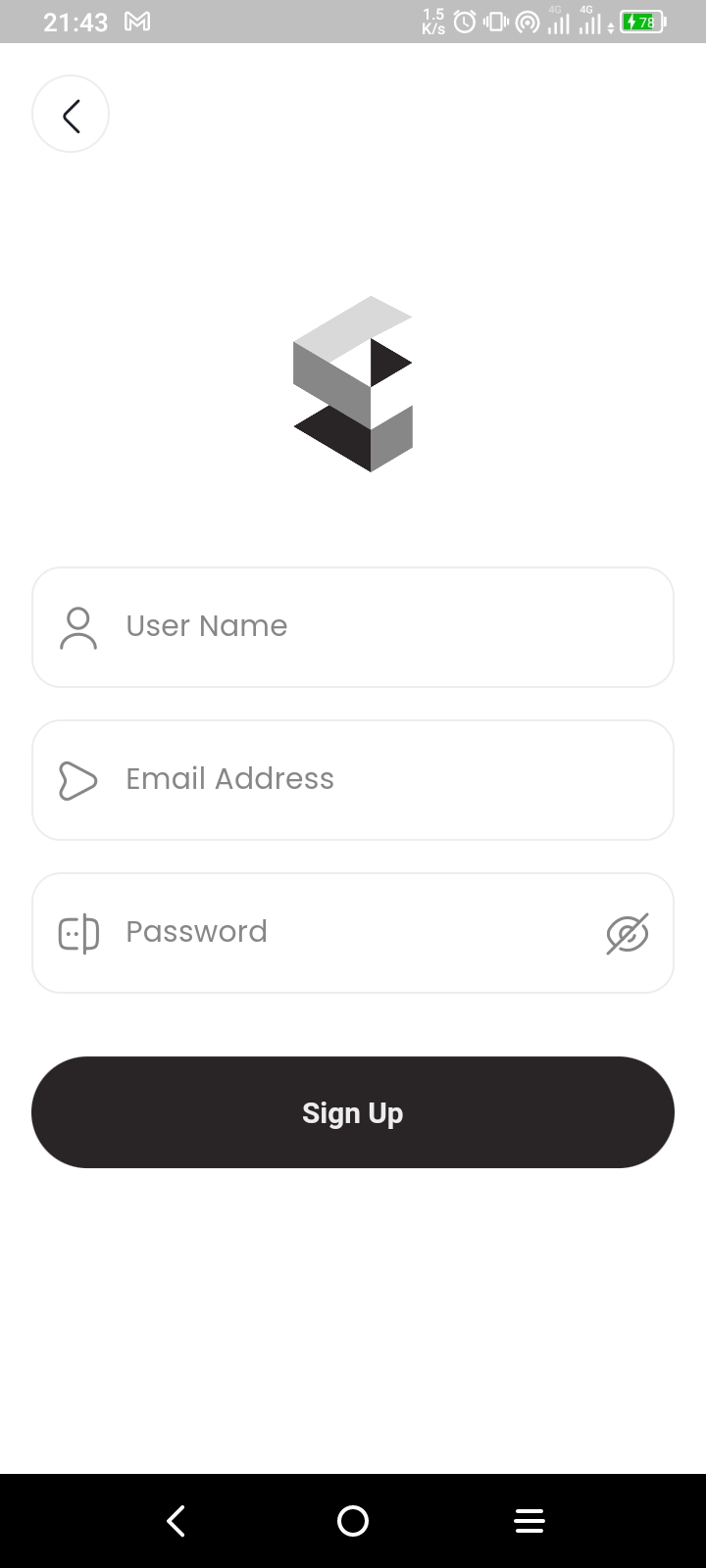
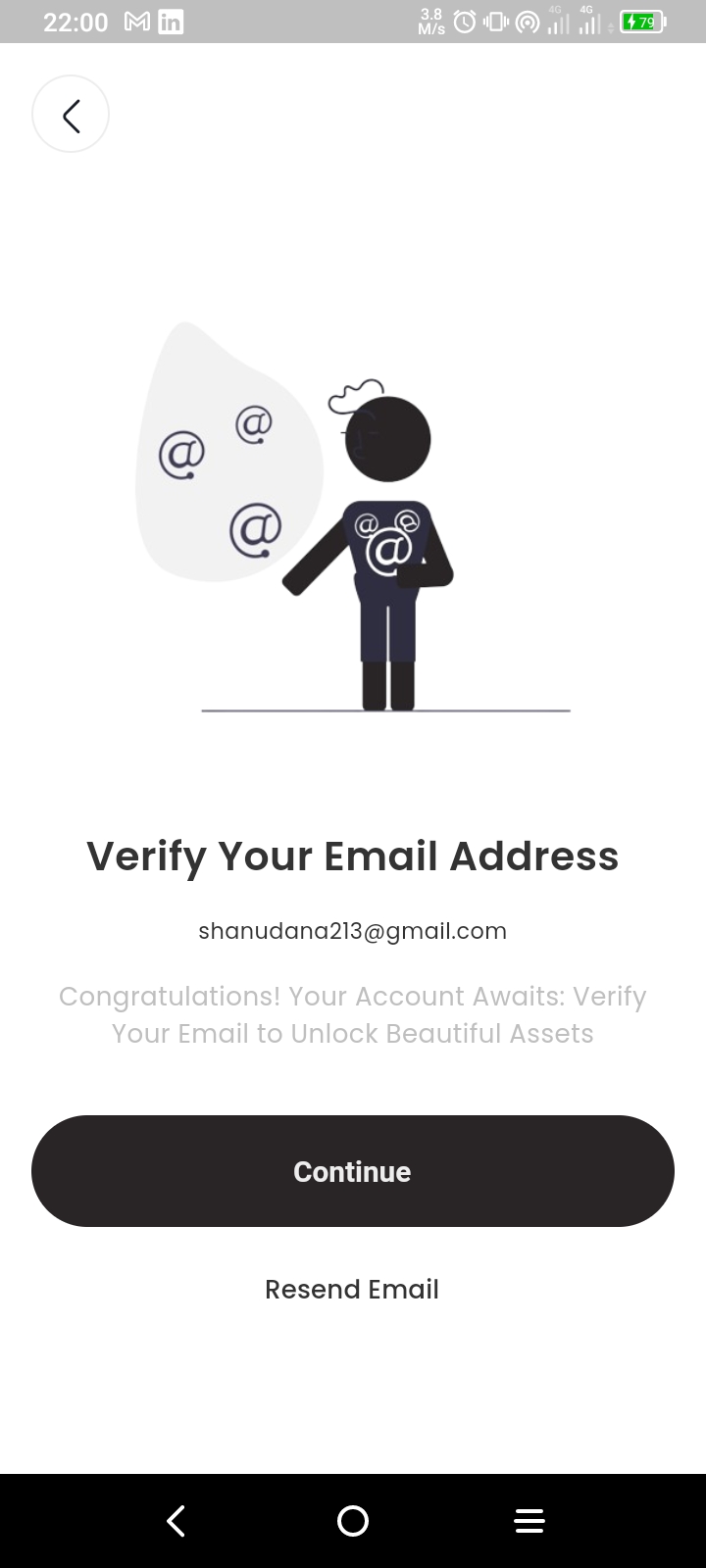
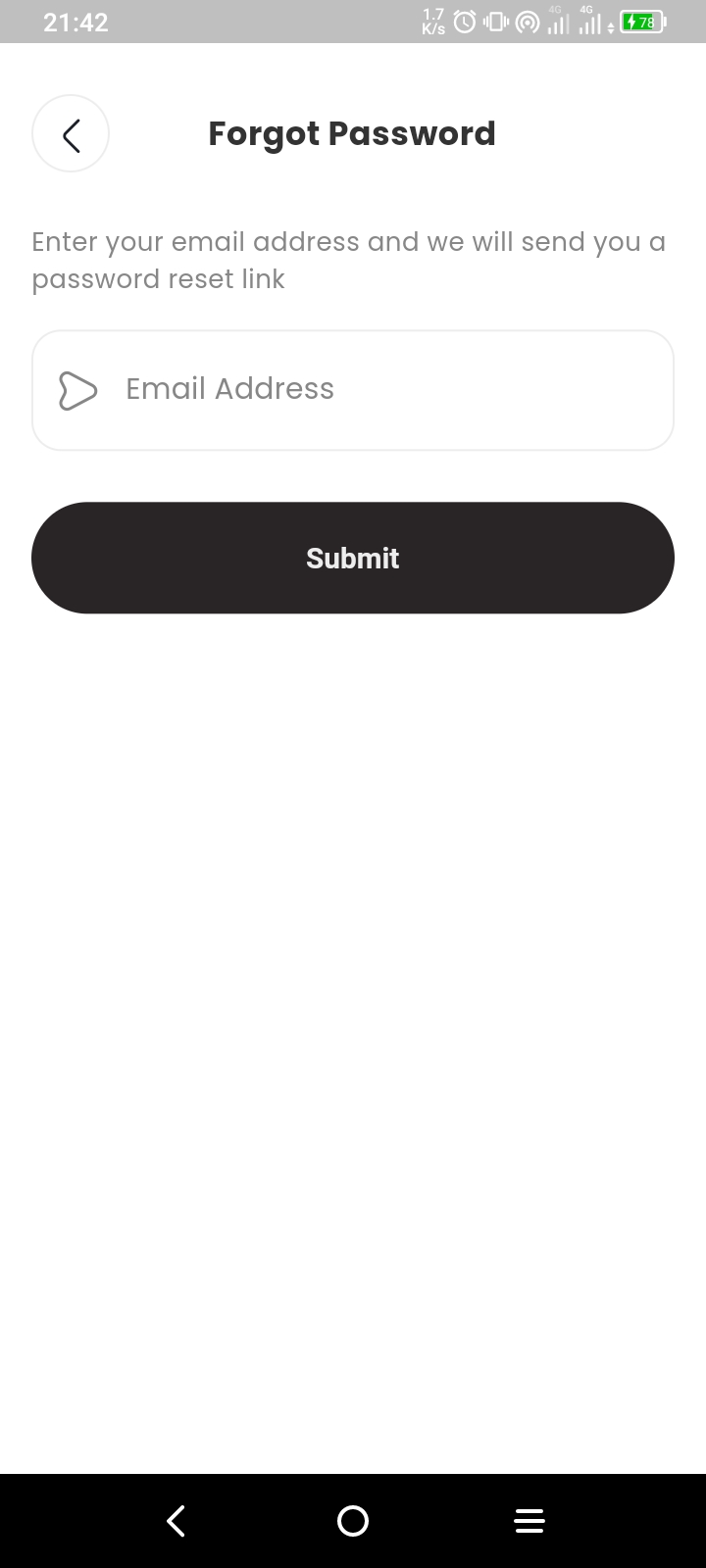
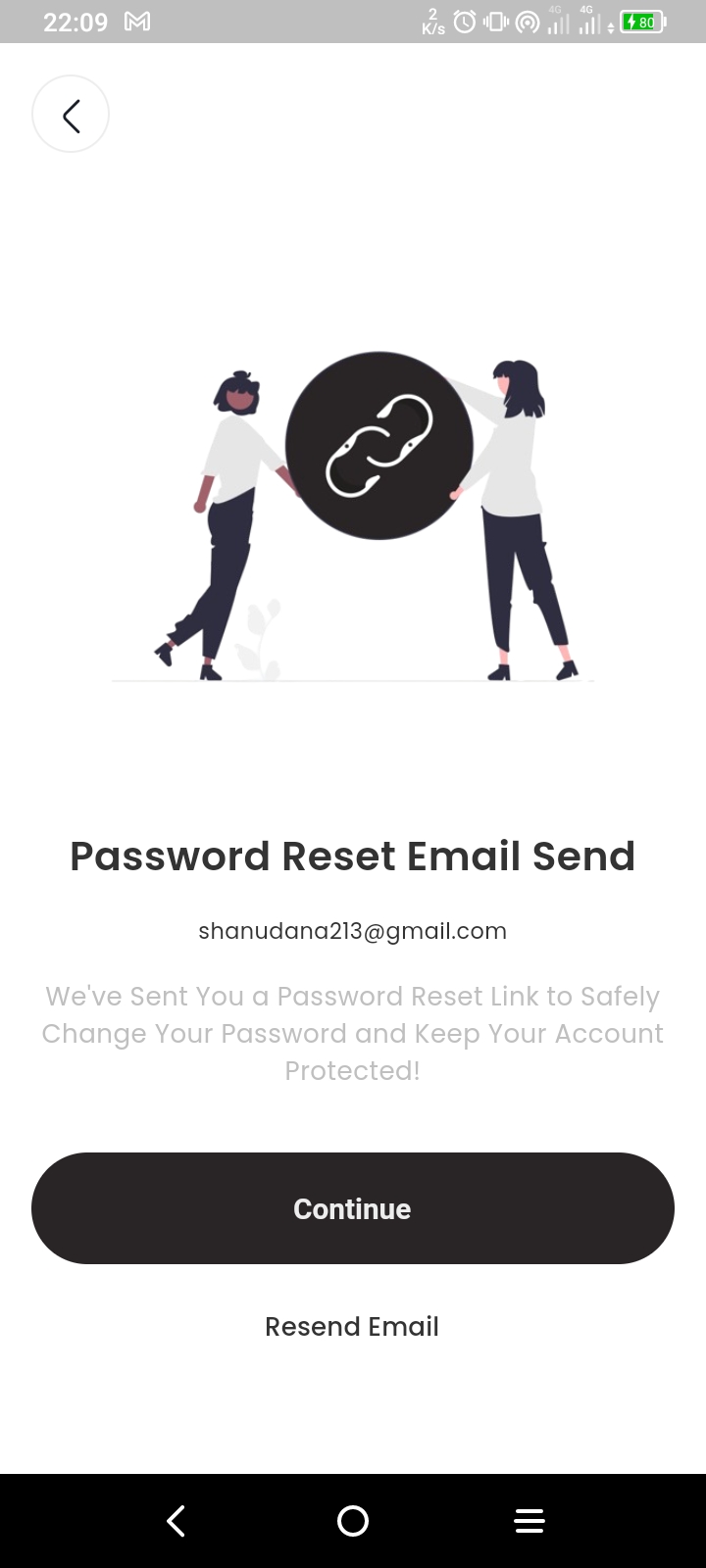
User View
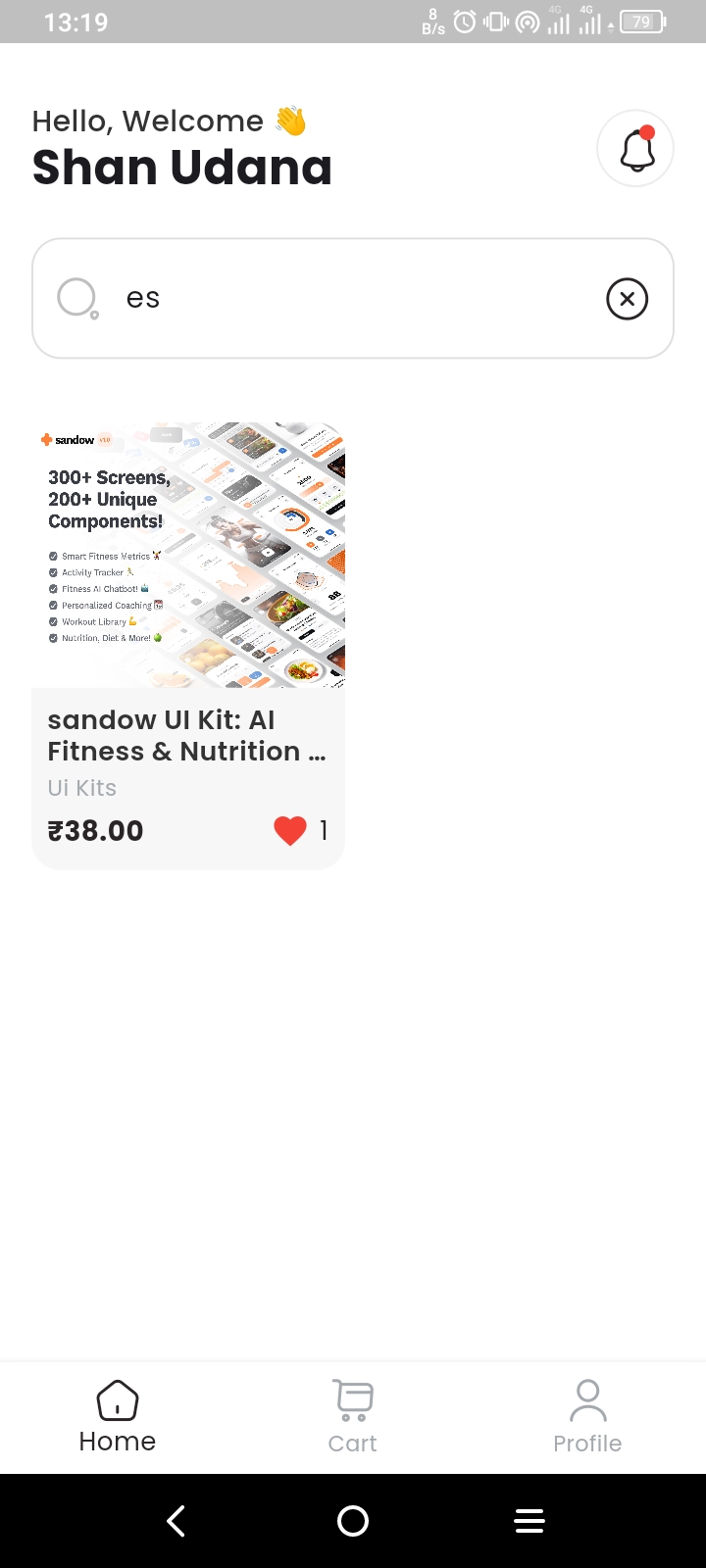
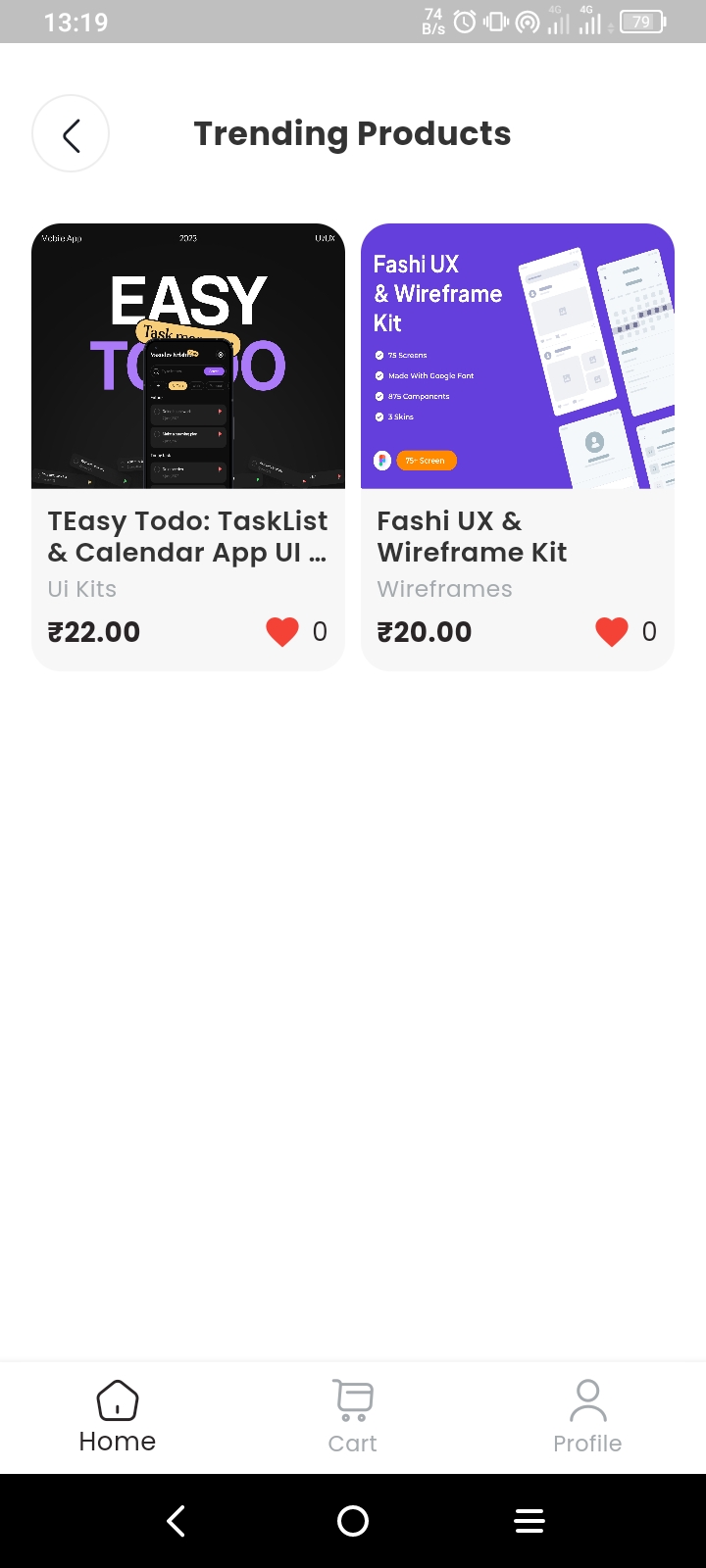


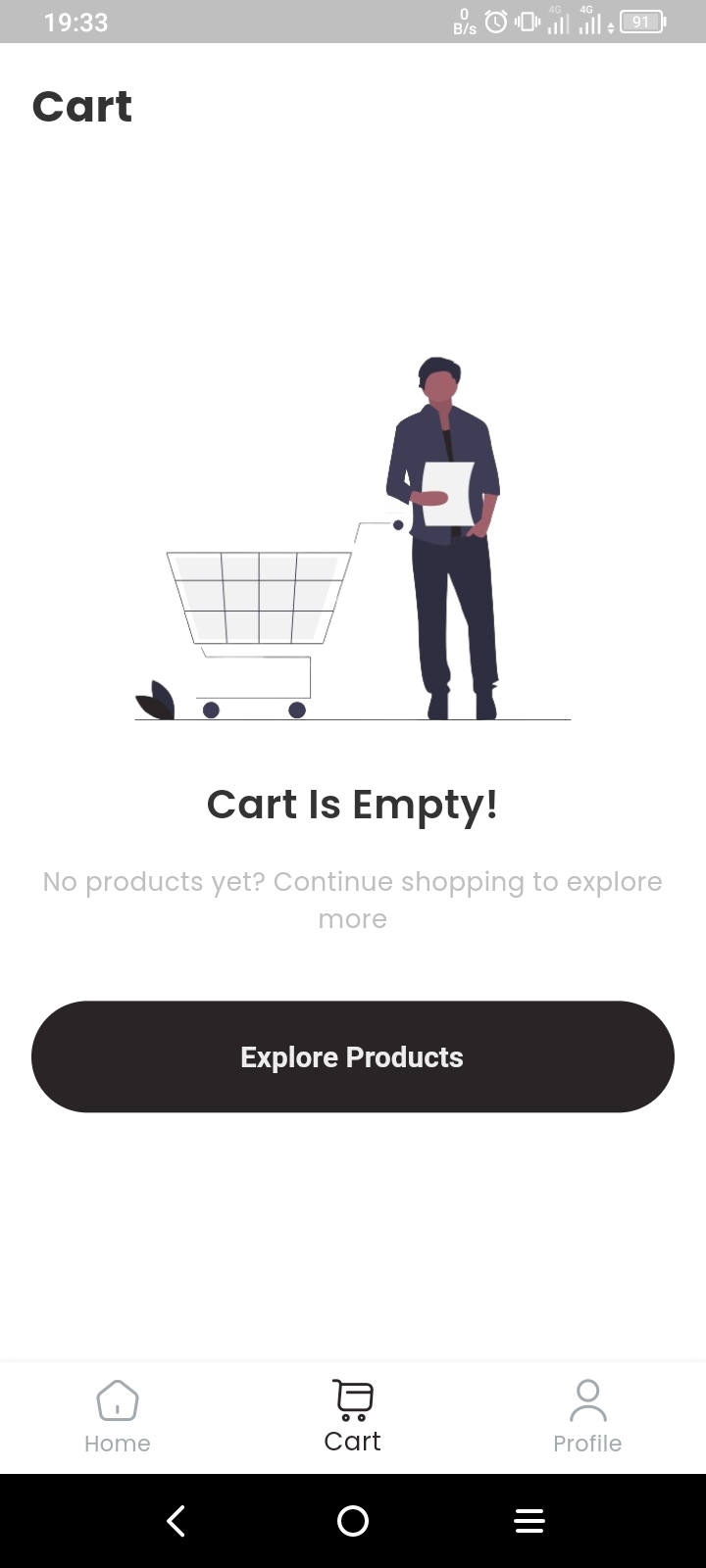
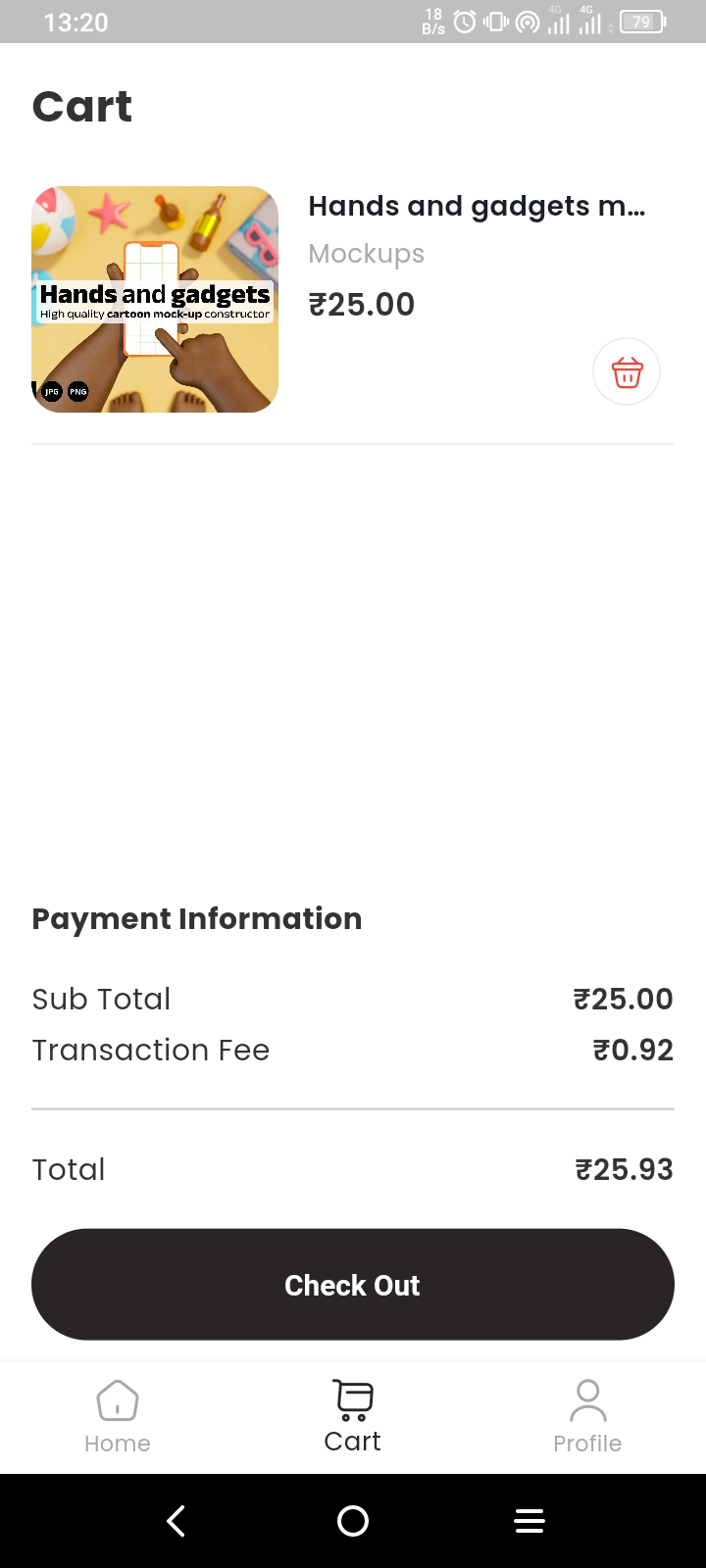
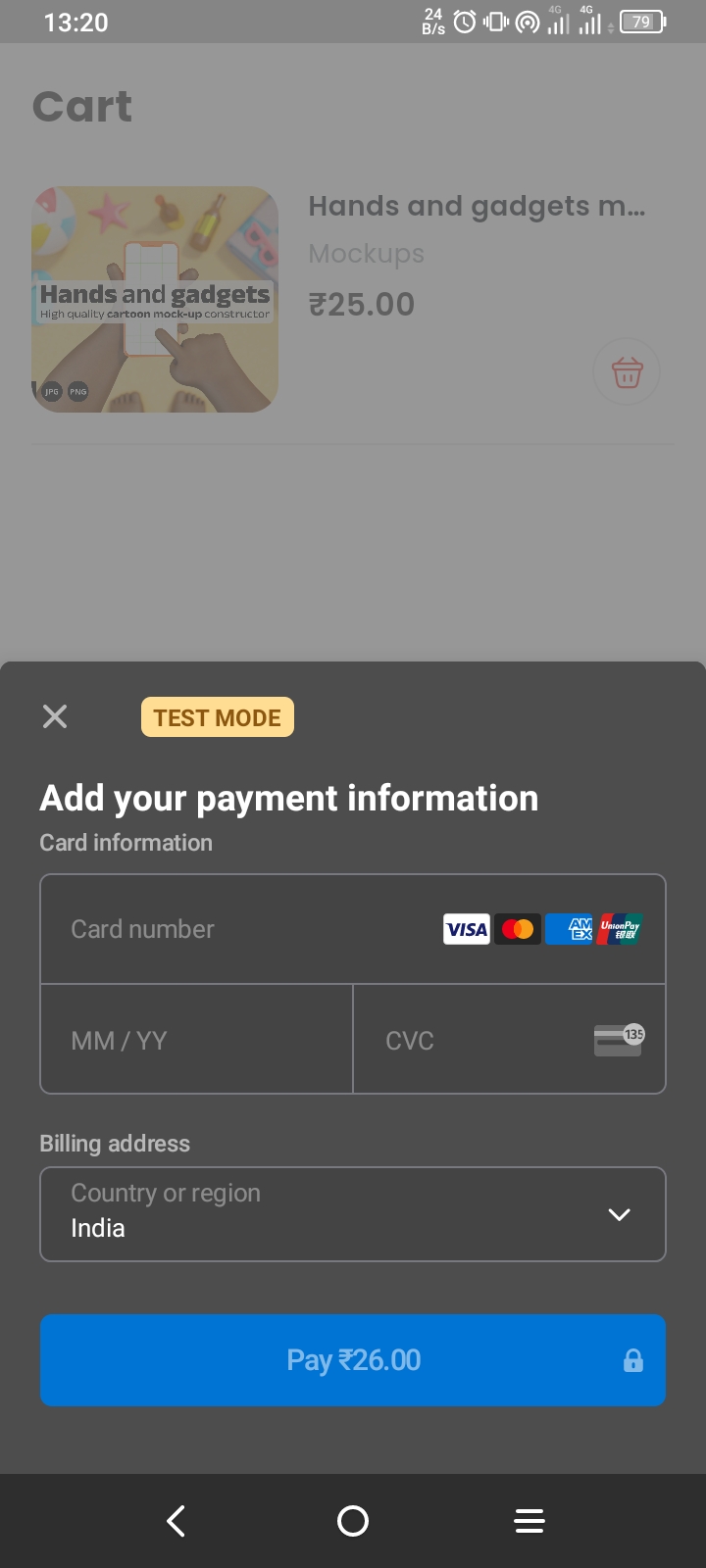
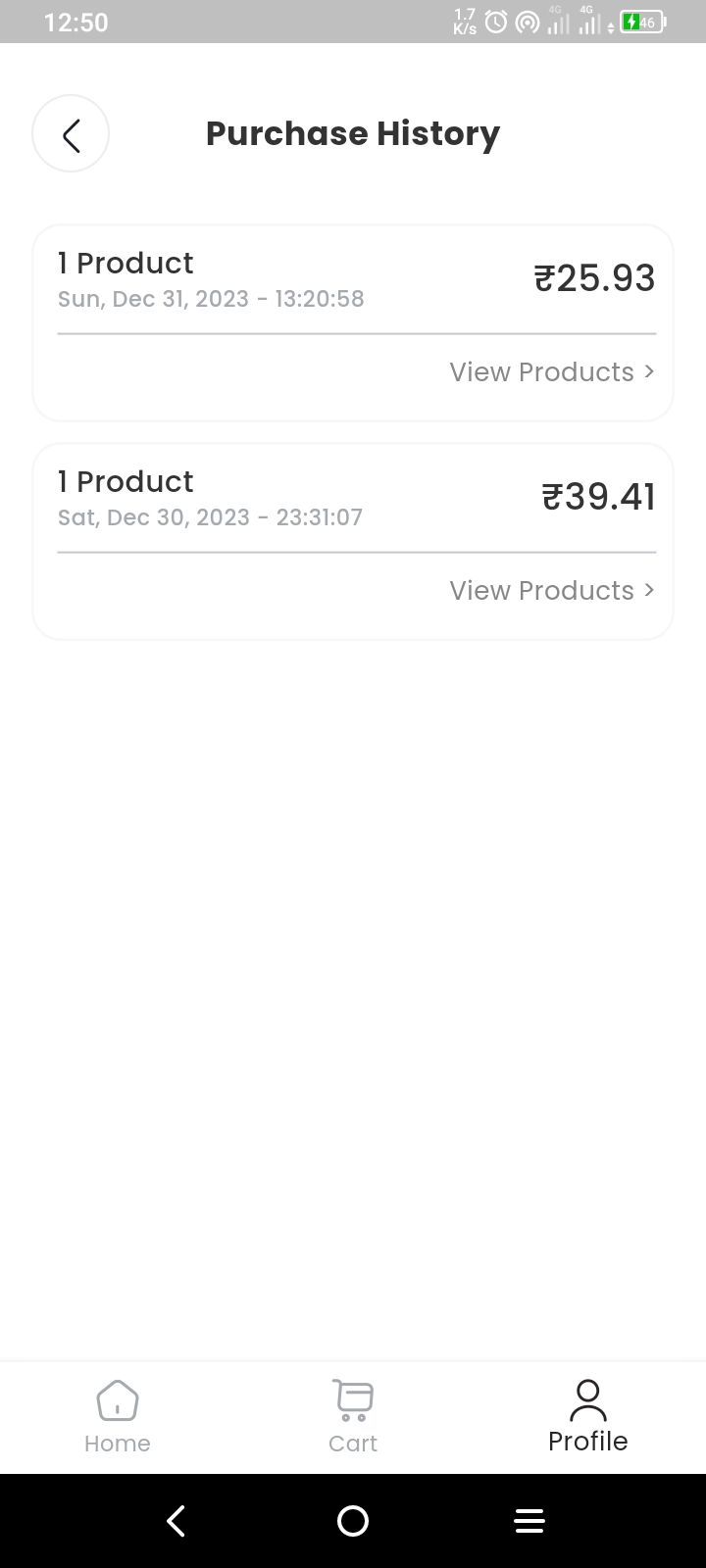
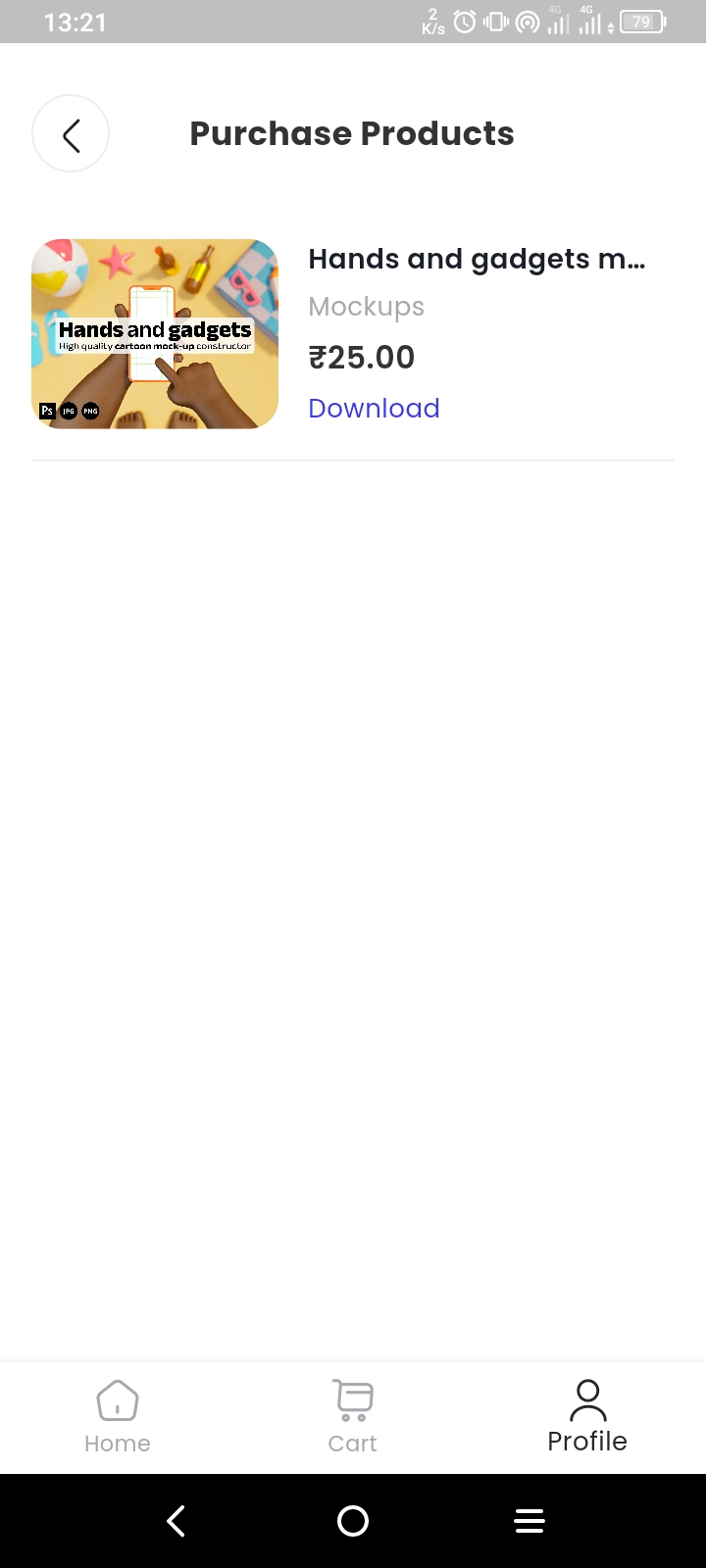
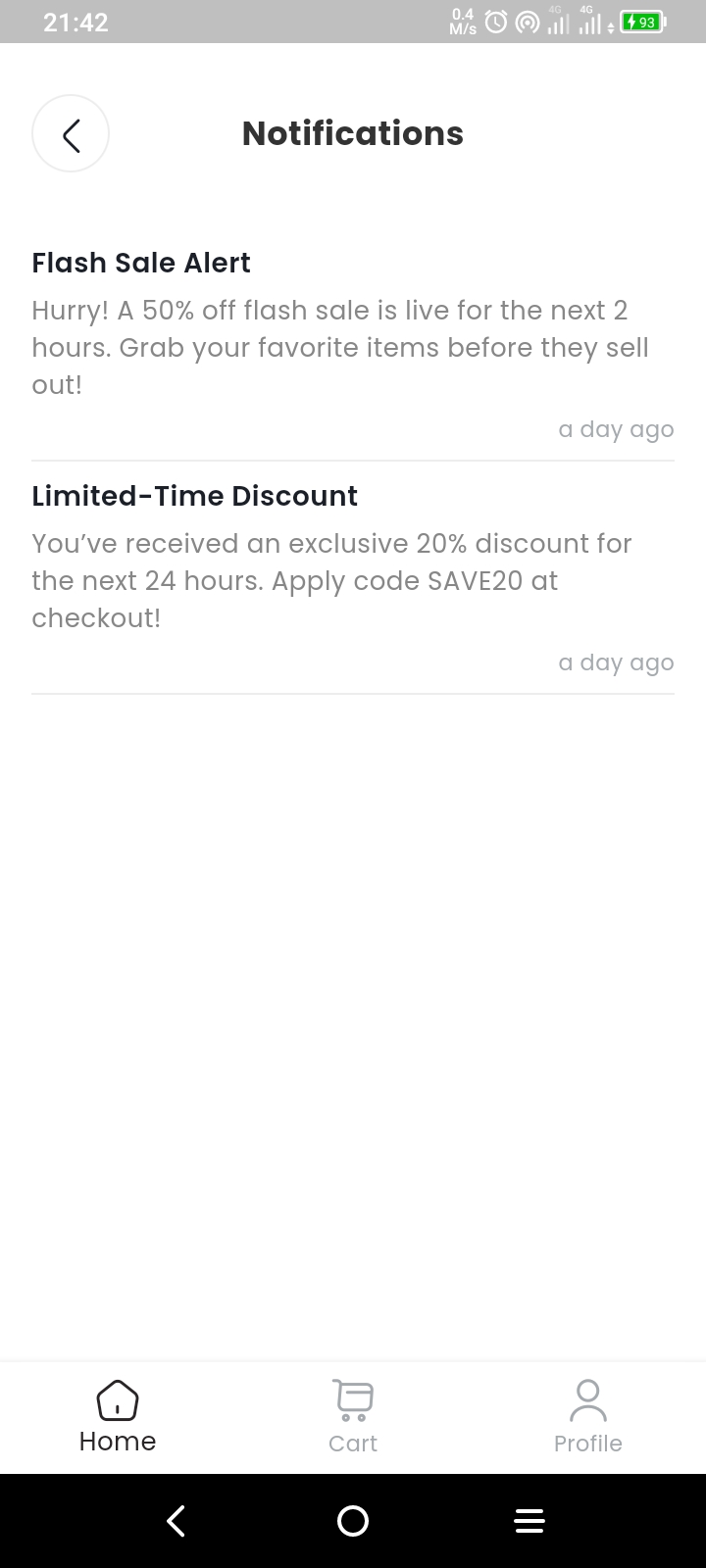
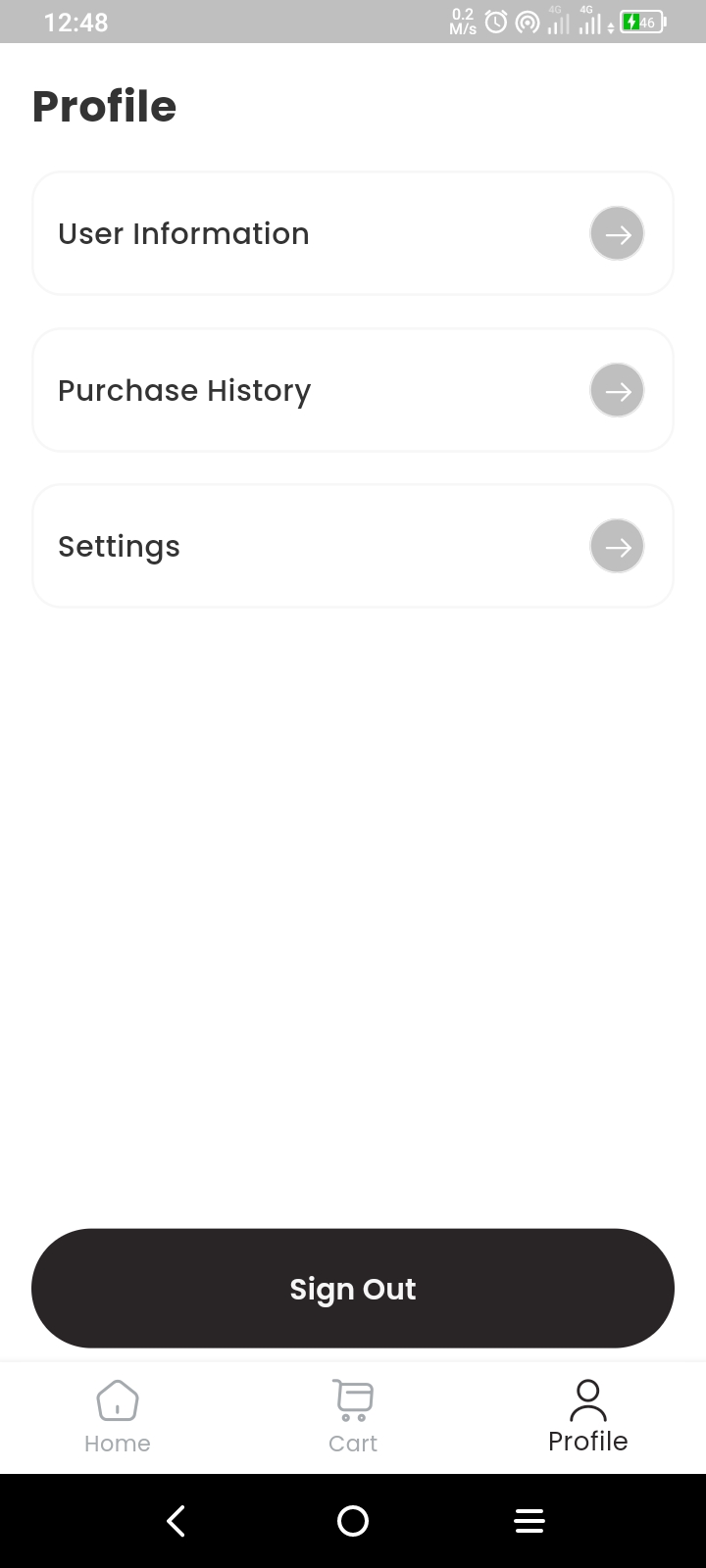
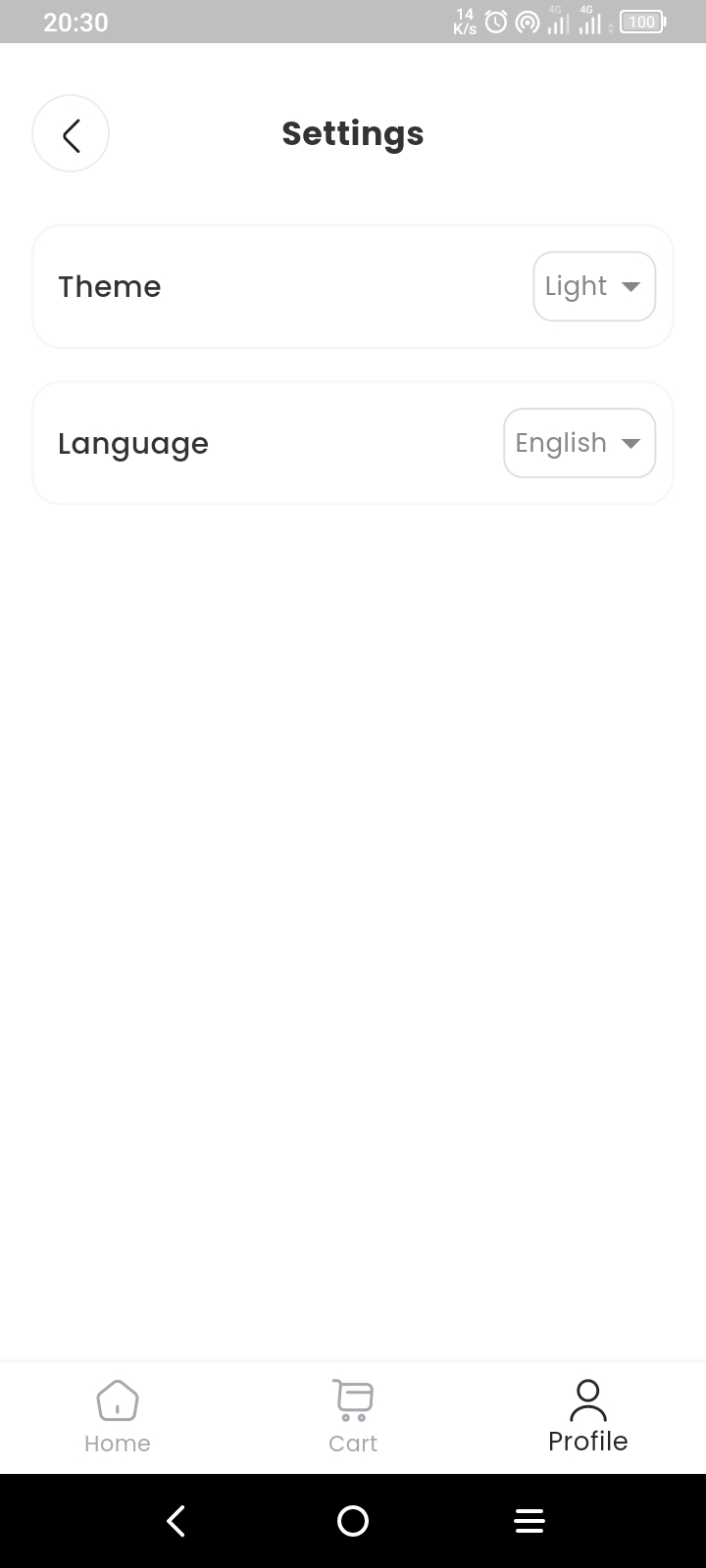
Admin View
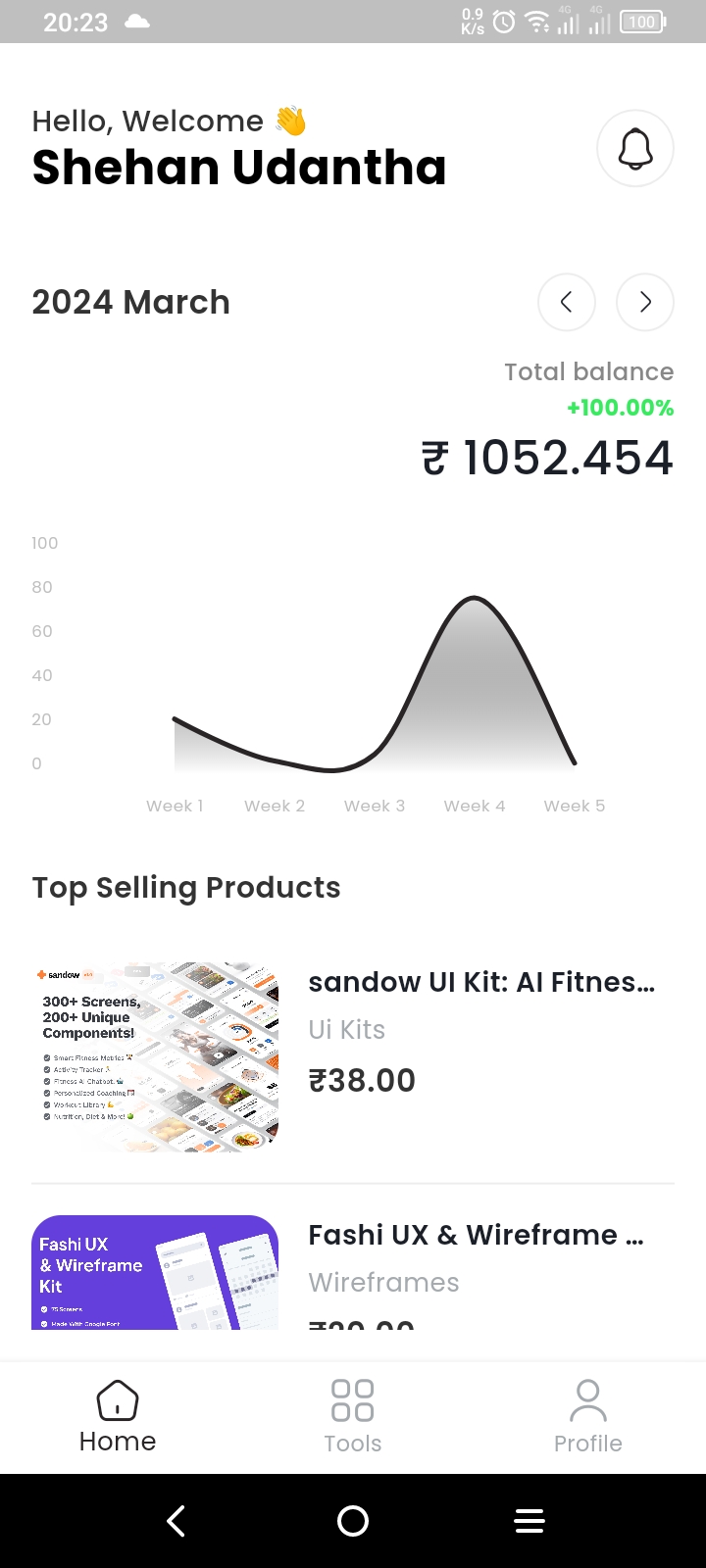
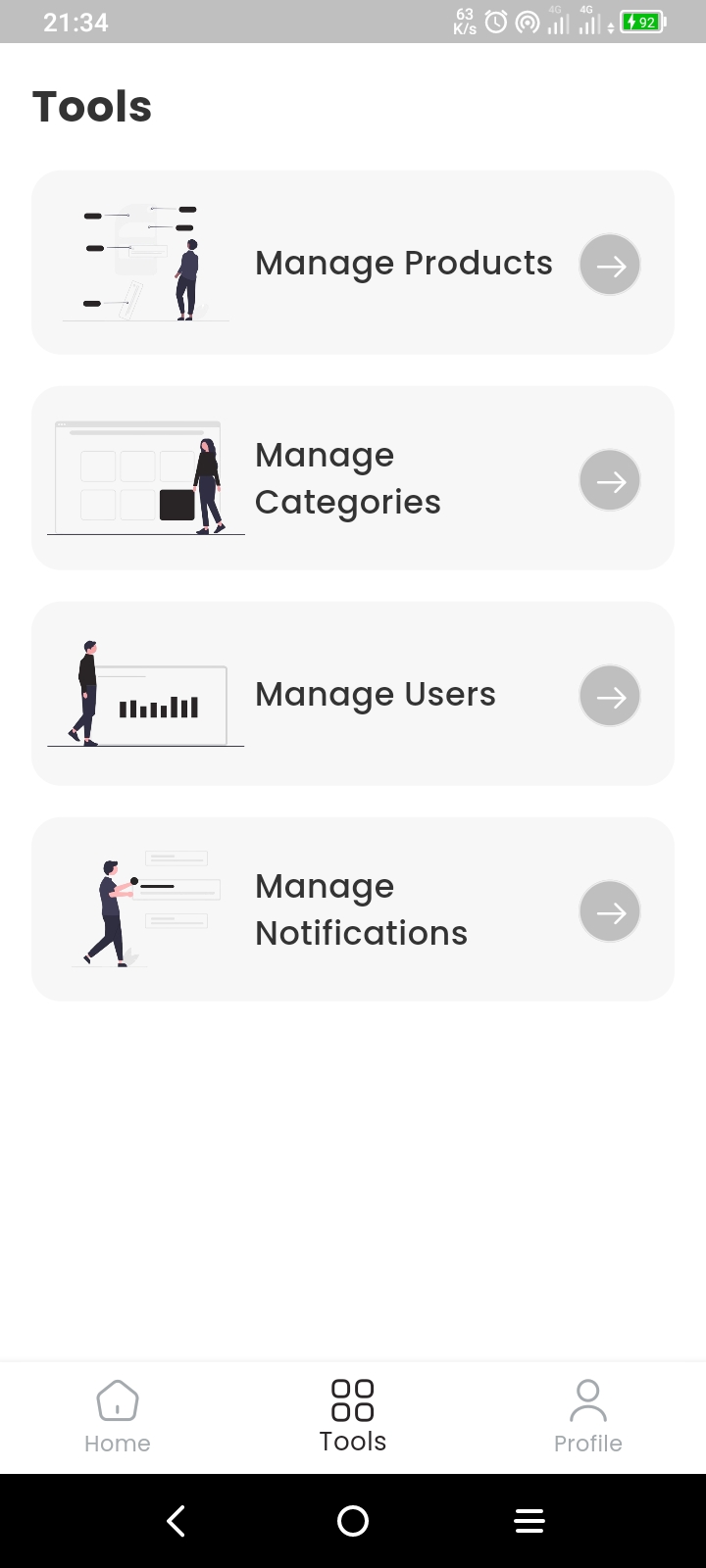
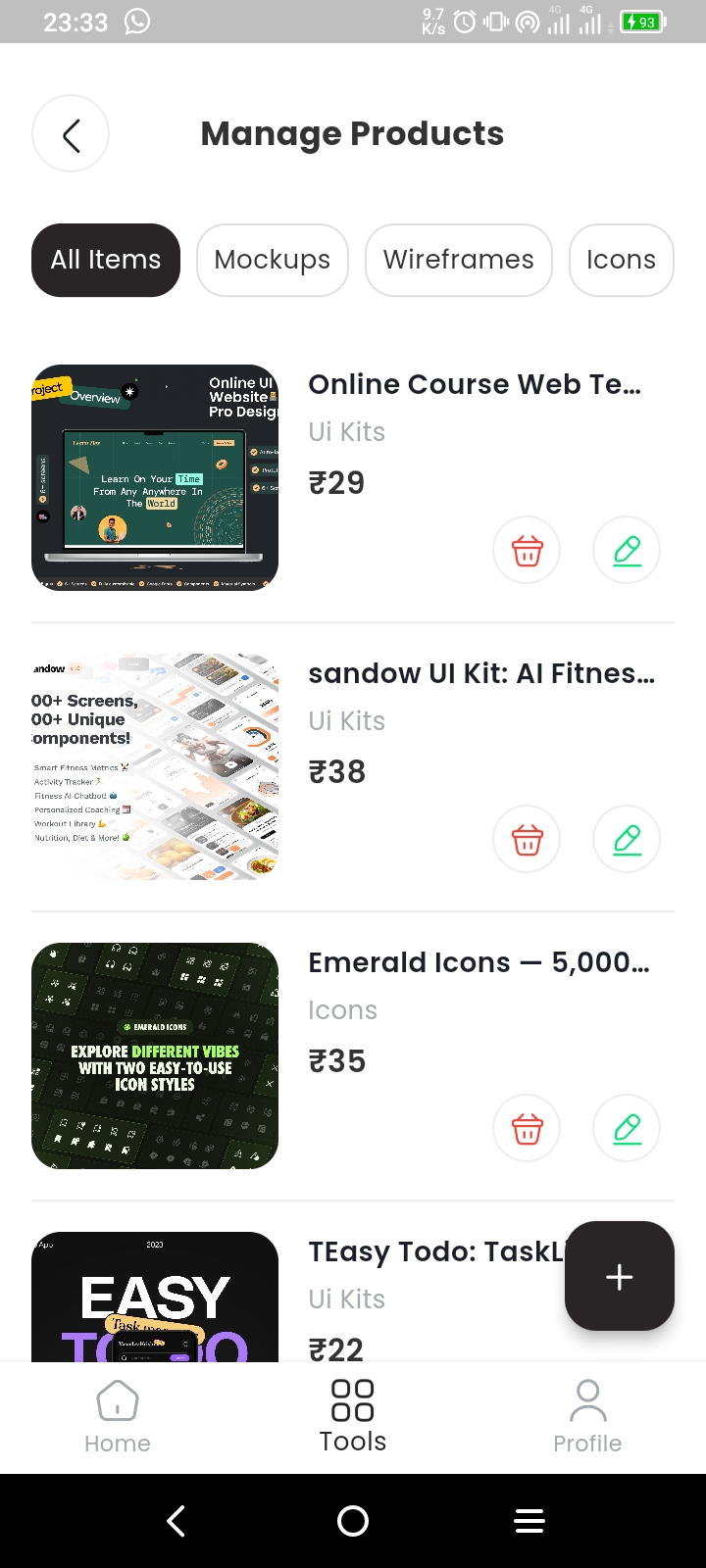
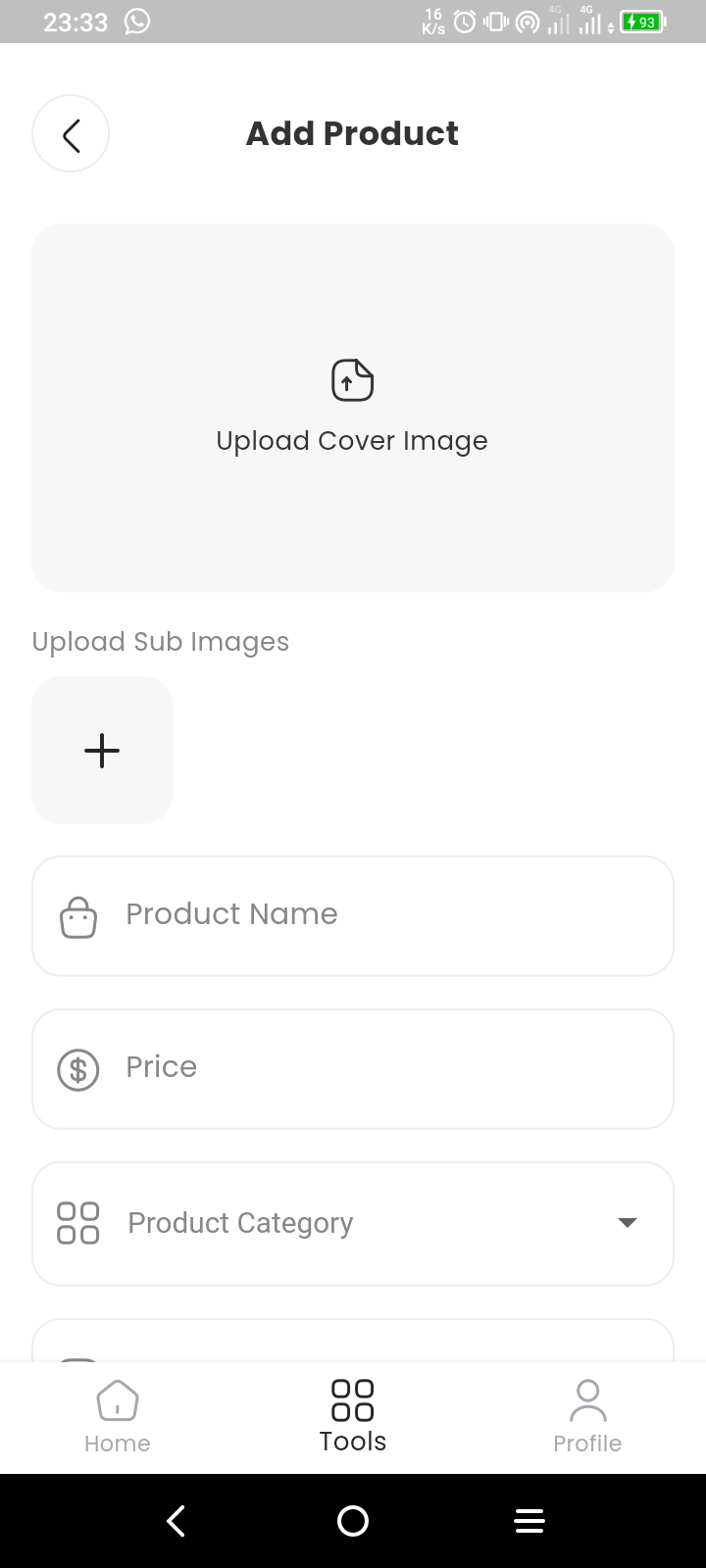
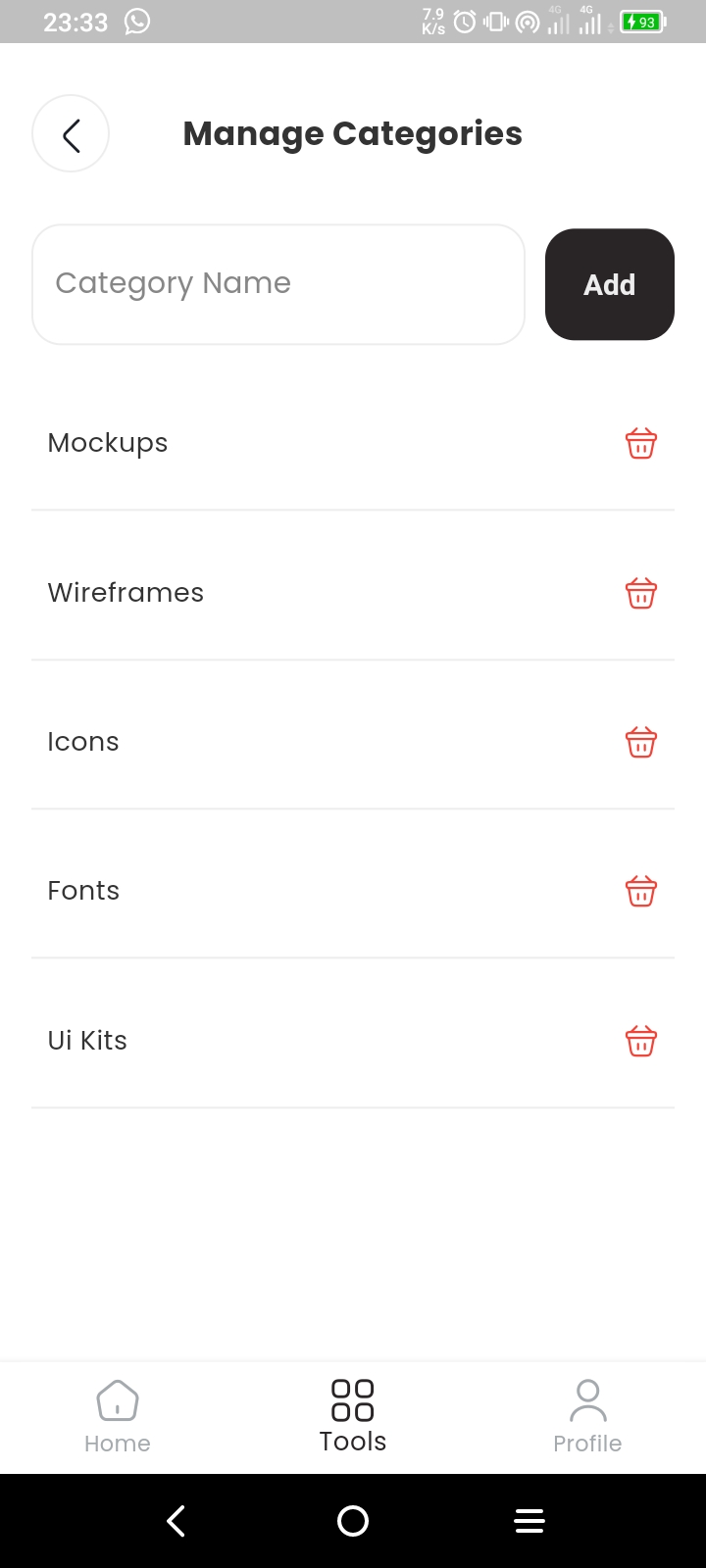
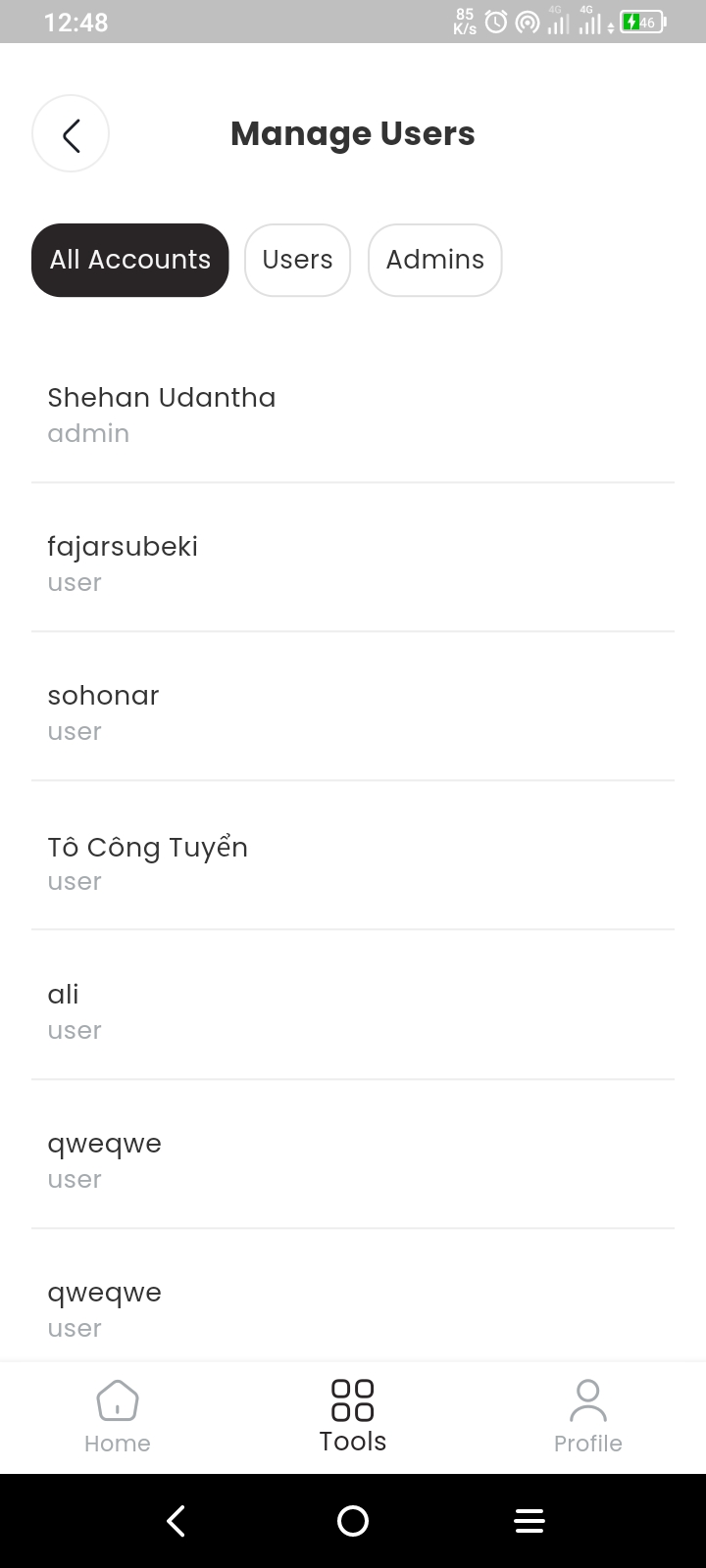
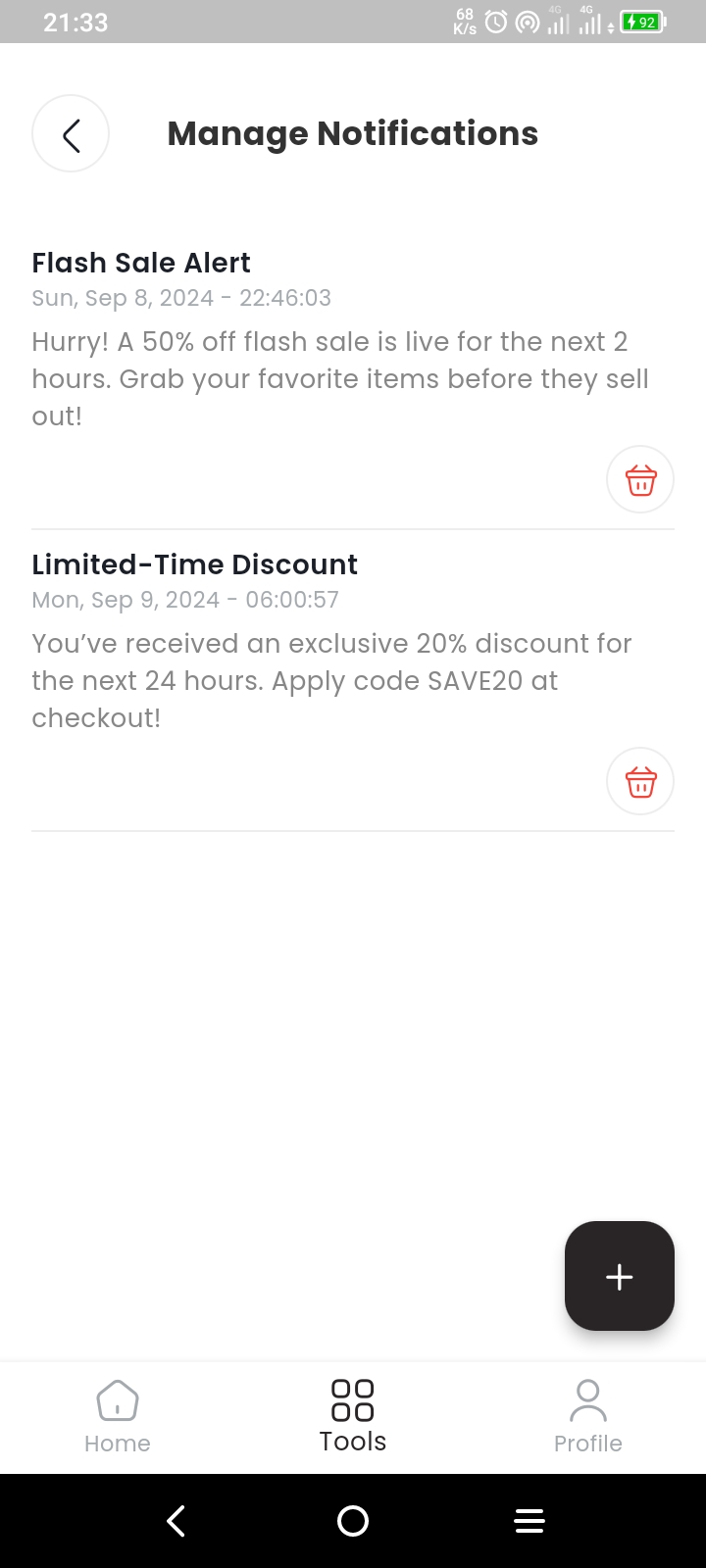
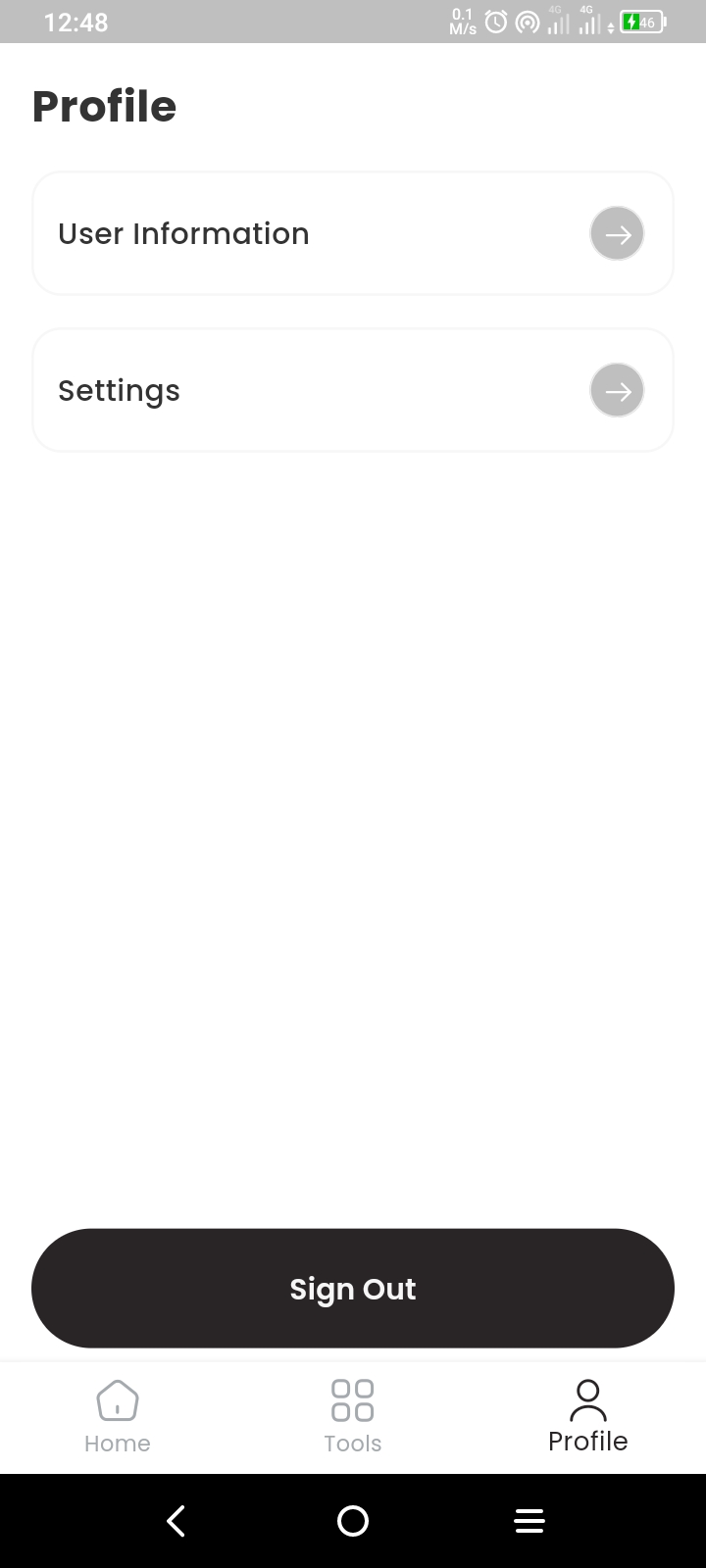
All product images used in this app are for educational purposes only.

Shehan Udantha ↗
カテゴリー
使用している依存関係
依存関係一覧 42 件
- cached_network_image
^3.4.0 - connectivity_plus
^6.0.5 - cupertino_icons
^1.0.8 - dartz
^0.10.1 - equatable
^2.0.5 - file_picker
^8.1.7 - cloud_firestore
^5.4.0 - firebase_auth
^5.2.0 - firebase_core
^3.4.0 - firebase_storage
^12.2.0 - firebase_messaging
^15.1.0 - firebase_crashlytics
^4.1.0 - flutter
{"sdk":"flutter"} - flutter_bloc
^9.0.0 - flutter_stripe
^11.3.0 - get_it
^8.0.3 - go_router
^14.2.7 - http
^1.2.2 - iconsax
^0.0.8 - intl
^0.20.2 - uuid
^4.5.0 - permission_handler
^11.3.1 - like_button
^2.0.5 - flutter_local_notifications
^18.0.1 - googleapis
^13.2.0 - googleapis_auth
^1.6.0 - hive
^2.2.3 - path_provider
^2.1.4 - timeago
^3.7.0 - shared_preferences
^2.3.2 - fl_chart
^1.0.0 - envied
^1.0.0 - flutter_localizations
{"sdk":"flutter"} - flutter_lints開発用
^5.0.0 - mockito開発用
^5.4.4 - build_runner開発用
^2.4.13 - flutter_test開発用
{"sdk":"flutter"} - envied_generator開発用
^1.0.1 - bloc_test開発用
^10.0.0 - fake_cloud_firestore開発用
^3.1.0 - firebase_storage_mocks開発用
^0.7.0 - mock_exceptions開発用
^0.8.2
ランキング
プロジェクトに合うリポジトリを選ぶには?
用途で絞り込み、開発状況を比較し、採用前に元のリポジトリで要件を確認しましょう。
- 名前・作者・説明で検索し、技術トピックで絞り込みます。
- スター、フォーク、最近のプッシュを比較します。スターは関心の目安であり、品質の保証ではありません。
- 利用前に GitHub で README、ライセンス、Issues を確認します。
情報源と管理
“A repository is the most basic element of GitHub.”
GitHub Docs — About repositories ↗