
 v2.3.1
social_share
特定の有名なアプリに直接共有するために必要な、さまざまな共有オプション。
409いいね 181030日間ダウンロード140Pub ポイント
AndroidiOS
ソーシャルメディアで画像/動画/テキストを共有するためのFlutterパッケージ
以下は英語原文のスナップショットです。最新版は GitHub をご覧ください。
Wide variety of sharing options you'll need to share directly to certain popular apps or just share with default native share.
Works on both platforms Android and iOS
It provides you with most of the popular sharing options With this plugin you can share on instagram stories and facebook stories and also copy to clipboard
manifest tag in the android/app/src/main/AndroidManifest.xml: `xmlns:tools="http://schemas.android.com/tools"`
        <manifest xmlns:android="http://schemas.android.com/apk/res/android"
                xmlns:tools="http://schemas.android.com/tools"
                package="your package...">
manifest/application in the android/app/src/main/AndroidManifest.xml: <provider
android:name="androidx.core.content.FileProvider"
android:authorities="${applicationId}.com.shekarmudaliyar.social_share"
android:exported="false"
android:grantUriPermissions="true"
tools:replace="android:authorities">
<meta-data
android:name="android.support.FILE_PROVIDER_PATHS"
android:resource="@xml/filepaths" />
</provider>
filepaths.xml in the app/src/main/res/xml folder and paste this code in the file :<?xml version="1.0" encoding="utf-8"?>
<paths xmlns:android="http://schemas.android.com/apk/res/android">
<cache-path name="image" path="/"/>
</paths>
Info.plist to use share on instagram and facebook story<key>LSApplicationQueriesSchemes</key>
<array>
<string>instagram-stories</string>
<string>facebook-stories</string>
<string>facebook</string>
<string>instagram</string>
<string>twitter</string>
<string>whatsapp</string>
<string>tg</string>
</array>
<key>FacebookAppID</key>
<string>xxxxxxxxxxxxxxx</string>
SocialShare.shareInstagramStory(imageFile.path, "#ffffff",
                              "#000000", "https://deep-link-url");
 SocialShare.shareInstagramStorywithBackground(image.path, "https://deep-link-url",
                              backgroundImagePath: backgroundimage.path);
For iOS
SocialShare.shareFacebookStory(image.path,"#ffffff","#000000",
                              "https://deep-link-url","facebook-app-id");
For Android appID is mandatory if using shareFacebookStory or else it wont work
SocialShare.shareFacebookStory(image.path,"#ffffff","#000000",
                              "https://deep-link-url","facebook-app-id",
							  appId: "xxxxxxxxxxxxx");
SocialShare.copyToClipboard("This is Social Share plugin");
//without hashtags
SocialShare.shareTwitter("This is Social Share plugin");

//with hashtags
SocialShare.shareTwitter(
                              "This is Social Share twitter example",
                              hashtags: ["hello", "world", "foo", "bar"]);

//with hashtags and link
SocialShare.shareTwitter(
                              "This is Social Share twitter example",
                              hashtags: ["hello", "world", "foo", "bar"],url:"https://your-url-here/");
//without url link in message
SocialShare.shareSms("This is Social Share Sms example");

//with url link in message
SocialShare.shareSms("This is Social Share Sms example",url: "https://your-url-here/");
SocialShare.shareWhatsapp("Hello World");
SocialShare.shareTelegram("Hello World");
This will open the default native share options
//without an image
SocialShare.shareOptions("Hello world");

//with an image
SocialShare.shareOptions("Hello world",imagePath: image.path);
SocialShare.checkInstalledAppsForShare();
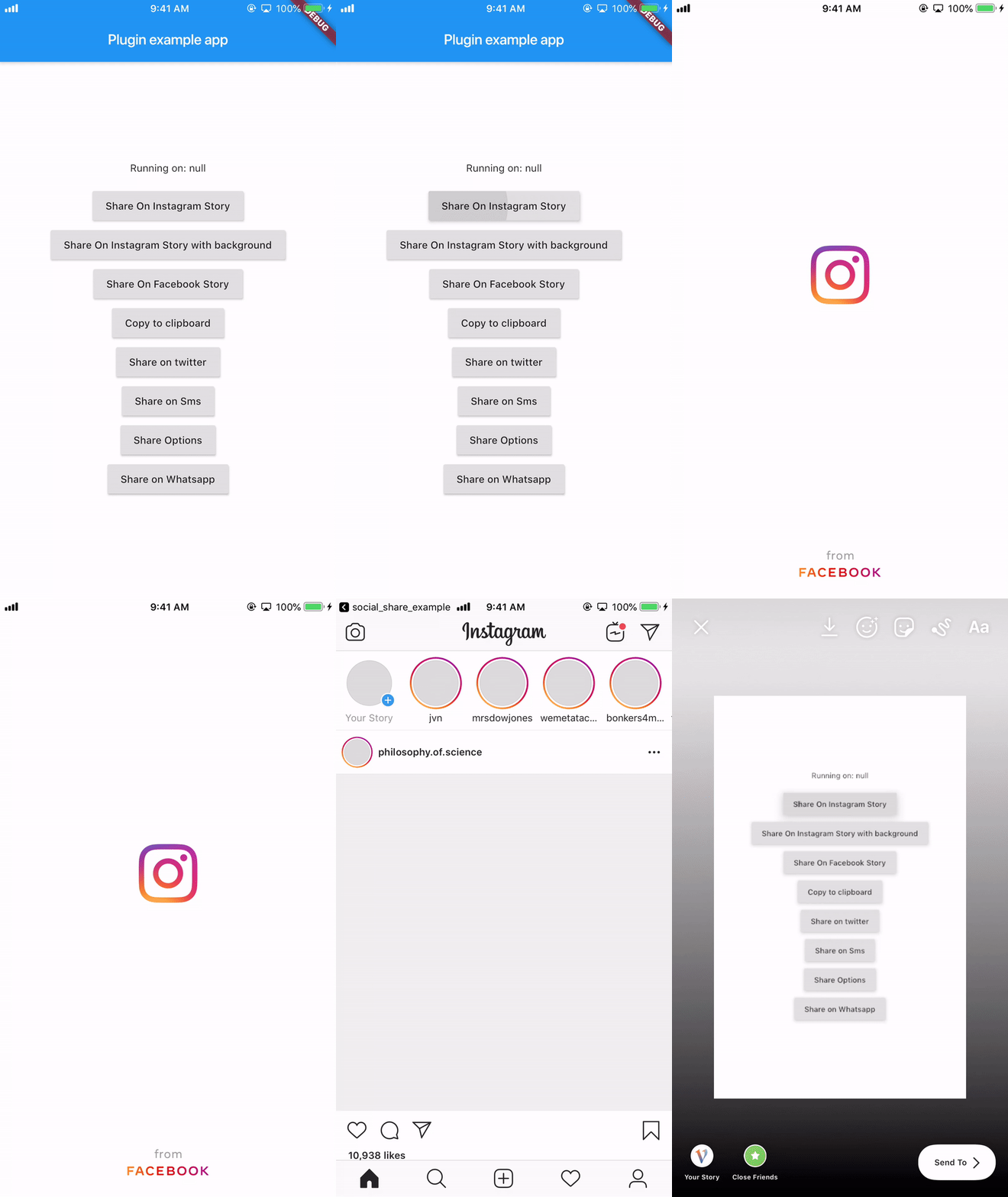
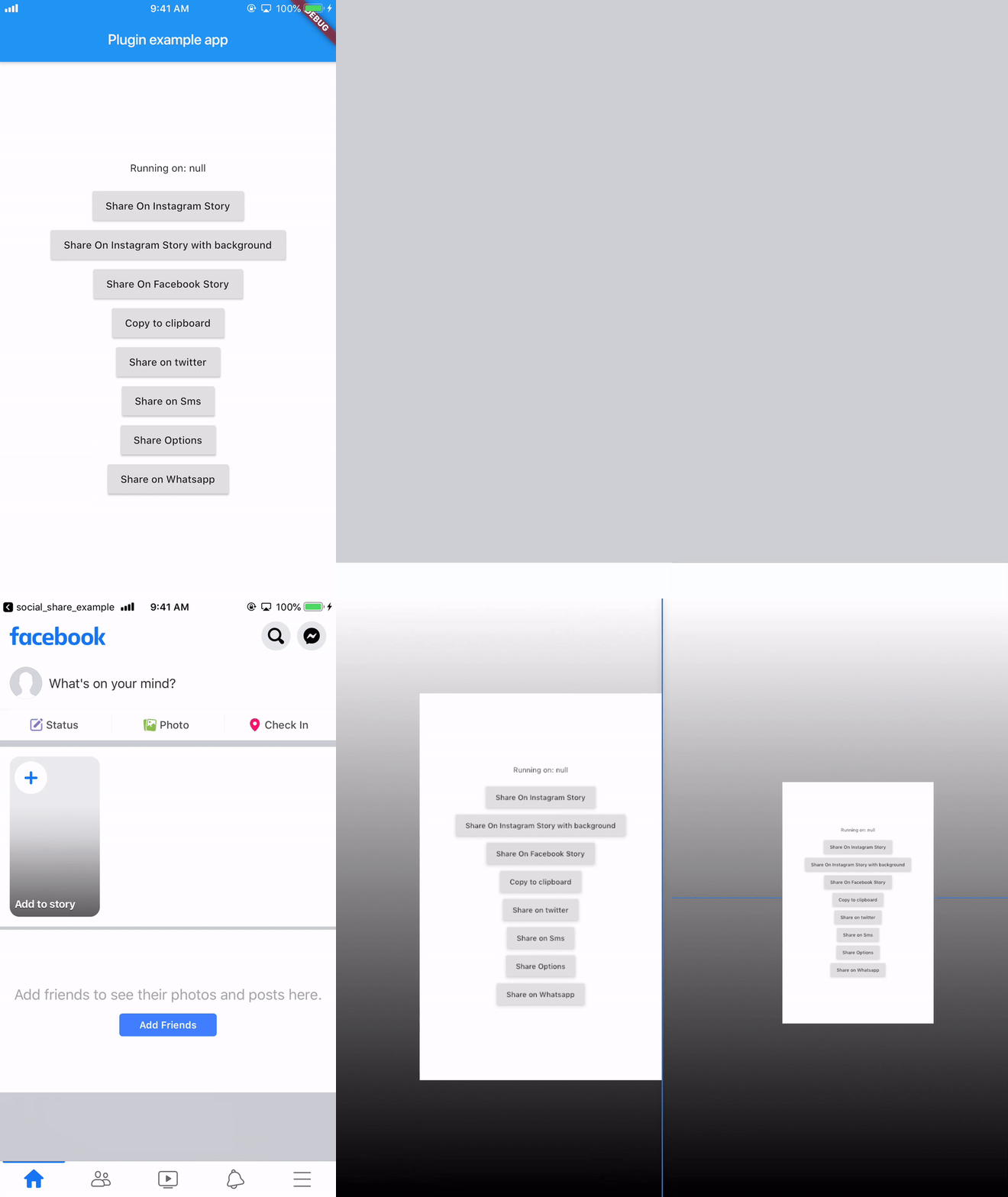
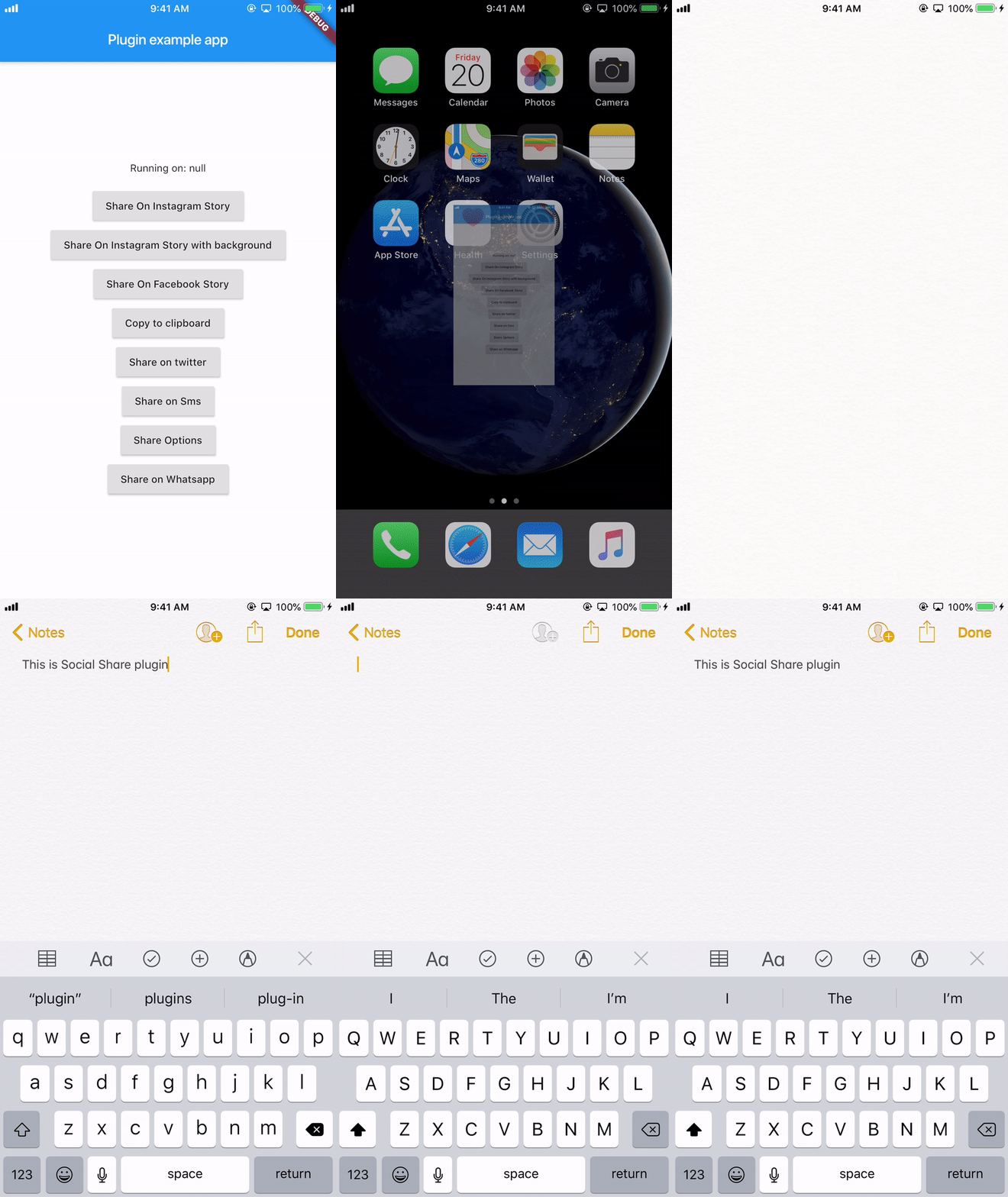
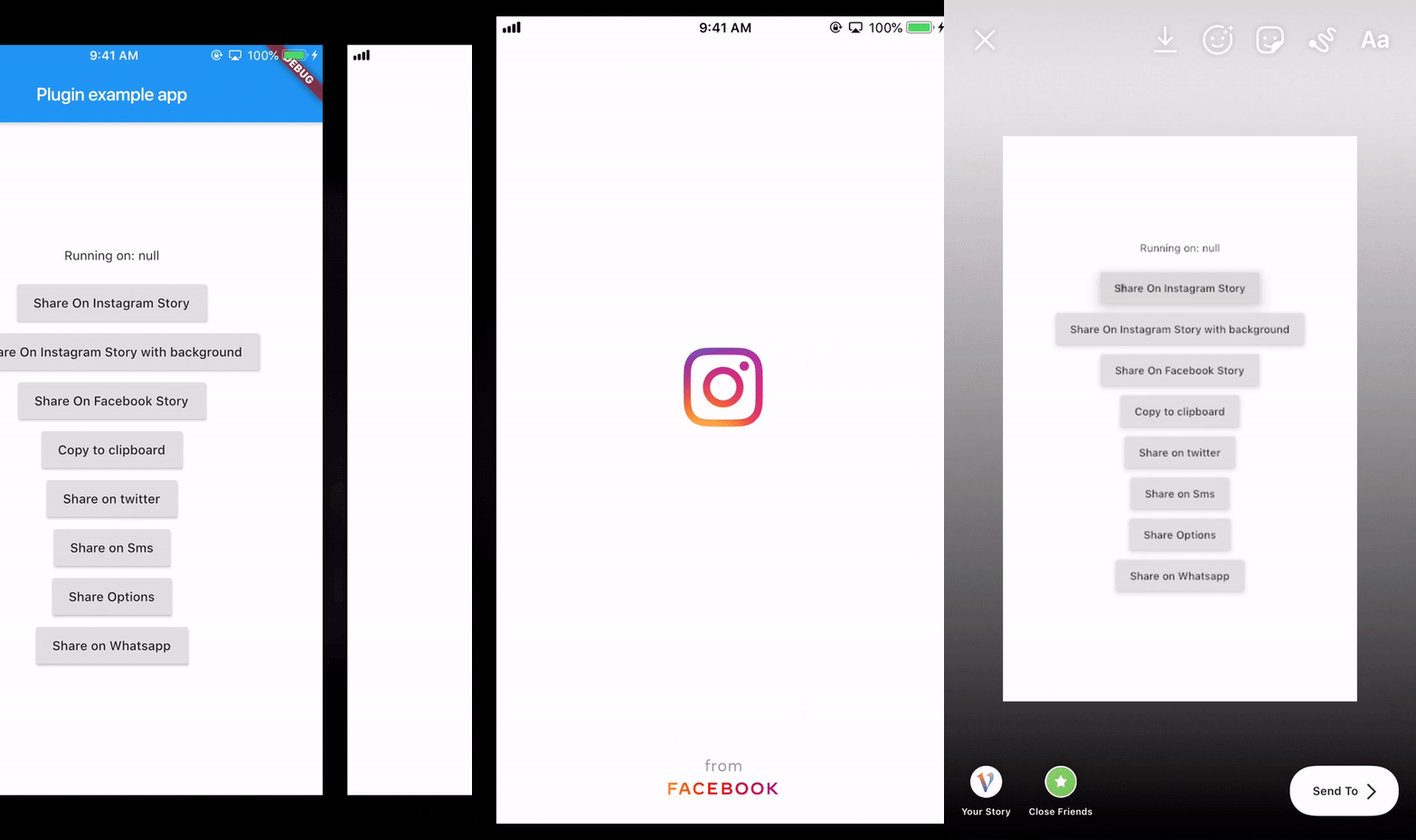
On Android 6, Share to Instagram Stories may not open Instagram app or load the specified image.
((More coffee == more code) == faster updates)


依存関係一覧 3 件
{"sdk":"flutter"}^2.0.5{"sdk":"flutter"}用途で絞り込み、開発状況を比較し、採用前に元のリポジトリで要件を確認しましょう。
“A repository is the most basic element of GitHub.”
GitHub Docs — About repositories ↗