
awesome-flutter-ui
10+ Flutter(Android、iOS)UIデザイン例 :zap: - ログイン、本、プロフィール、食事注文、映画ストリーミング、ウォークスルー、ウィジェット

- スター
- 1177
- フォーク
- 153
- 最終プッシュ(UTC)
- 2021/03/17
- プロジェクト状態
- 公開中
元の README
以下は英語原文のスナップショットです。最新版は GitHub をご覧ください。

Flutter UI/UX Examples 🍟


Looking for an awesome UI kit for Flutter? Here is a curated list of a few awesome Flutter UI design templates to integrate in your Flutter app and save your time on designing widgets. You can check more UI design templates here.
Show some ❤️ and star ⭐ the repo to support the project
Index 📝
1. Login Page UI 🍦
| GIF | Screenshot |
|---|---|
 |
 |
Packages in use:
Fonts
2. Movie Streaming App 🍨
| GIF | Screenshot |
|---|---|
 |
 |
Packages in use:
Fonts
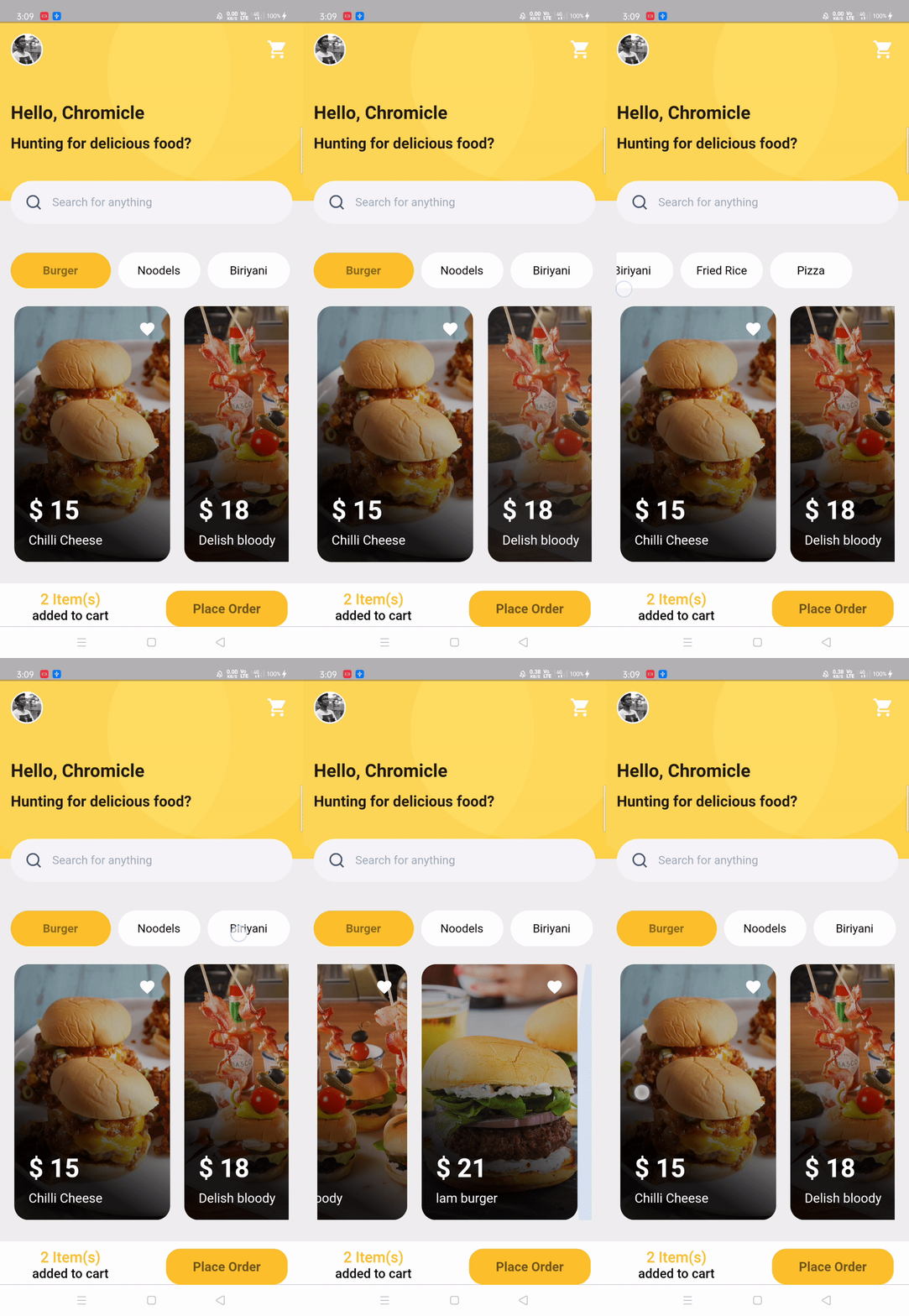
3. Food Order app 🎂
| GIF | Screenshot |
|---|---|
 |
 |
Packages in use:
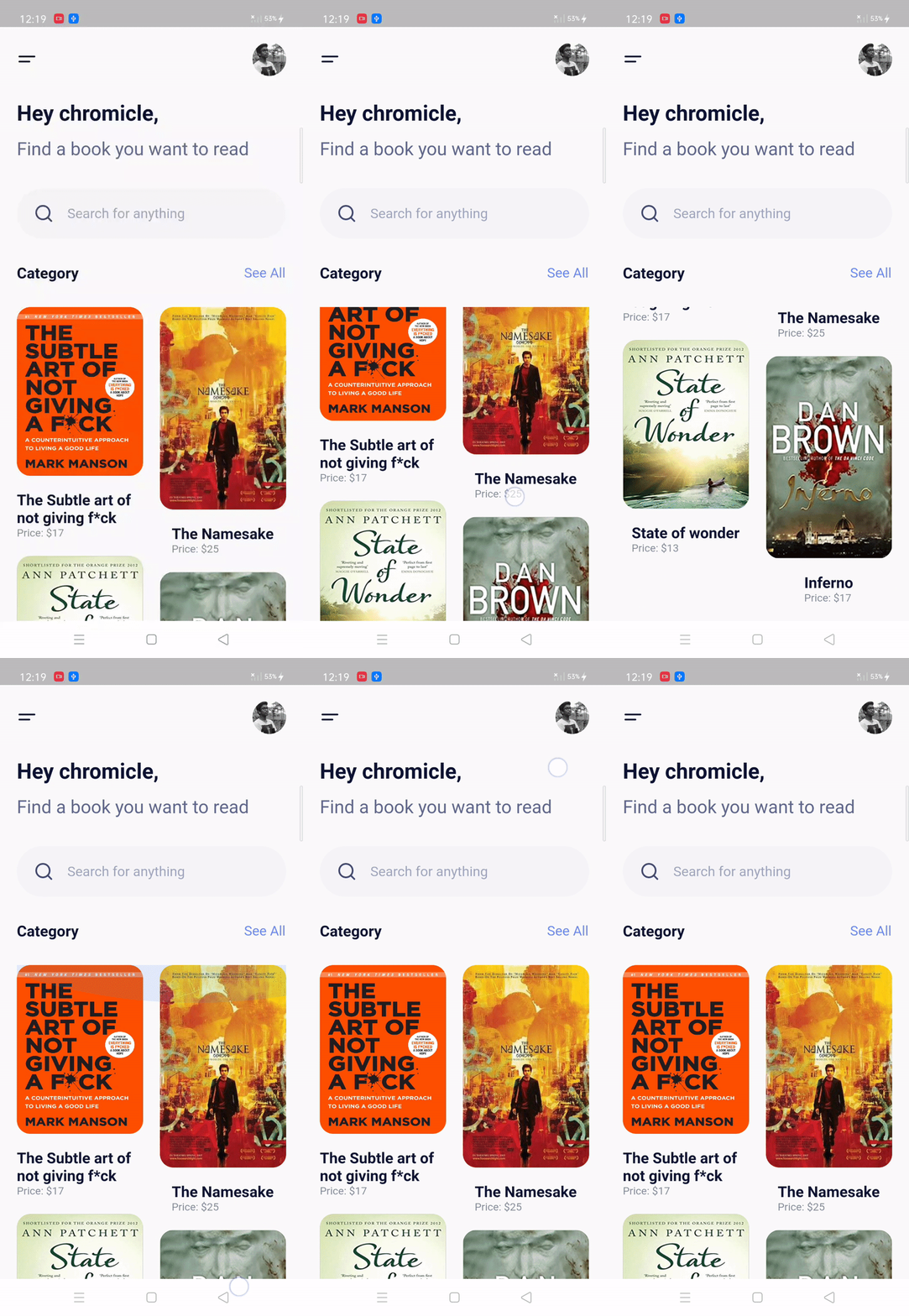
4. Books app UI 🍨
| GIF | Screenshot |
|---|---|
 |
 |
Packages in use:
Fonts
5. Profile Page UI 🍧
| GIF | Screenshot |
|---|---|
 |
 |
Packages in use:
Fonts
6. Walkthrough Screen 🎂
This is a little special... Guess what?
I implemented this in Kotlin! 😱
This is the walk-through screen, that you can adapt according to your use, by changing images and number of screens. The top slider will scroll on any amount of screens you add!
| GIF | Screenshot |
|---|---|
 |
 |
Resources:
- Animations: cubic briezer
- Primary color: #6C63FF
- Images: undraw.co
Fonts
- Poppins
Widgets :rocket:
List of well-designed widgets that you will actually need and find useful rather than overwhelming you with a plethora of low-quality ones.
Index 📝
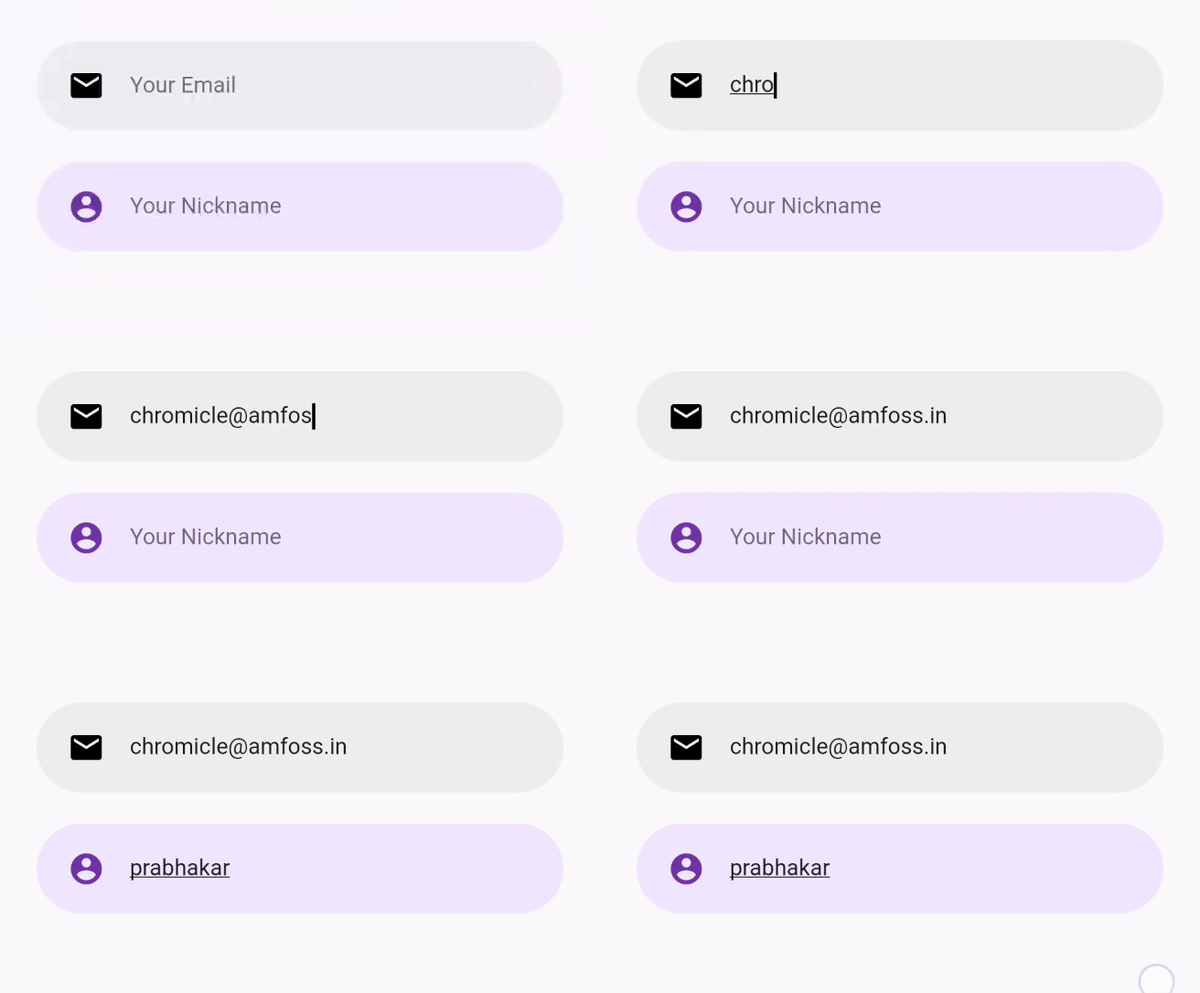
1. Rounded Input field 🍦
GIF
Use
RoundedInputField(
    textEditingController: controllerName,
    hintText: "Your Email",
    icon: Icons.email,
    cursorColor: Colors.black,
    editTextBackgroundColor: Colors.grey[200],
    iconColor: Colors.black,
    onChanged: (value) {
      name = value;
     },
 )
2. Flushbar alert service
To use this widget you have to include one denpendency called flushbar in your pubspec.yaml, if you want error alert you have to give AlertType.error in type feild same applies to warning
GIF

Use
CustomButton(
    text: "Add to Cart",
    onPressed: () {
      AlertService().showAlert(
         context: context,
         message: 'product has been added to cart',
         type: AlertType.success,
         );
     },
 )
Doremon 🐱
Any doremon fans here? For relaxation I design some of cartoons
 Thanks for coming here from doremon :xD
Author(s) ✍️
 @chromicle
Looking to contribute? :computer:
Please read CONTRIBUTING.md before writing a pull request. Any and all help we can get is welcome :)
License :memo:
This repository is licensed under MIT License. Find LICENSE to know more.
Note
These examples are open to all kinds of contribution in all of its categories. dude, they are completely free😜
If you found this project useful, then please consider giving it a :star: on Github and sharing it with your friends via social media⚡.
Happy Coding 💻.

Ajay Prabhakar ↗
カテゴリー
ランキング
プロジェクトに合うリポジトリを選ぶには?
用途で絞り込み、開発状況を比較し、採用前に元のリポジトリで要件を確認しましょう。
- 名前・作者・説明で検索し、技術トピックで絞り込みます。
- スター、フォーク、最近のプッシュを比較します。スターは関心の目安であり、品質の保証ではありません。
- 利用前に GitHub で README、ライセンス、Issues を確認します。
情報源と管理
“A repository is the most basic element of GitHub.”
GitHub Docs — About repositories ↗