

 v0.3.0
simple_fontellico_progress_dialog
このパッケージは、さまざまな種類のローディングインジケーターを使用してプログレスダイアログをレンダリングするのに役立ちます。
60いいね 87130日間ダウンロード150Pub ポイント
AndroidiOSWebmacOSWindowsLinux
ローディングインジケータとテキストを含む小さなダイアログモーダルを表示するFlutterプロジェクト。

以下は英語原文のスナップショットです。最新版は GitHub をご覧ください。
This package helps to render a progress dialog window with different types of loading indicator.
Include simple_fontellico_progress_dialog in your pubspec.yaml file:
dependencies:
  flutter:
    sdk: flutter
  simple_fontellico_progress_dialog: version
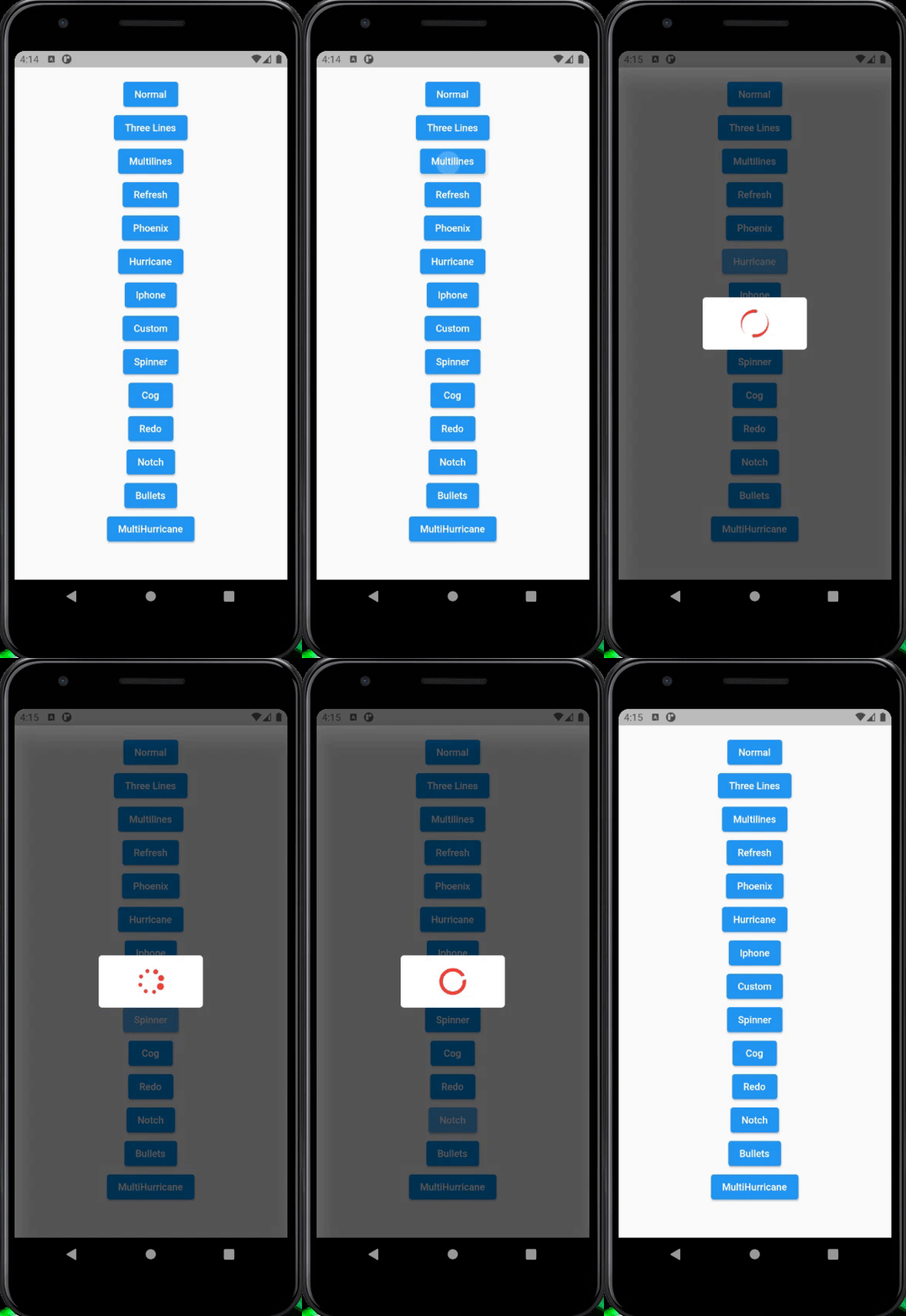
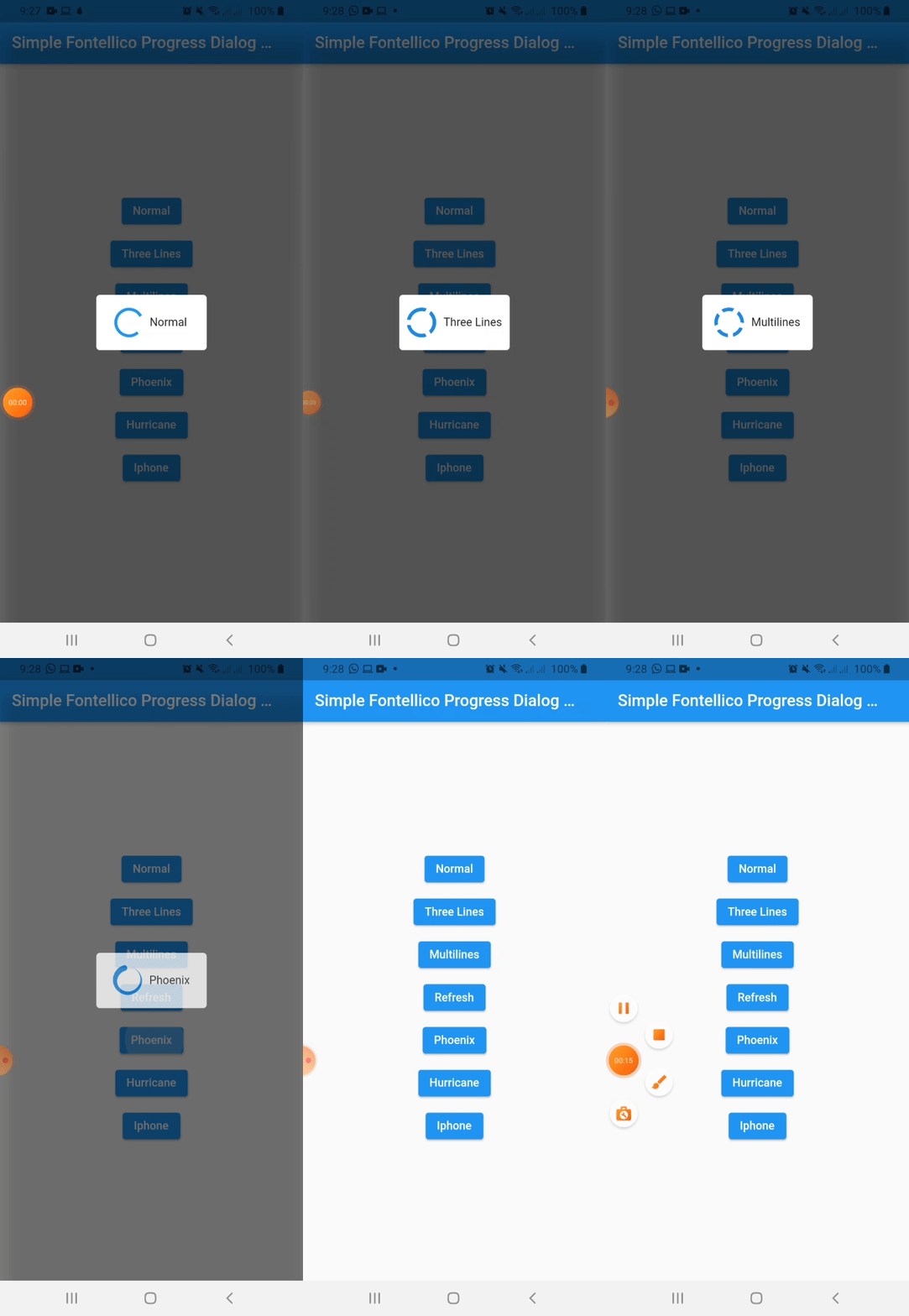
To use this package, just import it into your file, create a new instance, pass the context as parameter(required).
import 'package:simple_fontellico_progress_dialog/simple_fontico_loading.dart';

...

SimpleFontelicoProgressDialog _dialog = SimpleFontelicoProgressDialog(context: context);
...

void showDialog() async{
  _dialog.show(message: 'Loading...', type: type);
  await Future.delayed(Duration(seconds: 1));
  _dialog.hide();
}

...
| Name | Description | Required | Default |
|---|---|---|---|
| context | Buildcontext to render the dialog | True | |
| barrierDimisable | Boolean value to indicate barrierDimisable on dialog | True |
To show a dialog, use the show method, to hide it, use the hide method. Simple like that.
| Name | Description | Required | Default |
|---|---|---|---|
| message | String to set a message into the dialog | True | |
| type | Simple dialog type (normal, threeline, multiline, refresh, hurricane, phoenix, iphone) | False | normal |
| width | Double value to set the dialog width | False | 100 |
| height | Double value to set the dialog height | False | 120 |
| elevation | Double value to set the dialog elevation | False | 5.0 |
| radius | Double value to set the dialog border radius | False | 5.0 |
| backgroundColor | Color value to set the dialog background color | False | Colors.white |
| indicatorColor | Color value to set the indicator color | False | Colors.blue[600] |
| duration | Duration value to animate loading indicator | False | 1000 miliseconds |
| horizontal | Boolean value to set if loading has to show on horizontal | False | false |
| separation | Double value to set the separation between loading and text | False | 10.0 |
| textStyle | Style to customize the text inside dialog | False | TextStyle(fontSize: 14) |
| textAlign | Alignment of the message | False | TextAlign.center |
| hideText | Boolean value to hide the text widget | False | false |
| loadingIndicator | Widget to use when type is set on custom. | False (Required when type is custom) |
| Name | Description | Required | Default |
|---|---|---|---|
| message | String to update the message inside an opened dialgo | True |
依存関係一覧 2 件
{"sdk":"flutter"}{"sdk":"flutter"}用途で絞り込み、開発状況を比較し、採用前に元のリポジトリで要件を確認しましょう。
“A repository is the most basic element of GitHub.”
GitHub Docs — About repositories ↗