


 v3.0.1
flutter_linear_datepicker
グレゴリオ暦およびジャラーリー(ペルシャ)日付ピッカーを提供するFlutterパッケージ
63いいね 24830日間ダウンロード130Pub ポイント
AndroidiOSWebmacOSWindowsLinux
Flutter グレゴリオ暦およびジャラーリー(ペルシャ語)日付ピッカー

以下は英語原文のスナップショットです。最新版は GitHub をご覧ください。
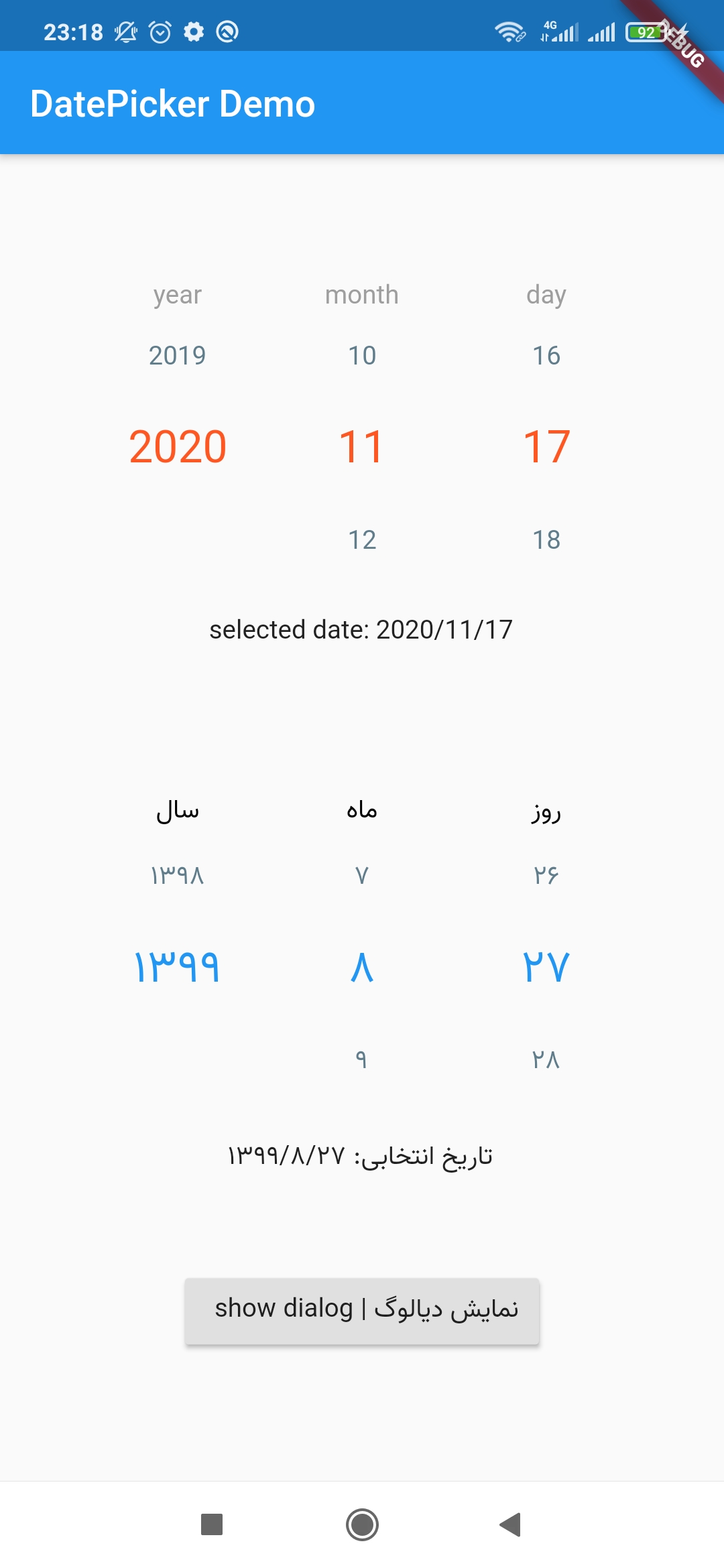
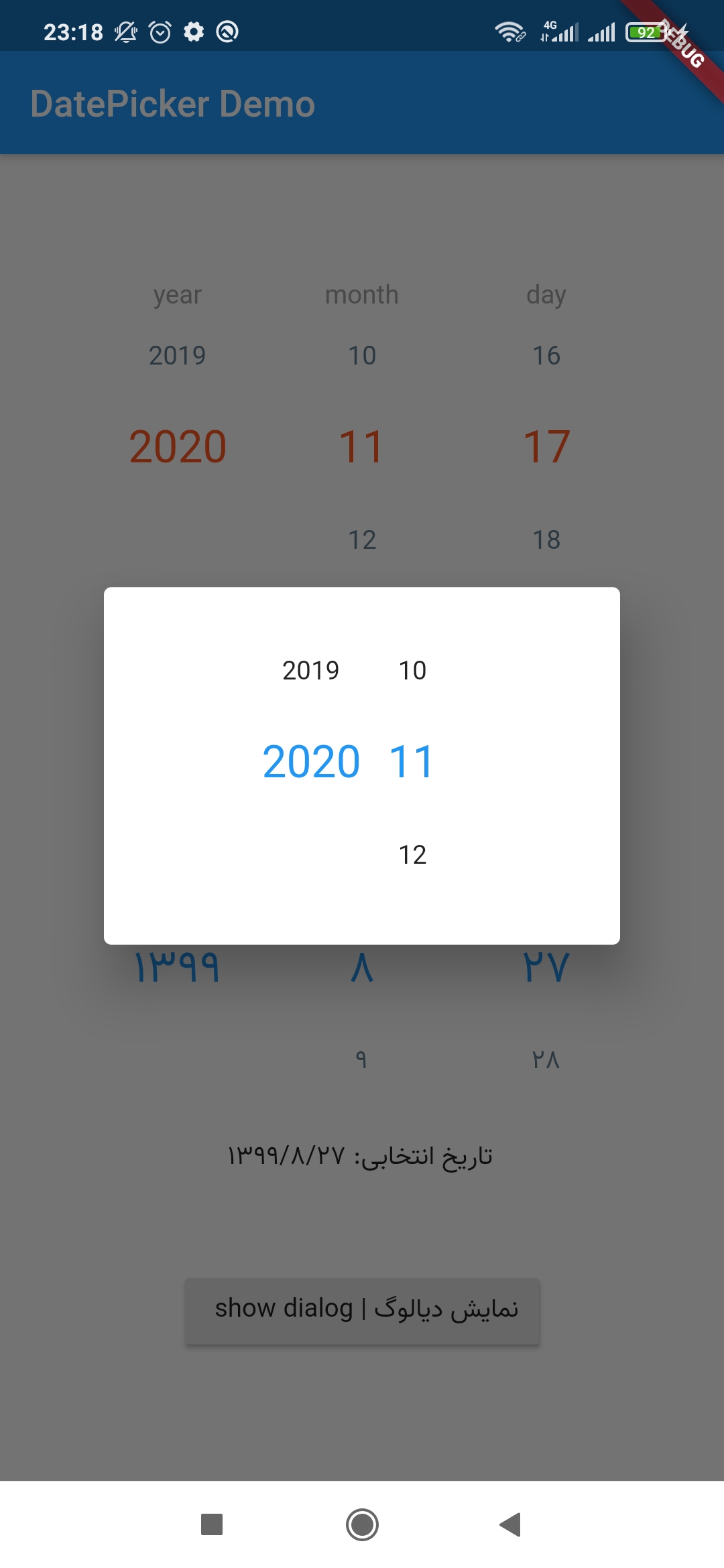
This package provides a Persian or Gregorian linear DatePicker for flutter.
Add this to your package's pubspec.yaml file:
dependencies:
 flutter_linear_datepicker: ^3.0.1
You can install packages from the command line:
$ flutter pub get
Alternatively, your editor might support pub get or flutter pub get. Check the docs for your editor to learn more.
Now in your Dart code, you can use:
import 'package:flutter_linear_datepicker/flutter_datepicker.dart';
just simply put following widget in your flutter code:
LinearDatePicker(
  dateChangeListener: (DateTime selectedDate) {
    print(selectedDate);
  },
);
You can customize widget using below parameters:
LinearDatePicker(
  startDate: DateTime(2022),
  endDate: DateTime.now().add(Duration(days: 365)),
  initialDate: DateTime.now(),
  dateChangeListener: (DateTime selectedDate) {
    print(selectedDate);
  },
  showDay: true,  //false -> only select year & month
  labelStyle: TextStyle(
    fontFamily: 'sans',
    fontSize: 14.0,
    color: Colors.black,
  ),
  selectedRowStyle: TextStyle(
    fontFamily: 'sans',
    fontSize: 18.0,
    color: Colors.deepOrange,
  ),
  unselectedRowStyle: TextStyle(
    fontFamily: 'sans',
    fontSize: 16.0,
    color: Colors.blueGrey,
  ),
  yearLabel: 'سال | year',
  monthLabel: 'ماه | month',
  dayLabel: 'روز | day',
  showLabels: true, // to show column captions, eg. year, month, etc.
  columnWidth: 100,
  showMonthName: true,
  isJalali: false,  // false -> Gregorian
  debounceDuration: Duration(milliseconds: 300), // delay duration to emit the selected date
  monthsNames: ['1', '2', '3', '4', '5', '6', '7', '8', '9', '10', '11', '12',] // custom name for each month
)
依存関係一覧 3 件
{"sdk":"flutter"}^1.0.4{"sdk":"flutter"}用途で絞り込み、開発状況を比較し、採用前に元のリポジトリで要件を確認しましょう。
“A repository is the most basic element of GitHub.”
GitHub Docs — About repositories ↗