

v0.3.1
drift_flutter
Flutter アプリで、プラットフォームをまたいで簡単に drift データベースをセットアップできます。
70いいね 61.5万30日間ダウンロード160Pub ポイント
AndroidiOSWebmacOSWindowsLinux
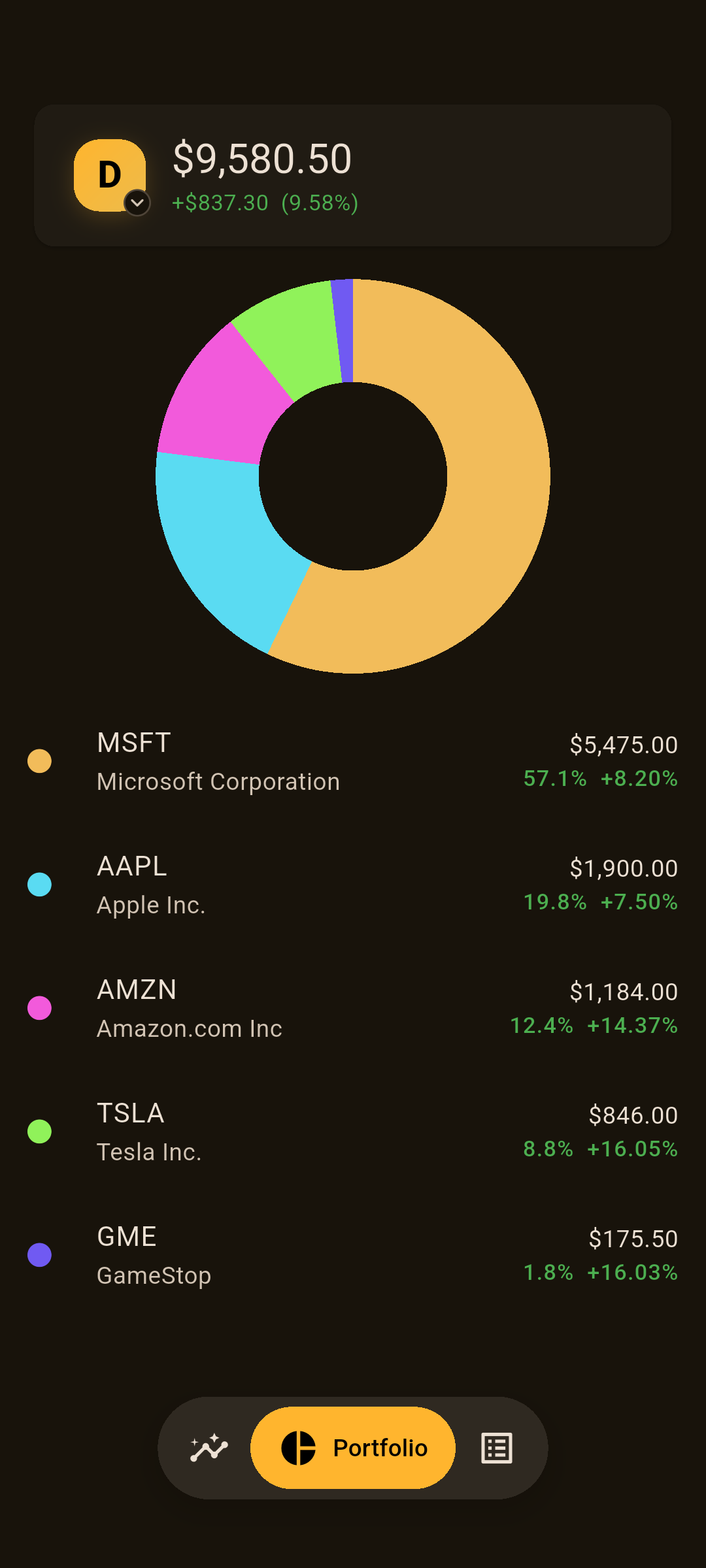
Yahoo Financeのチャートとカスタマイズ可能なダッシュボードを備えたクロスプラットフォーム株式・ポートフォリオトラッカー。Flutterで構築。

以下は英語原文のスナップショットです。最新版は GitHub をご覧ください。
Track stocks on any platform 📈


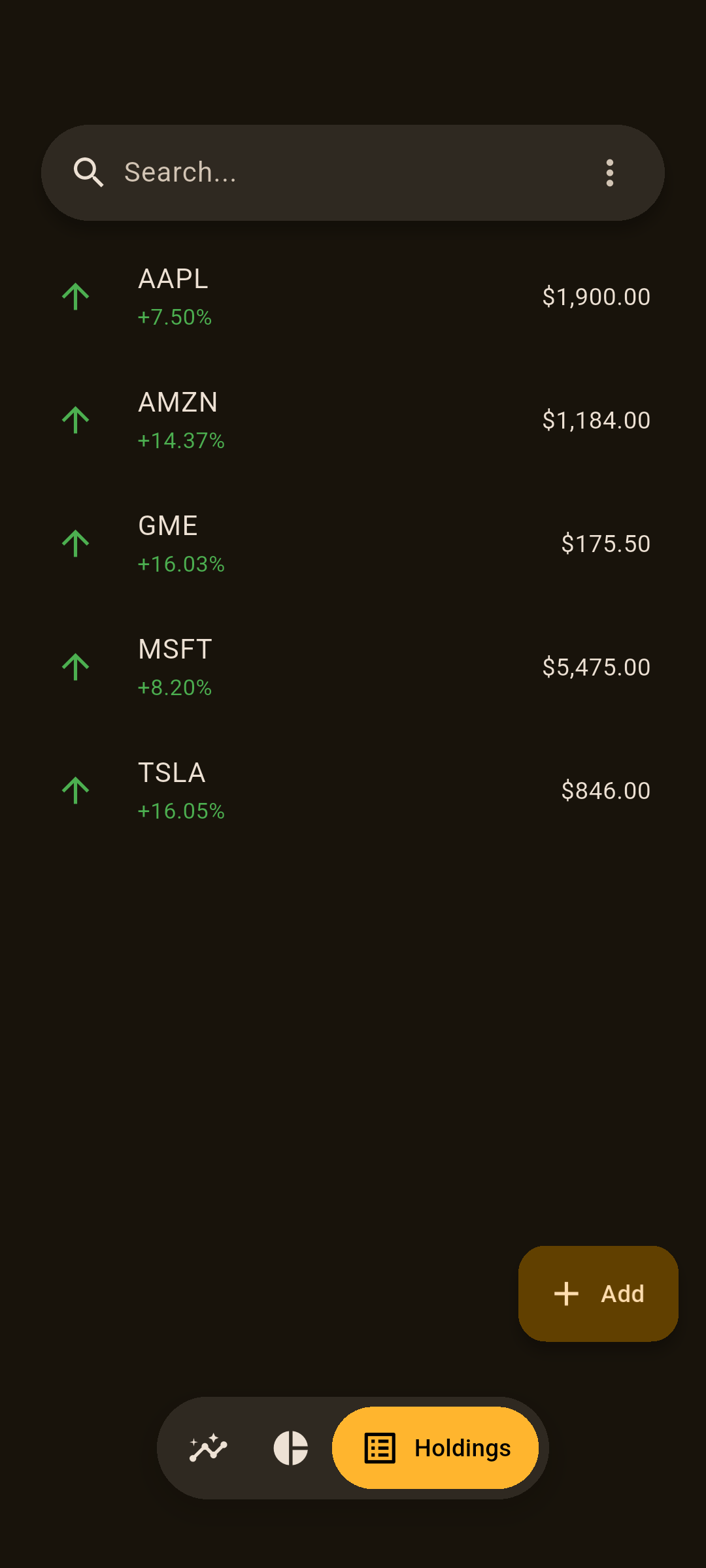

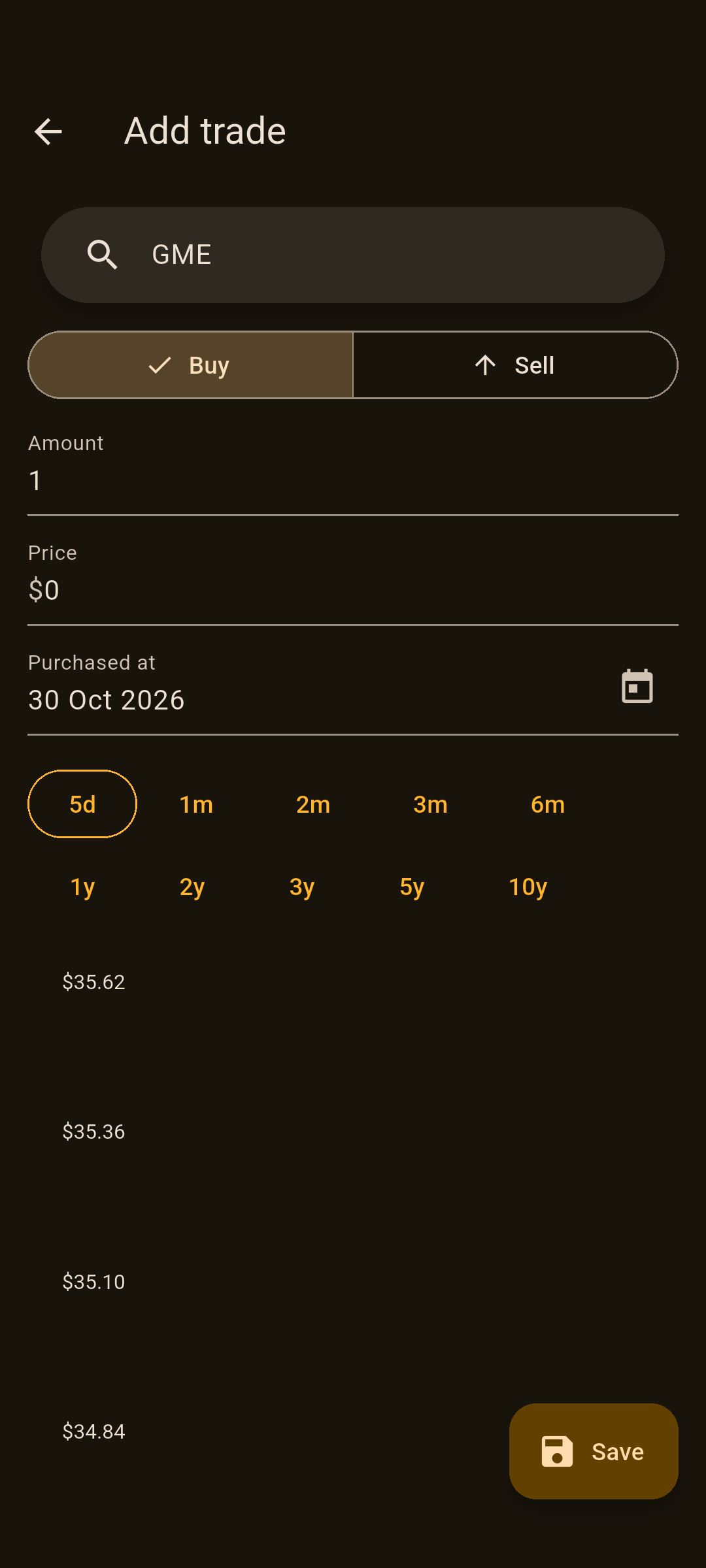
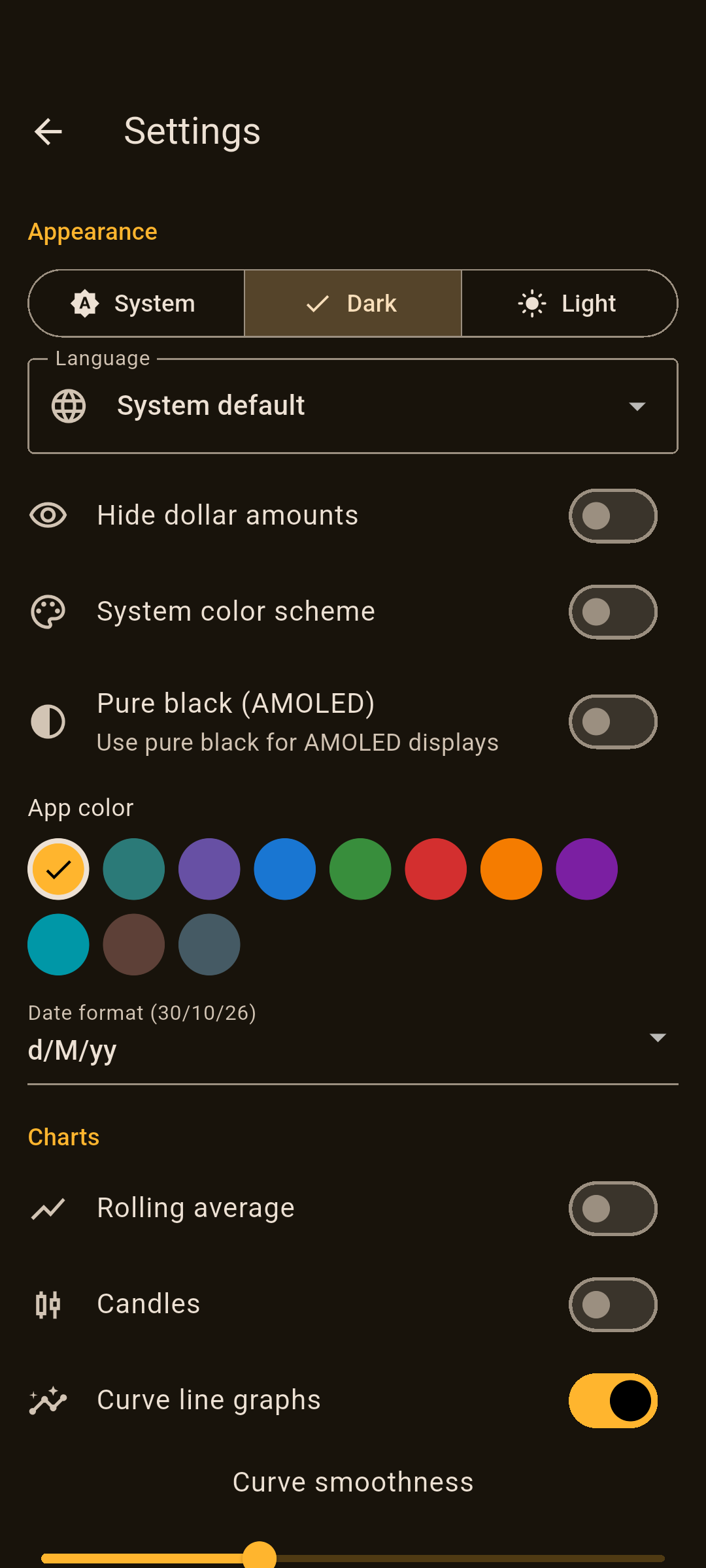
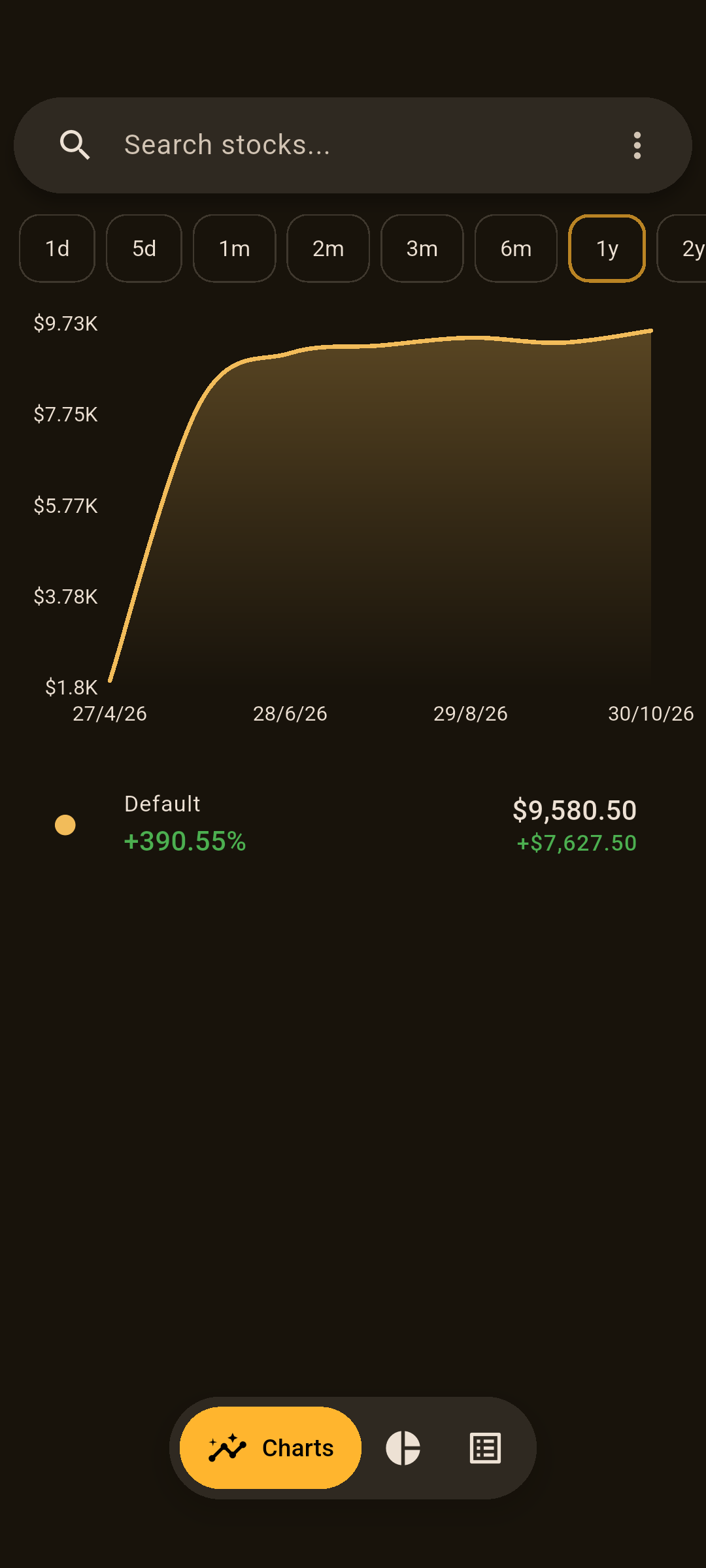
If you would like to support this project:
bc1qzlte8featxzf7xvtp3rjv7qqtwkgpup8hu85gp85tmLfWKbpd8nxQnUY878DDuFjmfcoCFXPWR7XYKLHBSbDZV8wxgoKYUtHtq1kHWJg4m14sdBXhYuUSbxEDA29d19XuREL5All issues and pull requests are welcome! Bugs will be fixed faster if you include reproduction steps (and maybe logs). Any performance related pull requests will bring tears of joy to my eye.
Install flutter to run this app.
MarketMonk can use the standalone read-only proxy in server/ as the current portfolio source. The recommended backend connects to the standard TWS / IB Gateway socket API; the Client Portal Web API remains available as an alternative. With the native backend, current IBKR stock positions also prefer IBKR daily historical bars for charts. Yahoo remains the fallback for unheld symbols or when IBKR historical data is unavailable. The proxy is independent of any personal trading bot or login automation.
After editing any table in lib/tables.dart you need to:
schemaVersion in lib/database.dartdart run drift_dev make-migrationslib/database.dart migrationSteps.
e.g.from3To4: (Migrator m, Schema4 schema) async {
await m.createTable(schema.candles);
},
dart run build_runner build -dFlutter アプリで、プラットフォームをまたいで簡単に drift データベースをセットアップできます。
dart:ffi を使用して、SQLite 用の軽量かつ便利なバインディングを提供します
ヤフーファイナンスから日次株価を取得するためのデータリーダー。バックテストの開発に使用でき、ヤフーファイナンスのすべての歴史的日次データを取得できます。
依存関係一覧 28 件
{"sdk":"flutter"}5.1.20^1.0.8^1.0.11^1.2.0^0.20.12.34.0^0.3.0^2.1.5^2.23.1^1.25.8^0.14.2^2.3.5^6.1.2^10.2.0^6.3.1^1.3.0^1.7.0^1.9.0^12.0.0-beta.7{"sdk":"flutter"}^13.2.0{"sdk":"flutter"}^4.8.0^6.0.0^3.3.4{"git":{"url":"https://github.com/insertjokehere/msix.git","ref":"msvc_redist"}}^2.4.14用途で絞り込み、開発状況を比較し、採用前に元のリポジトリで要件を確認しましょう。
“A repository is the most basic element of GitHub.”
GitHub Docs — About repositories ↗