

 v1.3.0
animated_splash_screen
完全にカスタマイズ可能な方法で、アニメーションスプラッシュスクリーンを作成する最も簡単な方法です。
777いいね 1.1万30日間ダウンロード150Pub ポイント
AndroidiOSWebmacOSWindowsLinux
完全にカスタマイズ可能な方法で、アニメーションスプラッシュスクリーンを作成する最も簡単な方法です。

以下は英語原文のスナップショットです。最新版は GitHub をご覧ください。
Check it out at Pub.Dev


I've been maintaining quite many repos these days and burning out slowly. If you could help me cheer up, buying me a cup of coffee will make my life really happy and get much energy out of it.

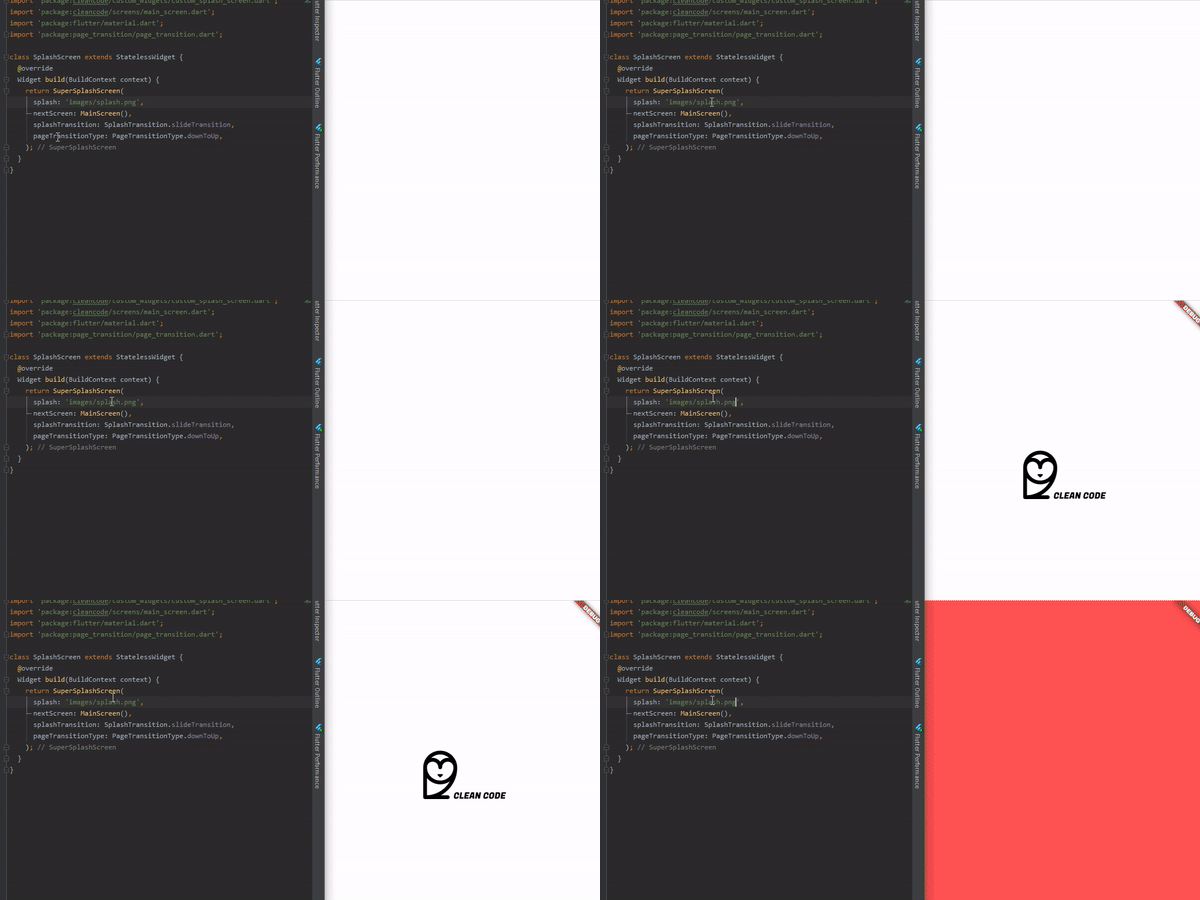
To use is simple, just do this:
@override
  Widget build(BuildContext context) {
    return AnimatedSplashScreen(
      splash: 'images/splash.png',
      nextScreen: MainScreen(),
      splashTransition: SplashTransition.rotationTransition,
      pageTransitionType: PageTransitionType.scale,
    );
  }
Here, you can pass:
enum SplashTransition {
  slideTransition,
  scaleTransition,
  rotationTransition,
  sizeTransition,
  fadeTransition,
  decoratedBoxTransition
}
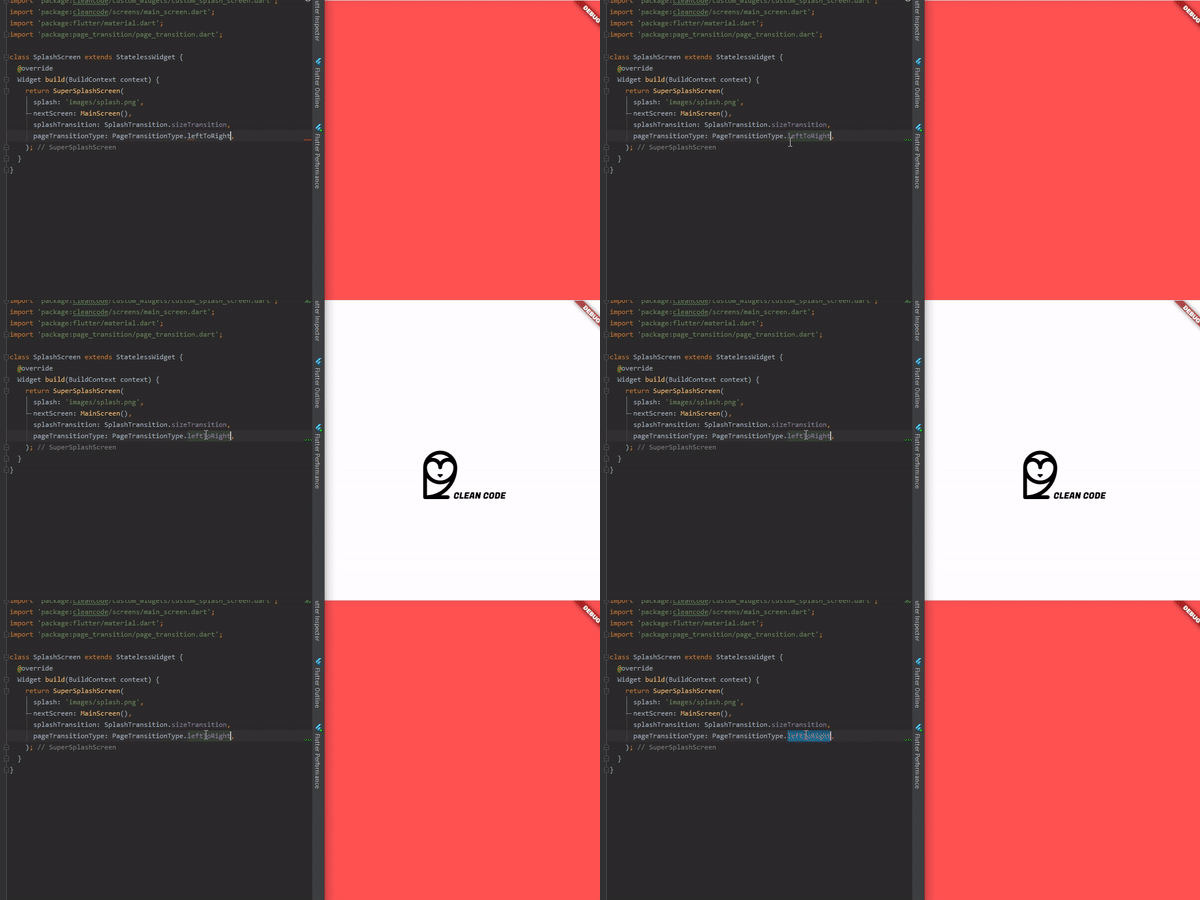
enum PageTransitionType {
  fade,
  rightToLeft,
  leftToRight,
  upToDown,
  downToUp,
  scale,
  rotate,
  size,
  rightToLeftWithFade,
  leftToRightWithFade,
}
AnimatedSplashScreen({
    Curve curve = Curves.easeInCirc,
    Future Function() function, // Here you can make something before change of screen
    int duration = 2500,
    @required dynamic splash,
    @required Widget nextScreen,
    Color backgroundColor = Colors.white,
    Animatable customTween,
    bool centered = true,
    SplashTransition splashTransition = SplashTransition.fadeTransition,
    PageTransitionType pageTransitionType = PageTransitionType.downToUp,
 })
Here you can do something that will return your next screen, ex:
AnimatedSplashScreen.withScreenFunction(
  splash: 'images/splash.png',
  screenFunction: () async{
    return MainScreen();
  },
  splashTransition: SplashTransition.rotationTransition,
  pageTransitionType: PageTransitionType.scale,
)
依存関係一覧 4 件
{"sdk":"flutter"}^2.0.9^1.9.0{"sdk":"flutter"}用途で絞り込み、開発状況を比較し、採用前に元のリポジトリで要件を確認しましょう。
“A repository is the most basic element of GitHub.”
GitHub Docs — About repositories ↗