

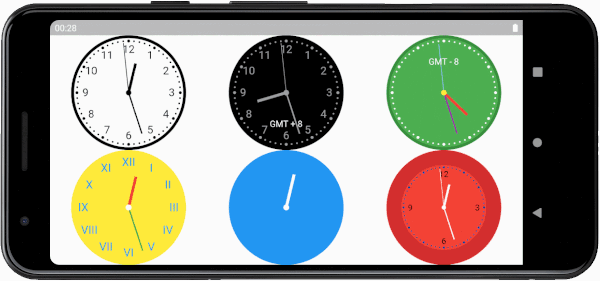
 v1.0.3
flutter_analog_clock
シンプルで高度にカスタマイズ可能なアナログ時計ウィジェットです。このウィジェットを使用すると、時計の背景、ダイヤル、目盛り、針をカスタマイズできます。
68いいね 407030日間ダウンロード150Pub ポイント
AndroidiOSWebmacOSWindowsLinux
シンプルで高度にカスタマイズ可能なアナログ時計ウィジェットです。このウィジェットを使用すると、時計の背景、ダイヤル、目盛り、針をカスタマイズできます。

以下は英語原文のスナップショットです。最新版は GitHub をご覧ください。

A simple, highly customizable analog clock widget. This widget enables you to customize the clock's background, dial, markings, and hands.
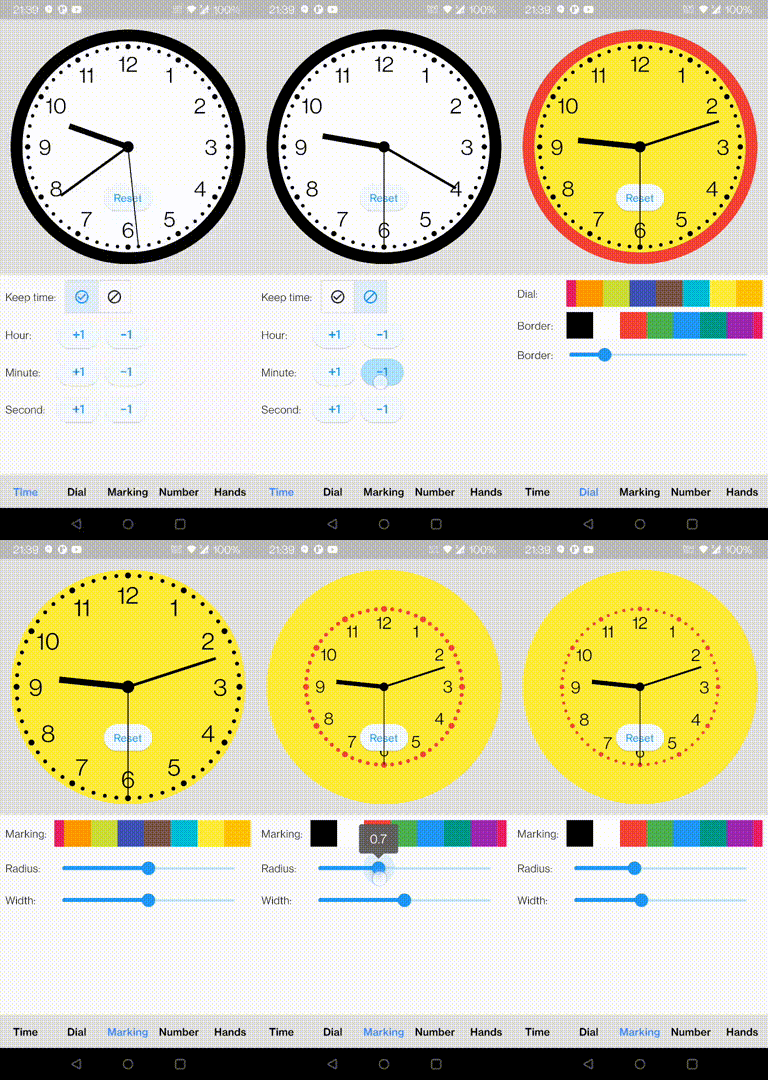
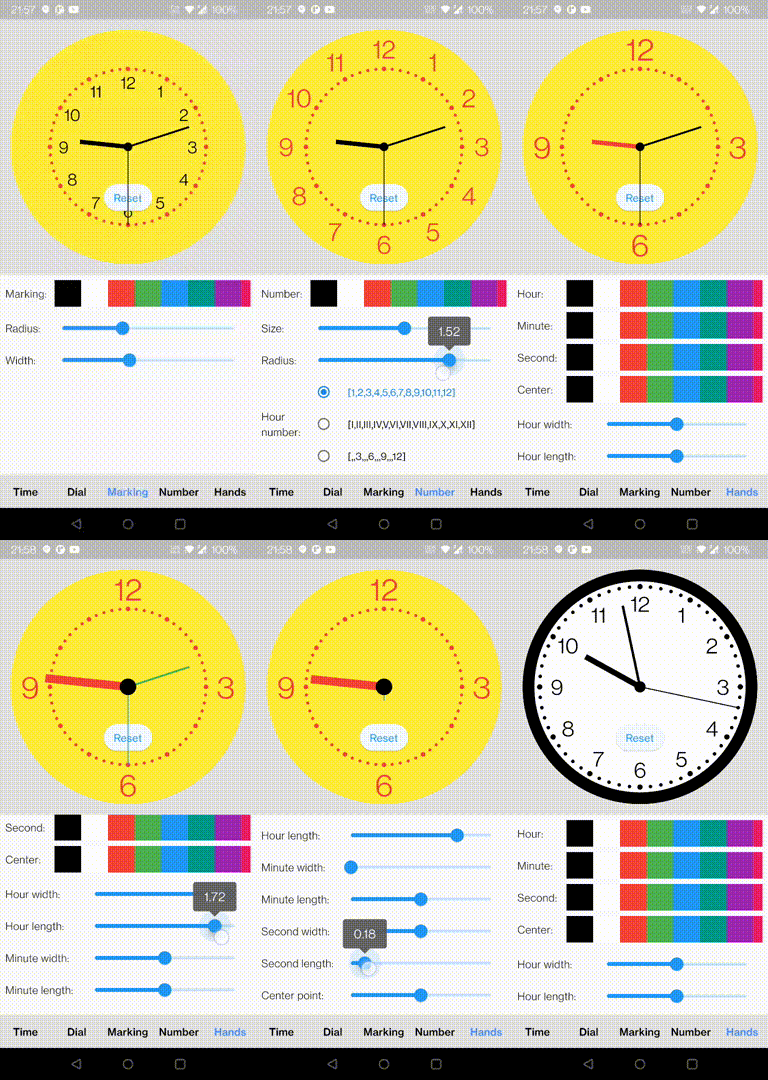
In the pubspec.yaml of your flutter project, add the following dependency:
dependencies:
  flutter_analog_clock: ^1.0.3
In your library add the following import:
import 'package:flutter_analog_clock/flutter_analog_clock.dart';
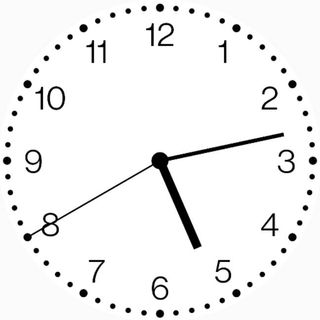
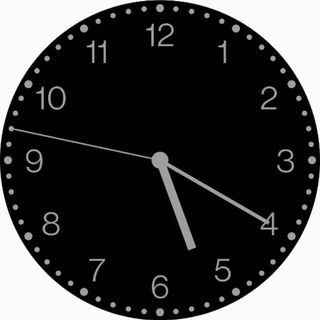
const AnalogClock()
const AnalogClock.dark()
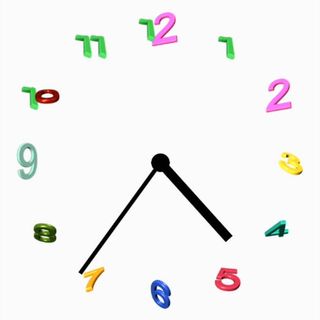
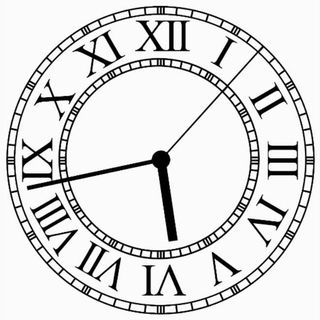
  Container(
    decoration: const BoxDecoration(
      image: DecorationImage(image: AssetImage('assets/dial01.webp')),
    ),
    child: const AnalogClock(
      dialColor: null,
      markingColor: null,
      hourNumberColor: null,
      secondHandColor: null,
    ),
  ),
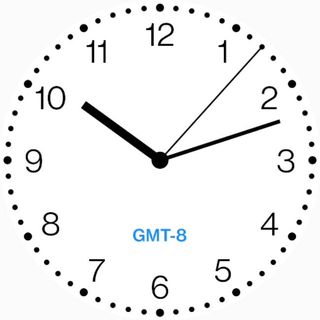
  AnalogClock(
    dateTime: DateTime(2022, 10, 24, 10, 12, 07),
    isKeepTime: false,
    child: const Align(
      alignment: FractionalOffset(0.5, 0.75),
      child: Text('GMT-8'),
    ),
  ),
  AnalogClock(
    dateTime: DateTime.now(),
    isKeepTime: true,
    dialColor: Colors.white,
    dialBorderColor: Colors.black,
    dialBorderWidthFactor: 0.02,
    markingColor: Colors.black,
    markingRadiusFactor: 1.0,
    markingWidthFactor: 1.0,
    hourNumberColor: Colors.black,
    hourNumbers: const ['', '', '3', '', '', '6', '', '', '9', '', '', '12'],
    hourNumberSizeFactor: 1.0,
    hourNumberRadiusFactor: 1.0,
    hourHandColor: Colors.black,
    hourHandWidthFactor: 1.0,
    hourHandLengthFactor: 1.0,
    minuteHandColor: Colors.black,
    minuteHandWidthFactor: 1.0,
    minuteHandLengthFactor: 1.0,
    secondHandColor: Colors.black,
    secondHandWidthFactor: 1.0,
    secondHandLengthFactor: 1.0,
    centerPointColor: Colors.black,
    centerPointWidthFactor: 1.0,
  )
class ExampleSpecifyTime extends StatefulWidget {
  const ExampleSpecifyTime({Key? key}) : super(key: key);

  @override
  State<ExampleSpecifyTime> createState() => _ExampleSpecifyTimeState();
}

class _ExampleSpecifyTimeState extends State<ExampleSpecifyTime> {
  final GlobalKey<AnalogClockState> _analogClockKey = GlobalKey();
  @override
  Widget build(BuildContext context) {
    return Scaffold(
      appBar: AppBar(
        title: const Text('Analog clock'),
      ),
      body: AnalogClock(
        key: _analogClockKey,
        dateTime: DateTime(2022, 10, 24, 1, 23, 45),
        isKeepTime: false,
      ),
      persistentFooterButtons: [
        ElevatedButton(
          onPressed: () {
            _analogClockKey.currentState!.dateTime = DateTime.now();
          },
          child: const Text('Now'),
        ),
        ElevatedButton(
          onPressed: () {
            _analogClockKey.currentState!.isKeepTime = true;
          },
          child: const Text('Keep time'),
        ),
      ],
    );
  }
}
You can find all custom options here:
https://github.com/conghaonet/flutter_analog_clock/blob/master/example/lib/example.dart
依存関係一覧 3 件
{"sdk":"flutter"}{"sdk":"flutter"}^2.0.1用途で絞り込み、開発状況を比較し、採用前に元のリポジトリで要件を確認しましょう。
“A repository is the most basic element of GitHub.”
GitHub Docs — About repositories ↗