 v0.14.11
rive
Rive Flutter ランタイム。このパッケージは、https://rive.app で利用可能な Rive エディターで作成された Rive グラフィックスのランタイム機能を提供します。
1950いいね 51.8万30日間ダウンロード140Pub ポイント
AndroidiOSWebmacOSWindowsLinux
ランダムなテレビ番組エピソードを選択するアプリ - #Flutterで作成

以下は英語原文のスナップショットです。最新版は GitHub をご覧ください。
After many years of developing this project and trying to maintain it, I’ve decided to stop and archive it. It was my first app, from the initial idea all the way to its release in app stores. I’m proud to see how I’ve grown and that it has been useful as a learning experience or tool, both for me and for others. Unfortunately, in recent years I haven’t been able to maintain the app as I’d like, and in the last few months I’ve realized that I won’t be able to do so again. Life changes, and at certain times you have to make decisions that, although they may seem simple, carry great weight for the person making them.
With that in mind, I’ve decided to stop maintaining this project. It will remain public, like all the personal projects I work on, but it will be read-only.




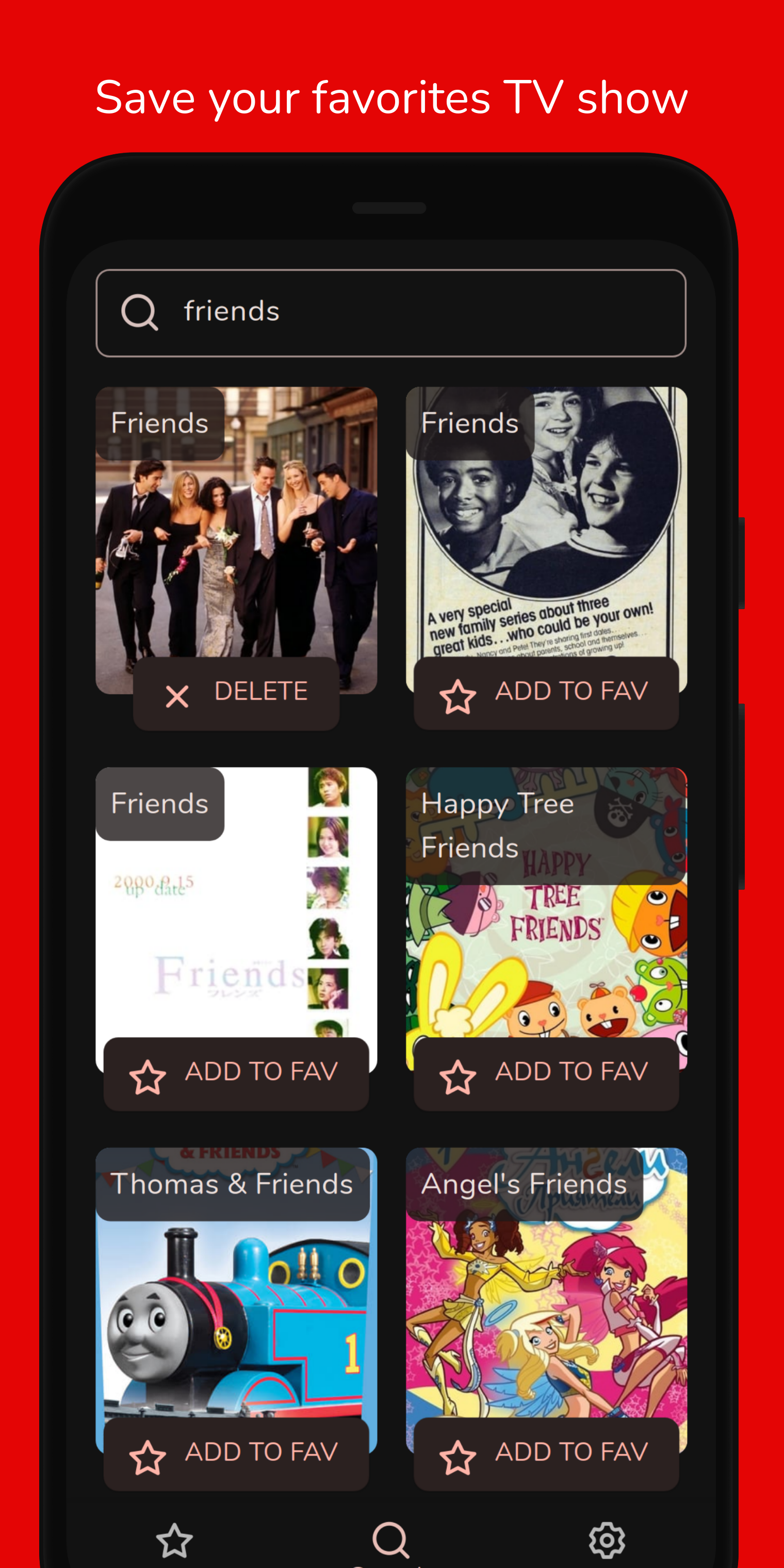
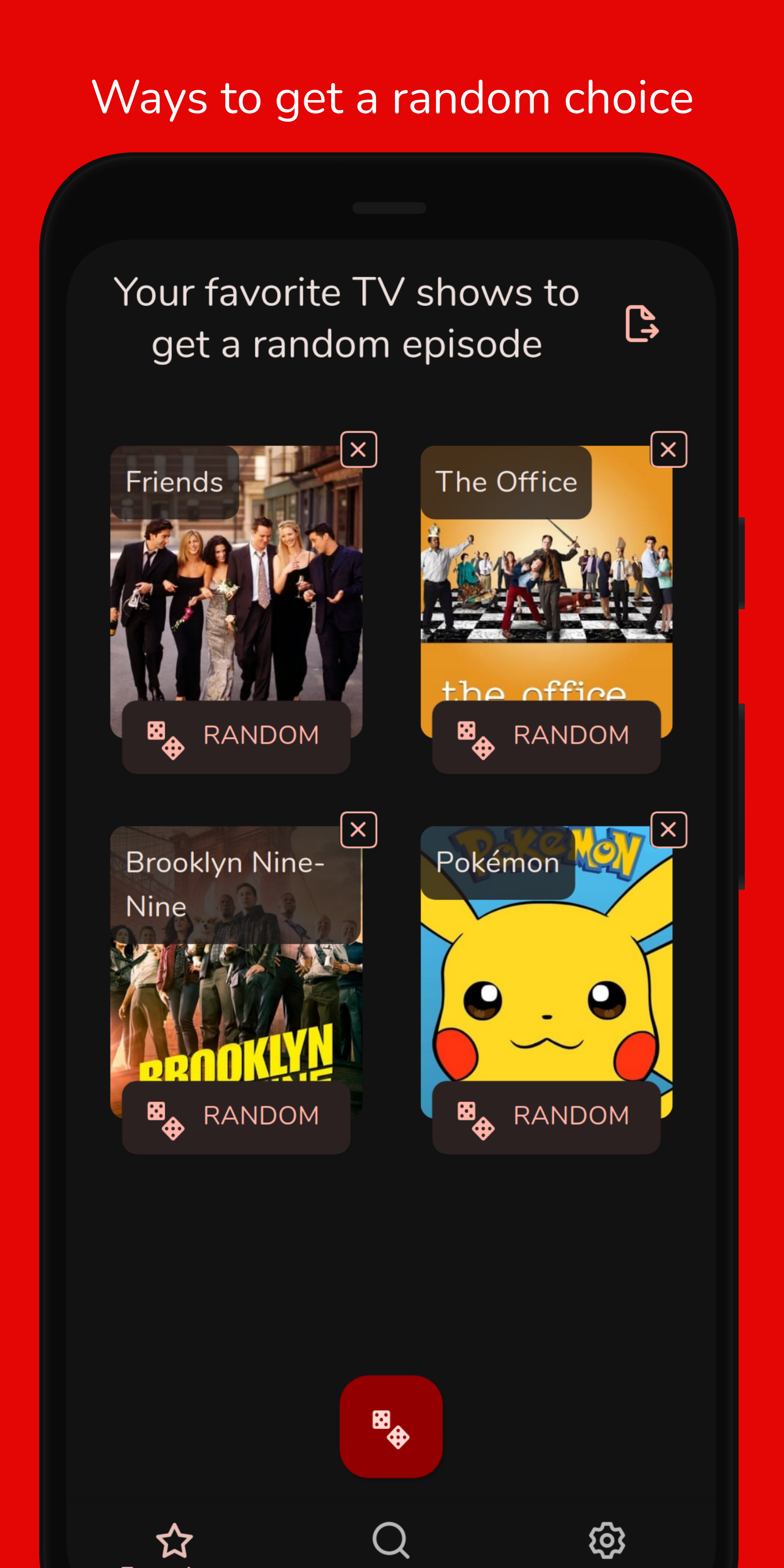
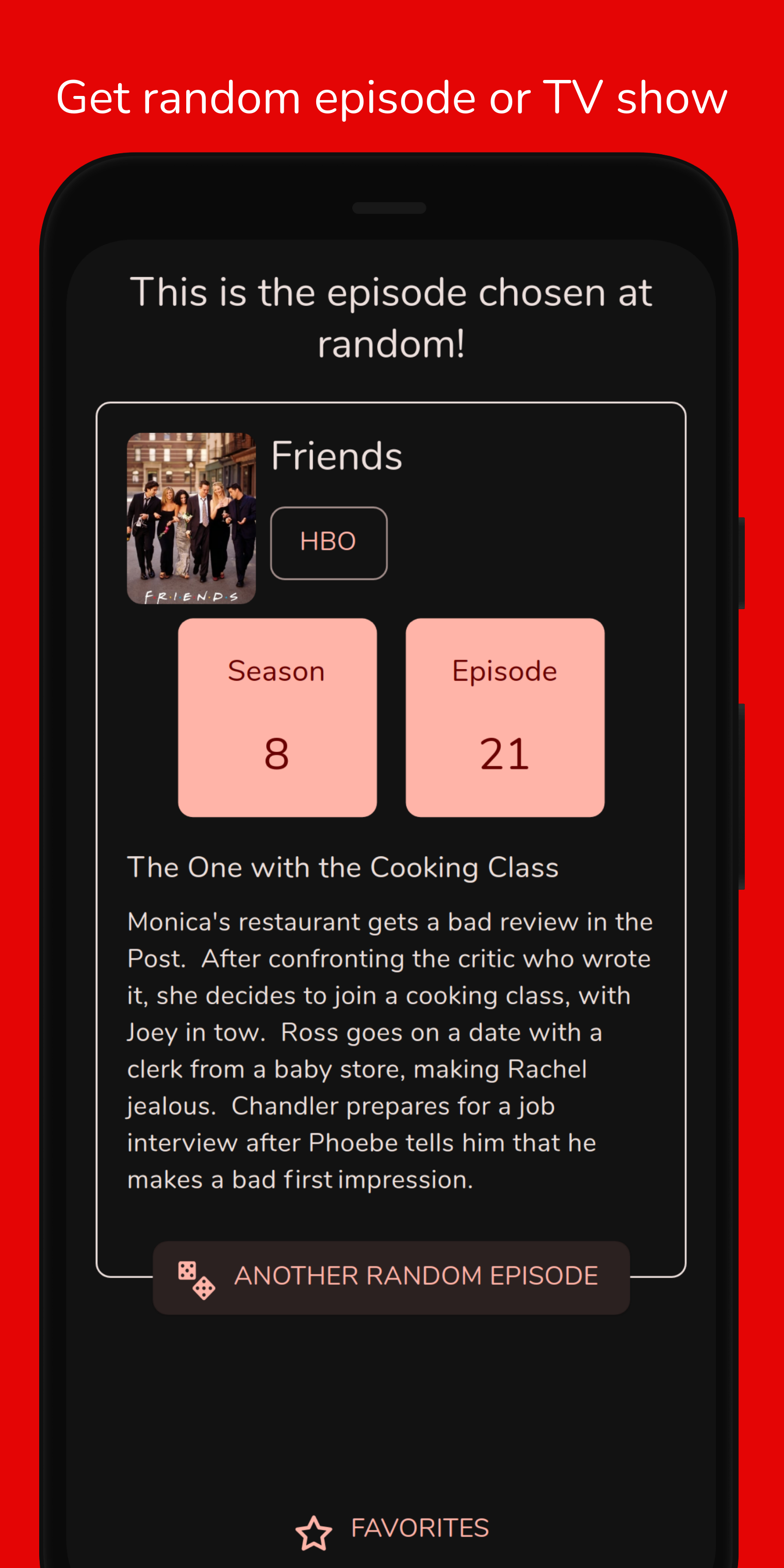
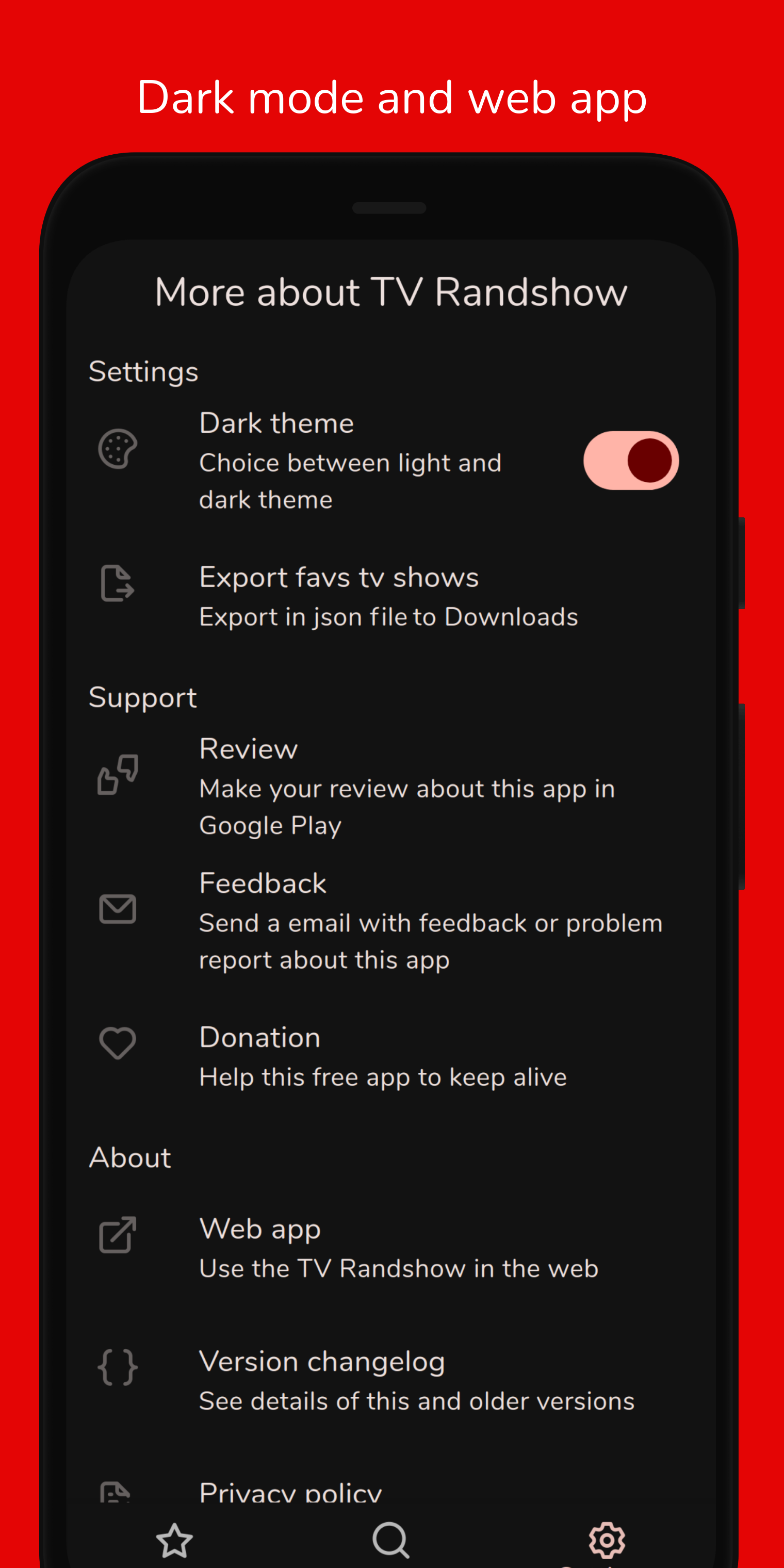
TV Randshow was created to help choose a random episode from your favorites TV shows. The TV shows database comes from the TMDB and the app saves them in a database on the device. With the list of favorites, you can roll the dice of a TV show to get a random episode.
This project has been built using the Flutter framework, which allows to build an multiplatform app from a single codebase.
git clone git@github.com:deandreamatias/tv-randshow.git.fvmrc). Use FVM 3.0 to install Flutter versionssh tool/setup.shflutter pub get from the project root (see using packages documentation for details and how to do this in the editor).flutter pub run build_runner buildRun sh tool/run.sh dev command or copy the command from tool/run.sh.
sh tool/integration-test.sh command or copy the command from tool/integration-test.sh.sh tool/unit-test.sh unit command or copy the command from tool/unit-test.sh.sh tool/build-android.sh apk command or copy the command from tool/build-android.sh.If you want to take the time to make this project better, please read the contributing guides first. Then, you can open an new issue, of a pull request.

TV information and images are provided by TMDb, but we are not endorsed or certified by TMDb.com or its affiliates.
Rive Flutter ランタイム。このパッケージは、https://rive.app で利用可能な Rive エディターで作成された Rive グラフィックスのランタイム機能を提供します。
Flutterアプリの国際化とローカライズを簡単かつ迅速に行う。このパッケージは国際化プロセスを簡素化します。
Injectable は get_it 用の便利なコードジェネレーターです。Angular DI、Guice DI、inject.dart からインスパイアされています。
Injectable は get_it 用の便利なコードジェネレーターです。Angular DI、Guice DI、inject.dart からインスパイアされています。
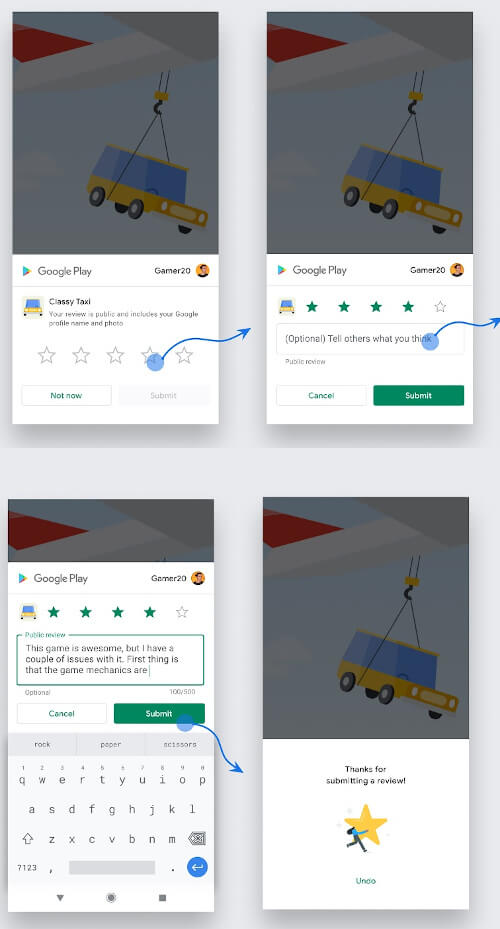
Android、iOS、MacOSでアプリ内レビュー/システム評価ポップアップを表示するためのFlutterプラグイン。ユーザーがアプリを簡単に評価できるようにします。
Hive Community Edition - Hive v2 の精神的継続
Hive の拡張機能。Flutter アプリで Hive を使いやすくします。
Hive用の拡張機能。任意のクラスを保存するためのTypeAdapterを自動生成します。
偽のデータを生成するためのライブラリです。fakerは、PythonパッケージfakerおよびRubyパッケージffakerに強く影響されています。
JS インターポレーションを中心に構築された軽量なブラウザ API バインディング。
使いやすくカスタマイズ可能なテーマプロバイダー。このウィジェットは、ウィジェットツリー全体にテーマコントローラーを簡単に提供するために使用できます。
スタックトレースを操作し、読みやすく出力するためのパッケージです。
依存関係一覧 36 件
^3.4.1^1.19.1^5.9.0^3.0.8^0.3.1{"sdk":"flutter"}{"sdk":"flutter"}^0.7.7^2.6.1^9.1.0^2.15.1^2.3.3^2.0.11^2.6.0^4.9.0^9.0.0^1.9.1^2.1.5^0.14.2^2.5.3^2.4.2^1.12.1^0.6.0^3.0.0^6.3.2^1.1.1^2.10.4^2.2.0^0.14.4^6.0.0{"sdk":"flutter"}^1.10.0^2.9.1{"sdk":"flutter"}^6.10.0^5.4.6用途で絞り込み、開発状況を比較し、採用前に元のリポジトリで要件を確認しましょう。
“A repository is the most basic element of GitHub.”
GitHub Docs — About repositories ↗