

 v2.0.0
stretchy_header
このパッケージを使用すると、ウィジェットをスクロールする際に良い効果を得られるエラスティックヘッダーを作成できます。
98いいね 23630日間ダウンロード140Pub ポイント
AndroidiOSWebmacOSWindowsLinux
diegoveloper/flutter_stretchy_header open-source repository details.

以下は英語原文のスナップショットです。最新版は GitHub をご覧ください。

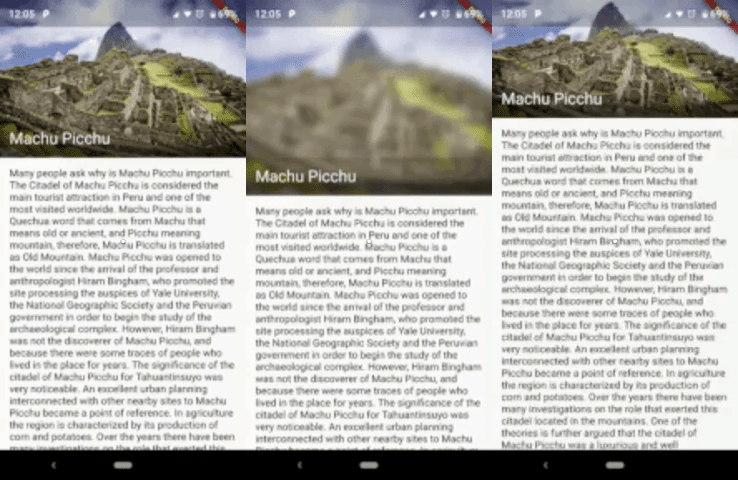
This package allows us to create an elastic header, to give a good effect when you scroll down the widget.
Sample 1
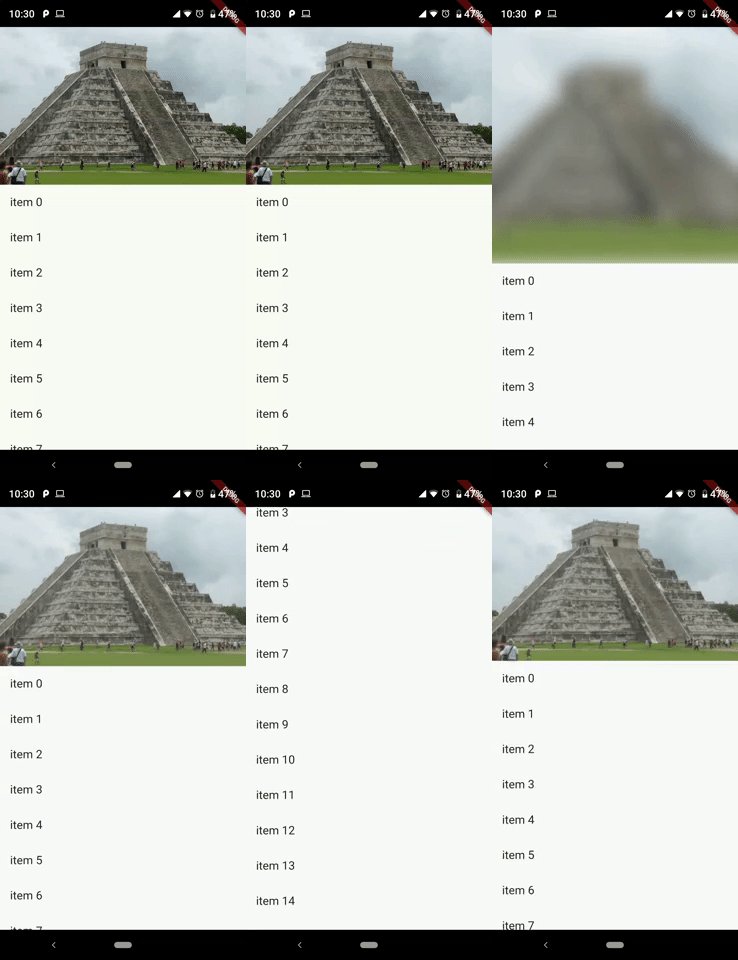
Sample 2
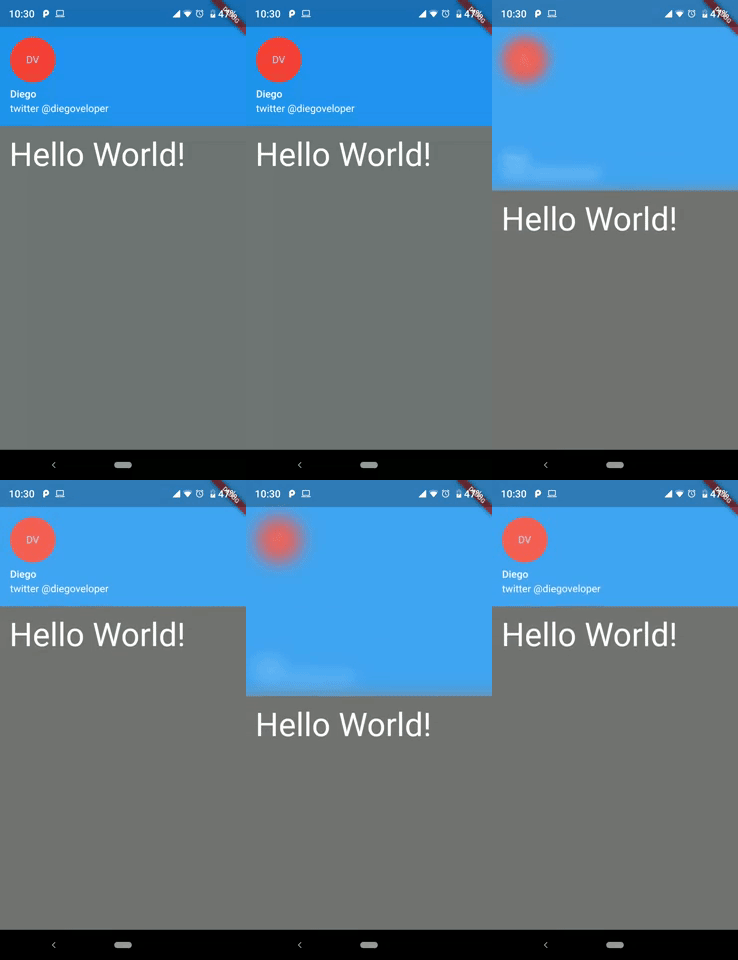
You should ensure that you add the router as a dependency in your flutter project.
dependencies:
  stretchy_header: "^1.0.8"
You should then run flutter packages upgrade or update your packages in IntelliJ.
There is an example project in the example folder. Check it out. Otherwise, keep reading to get up and running.
import 'package:flutter/material.dart';
import 'package:stretchy_header/stretchy_header.dart';

class SampleListView extends StatelessWidget {
  @override
  Widget build(BuildContext context) {
    return Scaffold(
      body: StretchyHeader.listViewBuilder(
        headerData: HeaderData(
          headerHeight: 250,
          header: Image.asset(
            "images/chichen.jpg",
            fit: BoxFit.cover,
          ),
        ),
        itemCount: 15,
        itemBuilder: (context, index) {
          return ListTile(
            title: Text("item $index"),
            onTap: () {
              final snackBar = SnackBar(
                content: Text('item $index tapped'),
              );
              ScaffoldMessenger.of(context).showSnackBar(snackBar);
            },
          );
        },
      ),
    );
  }
}
import 'package:flutter/material.dart';
import 'package:stretchy_header/stretchy_header.dart';

class SampleCustomHeader extends StatelessWidget {
  @override
  Widget build(BuildContext context) {
    return Scaffold(
      body: StretchyHeader.singleChild(
        headerData: HeaderData(
          headerHeight: 200,
          backgroundColor: Colors.black54,
          blurColor: Colors.yellow,
          header: UserAccountsDrawerHeader(
            accountName: Text("Diego"),
            accountEmail: Text("twitter @diegoveloper"),
            currentAccountPicture: CircleAvatar(
              backgroundColor: Colors.red,
              child: Text("DV"),
            ),
            margin: EdgeInsets.zero,
          ),
          overlay: Align(
            alignment: Alignment.bottomRight,
            child: Material(
              color: Colors.transparent,
              child: InkResponse(
                onTap: () {
                  ScaffoldMessenger.of(context).showSnackBar(
                    SnackBar(
                      content: Text('onTap'),
                    ),
                  );
                },
                child: Padding(
                  padding: EdgeInsets.all(12),
                  child: Icon(
                    Icons.fullscreen,
                    color: Colors.white,
                  ),
                ),
              ),
            ),
          ),
        ),
        child: Padding(
          padding: const EdgeInsets.all(15),
          child: Text(
            "Hello World!",
            style: TextStyle(fontSize: 45, color: Colors.white),
          ),
        ),
      ),
    );
  }
}
class SampleBottomLabel extends StatelessWidget {
  @override
  Widget build(BuildContext context) {
    return Scaffold(
      body: StretchyHeader.singleChild(
        headerData: HeaderData(
          headerHeight: 250,
          header: Image.asset(
            "images/machu.jpg",
            fit: BoxFit.cover,
          ),
          highlightHeaderAlignment: HighlightHeaderAlignment.bottom,
          highlightHeader: Container(
            width: MediaQuery.of(context).size.width,
            decoration: BoxDecoration(
                gradient: LinearGradient(
                  colors: [
                    Colors.black54,
                    Colors.black54,
                    Colors.black26,
                    Colors.black12,
                    Colors.black12,
                  ],
                  begin: Alignment.bottomCenter,
                  end: Alignment.topCenter,
                )),
            child: Padding(
              padding: const EdgeInsets.all(15),
              child: Text(
                "Machu Picchu",
                style: TextStyle(color: Colors.white, fontSize: 22),
              ),
            ),
          ),
        ),
        child: Padding(
          padding: const EdgeInsets.all(15),
          child: Text(LONG_DESCRIPTION),
        ),
      ),
    );
  }
}
class SampleCenterWidget extends StatelessWidget {
  @override
  Widget build(BuildContext context) {
    return Scaffold(
      body: StretchyHeader.singleChild(
        headerData: HeaderData(
          headerHeight: 250,
          header: Image.asset(
            "images/machu.jpg",
            fit: BoxFit.cover,
          ),
          highlightHeaderAlignment: HighlightHeaderAlignment.center,
          highlightHeader: SizedBox(
            width: MediaQuery.of(context).size.width,
            child: GestureDetector(
              onTap: () {
                print("tap highlightHeader");
              },
              child: CircleAvatar(
                backgroundColor: Colors.red,
                child: Text("M"),
              ),
            ),
          ),
        ),
        child: Padding(
          padding: const EdgeInsets.all(15),
          child: Text(LONG_DESCRIPTION),
        ),
      ),
    );
  }
}
You can follow me on twitter @diegoveloper
依存関係一覧 2 件
{"sdk":"flutter"}{"sdk":"flutter"}用途で絞り込み、開発状況を比較し、採用前に元のリポジトリで要件を確認しましょう。
“A repository is the most basic element of GitHub.”
GitHub Docs — About repositories ↗