


 v0.2.1
advstory
高度で完全なストーリー閲覧機能。画像、動画、カスタムウィジェットコンテンツ、ジェスチャー、インターセプター、リスナー、マニピュレーターなど多数の機能をサポートしています。
119いいね 294030日間ダウンロード130Pub ポイント
AndroidiOSmacOS
Flutter用の高度で完全なストーリー閲覧機能。画像、動画、カスタムウィジェットコンテンツ、ジェスチャー、インターセプター、リスナー、マニピュレーターなど多数の機能をサポートしています。

以下は英語原文のスナップショットです。最新版は GitHub をご覧ください。



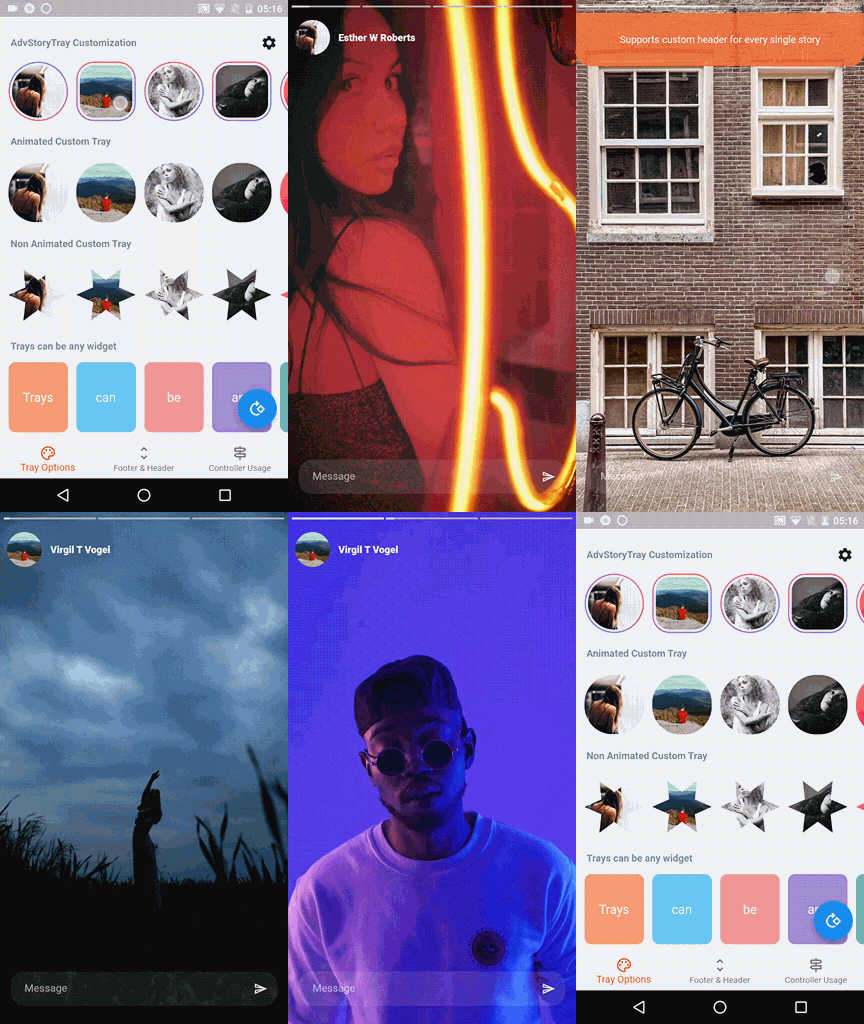
🚀 Advanced Story viewer for Flutter. Create and customize slideshow presentations similar to Instagram, TikTok and Snapchat stories. Supports image, video and custom story contents. Full control over stories for developer and smooth experience for users.
➡️ High performance, minimum delays, preload and cache enabled. Works using builders, provides flexibility and lazy loading.
➡️ Story view can be in any shape, size and position or full-screen.
➡️ Predefined story types for images, videos and simple contents. But not limited to these types, allows you to use base class of predefined widgets. This literally makes the options endless.
➡️ Gestures for skip story, skip content, pause, resume and close.
➡️ Interceptors that block events and manipulate the story flow without being noticed by the app user.
➡️ A functional controller for listening interactions and skip stories/contents, pause, play and more...
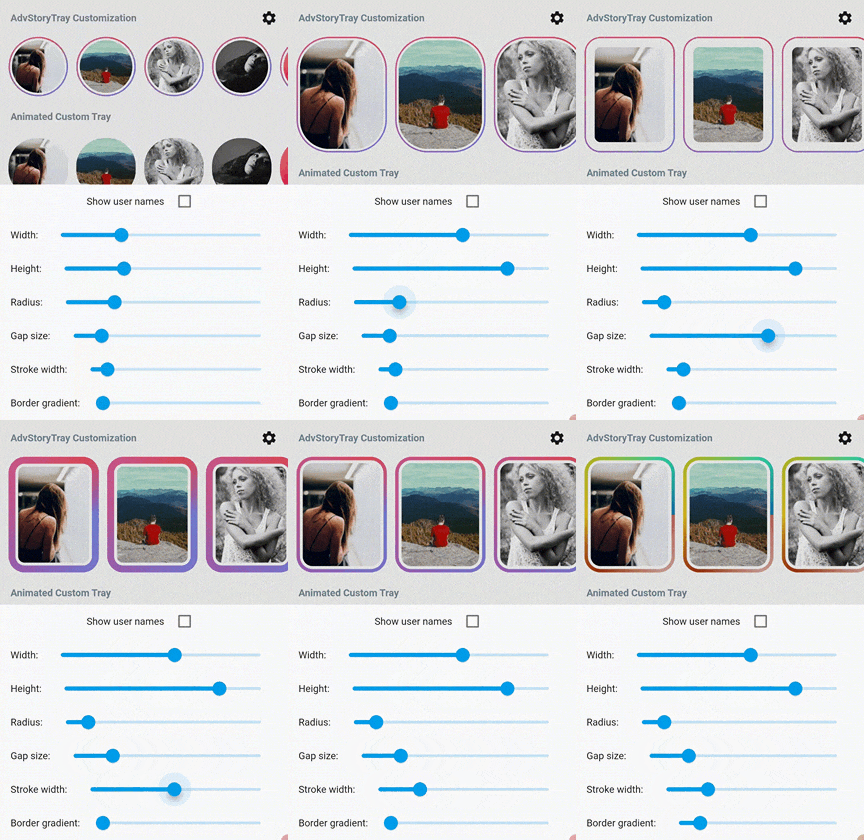
➡️ Predefined highly customizable story tray. But you are not limited to that, you can create your own non-animated or animated trays, AdvStory handles animation.
➡️ Header and footer areas for predefined stories with customization option specific to a predefined story content.
➡️ Object based, you can create as many story views as you want within the same application.
➡️ Well documented, go to docs:

AdvStory(
  storyCount: 5,
  storyBuilder: (storyIndex) => Story(
    contentCount: 10,
    contentBuilder: (contentIndex) => const ImageContent(url: ""),
  ),
  trayBuilder: (index) => AdvStoryTray(url: ""),
);
storyBuilder, send some requests to your server!AdvStory provides ways to you for caching media and handling story logic.AdvStory.player to define opening animations, custom shape, size...If you find
AdvStoryuseful, you can hit the like button and give a star to project on Github to motivate me or treat me with coffee to help me take time to develop this package.
| Status | Goal |
|---|---|
| 🚀 | Custom advanced contents |
| ❌ | Custom gestures |
| 🚀 | Decouple trays & player |
| ❌ | Web & Windows & MacOs & Linux support |
依存関係一覧 7 件
{"sdk":"flutter"}^3.3.0^2.0.0^2.4.5^6.0.0^2.0.1{"sdk":"flutter"}用途で絞り込み、開発状況を比較し、採用前に元のリポジトリで要件を確認しましょう。
“A repository is the most basic element of GitHub.”
GitHub Docs — About repositories ↗