

 v1.0.1
chart_components
Flutter用の2つのチャートコンポーネント。GitHubのアニメーション棒グラフとアニメーションカレンダーグリッドチャートに基づく。カスタマイズ可能な多くのプロパティ。
49いいね 7930日間ダウンロード70Pub ポイント
プラットフォーム情報なし
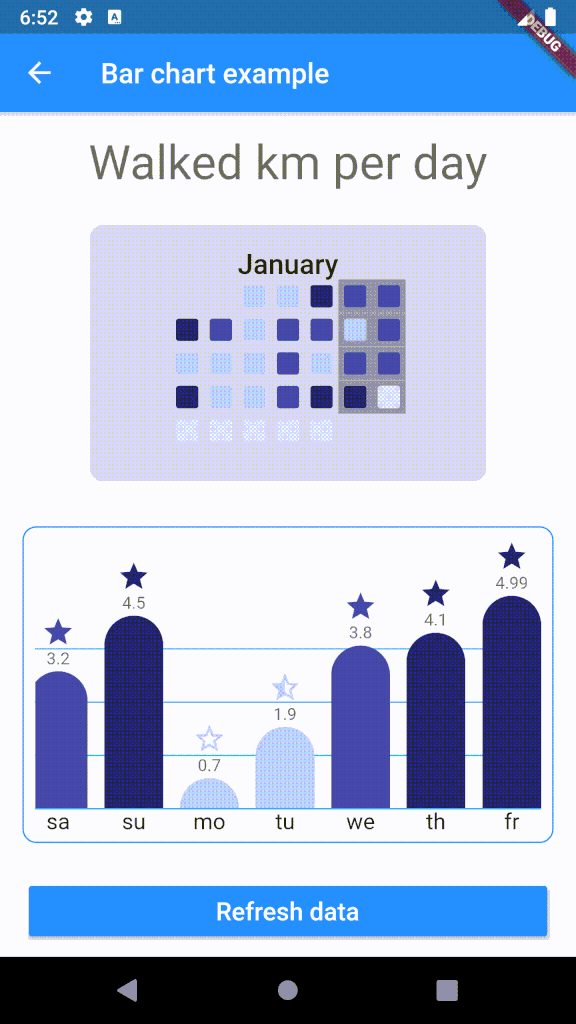
Flutter用のアニメーションバーチャートコンポーネント

以下は英語原文のスナップショットです。最新版は GitHub をご覧ください。
Customizable bar chart for Flutter. The component calculates min and max of data and resizes bars as needed.

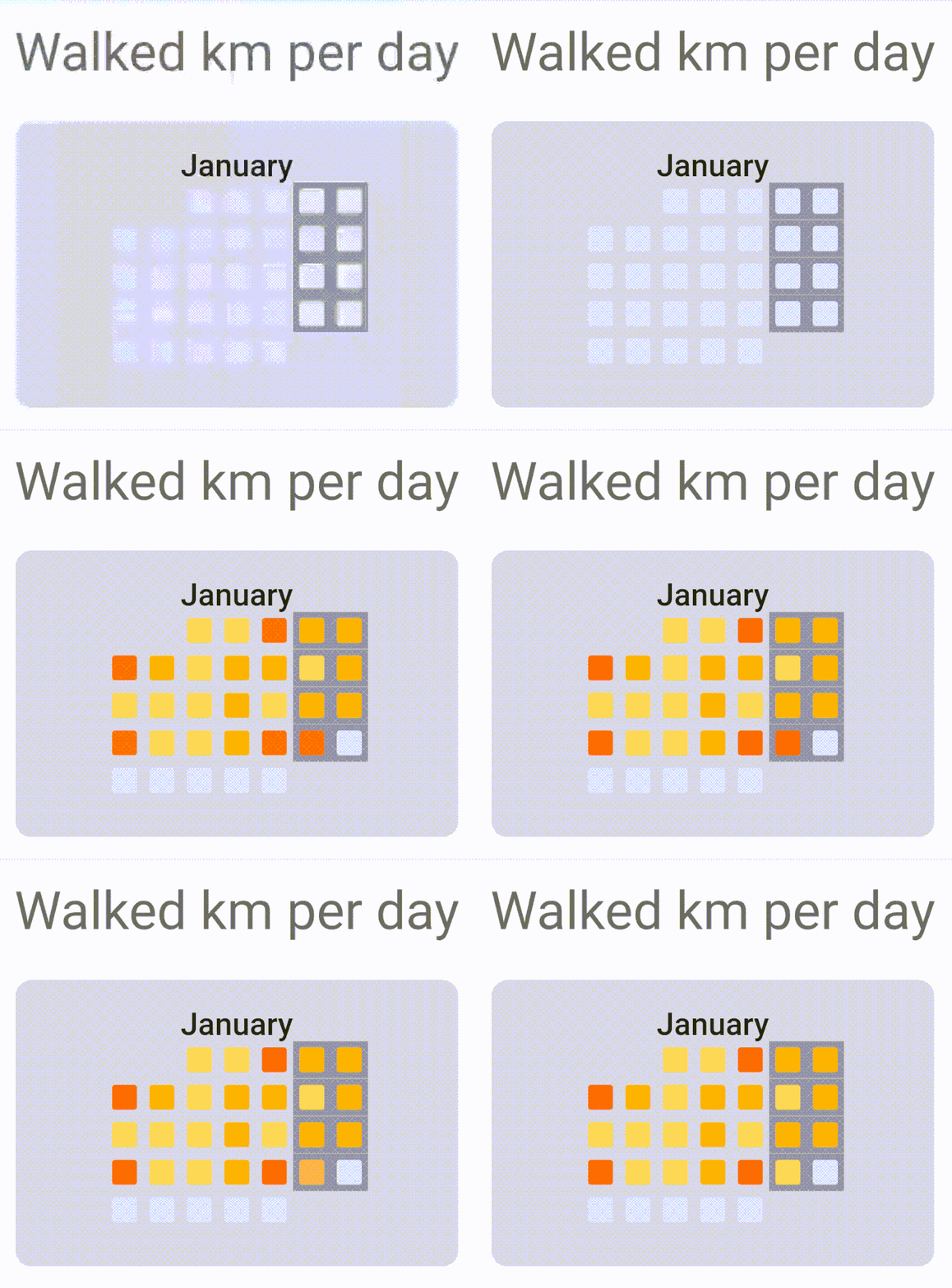
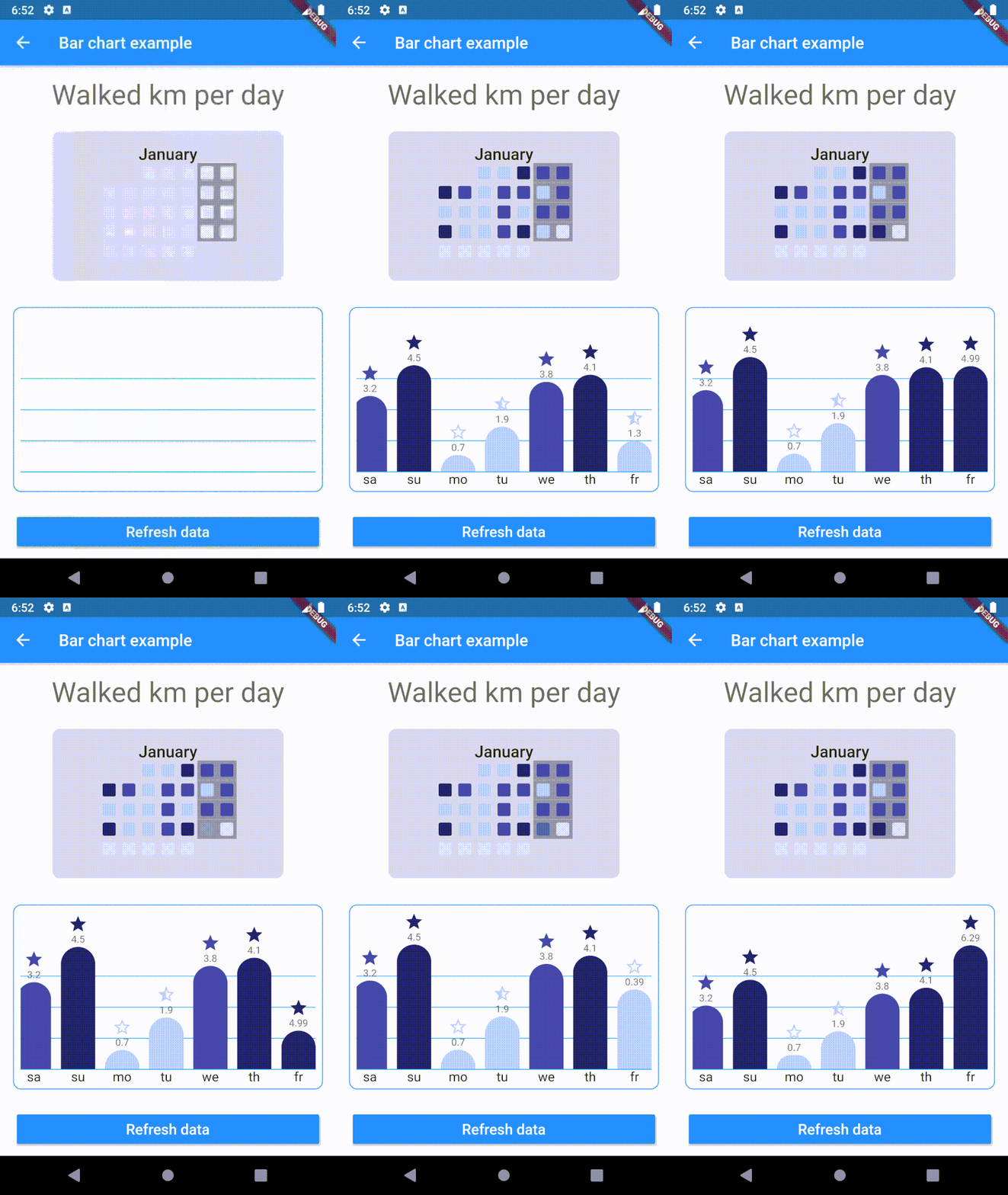
To use plugin, just import package import 'package:chart_components/chart_components.dart';
Check de example directory to access the project that implements the image shown above.
        ........
                    CalendarGrid(
                            year: 2020,
                            month: 1,
                            getColorOfDay: DataRepository.getDayColor,
                            animationDuration: Duration(milliseconds: 1500),
                    ),

        ...........
                    child: BarChart(
                    data: data,
                    labels: labels,
                    dislplayValue: true,
                    reverse: true,
                    getColor: DataRepository.getColor,
                    getIcon: DataRepository.getIcon,
                    barWidth: 42,
                    barSeparation: 12,
                    animationDuration: Duration(milliseconds: 1800),
                    animationCurve: Curves.easeInOutSine,
                    itemRadius: 30,
                    iconHeight: 24,
                    footerHeight: 24,
                    headerValueHeight: 16,
                    roundValuesOnText: false,
                    lineGridColor: Colors.lightBlue,
                    ),
依存関係一覧 2 件
{"sdk":"flutter"}{"sdk":"flutter"}用途で絞り込み、開発状況を比較し、採用前に元のリポジトリで要件を確認しましょう。
“A repository is the most basic element of GitHub.”
GitHub Docs — About repositories ↗