
フォトブース
Flutter と Firebase を使って作られた Google I/O 2021 フォトブース
- スター
- 983
- フォーク
- 204
- 最終プッシュ(UTC)
- 2023/03/08
- プロジェクト状態
- アーカイブ済み
元の README
以下は英語原文のスナップショットです。最新版は GitHub をご覧ください。
I/O Photo Booth
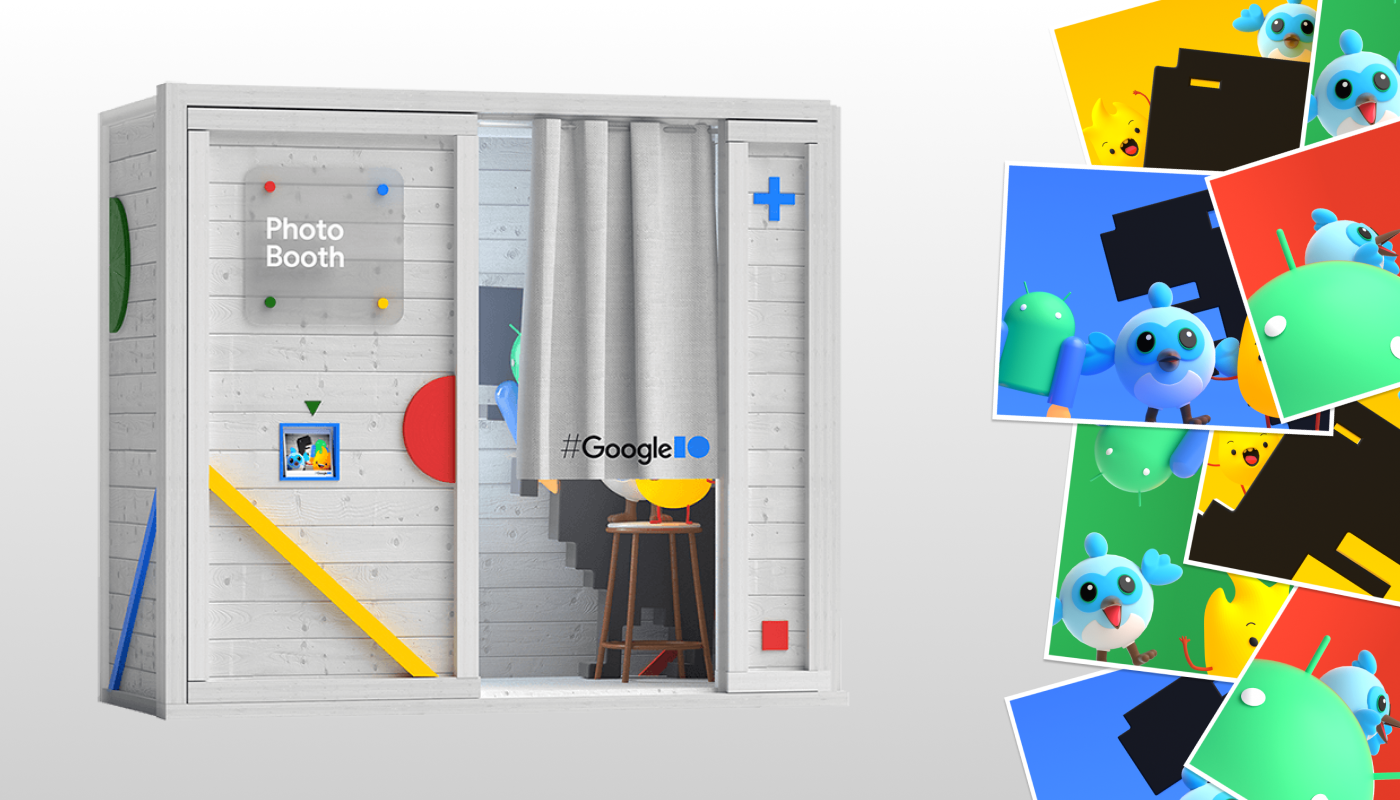




A Photo Booth built with Flutter and Firebase for Google I/O 2021.
Try it now and learn about how it's made.
Built by Very Good Ventures in partnership with Google
Created using Very Good CLI 🤖
Getting Started 🚀
To run the desired project either use the launch configuration in VSCode/Android Studio or use the following commands:
$ flutter run -d chrome
*I/O Photo Booth works on Web.
Running Tests 🧪
To run all unit and widget tests use the following command:
$ flutter test --coverage --test-randomize-ordering-seed random
To view the generated coverage report you can use lcov.
# Generate Coverage Report
$ genhtml coverage/lcov.info -o coverage/
# Open Coverage Report
$ open coverage/index.html
Working with Translations 🌐
This project relies on flutter_localizations and follows the official internationalization guide for Flutter.
Adding Strings
- To add a new localizable string, open the
app_en.arbfile atlib/l10n/arb/app_en.arb.
{
    "@@locale": "en",
    "counterAppBarTitle": "Counter",
    "@counterAppBarTitle": {
        "description": "Text shown in the AppBar of the Counter Page"
    }
}
- Then add a new key/value and description
{
    "@@locale": "en",
    "counterAppBarTitle": "Counter",
    "@counterAppBarTitle": {
        "description": "Text shown in the AppBar of the Counter Page"
    },
    "helloWorld": "Hello World",
    "@helloWorld": {
        "description": "Hello World Text"
    }
}
- Use the new string
import 'package:io_photobooth/l10n/l10n.dart';

@override
Widget build(BuildContext context) {
  final l10n = context.l10n;
  return Text(l10n.helloWorld);
}
Adding Translations
- For each supported locale, add a new ARB file in
lib/l10n/arb.
├── l10n
│   ├── arb
│   │   ├── app_en.arb
│   │   └── app_es.arb
- Add the translated strings to each
.arbfile:
app_en.arb
{
    "@@locale": "en",
    "counterAppBarTitle": "Counter",
    "@counterAppBarTitle": {
        "description": "Text shown in the AppBar of the Counter Page"
    }
}
app_es.arb
{
    "@@locale": "es",
    "counterAppBarTitle": "Contador",
    "@counterAppBarTitle": {
        "description": "Texto mostrado en la AppBar de la página del contador"
    }
}

Flutter archive ↗
カテゴリー
使用している依存関係
依存関係一覧 28 件
- analytics
{"path":"packages/analytics"} - authentication_repository
{"path":"packages/authentication_repository"} - bloc
^8.1.0 - camera
{"path":"packages/camera/camera"} - cross_file
^0.3.3+2 - equatable
^2.0.5 - firebase_auth
^4.2.9 - firebase_core
^2.4.1 - firebase_storage
^11.0.10 - flutter
{"sdk":"flutter"} - flutter_bloc
^8.1.1 - flutter_localizations
{"sdk":"flutter"} - image_compositor
{"path":"packages/image_compositor"} - intl
^0.18.0 - just_audio
^0.9.31 - photobooth_ui
{"path":"packages/photobooth_ui"} - photos_repository
{"path":"packages/photos_repository"} - platform_helper
{"path":"packages/platform_helper"} - rxdart
^0.27.7 - uuid
^3.0.7 - very_good_analysis
^4.0.0+1 - bloc_test開発用
^9.1.0 - flutter_test開発用
{"sdk":"flutter"} - mocktail開発用
^0.3.0 - mocktail_image_network開発用
^0.3.1 - plugin_platform_interface開発用
^2.1.3 - test開発用
^1.21.7 - url_launcher_platform_interface開発用
^2.1.1
プロジェクトに合うリポジトリを選ぶには?
用途で絞り込み、開発状況を比較し、採用前に元のリポジトリで要件を確認しましょう。
- 名前・作者・説明で検索し、技術トピックで絞り込みます。
- スター、フォーク、最近のプッシュを比較します。スターは関心の目安であり、品質の保証ではありません。
- 利用前に GitHub で README、ライセンス、Issues を確認します。
情報源と管理
“A repository is the most basic element of GitHub.”
GitHub Docs — About repositories ↗