

v0.0.7
nav_router
Flutterで最も軽量で、最も簡単かつ最も便利なルート管理!
12いいね 2830日間ダウンロード40Pub ポイント
プラットフォーム情報なし
Flutterで最も軽量で、最も簡単かつ最も便利なルート管理!
以下は英語原文のスナップショットです。最新版は GitHub をご覧ください。


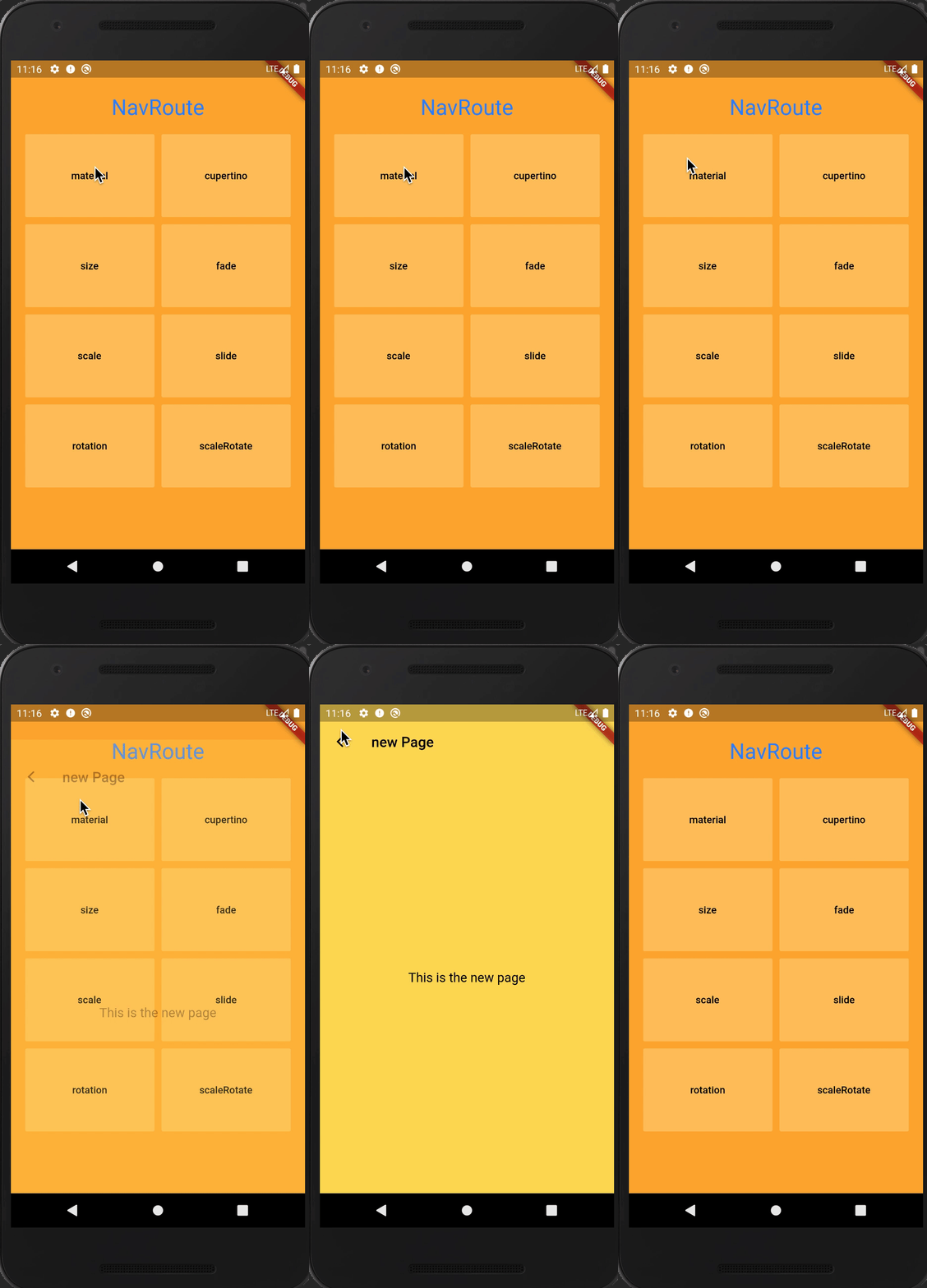
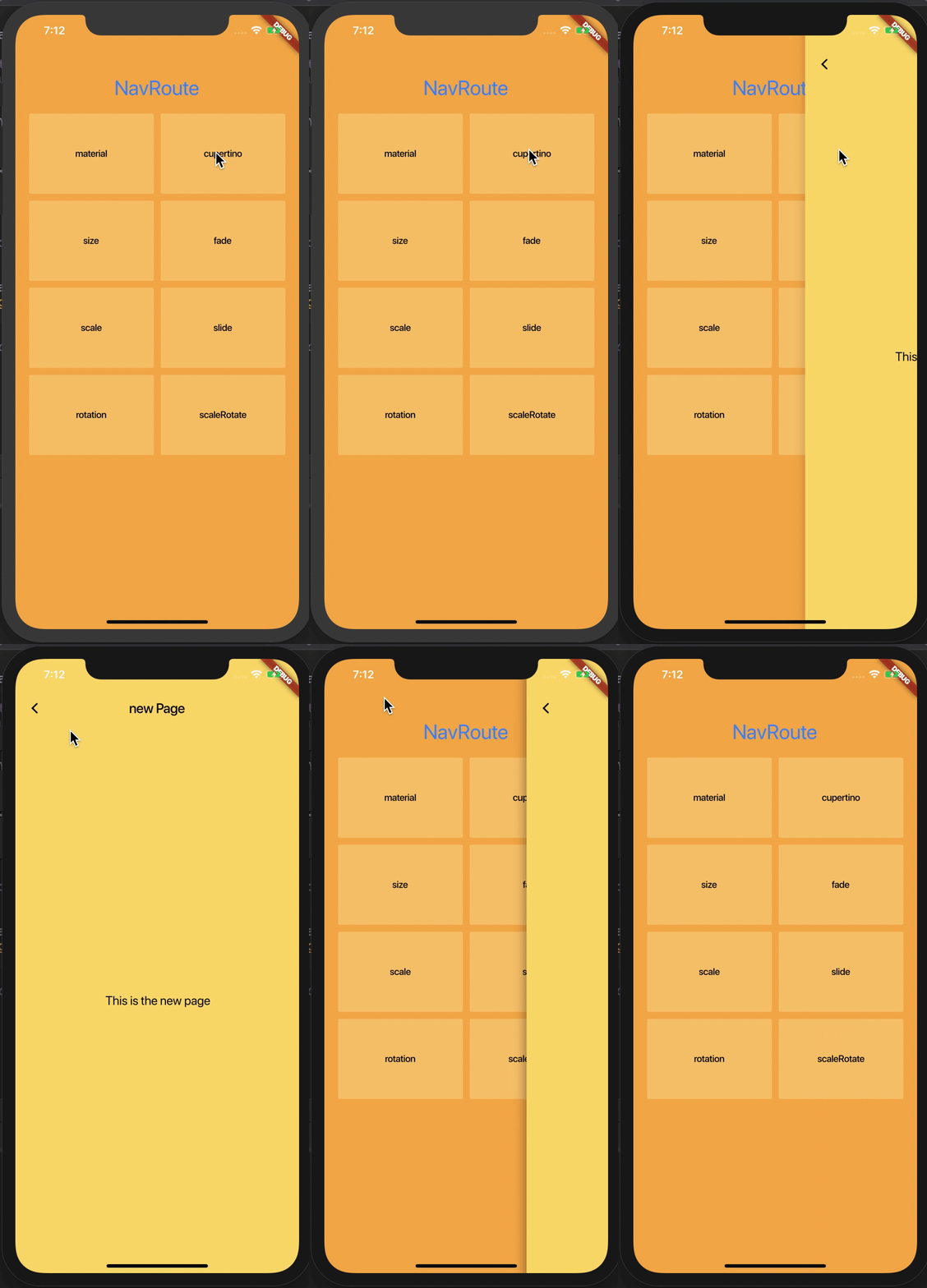
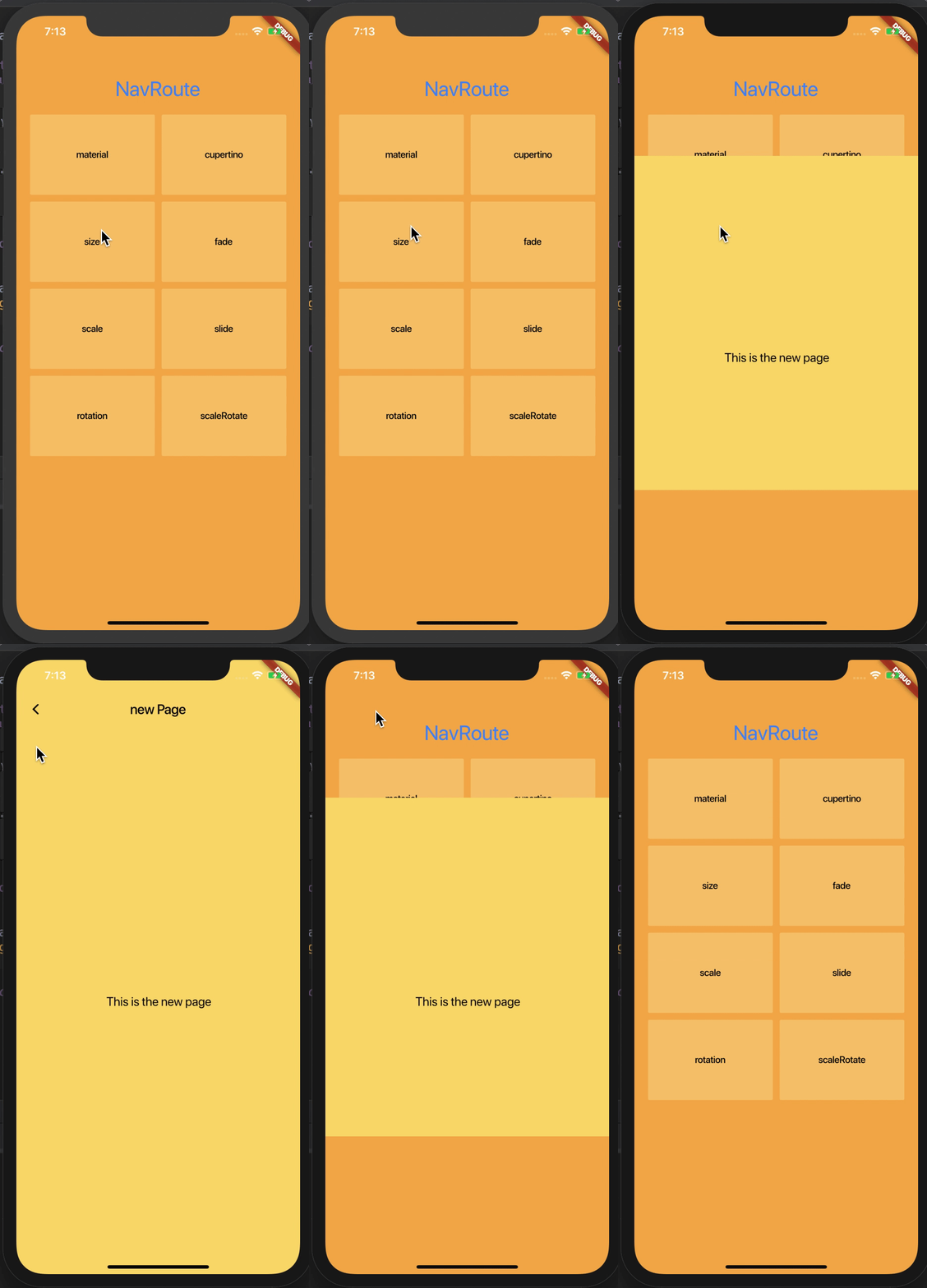
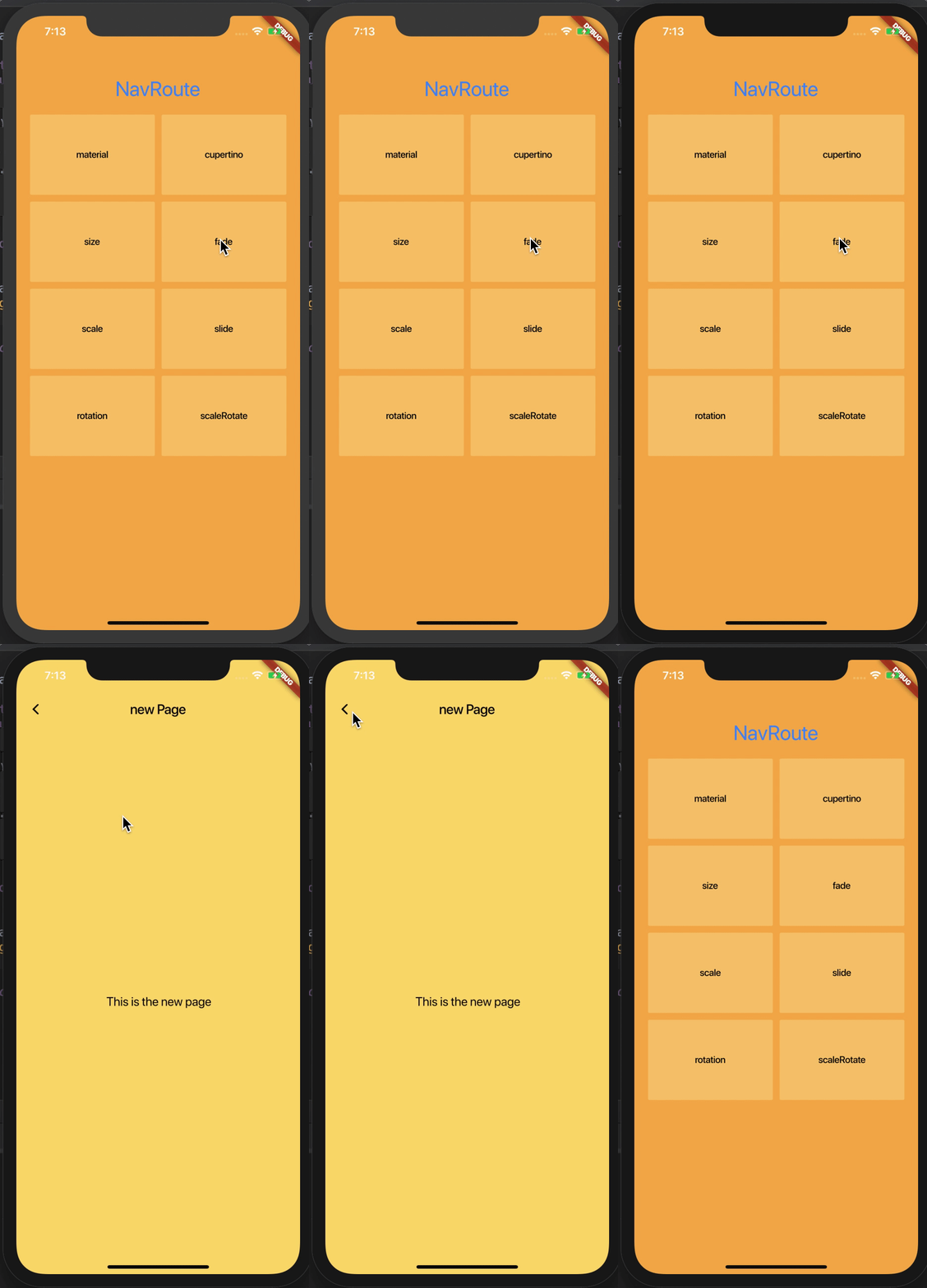
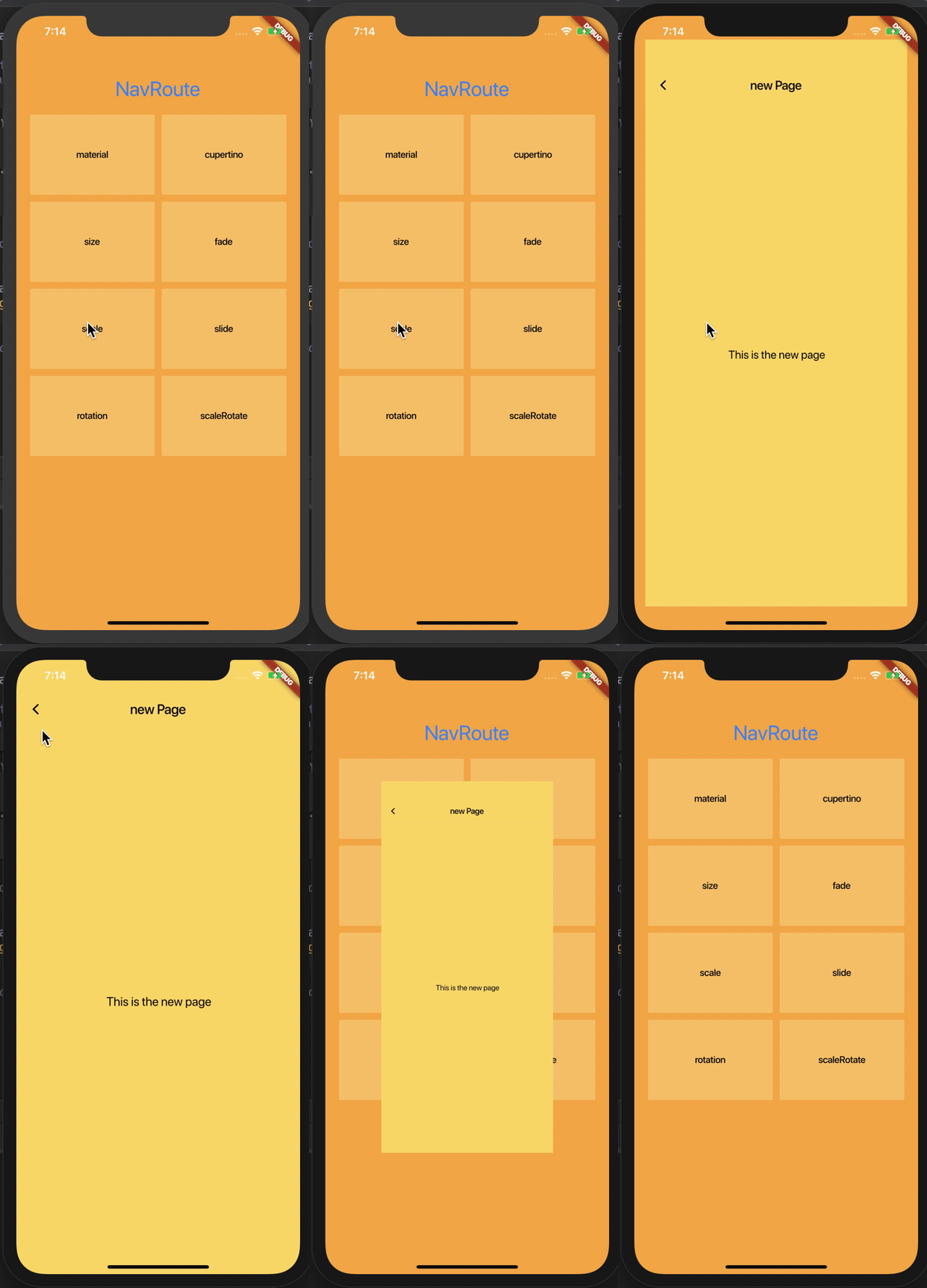
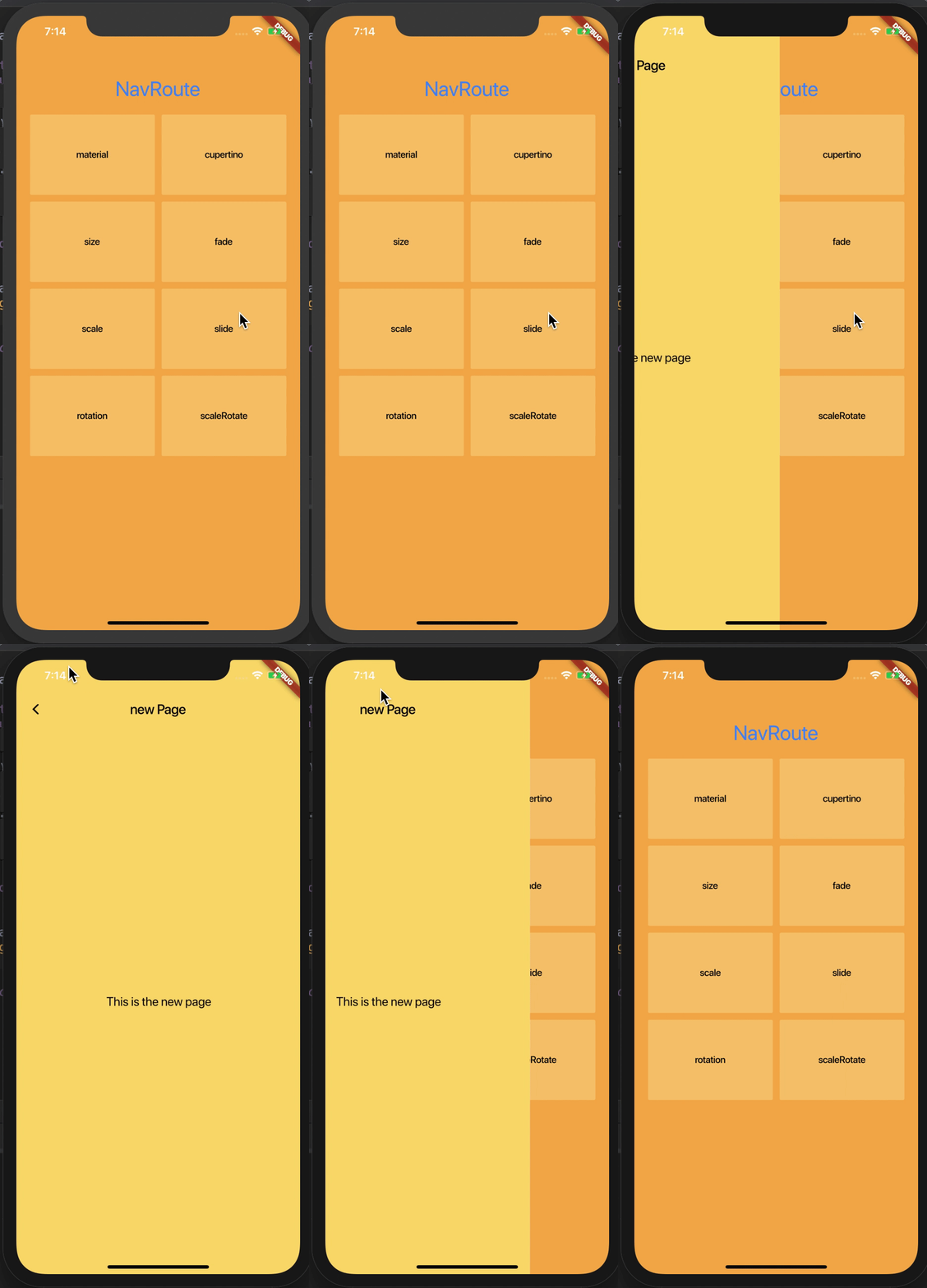
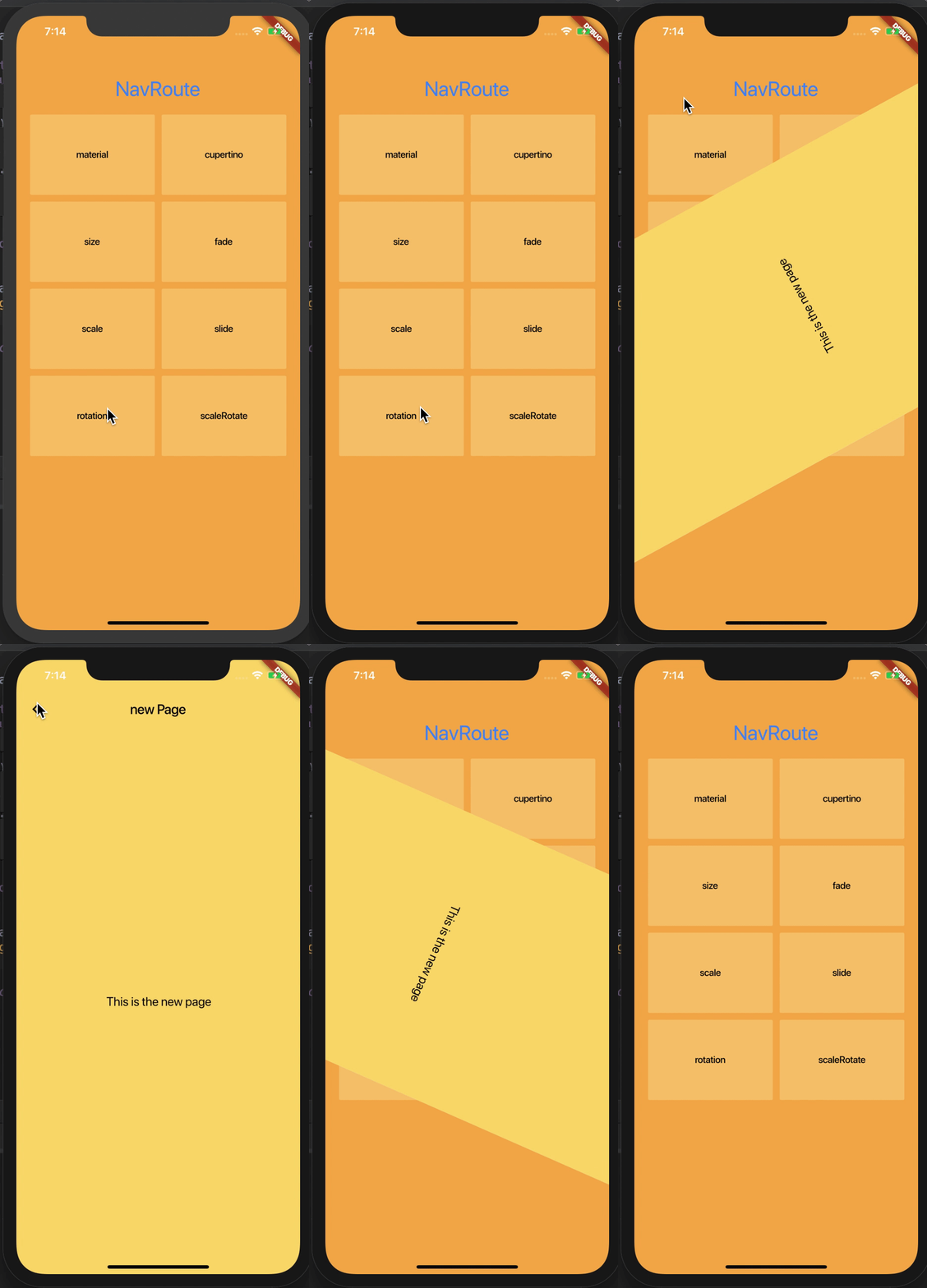
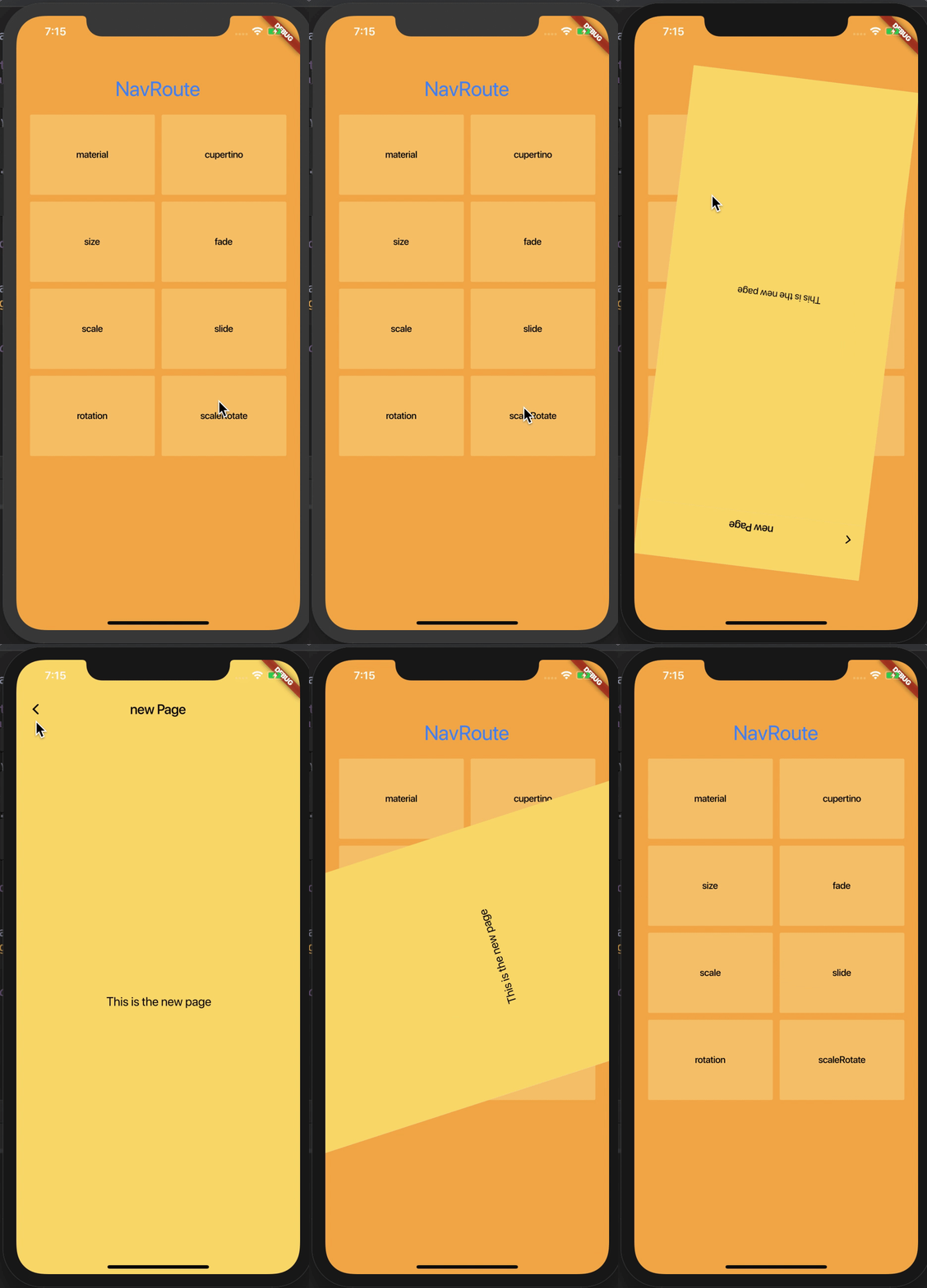
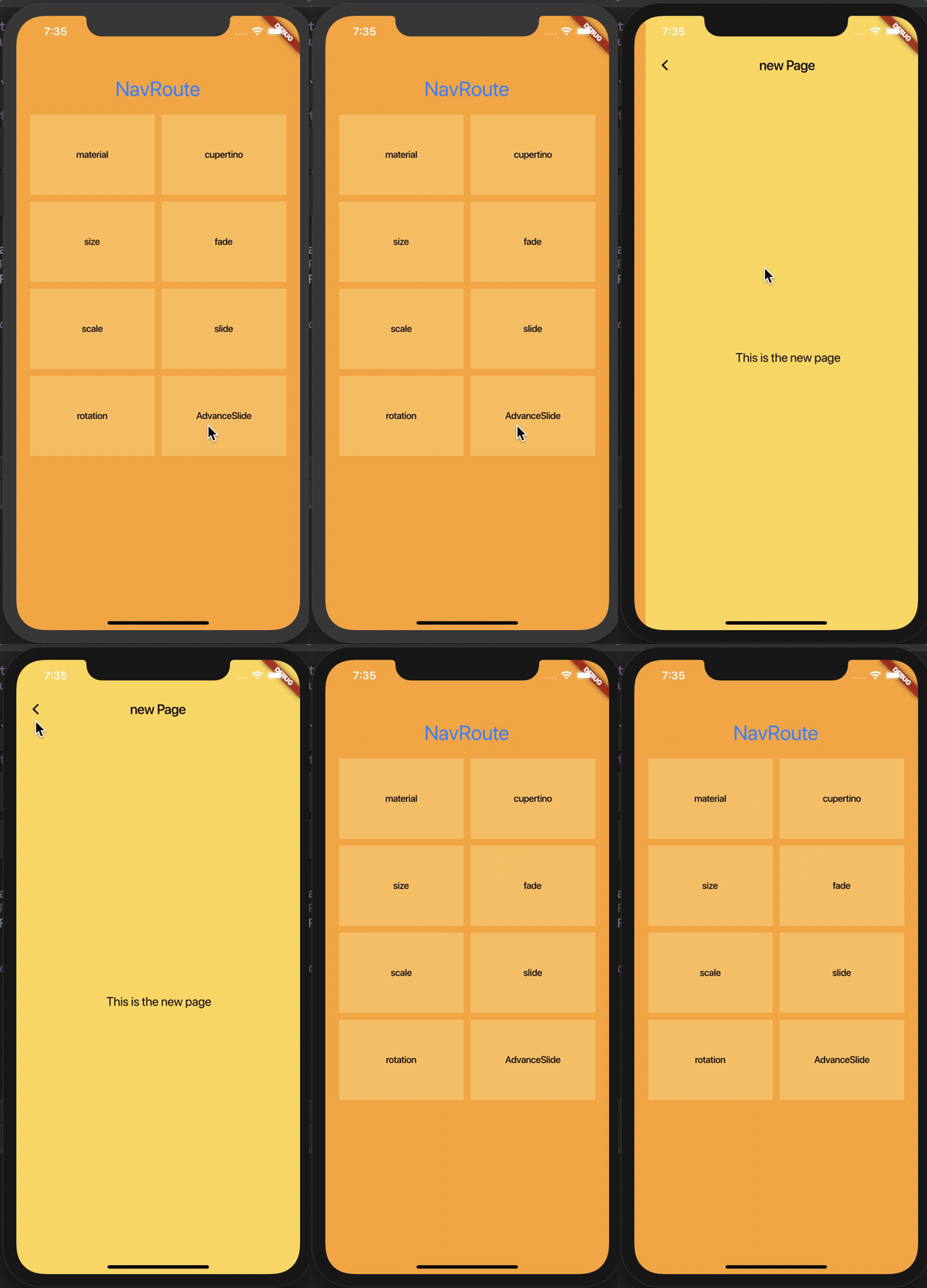
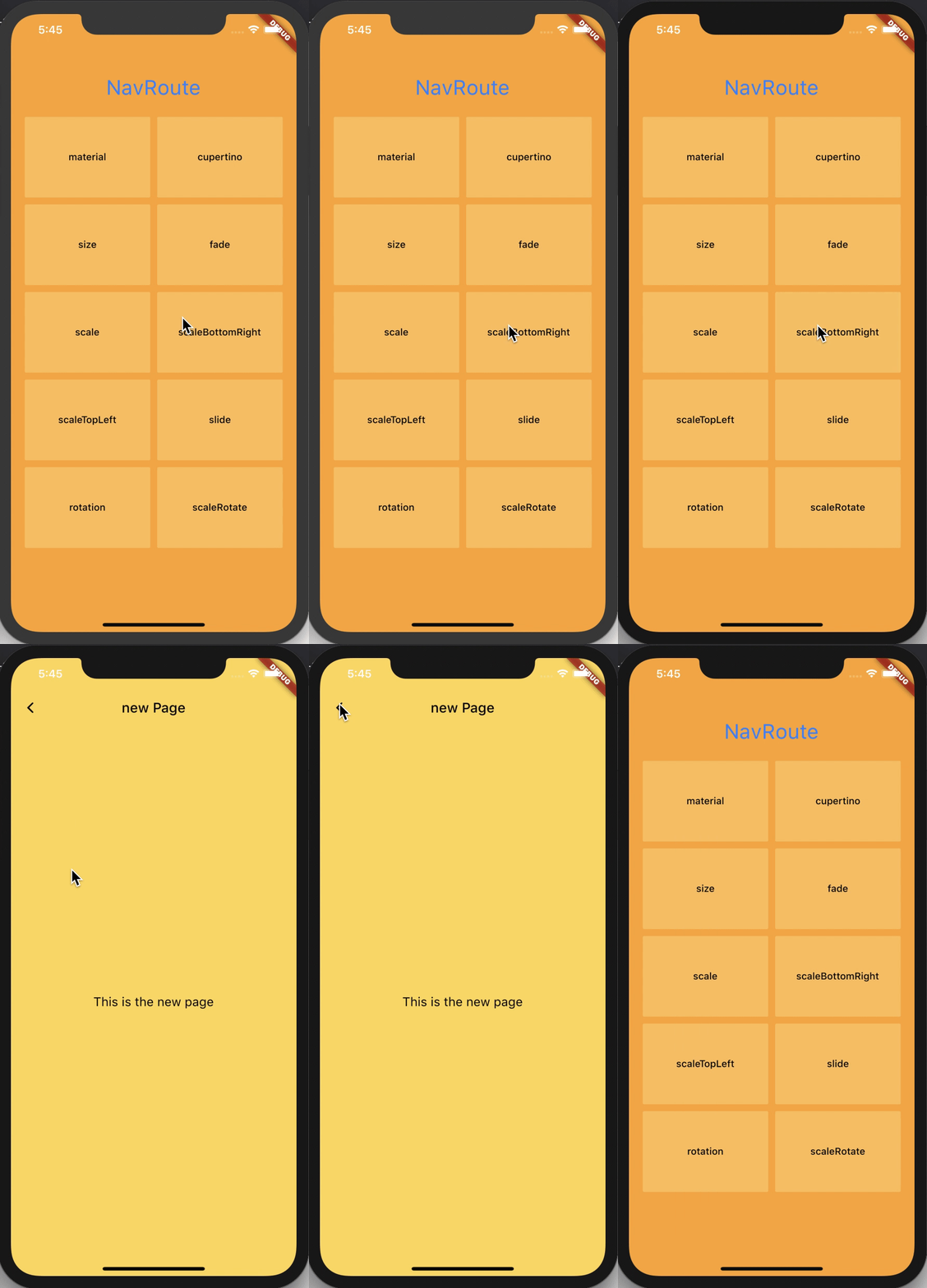
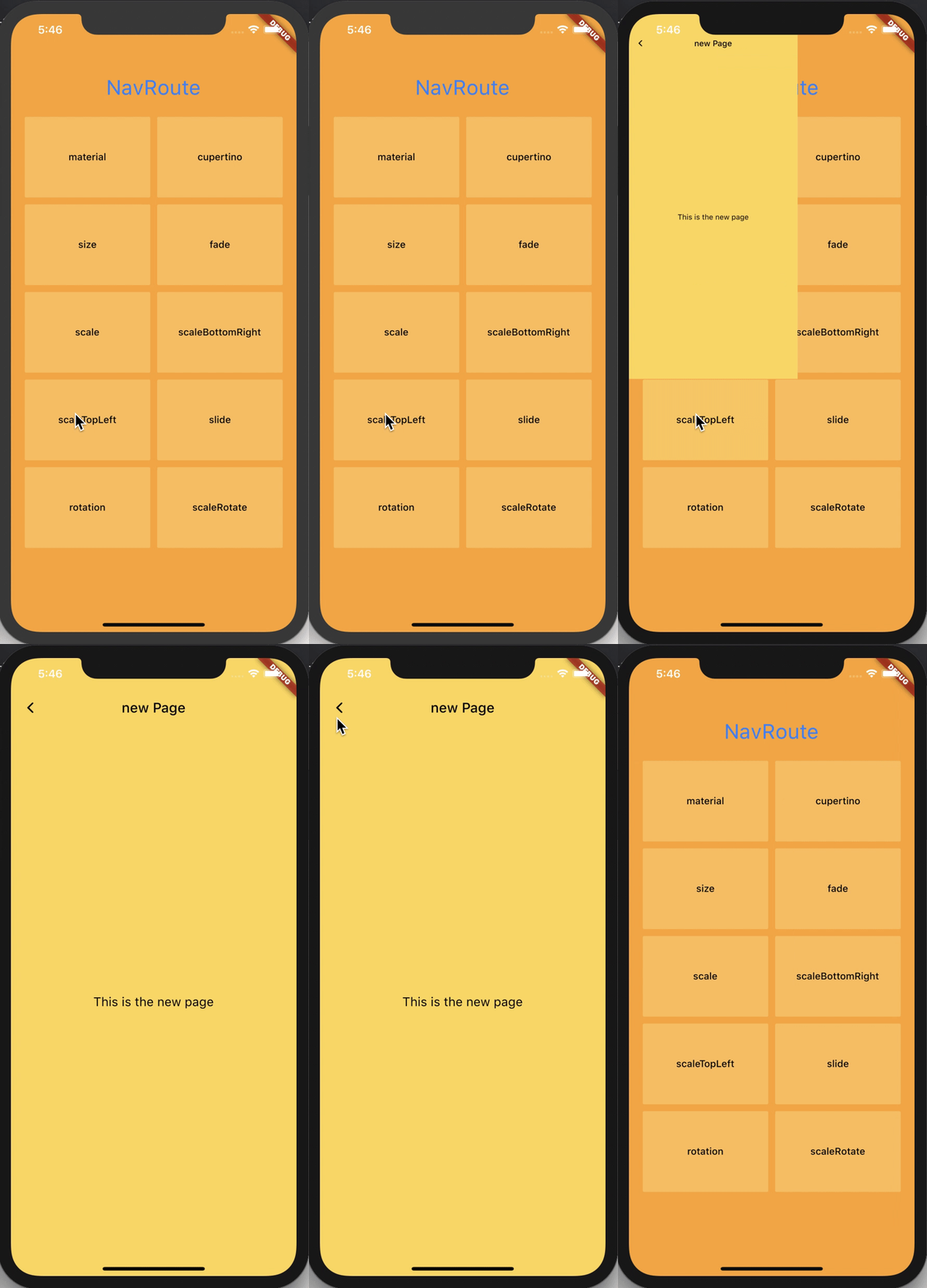
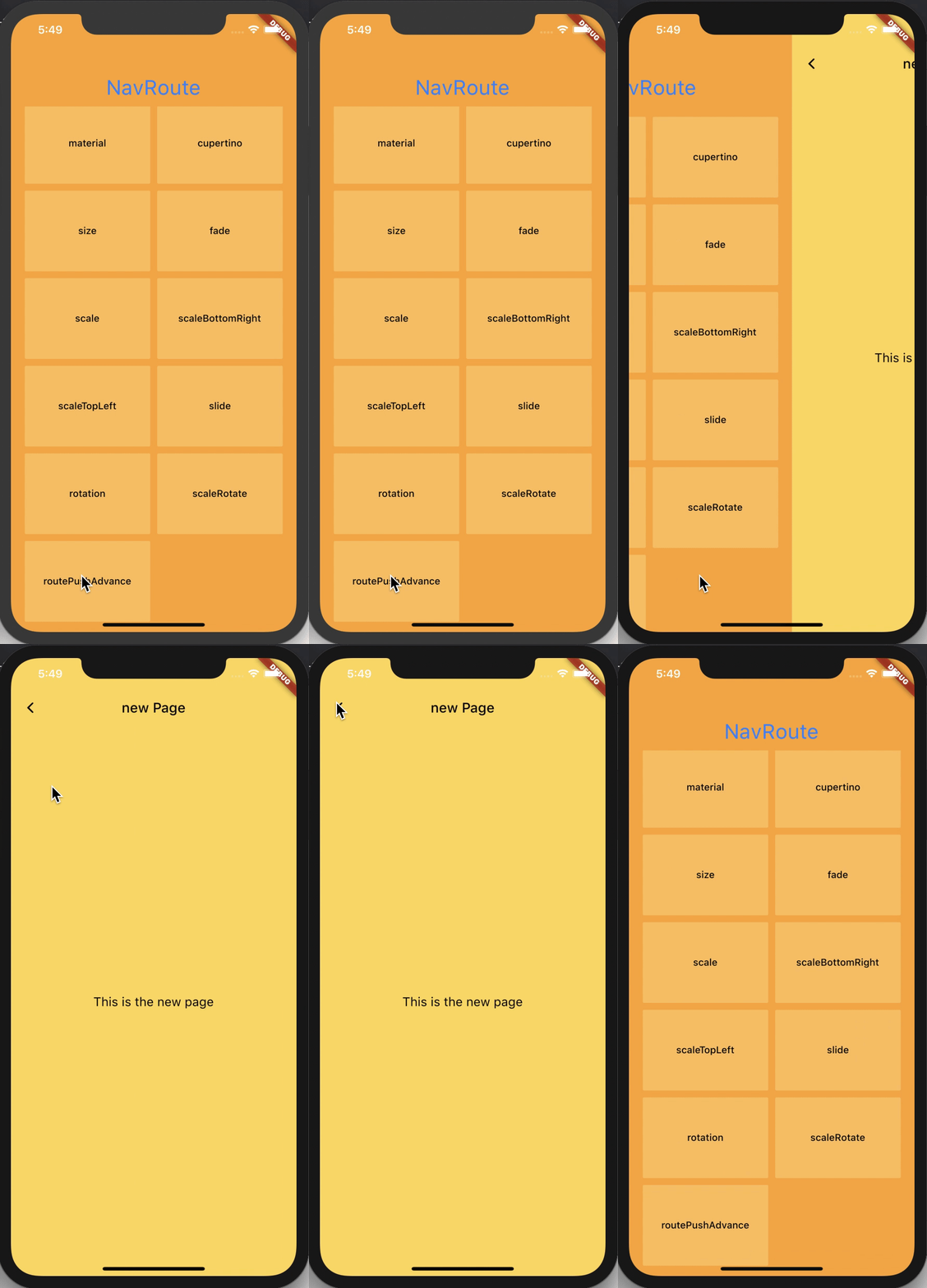
nav_router is the simplest / lightweight / convenient routing management solution for flutter. It supports various routing animations, and it is very convenient to jump / pass parameters. To jump to a new page, just routePush (NewPage ());
2021.03.25 - Migrating to nullSafety
2020.07.04 - Test Flutter 1.17.3
2020.06.03 - Cancel pop default empty string data
2020.02.28 - Fix pop method of dev branch flutter error.
dependencies:
  nav_router: ^1.0.0
Related articles updated ...
Then use flutter packages upgrade to update flutter plugin packages
There is a pretty sweet example project in the example folder. Check it out. Otherwise, keep reading to get up and running.
MaterialAppimport 'package:nav_router/nav_router.dart';
navGK value in navigatorKey property of MaterialApp Widget build(BuildContext context) {
return new MaterialApp(
title: '',
navigatorKey: navGK,
);
}
Widget buildItem(RouteModel item) {
  return new FlatButton(
    onPressed: () => routePush(new NewPage()),
    child: new Text('Click to jump'),
  );
}
routePush(new NewPage(), RouterType.fade);
Normally push the new page, but add Then at the back, the v behind is the data brought back by the page after we jump, and then we print it out.
routePush(NewPage()).then((v) {
  print('I received::$v');
});
Then our new page will pop the return value. Add our parameters directly in the pop and then the brackets. It can be any type of parameter value. After that, what we wrote above will receive the parameters we returned this time with the past.
FlatButton(
  onPressed: () {
    pop('This is the parameter');
  },
  child: Text('Return with parameters'),
),
Method two can use our NavData, first add the NavData type parameter to the page we want to push to,
class NewPage extends StatlessWidget {
  final NavData navData;

  NewPage({this.navData});
}
Then the following judges whether the navData is empty, that is, whether the superior has received this method, and if so, returns it with parameters.
FlatButton(
  onPressed: () {
    if(navData == null) return;
    widget.navData('NavData mode parameter transmission');
    pop();
  },
  child: Text('Return with parameters'),
),
Then the place where we push can use navData to receive the value and print it out.
routePush(NewPage(navData: (v) {
    print('I received::$v');
  }),
);
 |
 |
 |
|---|---|---|
 |
 |
 |
 |
 |
 |
 |
 |
 |
FlutterJ:www.flutterj.com
fluttercandies/nav_router is licensed under the
Apache License 2.0

A permissive license whose main conditions require preservation of copyright and license notices.
Contributors provide an express grant of patent rights.
Licensed works, modifications, and larger works may be distributed under different terms and without source code.

依存関係一覧 2 件
{"sdk":"flutter"}{"sdk":"flutter"}用途で絞り込み、開発状況を比較し、採用前に元のリポジトリで要件を確認しましょう。
“A repository is the most basic element of GitHub.”
GitHub Docs — About repositories ↗