 v3.0.0
animations
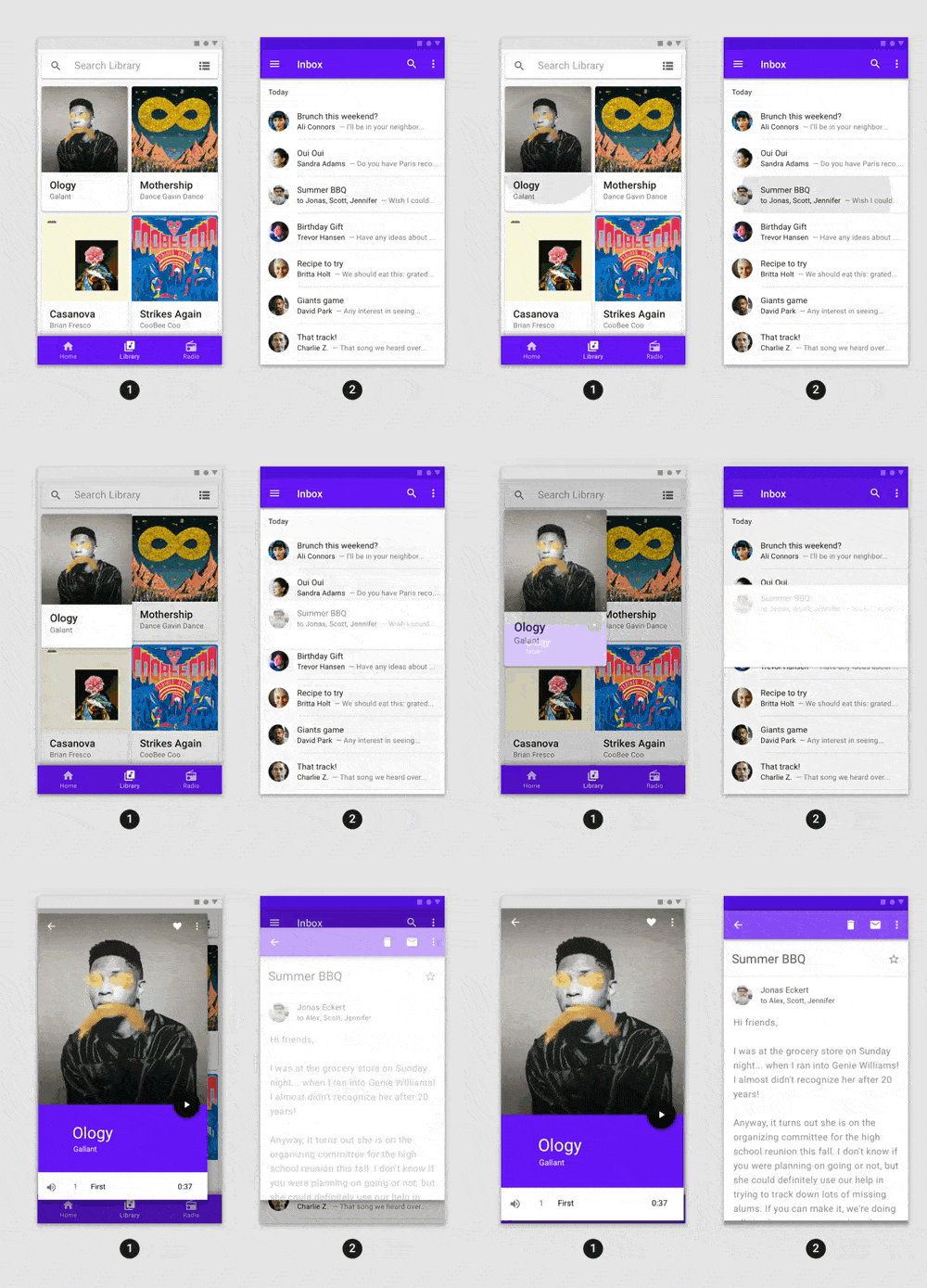
任意のFlutterアプリケーションに簡単に統合できる、洗練された事前構築アニメーション。
6890いいね 126万30日間ダウンロード160Pub ポイント
AndroidiOSWebmacOSWindowsLinux
GitHub および Twitter と統合された、新鮮でモダンな Google コンタクトマネージャー。

以下は英語原文のスナップショットです。最新版は GitHub をご覧ください。
A fresh and modern Google Contacts manager that integrates with GitHub and Twitter.
You are invited to improve Flokk Contacts! Submitting pull requests, answering and asking questions in the Issues page, and updating documentation are all ways you can contribute to the app.
Please note that although we are monitoring GitHub issues, we aren't actively maintaining the codebase, so community involvement and contributions are really appreciated going forward. We're aiming to review pull requests on a weekly basis.
To preview the app you can download from the app store on your device by visiting: https://flutter.gskinner.com/folio/#g-download
If you're new to Flutter the first thing you'll need is to follow the setup instructions.
Once Flutter is setup, you can use the latest stable channel:
flutter channel stableflutter upgradeOnce you're on dev and desktop is enabled, you're ready to run the app:
flutter run -d windowsflutter run -d macosflutter run -d linuxflutter run -d androidflutter run -d iosflutter run -d webIf you re-start your IDE, you should also see a new launch option for your current desktop platform.
Google Sign In is required in order to run the app (unless running with cached data). The app uses the Google People API, and you will need to provide your own Google OAuth 2 client credentials in the /lib/api_keys.dart file.
Follow the instructions here to enable the People API and create credentials:
To optionally fetch social data for your contacts, add your own API keys for those as well:
Although the Twitter and GitHub keys are optional, they are recommended. Otherwise the app will not be able to fetch tweets and GitHub calls will be subject to a rate limit (https://developer.github.com/v3/#rate-limiting).
If you're building for web:
/web/index.html to include your web credentials (web client Id) <meta name="google-signin-client_id" content="YOUR_GOOGLE_SIGN_IN_OAUTH_CLIENT_ID.apps.googleusercontent.com">.For Twitter support to work on web builds, it is necessary to use a CORS proxy. You can set up a proxy on your own domain, or else run a localhost instance with proxy/app.js.
If setting up on your domain, ensure you have enabled https (https://letsencrypt.org/). Once you have the security certificate, edit proxy/app.js and insert your cert and key. This is not necessary if running a localhost instance.
After the proxy is set up, edit services/twitter_rest_service.dart to point to your running proxy instance (e.g. "https://my-proxy.com", "http://localhost", etc.)
For more information, see https://github.com/Rob--W/cors-anywhere
If you simply want to see the app running, it is possible to run the app using cached data:
Note: This is meant as a 'read-only' mode so you can quickly explore all the widgets and features of the app. Updates, deletes, etc are not expected to work.
Debug Builds
flutter run -d DEVICE_ID to deploy a test buildflutter runwindows, linux, macos, chrome--release to deploy an optimized buildRelease Builds
flutter build PACKAGE_TYPE to build a release packageflutter buildwindows, linux, apk, ioslxd init on your system if you haven't already.
** Then execute snapcraft --use-lxd to create the snap from the flutter buildForce Log In
kForceWebLogin flag to force release builds to skip the oauth screen.--dart-define=flokk.forceWebLogin=true to your build command to enableflutter build web --dart-define=flokk.forceWebLogin=trueThe /linux and /windows folders contain modifications and should not be upgraded to upstream without first verifying that each plugin works correctly with the new upstream code and any modifications are made.
Since the desktop runners for this project may contain modifications, upgrades should not be made without first verifying that every plugin and embedder can be upgraded and that they remain compatible after an upgrade. Hopefully this will not be as much of an issue once Flutter's desktop support becomes more mature.
--
Happy Flokking!
任意のFlutterアプリケーションに簡単に統合できる、洗練された事前構築アニメーション。
ネイティブのファイル選択UIを使用して、ファイルを開いたり保存したり、ディレクトリを選択するためのFlutterプラグイン。
Googleアカウントでログインするための安全な認証システムであるGoogle Sign-In用Flutterプラグイン。
Linux上でXDGディレクトリ構成情報を読み取るためのDartパッケージ。
React Hooks の Flutter 実装。コード再利用を強化した新しい種類のウィジェットを追加します。
メソッドを使用してウィジェットを定義することで、ウィジェットツリー構造を簡素化します。CSS および SwiftUI のインスピレーションから得ています
Dart Image Library は、サーバーおよび Web アプリケーションがさまざまな画像ファイル形式の画像を読み込み、操作し、保存できる機能を提供します。
Dart用のスーパーパワー。便利な静的拡張メソッドのコレクション。
曖昧なタイムスタンプを作成するのに便利なライブラリです(例:「15分前」)。
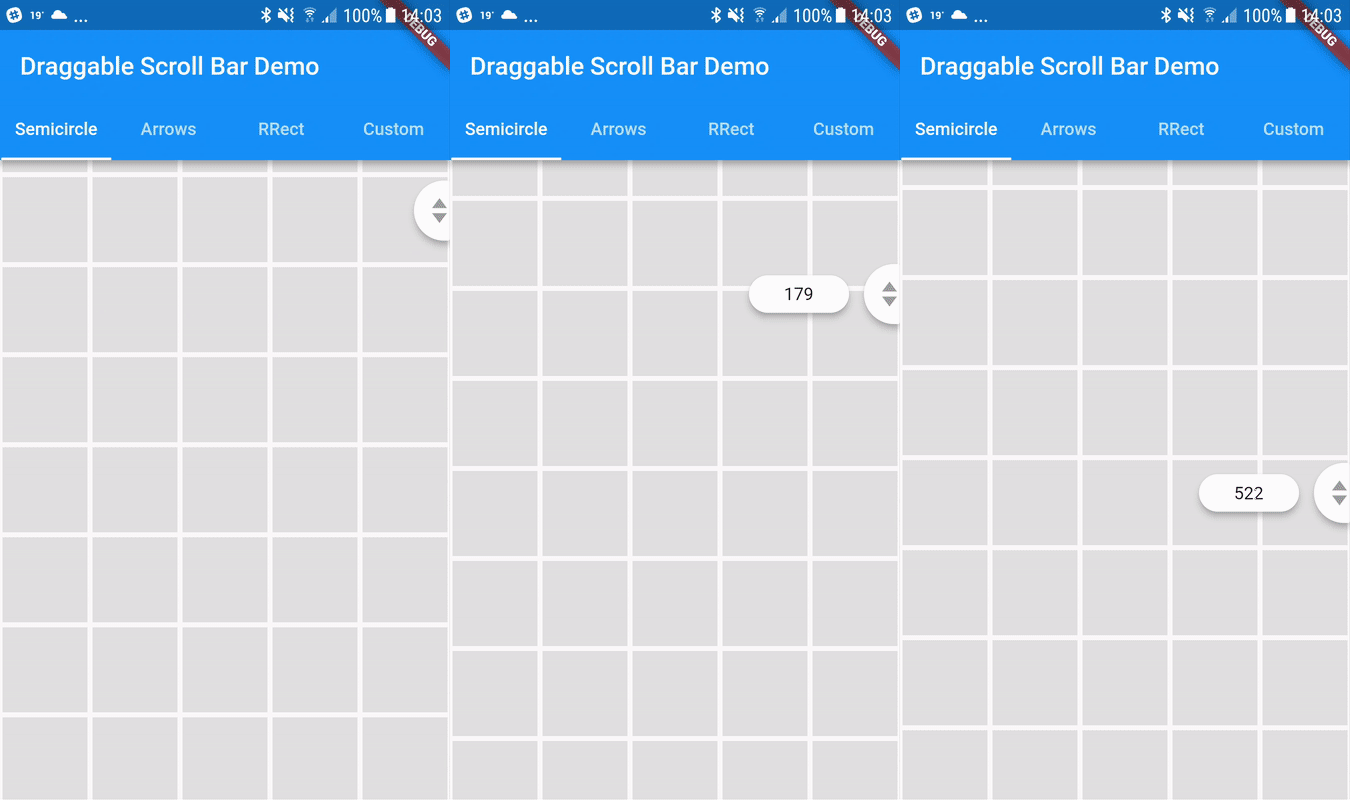
垂直リスト内の迅速なナビゲーションのためにドラッグ可能なスクロールバーです。追加オプションとして、現在のアイテムに関する情報を持つラベルをスクロールサムの隣に表示できます。
API発見サービスによって記述されたGoogle APIにアクセスするための自動生成クライアントライブラリ。
GitHubのv3 APIを使用する高レベルなGitHub APIクライアントライブラリ
用途で絞り込み、開発状況を比較し、採用前に元のリポジトリで要件を確認しましょう。
“A repository is the most basic element of GitHub.”
GitHub Docs — About repositories ↗